
The story of the invoice and the quote
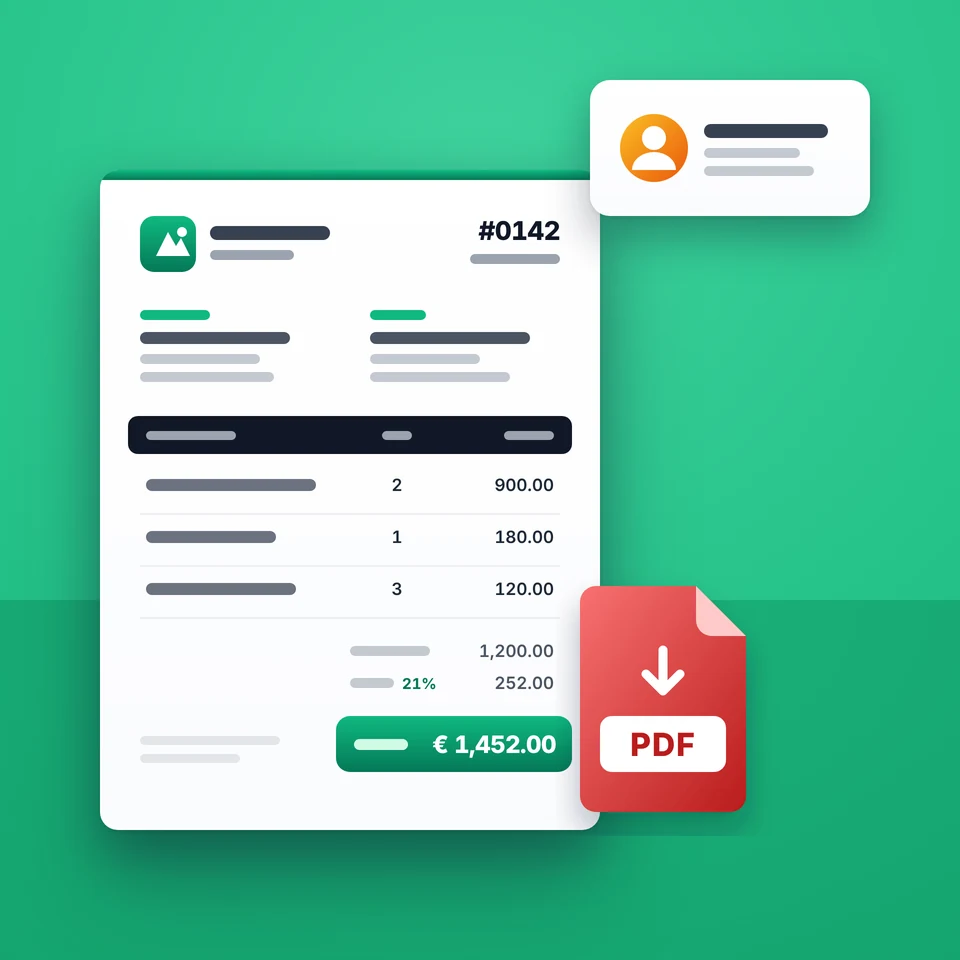
An invoice asks for payment for work already done or goods already sent. A quote is the offer that comes first: the same lines, the same tax, but not yet a demand. Both are documents with a number, two parties, and a total that has to add up.
A bill with a name
Merchants have long kept a record of what was sold, to whom, and for how much. The modern invoice adds a unique number, a date, and the names and addresses of both sides, so either party can find the same transaction later.
The quote that comes first
A quote (or estimate) is not a demand for payment. It is a priced offer: the same kind of lines, often the same tax, with a date that says how long the offer stands. When the work is agreed, those lines can become an invoice with a new number.
Tax, discounts and a currency
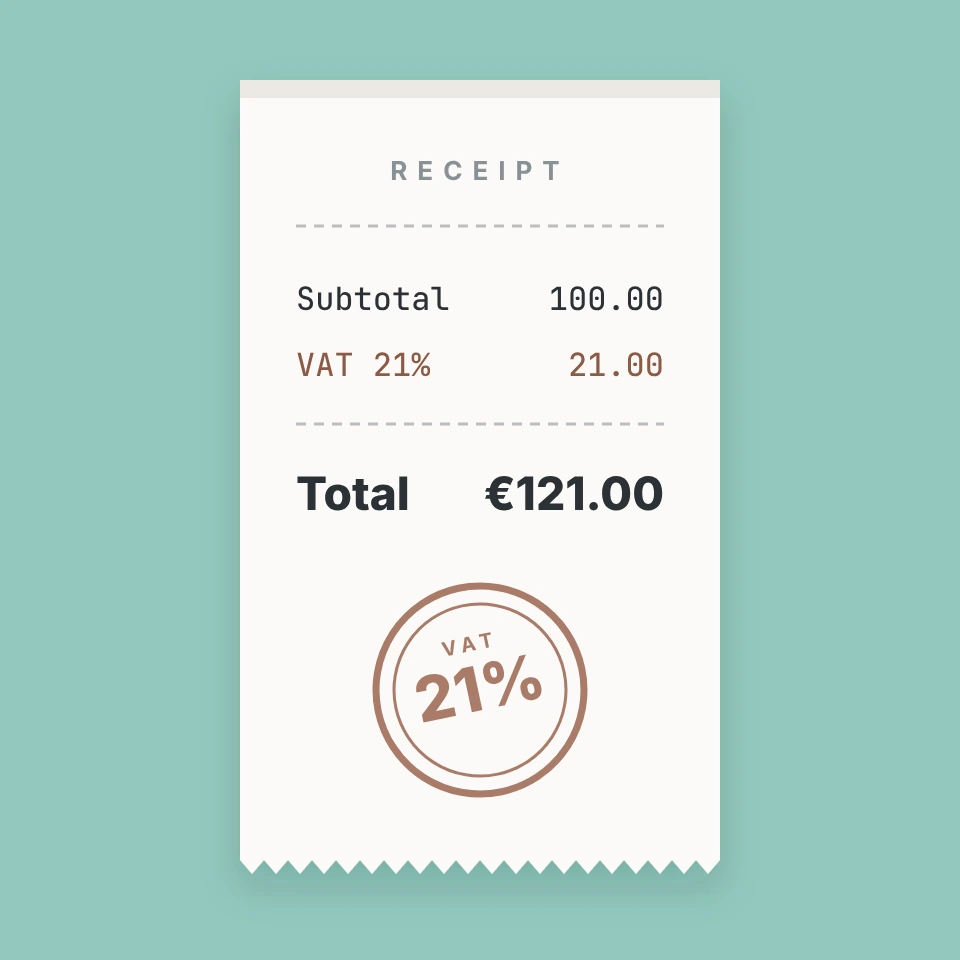
Value added tax is usually a rate on each line, then grouped on the total. A discount may apply to a single line or to the document as a whole. The currency has to be stated, because the same figures do not mean the same thing in yen and in euros.
A private document
Invoices and quotes held in your own browser are enough for personal work and a small practice. Export JSON to move them, or a PNG or PDF for a copy you can send. Nothing needs to leave the machine unless you choose to save a file.
Frequently asked questions
What is the difference between a quote and an invoice?
A quote is an offer. An invoice asks for payment. You can switch the type of a document, or convert a quote into a new invoice that keeps the lines and the parties but gets a new invoice number.
How are VAT and discounts calculated?
Each line has a quantity, a unit price, an optional percentage discount and a VAT rate. A document discount is taken off the net subtotal, and VAT is then prorated. The totals on the paper and in the PDF use the same figures.
Are my invoices sent to a server?
No. Documents, senders and clients stay in the local storage of this browser and are saved as you work. Use Save as JSON for a backup, or export a PNG or PDF.
Related tools
Invoice & quote maker
A free online invoice and quote maker: add line items with VAT and discounts, choose a currency, keep senders and clients, and number each document. Saved in your browser.
VAT calculator
A free online VAT calculator: add or remove VAT with rates for the Netherlands, Belgium, Germany, France, the UK and more, and print a simple invoice overview.

Goal and OKR tracker
A free online goal and OKR tracker: set objectives with deadlines and colours, add numeric or checkbox key results, check in with notes, and watch weighted progress and status. Saved in your browser.
Weekly planner
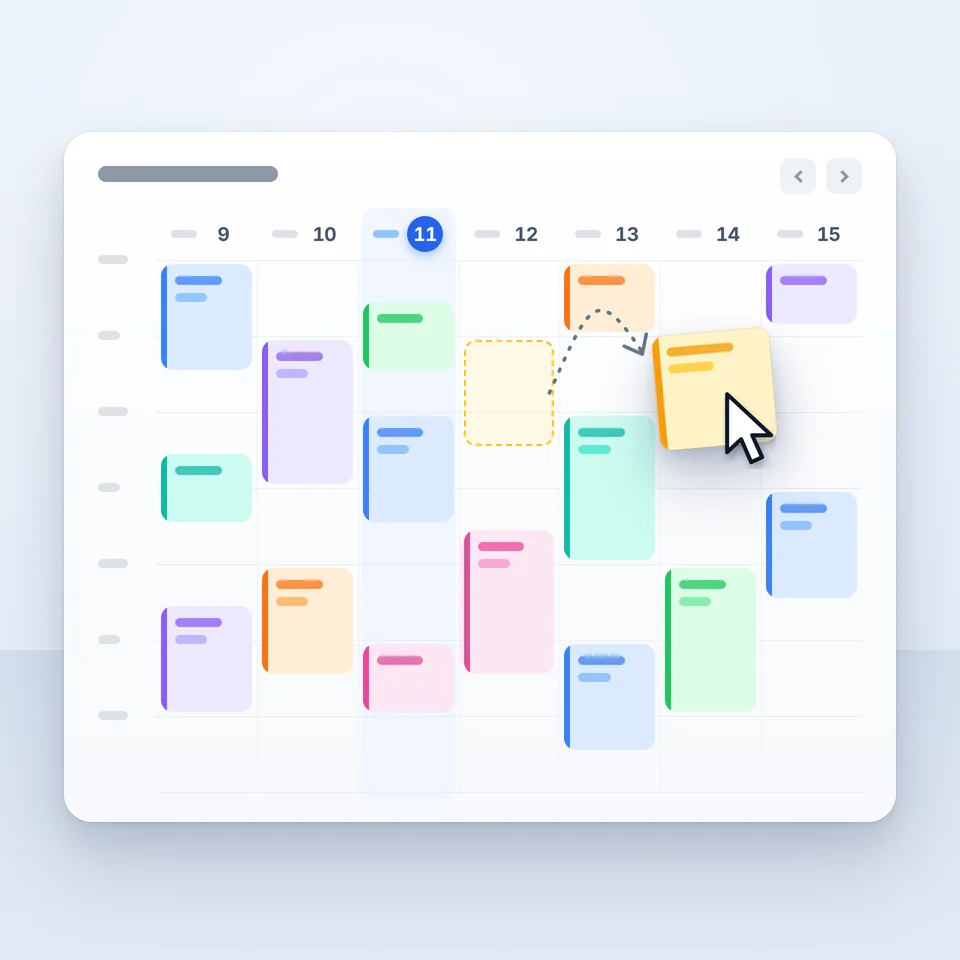
A free online weekly planner: drag time blocks onto a Mon-Sun grid, drop unscheduled tasks from the inbox, repeat weekly blocks, and read hours by category. Saved in your browser.
Ready to try it?
Open PictorX in your browser — no install, no credit card required to start.
Open the invoice and quote maker