
Gin Rummy
Collect sets of one rank and runs in one suit, and knock when your unmatched cards add up to 10 points or less. Draw from the stock or the discard pile, throw one card each turn, and watch out for the undercut. Your melds are found and grouped for you, with your deadwood count always in view. Build melds, sets of three or four cards of one rank and runs of three or more in one suit, and knock when your unmatched cards add up to 10 or less. Each turn, click the stock or the discard pile to draw, then click a card to discard. Your melds are grouped for you, with your deadwood count beside your name. In the first turn the upcard is offered to the non-dealer, then the dealer; after two passes the non-dealer draws from the stock. S draws, U takes the discard, P passes, K knocks, H gives a hint.
How it works
- Choose an Easy or Smart computer player and a game to 100 points or single hands.
- Click the stock or the discard pile to draw a card, then click a card in your hand to discard it. Your hand is sorted into melds and deadwood as you play.
- When your deadwood after the discard is 10 or less, press Knock and choose your discard, or press Gin when every card is melded.
The rules
You and the computer get ten cards each, and the next card starts the discard pile. In the first turn the non-dealer, then the dealer, may take that upcard; after two passes the non-dealer draws from the stock. Then each turn you draw one card and discard one, but not the card you just took from the discard pile. Sets are three or four cards of a rank, runs three or more in a suit, with the ace low. The hand is a draw when the stock is down to two cards.
Scoring
Deadwood counts 10 for court cards, 1 for aces and face value for the rest. The knocker scores the difference after the other player lays off cards on the knocker's melds. With equal or less deadwood the defender undercuts and scores the difference plus 25. Gin scores the defender's deadwood plus 25, big gin with all eleven cards plus 31. The first to 100 gets 100 more, and both players 25 for every hand won.
Easy and Smart opponents
Easy takes the top discard when it completes a meld, throws its highest loose cards and knocks the moment it may. Smart counts which cards are still unseen, keeps pairs and near runs that can still be completed, avoids throwing cards next to the ones you picked up, knocks early in a hand and later only with a low count, and sometimes waits for gin.
Frequently asked questions
When can I knock?
After you draw, when discarding one card leaves your other ten cards with 10 points of deadwood or less. Press Knock, or K, and the cards you may discard are lifted; click one to knock. With no deadwood at all the button says Gin.
How are my melds found?
The game tries every way to split your hand into sets and runs and shows the one that leaves the least deadwood, so a card that fits both a set and a run goes where it saves the most. Your deadwood count is shown next to your name, and the same split is used when you knock or lay off.
What is an undercut?
When the knocker's opponent has as much deadwood as the knocker or less, after laying off cards on the knocker's melds, the opponent scores the difference plus a 25-point bonus. A gin hand cannot be undercut.
How does the first turn work?
The upcard is offered to the player who did not deal, then to the dealer. Take it with a click on the discard pile, or press Pass. If both pass, the non-dealer draws from the stock and play goes on normally. The deal alternates from hand to hand.
How is a game scored?
Each hand's points go to the winner of the hand. The first to 100 wins the game and gets 100 more, and both players get 25 for every hand they won, the box bonus. The end panel shows the whole sum. Choose Single hands to play one hand at a time without bonuses.
Gin Rummy: how do I record a video?
Press the red Record button in the playback bar: it films what the stage shows. Press it again to stop, and the video is saved to your device. Recording is free; you only need to sign in. Without a subscription the video carries a small PictorX logo in a corner. The button beside Record opens the video options: the shape (as shown, square, story 9:16 or wide 16:9), the length (until you stop, or 5, 10, 15 or 30 seconds for social media) and the file: MP4, WebM or an animated GIF. For the sound, choose the app's own sounds or one of three music tracks: calm, bright or beat.
Related tools
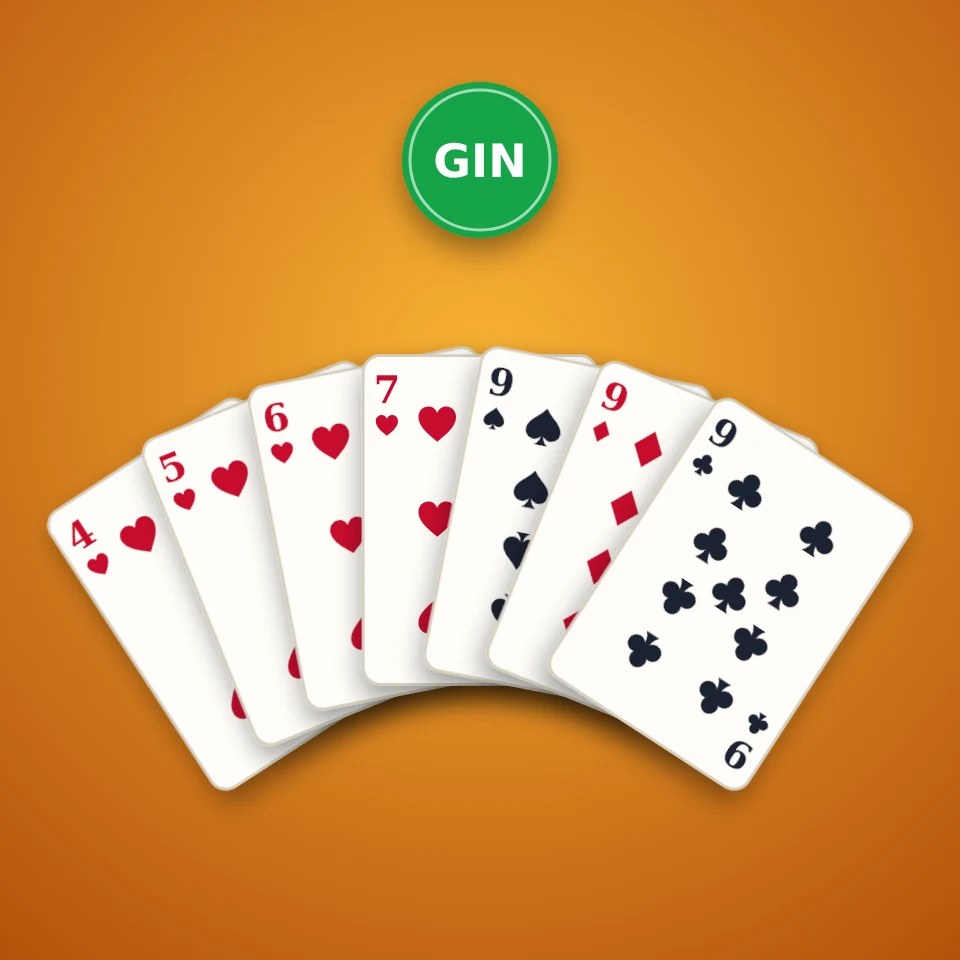
About Gin Rummy - rules, scoring and strategy
Where Gin Rummy comes from, how a hand is played, when you may knock, how laying off, gin and the undercut work, how a game to 100 is scored with the box bonus, and how to play it well.
Spades
Play Spades free in your browser with a computer partner against two computer players. Bid your tricks, spades are always trump, go Nil for 100 points and watch your bags.
Hearts
Play Hearts free in your browser against three computer players. Pass three cards, follow suit, dodge the hearts and the queen of spades, or take them all and shoot the moon.
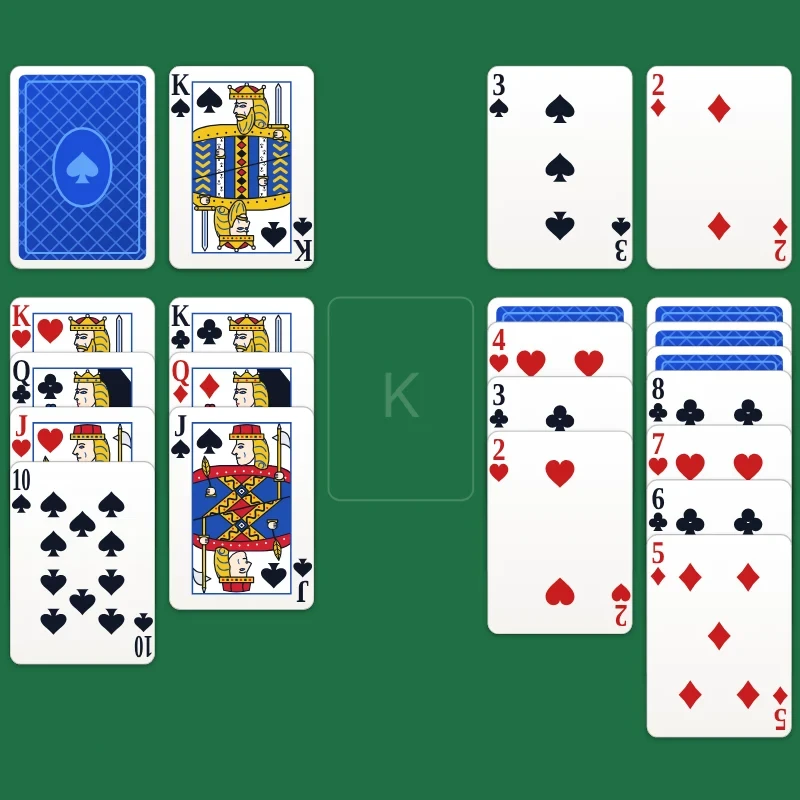
Solitaire
Play Klondike solitaire free in your browser. Drag cards or click to move them automatically, choose draw 1 or draw 3, undo any move and let auto-complete finish the game.
FreeCell
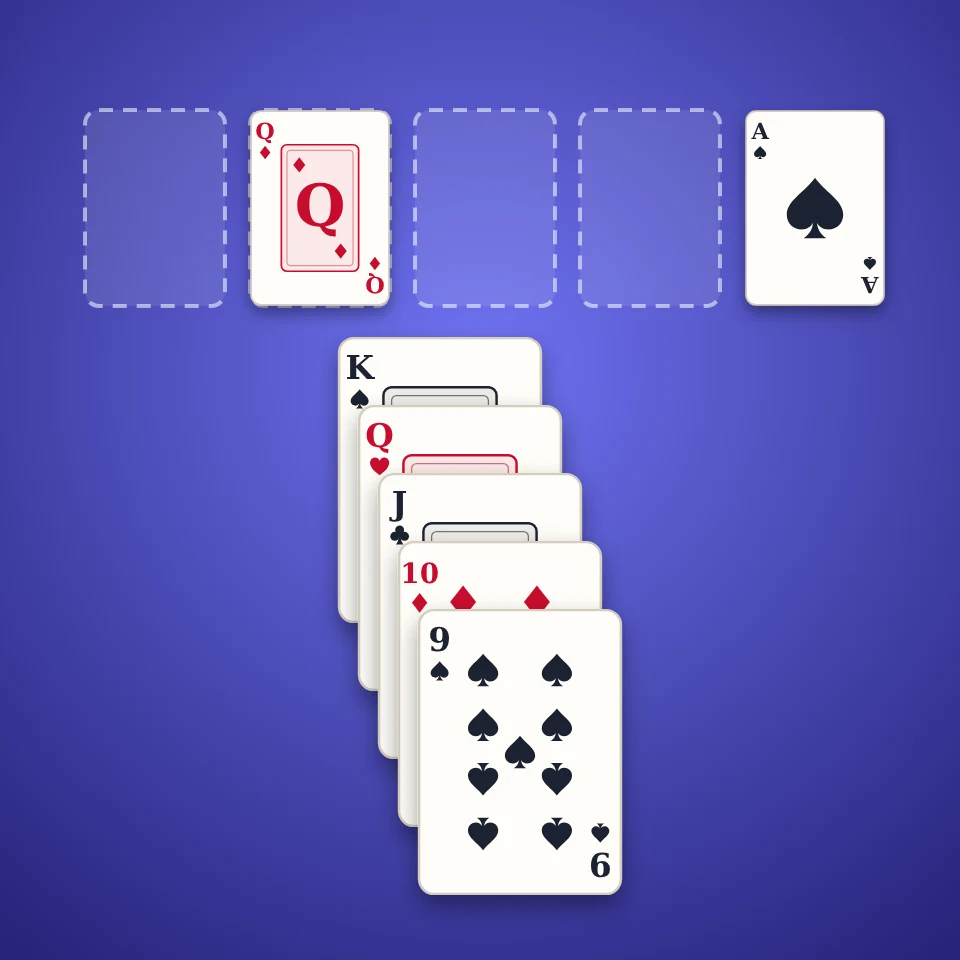
Play FreeCell solitaire free in your browser with the classic numbered deals 1 to 32000. Drag or click to move cards, use the four free cells, undo any move and get a hint when you are stuck.
Ready to try it?
Open PictorX in your browser — no install, no credit card required to start.
Go to Editor