
FreeCell
In FreeCell all 52 cards are dealt face up into eight columns, so luck plays almost no part: nearly every game can be won. Park cards in the four free cells, build down in alternating colours and bring every suit home from ace to king. Build the four foundations up from ace to king, one per suit. Drag a card or a run of cards, or click it to send it where it fits. Any card can wait in a free cell. Lay a card on the next higher card of the other colour; any card can go into an empty column. U undoes, H gives a hint.
How it works
- Pick a game number from 1 to 32000, or press New game for a random one. The same number always deals the same cards.
- Drag a card or a run to another column, a free cell or a foundation, or click it to send it where it fits.
- Safe cards go to the foundations by themselves. Undo any move, and press Hint when you do not see a way on.
The rules
A card goes on the next higher card of the other colour, so a red 6 goes on a black 7. Any card can wait in one of the four free cells, and any card or run can go into an empty column. The foundations are built up by suit, from ace to king.
Moving runs
Officially you move one card at a time, but a run can move at once when there is room to move it card by card: one card plus one per free cell, doubled for every empty column. With two free cells and one empty column that is six cards.
Game numbers
The numbered deals come from the FreeCell that shipped with Windows, and they are the same here, so you can share a number with a friend or look up a solution. Of the first 32000 games, only game 11982 is known to be impossible.
Frequently asked questions
Can every FreeCell game be won?
Almost. Of the classic games 1 to 32000 only game 11982 has no solution, and in larger tests nearly every deal turns out to be winnable. If you are stuck, it is the order of the moves, not the cards.
How many cards can I move at once?
One more than the number of empty free cells, doubled for every empty column. Moving into an empty column, that column does not count. The game moves the run for you when it fits.
What does Auto-move do?
It sends a card to its foundation as soon as no other card could still need it: an ace or a two always, a higher card once both foundations of the other colour have reached one rank below it. Switch it off to move every card yourself.
Where does a click send a card?
To its foundation if it fits, then onto a column where it fits, then to a free cell, and last to an empty column. Drag the card when you want it somewhere else.
Are the game numbers the same as in Windows?
Yes. The deals are made with the same numbers as the FreeCell that came with Windows, so game 1 here is game 1 there.
FreeCell: how do I record a video?
Press the red Record button in the playback bar: it films what the stage shows. Press it again to stop, and the video is saved to your device. Recording is free; you only need to sign in. Without a subscription the video carries a small PictorX logo in a corner. The button beside Record opens the video options: the shape (as shown, square, story 9:16 or wide 16:9), the length (until you stop, or 5, 10, 15 or 30 seconds for social media) and the file: MP4, WebM or an animated GIF. For the sound, choose the app's own sounds or one of three music tracks: calm, bright or beat.
Related tools
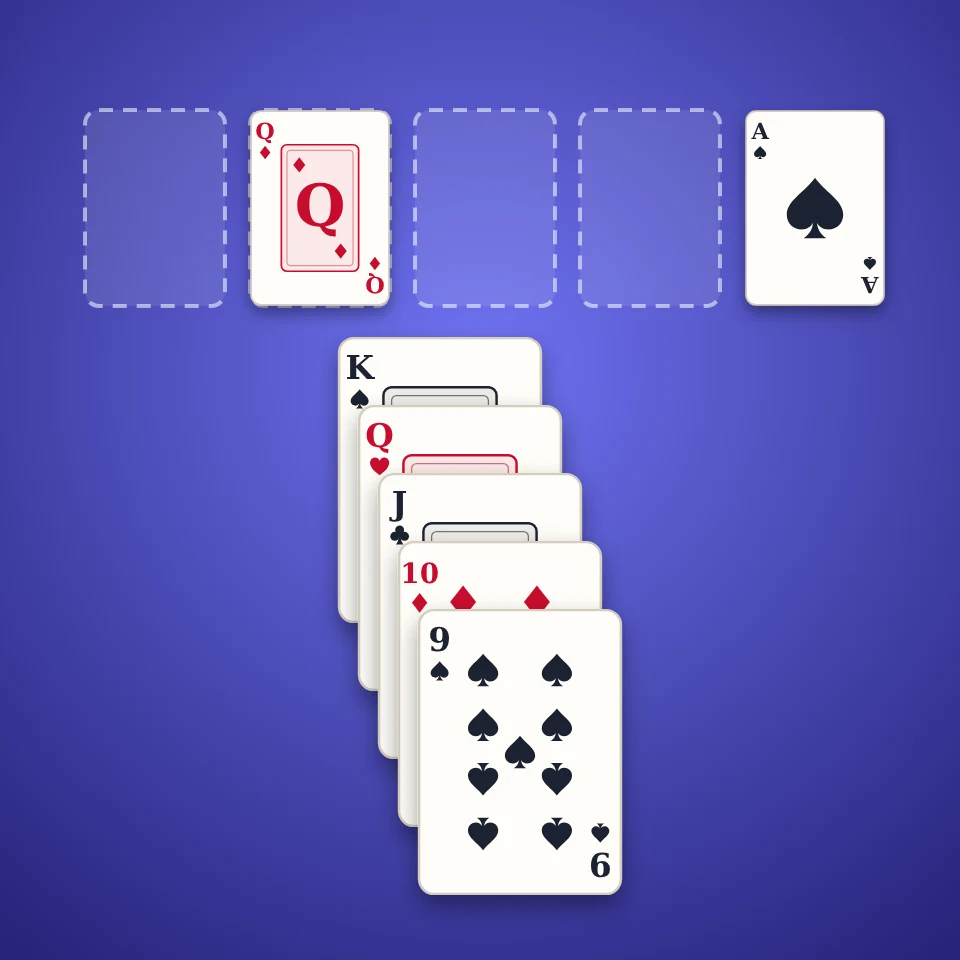
About FreeCell - history, rules and strategy
Where FreeCell comes from, how the free cells and columns work, why almost every deal can be won, what the game numbers are and how to plan your moves.
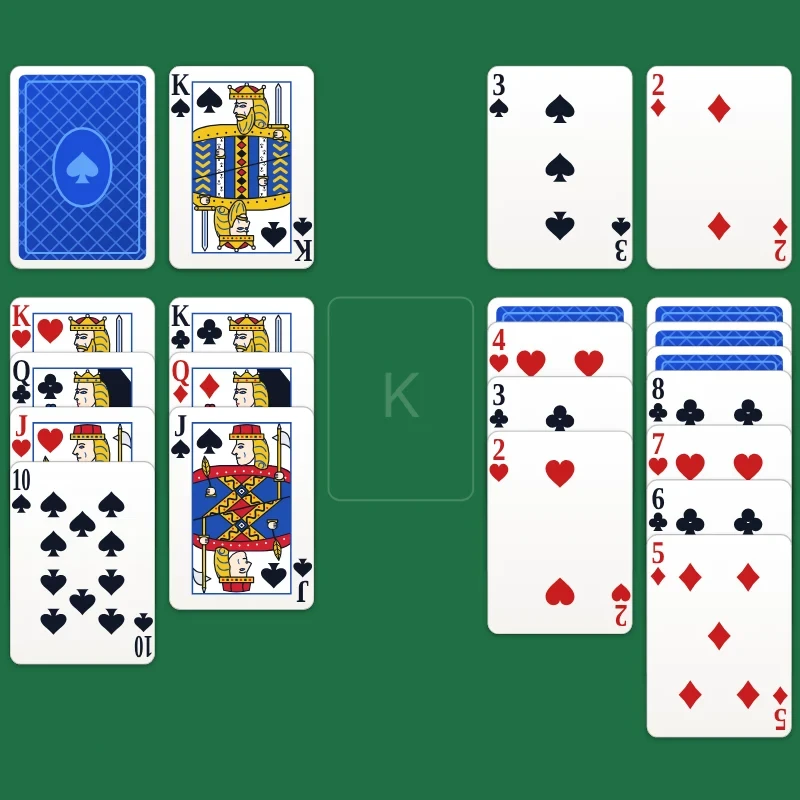
Solitaire
Play Klondike solitaire free in your browser. Drag cards or click to move them automatically, choose draw 1 or draw 3, undo any move and let auto-complete finish the game.
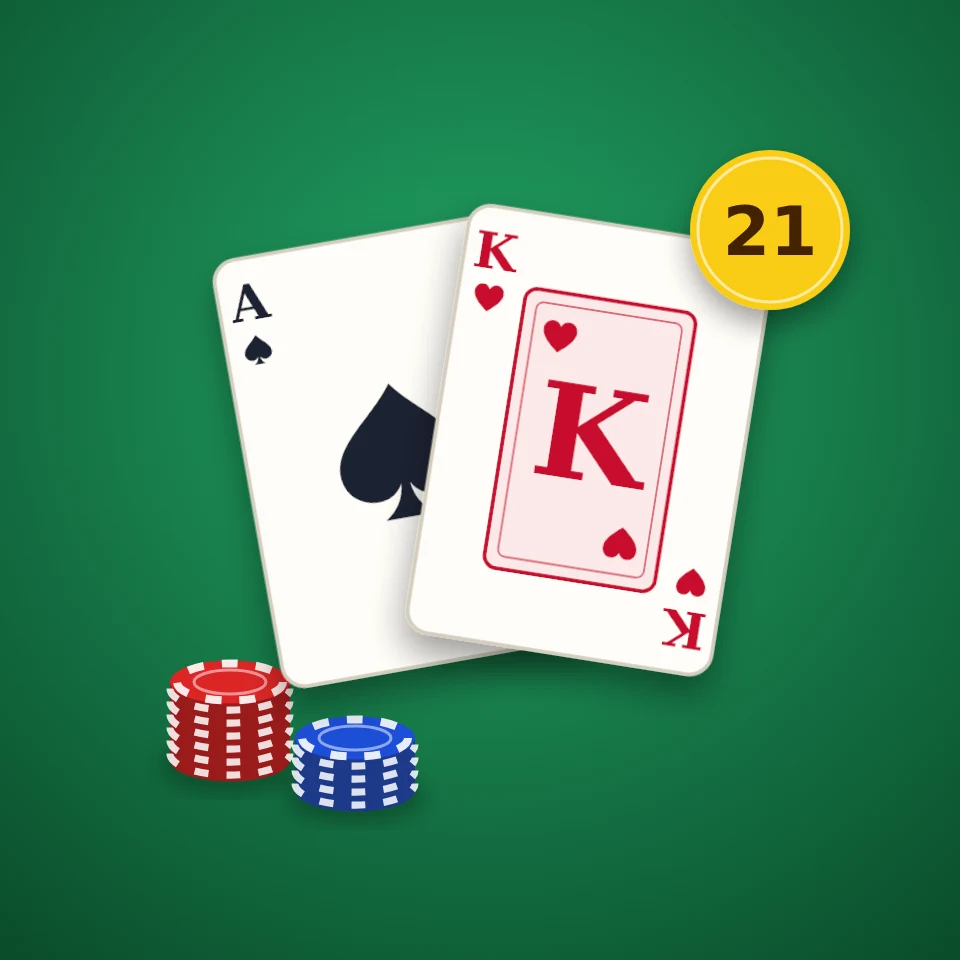
Blackjack
Play blackjack free in your browser: bet with chips, hit, stand, double, split and take insurance against the dealer. Choose 1 to 8 decks, 3:2 or 6:5 and the soft 17 rule, and let Hint show the basic-strategy play.

Hearts
Play Hearts free in your browser against three computer players. Pass three cards, follow suit, dodge the hearts and the queen of spades, or take them all and shoot the moon.
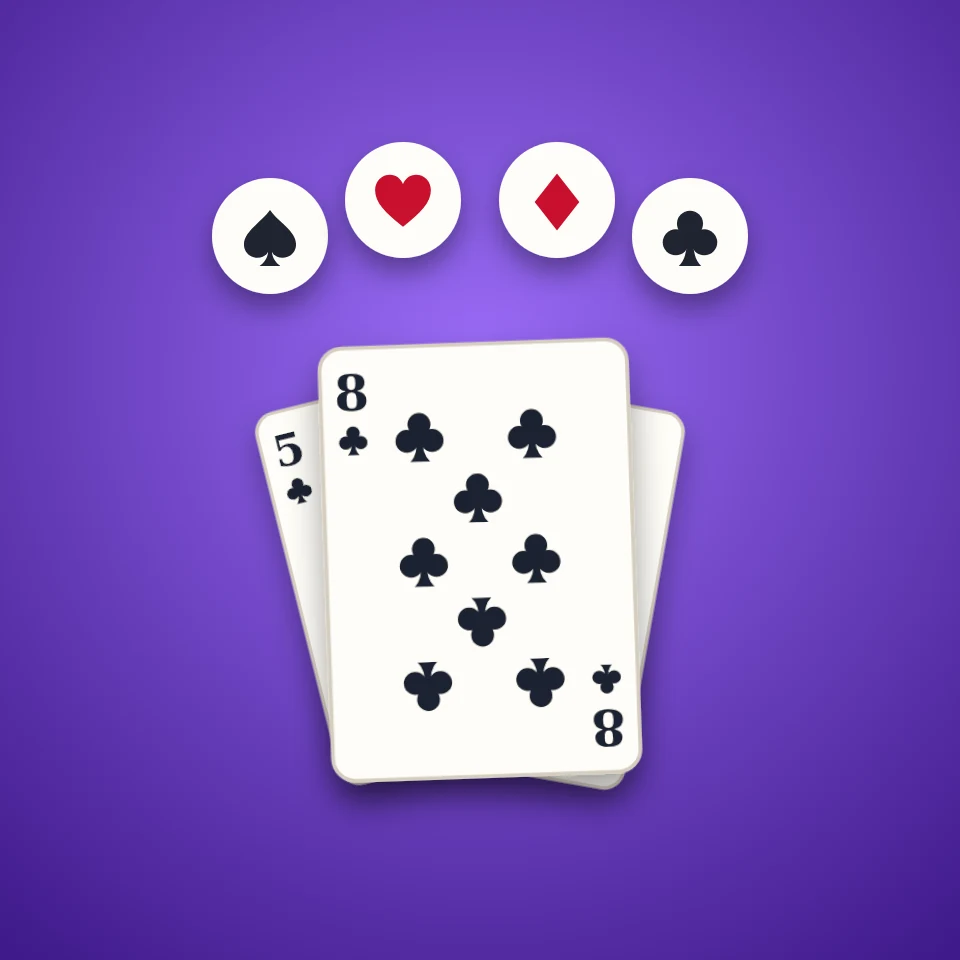
Crazy Eights
Play Crazy Eights free in your browser against one, two or three computer players. Match the suit or rank, play an eight to call a new suit, and be first to empty your hand. Easy or Smart opponents, scored to 100 points.
Ready to try it?
Open PictorX in your browser — no install, no credit card required to start.
Go to Editor