
Spades
Spades is the classic partnership card game: you and your partner North bid how many tricks you will take, spades are always trump, and your side scores 10 points a trick bid when you make it together. Go Nil for 100 points, set the other side, and watch your bags on the way to 500. You play South with North as your partner, against West and East. First everyone bids how many tricks they will take; choose a number and press Bid. Follow suit if you can; spades are always trump, and the highest spade, or else the highest card of the suit led, takes the trick. Your side scores 10 points a trick bid when you take at least that many together. H gives a hint.
How it works
- When it is your turn to bid, choose Nil or 1 to 13 tricks and press Bid. Your bid and your partner North's make your side's contract.
- The player left of the dealer leads. Follow suit if you can; the highest spade, or else the highest card of the suit led, takes the trick. Spades cannot be led until one has been played.
- Make your contract for 10 points a trick bid; every extra trick is a bag worth 1 point, and 10 bags cost 100. The first side to 500 (or 300) wins.
The rules
You sit South with North as your partner, against West and East. Each player gets 13 cards and bids once, starting left of the dealer, and the deal moves to the left every hand. You must follow the suit that was led; if you cannot, you may trump with a spade or throw any other card. Spades cannot be led until a spade has been played, unless you hold nothing else.
Scoring, Nil and bags
A side that takes at least its contract scores 10 points for each trick bid and 1 for each extra trick; a side that falls short loses 10 for each trick bid. A Nil bid scores 100 if the Nil player takes no trick and loses 100 if they take one. Extra tricks are bags, and every 10 bags cost 100 points. The scoreboard after each hand shows every part of the score.
Playing with a computer partner
North does not overtake a trick you are winning, trumps in when it runs out of a suit, covers you when you bid Nil and tries to make a Nil opponent take a trick. West and East play the same way against you. Press Hint to see the bid or card the computer would choose in your place.
Frequently asked questions
How do I bid in Spades?
When it is your turn to bid, a row of numbers appears on the table: choose Nil or 1 to 13, the number of tricks you think you will take, and press Bid. Your bid and North's are added together into your side's contract. Hint shows the bid the computer would make with your cards.
What is a Nil bid?
Nil means you promise to take no trick at all. If you manage it, your side gets 100 points; if you take even one trick, it loses 100. Your partner's bid is scored on its own, and the tricks you take as a Nil bidder do not help it but count as bags.
What are bags?
Every trick your side takes beyond its contract is a bag, worth 1 point. The bags are counted from hand to hand, and each time a side reaches 10 it loses 100 points, so bidding too low costs in the end. The corners of the table show each side's score and bags.
Who leads first, and when can I lead a spade?
The deal moves one seat to the left every hand, and the player to the dealer's left bids first and leads the first trick. Spades are always trump, but you cannot lead one until a spade has been played on an earlier trick, unless your hand holds nothing but spades.
When does the game end?
When a side reaches 500 points, or 300 if you choose, after the hand is scored; the higher score wins. With the -200 rule on, a side that falls to minus 200 loses. If both sides finish level, another hand is played.
Spades: how do I record a video?
Press the red Record button in the playback bar: it films what the stage shows. Press it again to stop, and the video is saved to your device. Recording is free; you only need to sign in. Without a subscription the video carries a small PictorX logo in a corner. The button beside Record opens the video options: the shape (as shown, square, story 9:16 or wide 16:9), the length (until you stop, or 5, 10, 15 or 30 seconds for social media) and the file: MP4, WebM or an animated GIF. For the sound, choose the app's own sounds or one of three music tracks: calm, bright or beat.
Related tools
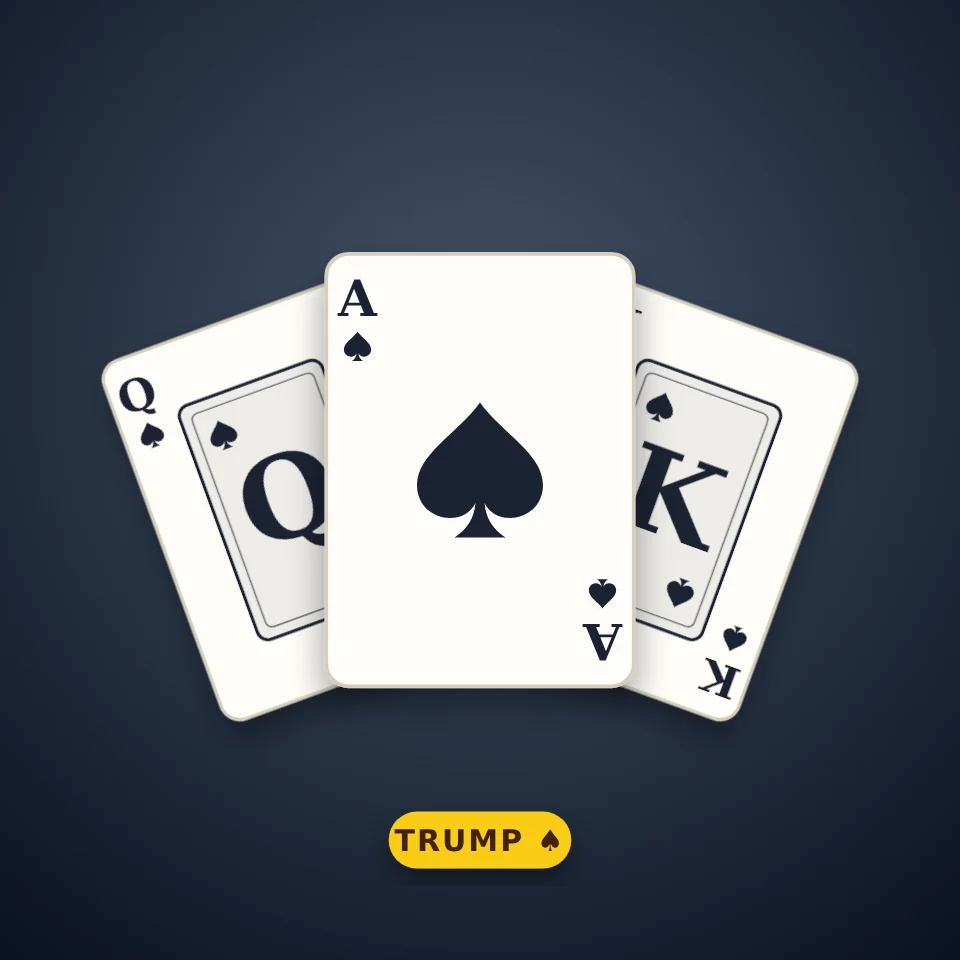
About Spades - history, rules and strategy
Where the card game Spades comes from, how a hand is bid, played and scored, what Nil and bags are, and how to play well with a partner.
Hearts
Play Hearts free in your browser against three computer players. Pass three cards, follow suit, dodge the hearts and the queen of spades, or take them all and shoot the moon.
President
Play President free in your browser against two, three or four computer players. Beat the pile with higher singles, pairs or triples, pass when you cannot, and go out first to become President. Card exchange, standings over 5 or 10 hands.
Gin Rummy
Play Gin Rummy free in your browser against an Easy or Smart computer player. Draw and discard to build sets and runs, knock with 10 or less deadwood or go gin. Melds are grouped for you, scored to 100 with game and box bonuses.
Crazy Eights
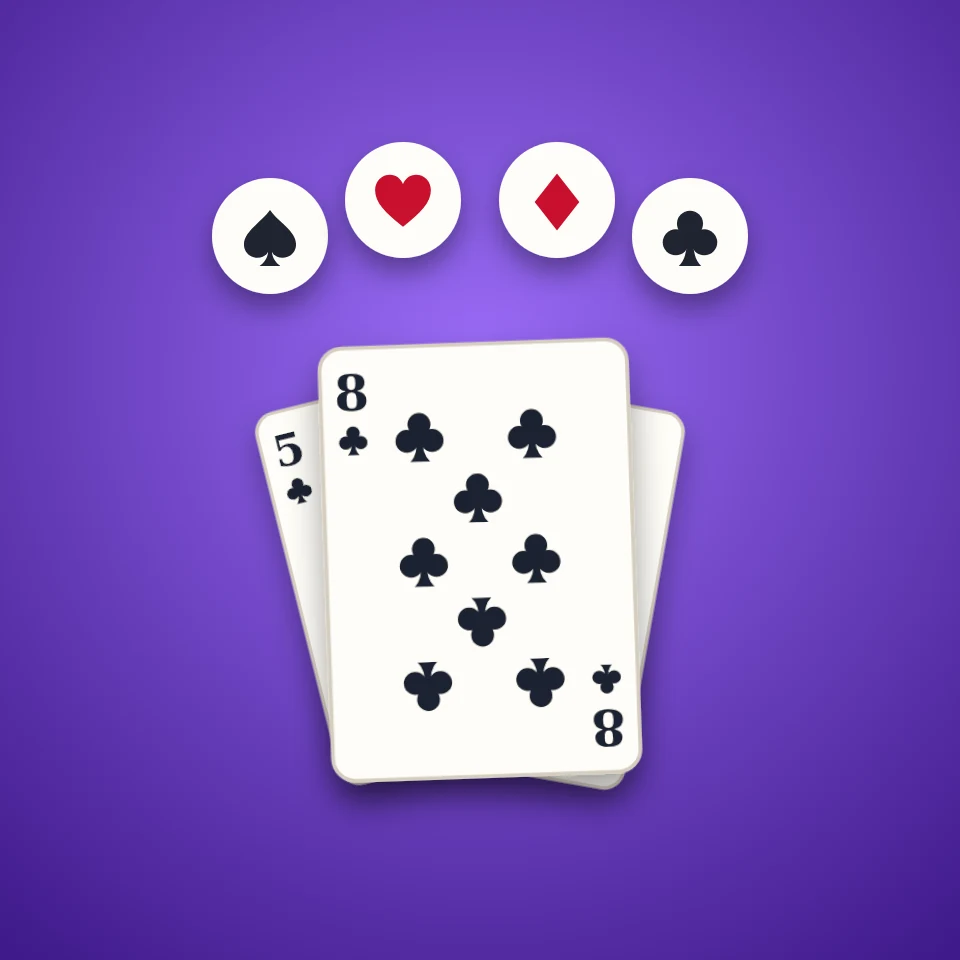
Play Crazy Eights free in your browser against one, two or three computer players. Match the suit or rank, play an eight to call a new suit, and be first to empty your hand. Easy or Smart opponents, scored to 100 points.
Ready to try it?
Open PictorX in your browser — no install, no credit card required to start.
Go to Editor