
Fractal landscape generator
Start with a handful of random heights, halve the grid, add smaller random bumps, and repeat. After eight or nine rounds a world appears: ridges and valleys, bays and headlands, islands with beaches and snowy peaks. Watch it build level by level, turn around it in 3D or read it as a map with contour lines, and change one number, the roughness, to go from rolling hills to jagged peaks. The tiles show how that number sets the fractal dimension of the land and of every coastline on it. Press Build to watch a world grow from a few random heights: every level halves the grid and adds detail at a smaller scale, until mountains, valleys and coastlines appear. Step adds one level, Reset goes back to the coarsest grid, and New world draws other random numbers. Roughness sets how much detail every scale adds: rough land is jagged, smooth land rolls. Drag across the landscape to walk around it and look down from higher up; on the map, drag sideways to move the sun. Sea level floods the valleys, Snow line covers the peaks, and Clouds adds a sky. The tiles give the fractal dimension, the share of land, the highest peak and the islands with their coastline.
How it works
- Press Build to grow the world one level at a time, or Step to add a single level; Reset goes back to the coarsest grid and New world draws other random numbers.
- Choose midpoint displacement, fractal noise or ridged noise, an island or endless land, and set the Roughness.
- Raise the Sea level to flood the valleys, lower the Snow line, move the Sun, switch on Clouds and pick colours.
- Drag across the landscape to walk around it and look down from higher up, or switch to the Map with contour lines.
Detail at every scale
A real mountain looks rough from a plane, from the foot of its slope and from a hand's width away. The generator copies that: the first level sets a few large heights, and every next level halves the grid and adds random bumps a fixed fraction smaller. Eight levels on a 256 × 256 grid add detail at eight scales, from the whole island down to a single cell, and Build shows them arriving one after another. Because the bumps of every size follow the same rule, a valley looks like a gully, and a gully like a crack.
Roughness and fractal dimension
Roughness is the Hurst exponent H, between 0 and 1. Each halving of the scale shrinks the random bumps by a factor 2^H: with H near 1 the small bumps hardly matter and the land rolls; with H near 0 they are almost as strong as the large ones and the land turns jagged. The surface then has fractal dimension 3 − H, between that of a plane (2) and a solid (3), and every coastline on it has dimension 2 − H. Real mountains measure about 2.2 to 2.3, the west coast of Britain about 1.25.
Three ways to build a world
Midpoint displacement, or diamond-square, fills in the middle of every square and every edge with the mean of its corners plus a random offset; it is fast and gives the classic fractal look. Fractal noise (fractional Brownian motion) adds octaves of smooth gradient noise, each with twice the detail and 2^−H the strength, without grid artefacts. Ridged noise folds every octave at zero, so the valleys of the noise become sharp crests, like weathered rock. All three repeat at their edges, so Endless land continues in every direction.
Frequently asked questions
What is a fractal landscape?
A terrain whose roughness looks the same at every scale, so a small piece magnified resembles the whole. It is made by adding random detail at many scales, each scale's detail smaller by a fixed factor. Benoît Mandelbrot and Richard Voss showed in the 1980s that such random fractals look remarkably like real mountains, islands and coastlines.
How does the diamond-square algorithm work?
Start with the corners of a square. The diamond step sets its centre to the mean of the four corners plus a random number. The square step sets the middle of each edge to the mean of its neighbours plus a random number. Now there are four smaller squares: repeat with random numbers 2^H times smaller until every grid point has a height. Build shows each of these rounds.
What does the roughness number mean?
It is the Hurst exponent H. It sets how fast the random detail fades as the scale shrinks: every halving makes the bumps 2^H times smaller. The fractal dimension of the land is 3 − H and that of its coastlines 2 − H, as the first tile shows. Values from 0.7 to 0.8 look most like real mountains.
Why does the coastline get longer with more detail?
Because a fractal coast has bays within bays. At 128 × 128 the generator cannot draw the smallest ones; at 512 × 512 it can, and the measured coastline grows although the island stays the same size. This is the coastline paradox: the length of a coast depends on the ruler, and the rougher the coast, the faster it grows.
Can I use the landscape in my own work?
Yes. Save gives a PNG at the size you choose, and the pencil opens the picture in the PictorX photo editor with the sky, the land, the sea, the snow, the contour lines and the clouds on layers of their own, so you can recolour the sea or hide the snow. In the editor itself it is under Apps ▸ Fractals ▸ Fractal Landscape.
Is this how films make planets?
It is how they started. Loren Carpenter used fractal subdivision for the flight over the Genesis planet in Star Trek II (1982), and the same year he, Alain Fournier and Don Fussell published midpoint displacement. Modern terrain tools still start from fractal noise and then add erosion, rivers and vegetation.
Fractal Landscape Generator: how do I record a video?
Press the red Record button in the playback bar: it films what the stage shows. Press it again to stop, and the video is saved to your device. Recording is free; you only need to sign in. Without a subscription the video carries a small PictorX logo in a corner. The button beside Record opens the video options: the shape (as shown, square, story 9:16 or wide 16:9), the length (until you stop, or 5, 10, 15 or 30 seconds for social media) and the file: MP4, WebM or an animated GIF. You can add one of three music tracks: calm, bright or beat.
Related tools
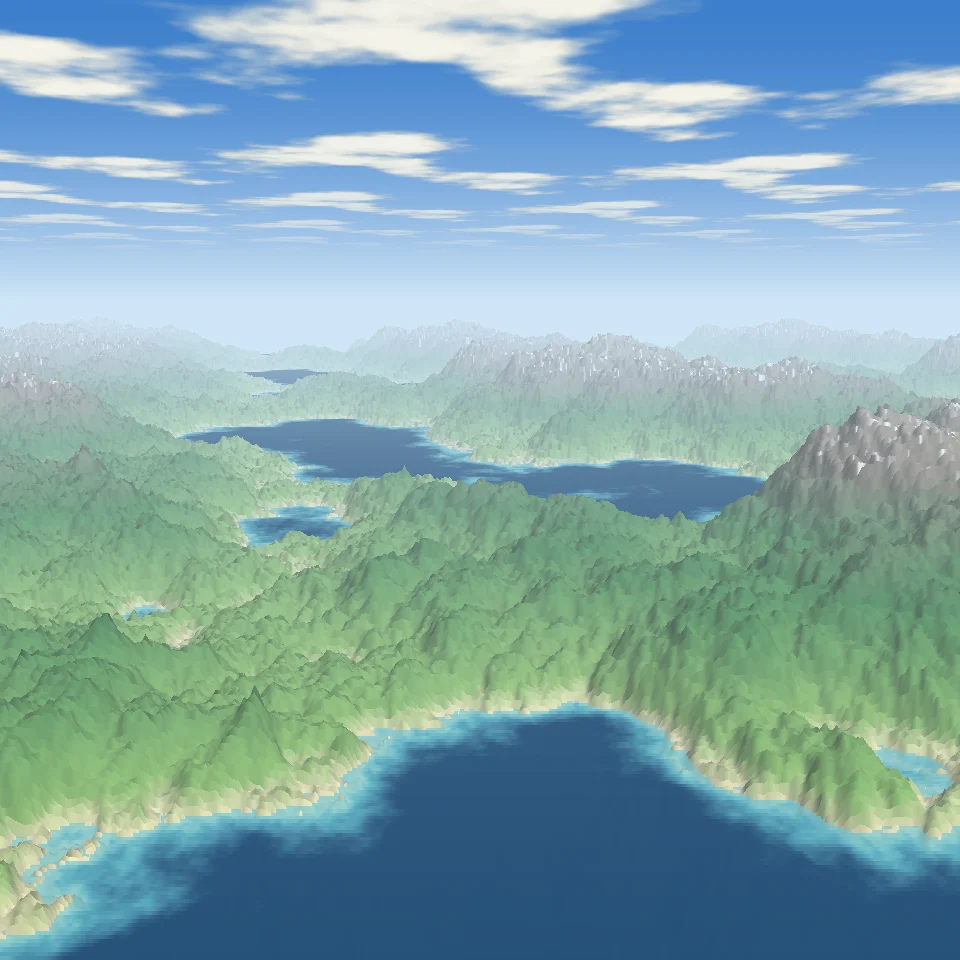
Fractal landscapes explained
Why mountains and coastlines are fractals, how random detail at every scale builds a realistic terrain, how the diamond-square algorithm and fractal noise work, what the Hurst exponent and fractal dimension mean, and how films learned to grow worlds.
Coastline paradox
Measure a coastline with shorter and shorter rulers and watch it grow longer. Walk rulers along a fractal island, the Koch snowflake or your own coast, plot length against ruler on a log–log chart, and read the fractal dimension.
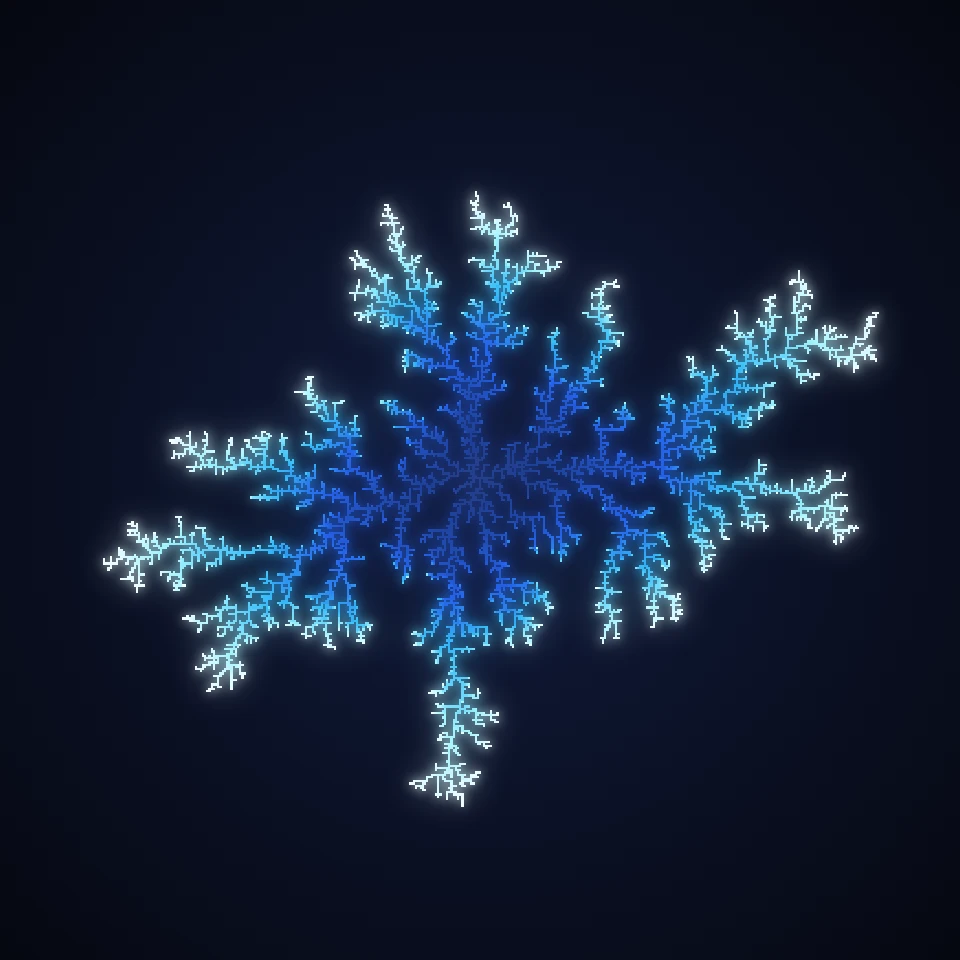
Diffusion-limited aggregation simulator
Watch random walkers stick to a growing cluster and form a branching fractal like frost, coral or lightning. Grow it from a point, the ground or a ring, change the stickiness, and measure its fractal dimension.
Barnsley Fern
Grow the Barnsley Fern in your browser. Watch the chaos game, zoom into any leaflet, and compare the black spleenwort with mutant varieties.
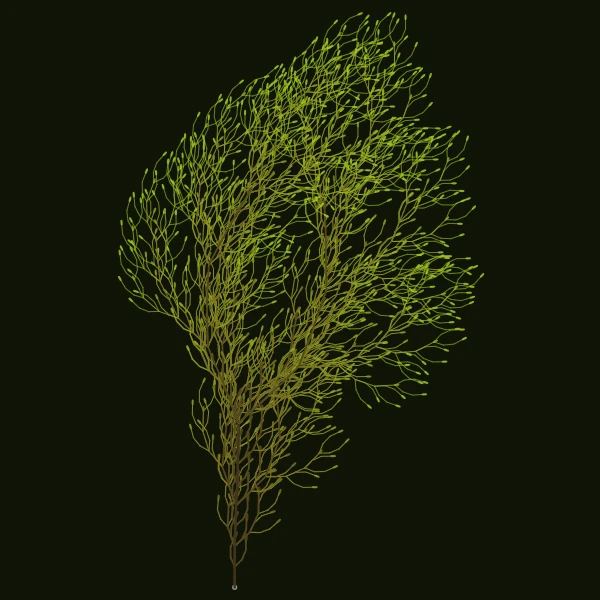
Nature Generator
Grow trees, ferns, coral, and ice crystals from L-system DNA. Pause, randomize, and save a PNG in your browser.
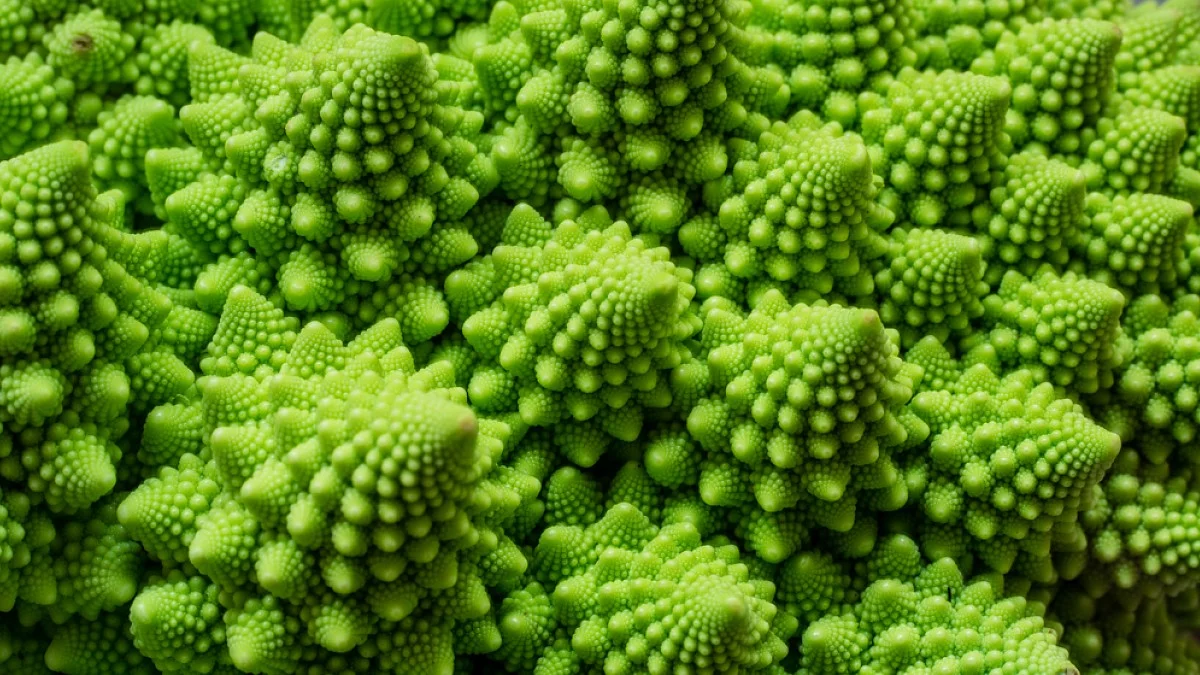
Fractals
What is a fractal? How the Mandelbrot set, Julia sets, Newton fractals (including Newton⁴) and Nova fractals are made, and why zooming never runs out of detail.
Ready to try it?
Open PictorX in your browser — no install, no credit card required to start.
Go to Editor