
Nature Generator
Grow trees, ferns, coral, and ice from a seed. Tweak L-system DNA while life evolves.
How it works
- Open the demo—a favorite organism begins growing on the canvas.
- Pick a favorite (Tree, Fern, Coral, Ice, …) or leave Custom, then tweak the DNA strip.
- Pause, Reset, or Randomize; save a PNG or open Edit in PictorX. Nothing is uploaded.
What is an L-system?
A Lindenmayer system starts with an axiom string and rewrites every symbol with production rules each generation. A turtle then walks the result: F draws a step of length d at heading θ, f moves without drawing, +/- turns by angle θ, | turns 180°, and [ ] push and pop a branch. Recursive rewriting makes the figures self-similar, like real plants.
Trees, ferns, ice
Favorites lock classic grammars: a 36° fractal tree, a fern, bush and weed, coral, hanging seaweed, a 90° icy frost, and a 72° pentadendrite crystal. Drag the DNA strip to mutate iterations, angle, length, thickness, growth speed, and jitter while the turtle keeps drawing.
Freeze, reset, save
Pause freezes the reveal mid-growth; Reset clears back to the seed; Randomize mutates DNA. Save a PNG or open Edit in the photo editor—everything stays in your browser.
Frequently asked questions
Does Nature Generator upload my image?
No. Growth runs entirely on a canvas in your browser. Save only downloads a PNG you choose.
Why does Custom appear in Favorites?
Any DNA slider change marks the organism Custom so you know it no longer matches a named favorite exactly.
Why stop at 7 iterations?
Each generation multiplies segments. Seven keeps realtime growth smooth on typical devices while still looking dense.
What does Jitter do?
Jitter adds a seeded random offset to each +/- turn so plants look less perfectly geometric. Ice and crystal start at 0 so the fractal stays exact.
Related tools
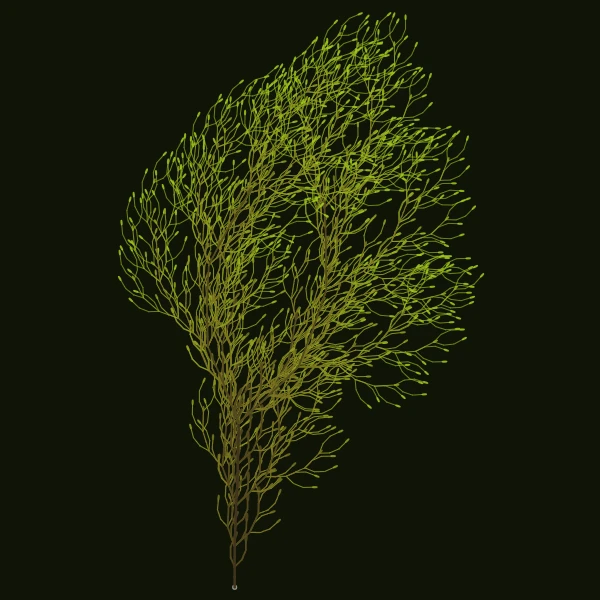
Procedural nature from a seed
Grow trees, ferns, coral, and ice crystals from Lindenmayer rewrite rules. Turtle graphics walk the axiom in your browser.
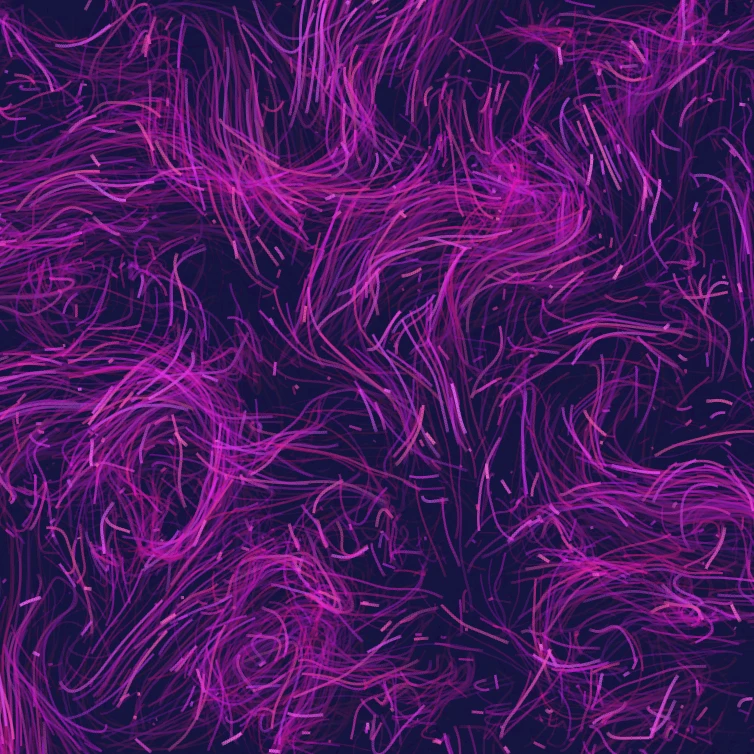
Flow Field
Steer thousands of particles with curl noise, wind, gravity, and clickable attractors, repellers, and vortices. Animate and save a PNG. Nothing is uploaded.
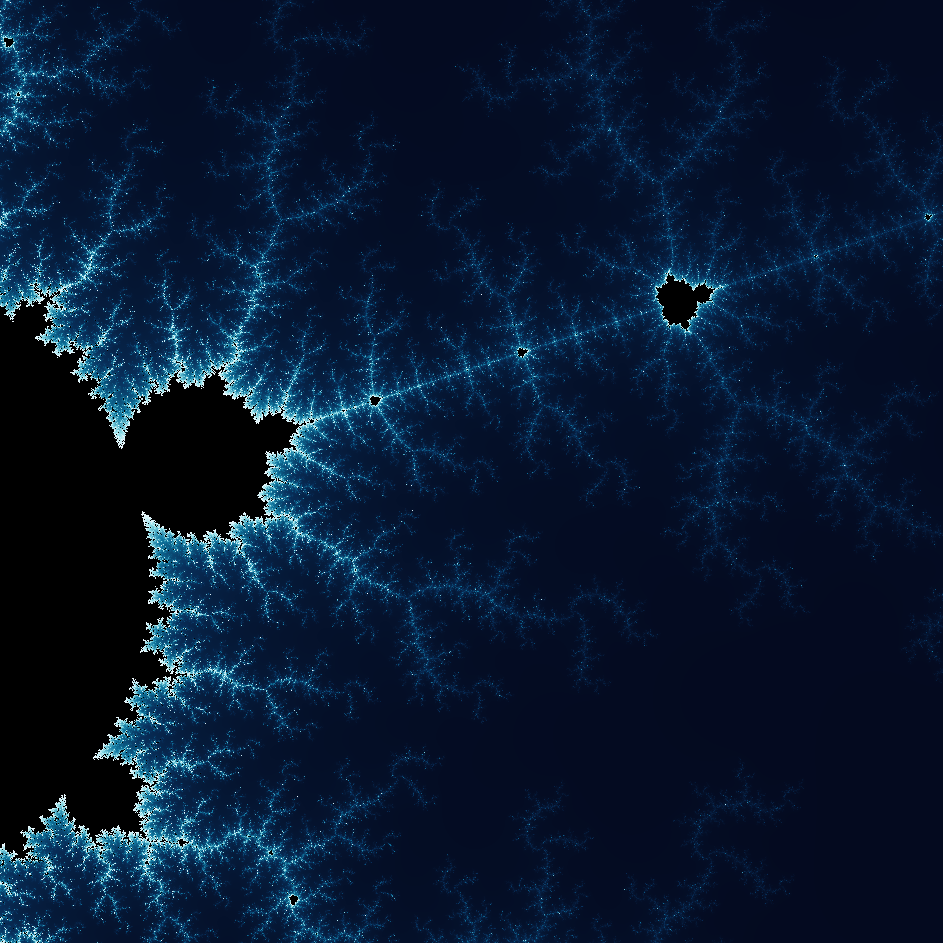
Explore the wonderful world of Fractals
Explore the wonderful world of Fractals. Fractals are complex, detailed geometric patterns found throughout the natural world.

Spirograph
Draw hypotrochoids and epitrochoids in your browser. Tune R, r, and pen offset, animate the curve, randomize styles, and save a PNG. Nothing is uploaded.
Ready to try it?
Open PictorX in your browser — no install, no credit card required to start.
Go to Editor