
Exoplanet transit and light curve
Most of the planets we know around other stars were found by a tiny, regular dimming of their star: the planet passes in front of it and hides a little of its light. Here you can watch it happen. The planet crosses a star that is darker at its edge, the light curve builds up point by point with the noise of a real telescope, transit after transit, and from the depth and the timing of the dip the app works back to the planet's size, its orbit, its temperature and whether it could hold liquid water, just as astronomers do with the Kepler and TESS telescopes. Pick an example and press Play. The big picture is the star as a telescope would see it if it could: the planet, a black disc to scale, crosses its face along the dashed line, and the star dims by the share of its light the disc hides. Below, the light curve builds up point by point, with the noise of a real telescope; the yellow line is the model and the orange dots are the points averaged in bins. In One transit the planet goes round its orbit and passes again, and each transit is folded onto the same curve, so the dip stands out more clearly every time: that is how the Kepler and TESS telescopes found thousands of planets. Many days shows the brightness over weeks, with a dip for every planet of a system, such as the seven of TRAPPIST-1. Step goes to the next contact (the planet touching the edge, fully on the disc, mid-transit, leaving), Back to the one before. Drag the planet up or down on the star to change the impact parameter: near the edge the transit becomes grazing and V-shaped, beyond it there is no transit at all. Drag along the light curve to move in time. The tiles work backwards from what is measured: the depth gives the planet's radius, the period gives the orbit by Kepler's third law, and the orbit and the star give its temperature and whether it is in the habitable zone. Turn on Radial velocity to see the star's wobble, the second way to find planets. With Sound on, a soft tone follows the star's brightness and drops in pitch during each transit; Record films it with the sound.
How it works
- Pick an example, such as HD 209458 b, Earth seen from afar or the seven planets of TRAPPIST-1, and press Play.
- Watch the planet cross the star and the light curve dip: the yellow line is the model, the grey dots are the measurements and the orange dots their averages. In One transit each new transit is folded onto the same curve.
- Read the tiles: the depth and duration of the dip, the period, the planet radius worked back from the depth and the planet's equilibrium temperature, with whether it is in the habitable zone.
- Drag the planet up or down on the star to make the transit grazing or miss the star, change the noise, the star and the planet, turn on the radial velocity, and switch Sound on to hear the brightness and record a video.
A planet in front of its star
When a planet passes between its star and us, it blocks a small part of the star's disc and the star looks a little fainter for a few hours. The share of light that is missing, the transit depth, is about the area of the planet's disc divided by the area of the star's disc: (Rp/R★)². Jupiter in front of the Sun would take away about 1 %, the Earth only 84 parts per million. The dip repeats every orbit, so its period is the planet's year. A transit is only seen when the orbit is almost edge-on to us: for the Earth seen from a random direction the chance is about 0.5 %.
The shape of the dip
The transit starts when the planet's disc touches the star's edge (first contact), the light drops during the ingress until the whole disc is on the star (second contact), stays low and ends with the egress between third and fourth contact. The total duration follows from the period, the size of the orbit and the impact parameter b, the planet's closest distance from the star's centre in star radii. With b near 1 the planet only clips the edge: a short, V-shaped grazing transit. Stars are darker at their edges (limb darkening), so the bottom of the dip is rounded and deepest in the middle.
From the dip to the planet
Astronomers work backwards. The depth gives the radius ratio, so the planet's radius is the star's radius times √depth. The period and the star's mass give the size of the orbit by Kepler's third law, a³ = G M P² / 4π². The orbit and the star's temperature give the light the planet receives and its equilibrium temperature, Teq = T★ √(R★ / 2a) (1 − A)^¼. If that light is between what the runaway greenhouse and the maximum greenhouse limits allow, the planet is in the habitable zone, where liquid water could exist on a rocky surface.
Noise, folding and the second method
Real measurements scatter around the true curve. A shallow dip like the Earth's disappears in the noise of a single transit, but folding many transits on top of each other and averaging the points in bins makes the noise shrink as one over the square root of the number of points: that is how Kepler found planets the size of the Earth and even of the Moon. The planet also tugs its star round their common centre of mass, so the star moves towards and away from us; that radial velocity, measured from the Doppler shift of its spectrum, gives the planet's mass and is the second great method of finding planets.
Frequently asked questions
What is the transit method?
A way of finding planets around other stars by measuring their brightness very precisely. When a planet passes in front of its star, it blocks a small part of the light and the star dims for a few hours, once every orbit. The Kepler space telescope found more than 2,600 planets this way and TESS is finding thousands more. The depth of the dip gives the planet's size, its spacing gives the length of its year.
How do you get the planet's size from the light curve?
The depth of the dip is about the square of the ratio of the planet's radius to the star's radius. A depth of 1 % means the planet is a tenth as wide as its star; around a star like the Sun that is about the size of Jupiter. So the planet's radius is the star's radius times the square root of the depth. Limb darkening makes the middle of the dip a little deeper, which is why astronomers fit a full model instead, as the yellow line in the app does.
Why does the light curve have a rounded bottom?
Because stars are not equally bright all over: towards the edge we look through the cooler, upper layers of the star's atmosphere at a slant, so the edge looks darker and redder. This is called limb darkening. When the planet is near the edge it blocks dimmer light than when it is near the centre, so the dip deepens gradually towards mid-transit. Turn off Limb darkening in the app to see the flat-bottomed dip of a uniformly bright star.
What is a grazing transit?
A transit in which the planet never moves fully onto the star's disc but only clips its edge, because its orbit is tilted so that the impact parameter b is larger than 1 − Rp/R★. The dip is short, shallow and V-shaped, and its depth no longer tells the planet's size directly. With b larger than 1 + Rp/R★ the planet misses the star altogether and there is no transit. Drag the planet up or down on the star in the app to try it.
What is the habitable zone?
The range of distances from a star where a planet with an atmosphere like the Earth's could keep liquid water on its surface: not so close that the oceans boil away (the runaway greenhouse limit) and not so far that even a thick carbon dioxide atmosphere could not keep it warm (the maximum greenhouse limit). For the Sun it runs from about 0.95 to 1.68 AU. Around a cool red dwarf such as TRAPPIST-1 it is much closer, a few hundredths of an AU, and the planets' years last only days.
Can I use the picture?
Yes. Save gives a PNG at the size you choose, and the pencil opens the picture in the PictorX photo editor with the background, the star, the planet paths, each planet, the orbit view, the light curve, the measurements, the radial velocity and the labels on layers of their own, and the system's name as editable text. In the editor itself it is under Apps ▸ Science ▸ Space & Earth ▸ Exoplanet Transit, where you pick the example or type the planets. Everything runs in your browser.
Exoplanet Transit: how do I record a video?
Press the red Record button in the playback bar: it films what the stage shows. Press it again to stop, and the video is saved to your device. Recording is free; you only need to sign in. Without a subscription the video carries a small PictorX logo in a corner. The button beside Record opens the video options: the shape (as shown, square, story 9:16 or wide 16:9), the length (until you stop, or 5, 10, 15 or 30 seconds for social media) and the file: MP4, WebM or an animated GIF. For the sound, choose the app's own sounds or one of three music tracks: calm, bright or beat.
Related tools
Exoplanet transits explained
How the transit method finds planets around other stars: the light curve and its depth, ingress and egress, the impact parameter and grazing transits, limb darkening, Kepler's third law and the size of the orbit, equilibrium temperature, the habitable zone, noise and phase folding, and the radial velocity method.
Star map and constellations
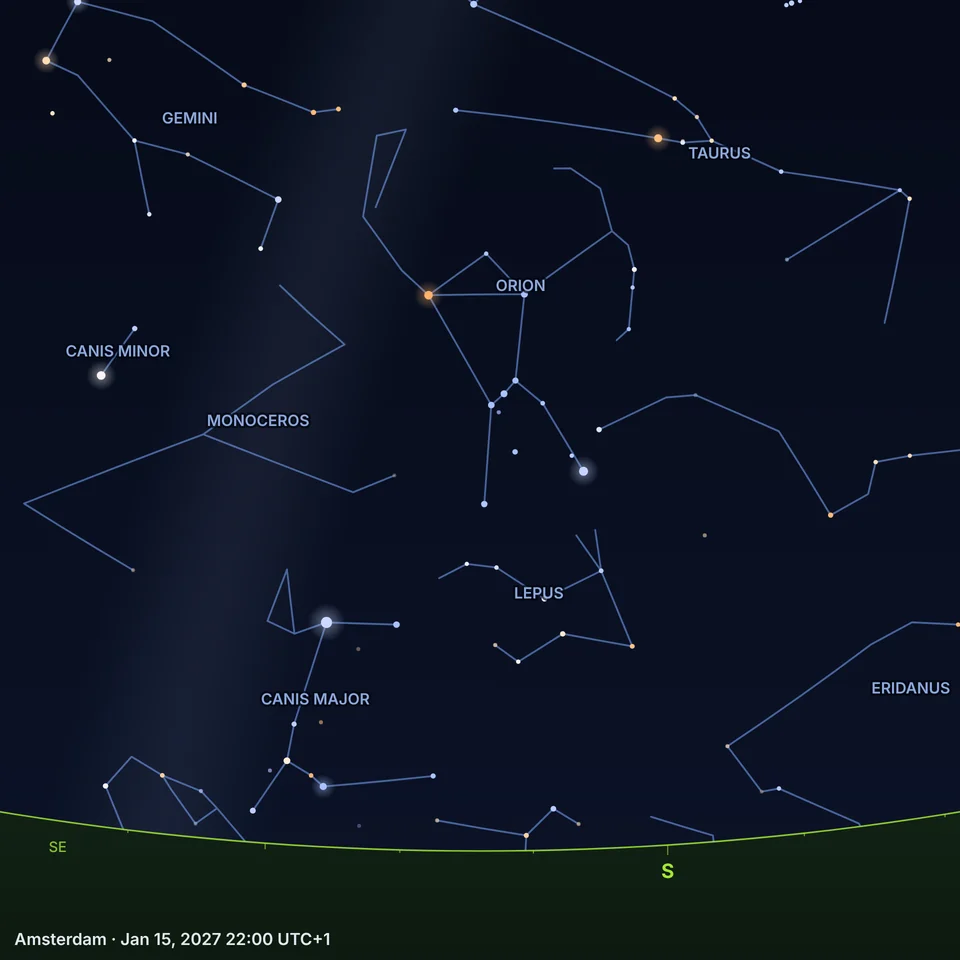
See the night sky for any place, date and time: the bright stars, the 88 constellations with their lines and names, the Moon and its phase, the planets and the Milky Way. Watch the sky turn, tap a star for its name and distance, and compare the sky from the North Pole, the equator and Sydney.
Solar System
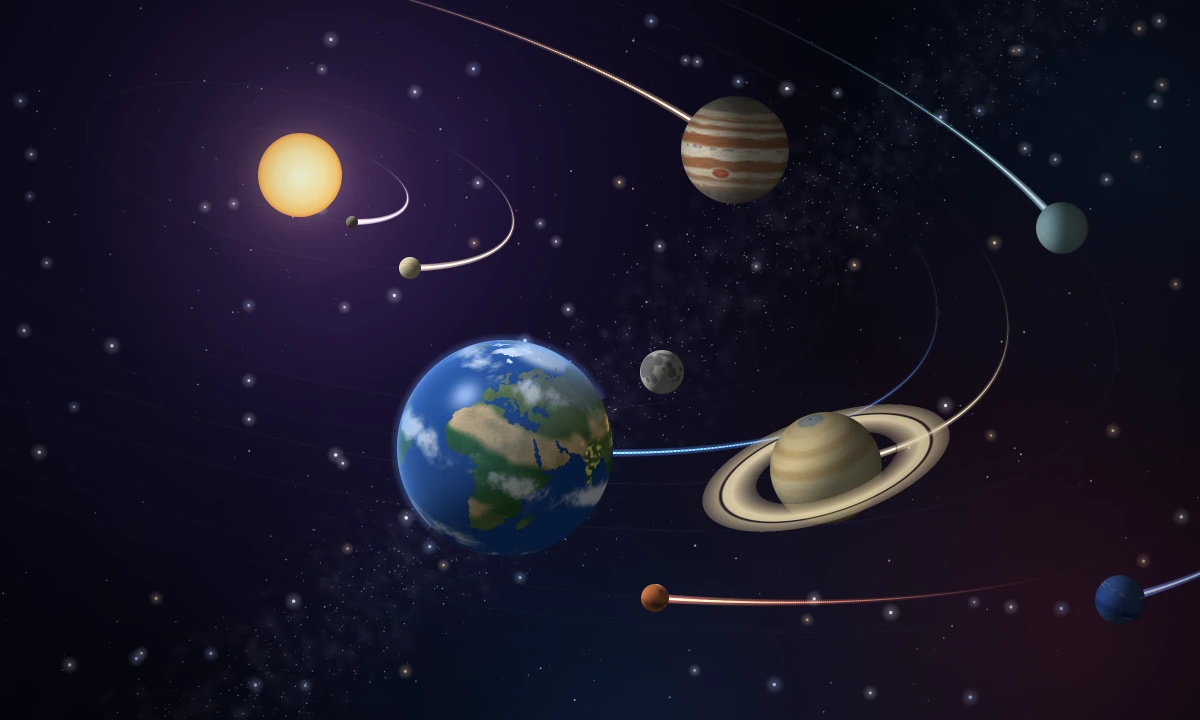
Fly through the solar system in 3D in your browser. The sun, eight planets, their largest moons, the dwarf planets, and the Kuiper belt move on their real, tilted orbits under Newton's gravity.
N-Body System
Watch Newton's gravity move stars, planets, and moons in 3D in your browser. Turn the view, and see stable orbits, resonances, slingshots, Trojans, and a chaotic cluster.
Ready to try it?
Open PictorX in your browser — no install, no credit card required to start.
Go to Editor