
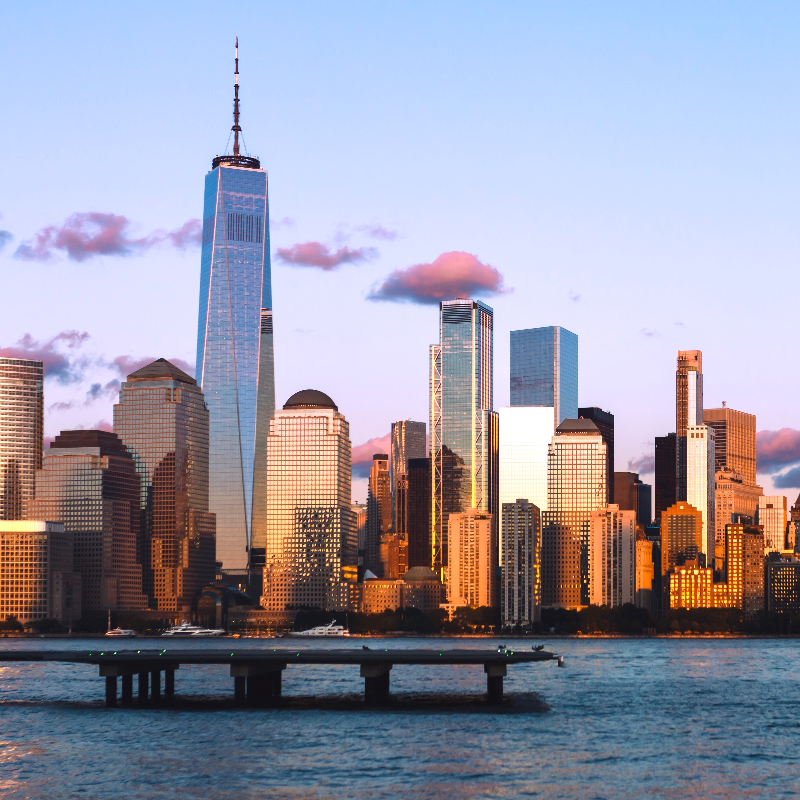
Try a distort look below, or open your own picture.
Folds effect
Open a photo and apply Folds in PictorX. This look is part of Liquid lens playground—adjust the settings on this page, then keep editing with layers, text, and other effects in the same workspace. Try a distort look below, or open your own picture.
How it works
- Open this page and try Folds on the sample, or open your own photo.
- Tune the Folds settings, or switch to another look in Liquid lens playground.
- Save the result, or keep editing with layers, text, and other effects in PictorX.
What the Folds effect does
Folds is one of the looks in PictorX Liquid lens playground. Apply it in your browser, then keep working in the same project—crop, type, or add another effect without starting over.
More looks in Liquid lens playground
This page opens Liquid lens playground with Folds already selected. Switch looks on the demo to compare styles, or open the full Liquid lens playground page to browse every option in the set.
Looks in this set
Frequently asked questions
How do I make a photo look folded?
Open your photo on this page and click Properties. The image is cut into vertical strips that tilt up and down in turn, and each strip is shaded darker toward one crease, so the photo looks like a folded paper print. Click Save as image.
What do the Folds and Size settings do?
Folds (1–100) sets the number of folded panels; the panels get narrower as the number goes up. Size (0–100) sets how deep the folds are, as a percentage of the image height. At 0 the photo stays flat.
Why does the image get taller?
The panels move up and down to show depth, so the result is taller than the original by the Size percentage. The extra area is filled with white, which looks like a paper print on a white background.
How is the Folds effect different from the Photo Fold Collage Maker?
Folds bends one photo into an accordion shape. The Photo Fold Collage Maker lines up one to six photos as the panels of a fold-out card.
What can I use the folds effect for?
Mockups of brochures and folded flyers, maps and travel themes, and creative social media posts. Wide landscape photos and posters with text show the folds best.
Related tools
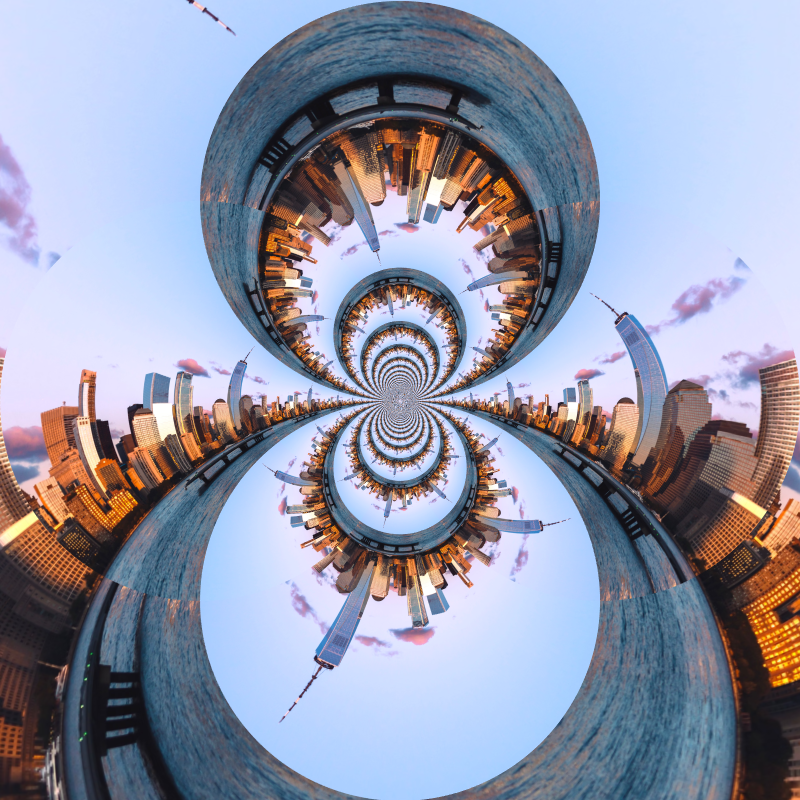
Liquid lens playground
Warp photos with polar coordinates, ripple, glass, spherize, timewarp, twirl, folds, and bend.
Polar coordinates effect
Wrap a photo into a circle or unroll a circle into a strip with the polar coordinates effect. Choose Rect to Polar or Polar to Rect and a start angle.
Polar Inversion effect
Apply a Polar Inversion effect to photos free in your browser. Open the Liquid lens playground tools, tune the look, and keep editing in PictorX. No install.
Ripple effect
Add a water ripple distortion to a photo online: rings spread from the center like a drop in a pond. Set Frequency, Displacement and Amount, then save.
Glass effect
Make a photo look as if seen through wavy, textured glass. Set the Size of the glass pattern, and compare it with Frosted Glass and Refracted Glass.
Refracted Glass effect
Apply a Refracted Glass effect to photos free in your browser. Open the Liquid lens playground tools, tune the look, and keep editing in PictorX. No install.
Spherize effect
Apply a Spherize effect to photos free in your browser. Open the Liquid lens playground tools, tune the look, and keep editing in PictorX. No install.
Ready to try it?
Open PictorX in your browser — no install, no credit card required to start.
Go to Editor