
Cribbage
Discard two cards to the crib, peg as you play toward 31, and count your hand with the starter: fifteen two, fifteen four, a pair is six. Every count is shown step by step with the cards lit up, and the points go on a wooden cribbage board where your pegs leapfrog to 121. Score 121 points before the computer. Click two cards and press Send to crib, then take turns playing cards and announcing the running count: 15 and 31 score 2, pairs and runs score as they are made, and the last card before the count passes 31 scores 1 for the go. Go is called for you when you cannot play. Then the hands and the crib are counted with the starter, step by step, and the points are pegged on the board. H gives a hint.
How it works
- Choose an Easy or Smart computer player and a game to 121 or 61 points.
- Click two cards and press Send to crib. Then click a card to play it; the running count and anything you peg are shown, and Go is called for you when you cannot play.
- When the cards are played, the hands and the crib are counted one after another. Press Next count to move on, and watch the pegs move on the board.
The rules
You and the computer get six cards each and put two in the crib, which belongs to the dealer. A starter is turned; a jack gives the dealer 2 for his heels. In the play you take turns adding cards to a count of up to 31: 15 and 31 score 2, pairs 2, pair royal 6, double pair royal 12, runs in any order their length, and the last card before nobody can play scores 1 for the go. The deal alternates, and the first to 121 wins at once.
Counting the hands
The non-dealer's hand is counted first, then the dealer's, then the crib, each with the starter. Every 15 scores 2, every pair 2, every run its length (a double run counts twice), four cards of a suit 4 or 5 with the starter (the crib needs all five), and the jack of the starter's suit 1 for his nob. Each count is said the traditional way, with the cards of each part lifted. A loser below 91 is skunked, below 61 double skunked; your games and skunks are kept in this browser.
Easy and Smart opponents
Easy keeps the cards that look best on their own and takes points in the play when it notices them. Smart weighs every possible discard against every starter it could cut, adds the crib's likely worth when the crib is its own and takes it off when it is yours, and in the play scores safely while avoiding counts of 5 and 21 and cards you could pair or extend into a run.
Frequently asked questions
How do I choose my discards?
Click two cards to lift them and press Send to crib. When you deal, the crib is yours, so cards that score together, such as a pair, two cards that make 15 or a five, are good to throw. When the computer deals, keep those for yourself and throw cards far apart in rank. Press Hint to see the discard the Smart player would make.
What happens when I cannot play?
Go is called for you automatically, and the computer plays on as long as it can. The last player to lay a card scores 1 for the go, or 2 for reaching 31 exactly, and the count starts again at zero. Cards that would take the count over 31 are dimmed in your hand.
How are the hands counted?
After the play, the non-dealer's hand, the dealer's hand and then the crib are counted with the starter. A panel shows each count the traditional way, fifteen two, fifteen four, a pair is six, with the cards of each part lifted, and the points are pegged on the board. Press Next count to go on.
How do the pegs work?
Each player has two pegs. When you score, your back peg jumps over the front one to the new total, so the gap between them shows your last score. Your pegs are red and the computer's blue, and the totals are written at the end of the board.
What is a skunk?
Winning a game to 121 while the loser has fewer than 91 points is a skunk, and below 61 a double skunk. In a game to 61, a loser below 31 is skunked. The end panel shows it, and your games won and skunks are counted in this browser.
Cribbage: how do I record a video?
Press the red Record button in the playback bar: it films what the stage shows. Press it again to stop, and the video is saved to your device. Recording is free; you only need to sign in. Without a subscription the video carries a small PictorX logo in a corner. The button beside Record opens the video options: the shape (as shown, square, story 9:16 or wide 16:9), the length (until you stop, or 5, 10, 15 or 30 seconds for social media) and the file: MP4, WebM or an animated GIF. For the sound, choose the app's own sounds or one of three music tracks: calm, bright or beat.
Related tools
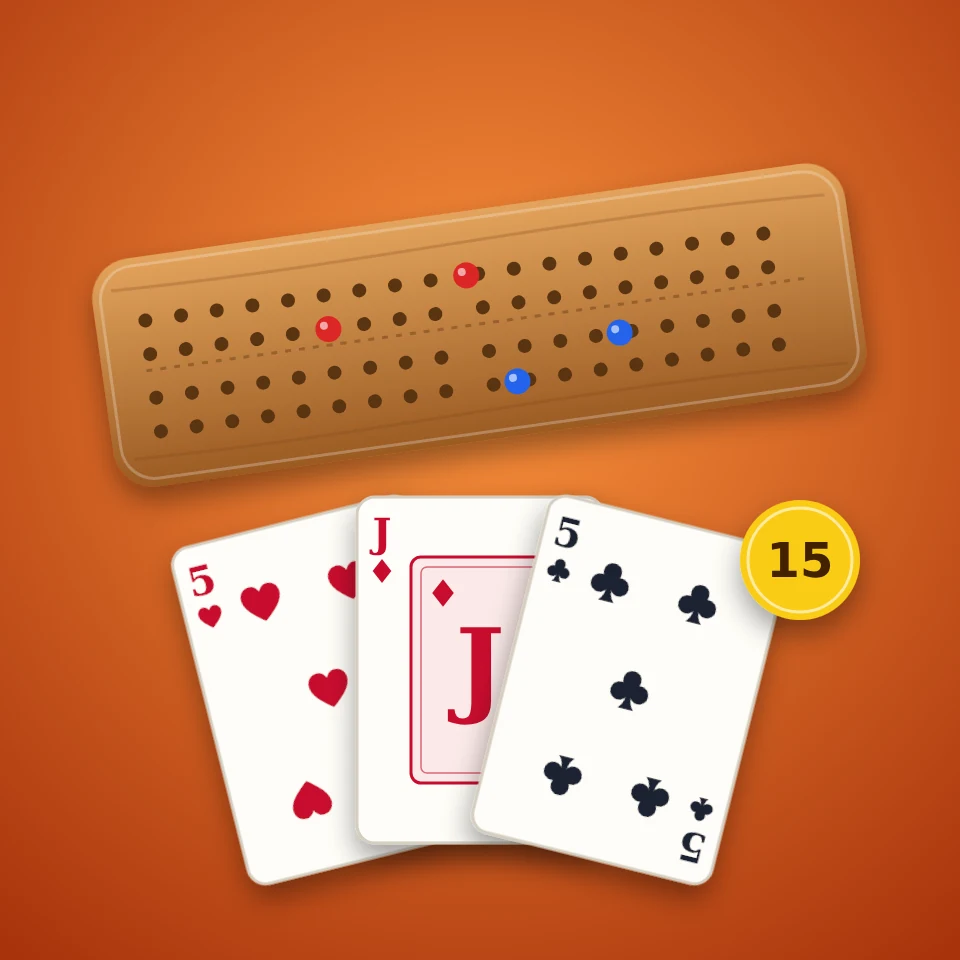
About Cribbage - rules, scoring and strategy
Where Cribbage comes from, how the board and pegs work, the deal and the crib, scoring in the play (fifteens, pairs, runs, go and 31), counting the hands and the crib, skunks, and how to play it well.
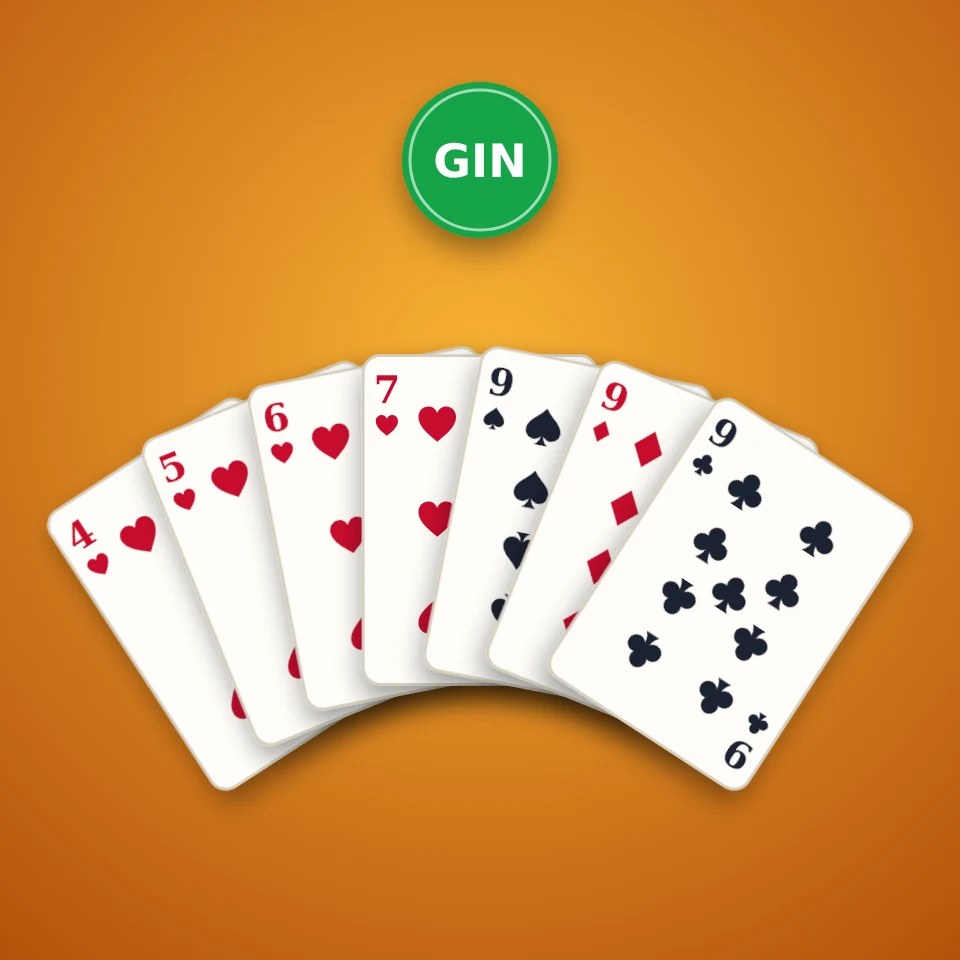
Gin Rummy
Play Gin Rummy free in your browser against an Easy or Smart computer player. Draw and discard to build sets and runs, knock with 10 or less deadwood or go gin. Melds are grouped for you, scored to 100 with game and box bonuses.
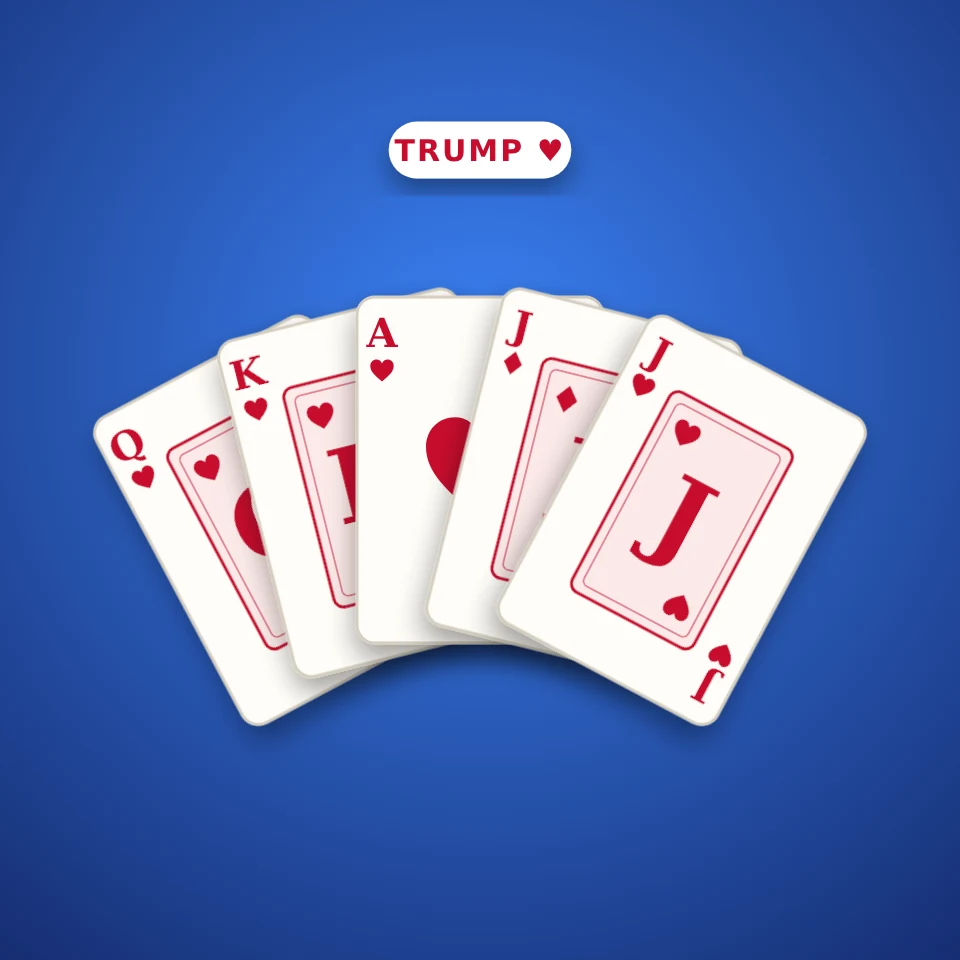
Euchre
Play Euchre free in your browser with a computer partner against two computer players. Order up or name trump, use the right and left bowers, go alone and euchre the other side.
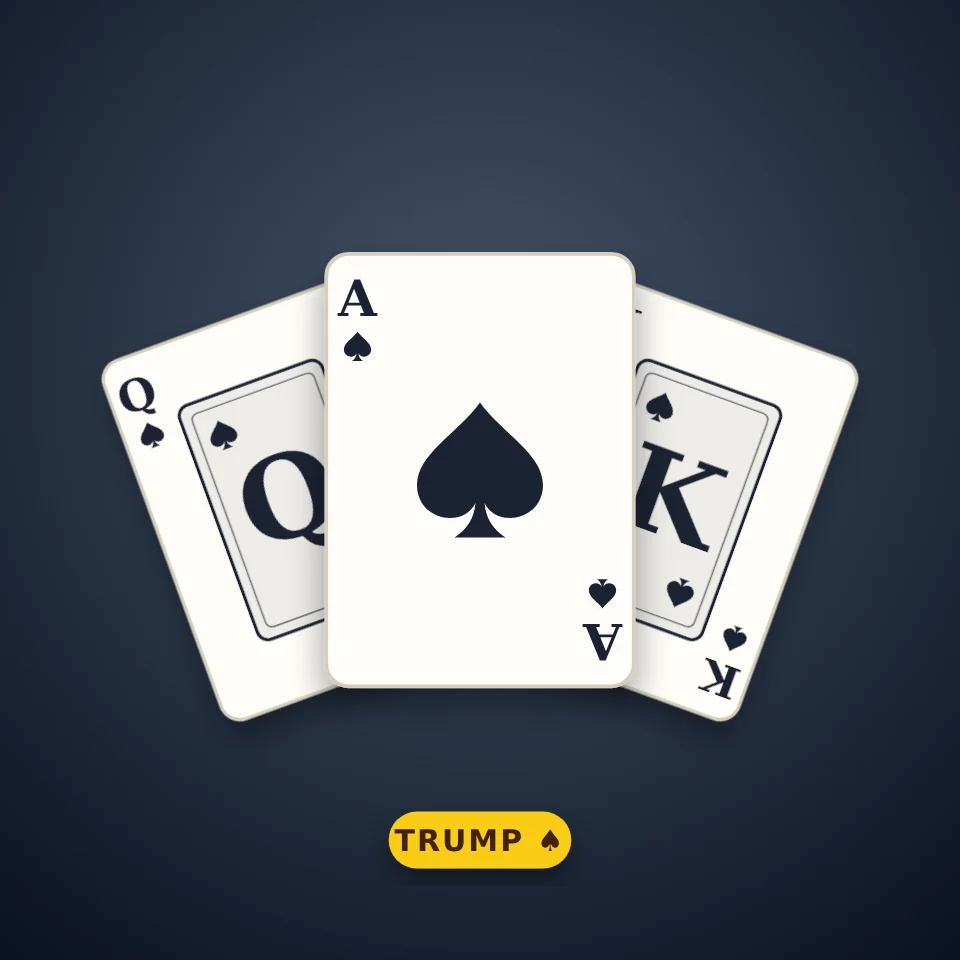
Spades
Play Spades free in your browser with a computer partner against two computer players. Bid your tricks, spades are always trump, go Nil for 100 points and watch your bags.
Solitaire
Play Klondike solitaire free in your browser. Drag cards or click to move them automatically, choose draw 1 or draw 3, undo any move and let auto-complete finish the game.
Ready to try it?
Open PictorX in your browser — no install, no credit card required to start.
Go to Editor