
Color by Numbers
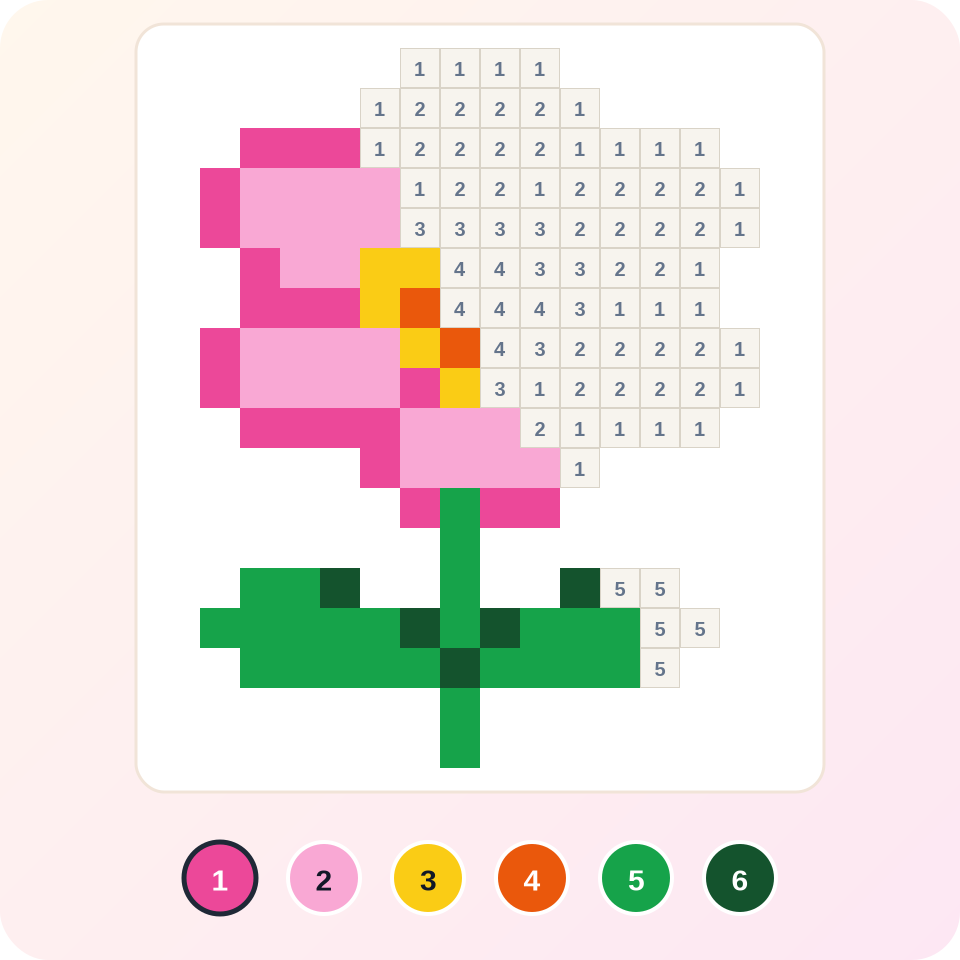
A heart, a goldfish, a rocket or a sleepy owl: every picture starts as a grid of numbered squares. Pick a colour, paint the squares with its number, and watch the picture appear. Twelve original pixel-art pictures, from a quick heart to a detailed cat, with hints when you lose a square and your progress kept for next time. Pick a colour in the palette, then tap or drag over the squares with its number. A tap paints any square; a drag only paints the squares of the chosen colour. A wrong colour is crossed out and counts as a mistake: paint it again with the right one. Fill every square to finish the picture.
How it works
- Choose a picture. Every square that is part of it shows the number of its colour.
- Pick a numbered colour in the palette: the squares with that number light up. Tap a square to paint it, or drag over a whole area.
- Paint every square to finish the picture. A wrong colour is crossed out and can be painted again; Hint shows a square you missed.
How painting works
A tap paints the square under your finger or mouse in the chosen colour, whatever its number. A drag then only paints the squares that have the chosen number, so you can sweep over a large area without spoiling the squares around it. A square in its right colour stays as it is; a square in a wrong colour is crossed out, counts as a mistake and can simply be painted again. One stroke is one step for Undo.
Twelve pictures, your own pace
The pictures are drawn for PictorX, from 16 to 22 squares wide and with three to eight colours each. When every square of a colour is painted, its swatch gets a tick and the next colour is chosen for you. There is a clock and a mistake counter for those who like a challenge, but no time limit: your progress on every picture is kept in this browser, so you can stop and go on later.
Frequently asked questions
What happens if I paint a square in the wrong colour?
It is crossed out and counts as a mistake, but nothing is lost: paint it again with the right colour. A square in its right colour stays locked, so a stroke can never spoil it.
Can I play on a phone or with the keyboard?
Yes. On a phone tap a square or drag over an area. With the keyboard, 1 to 9 and 0 choose a colour, the arrow keys move the frame on the board and Space or Enter paints. Ctrl+Z and Ctrl+Y undo and redo a stroke.
Is my progress saved?
Yes. Every picture keeps its painted squares, mistakes and time in this browser, so you can switch pictures or close the page and go on later. A finished picture gets a tick in the list.
Is Color by Numbers free?
Yes. It is free, needs no account and works in any modern browser. Save image downloads a PNG of your picture.
Related tools
The story of color by numbers
Where color by numbers comes from, from the paint-by-number kits of the 1950s to pixel art and mosaics, why it is so relaxing, and tips to finish a picture faster.
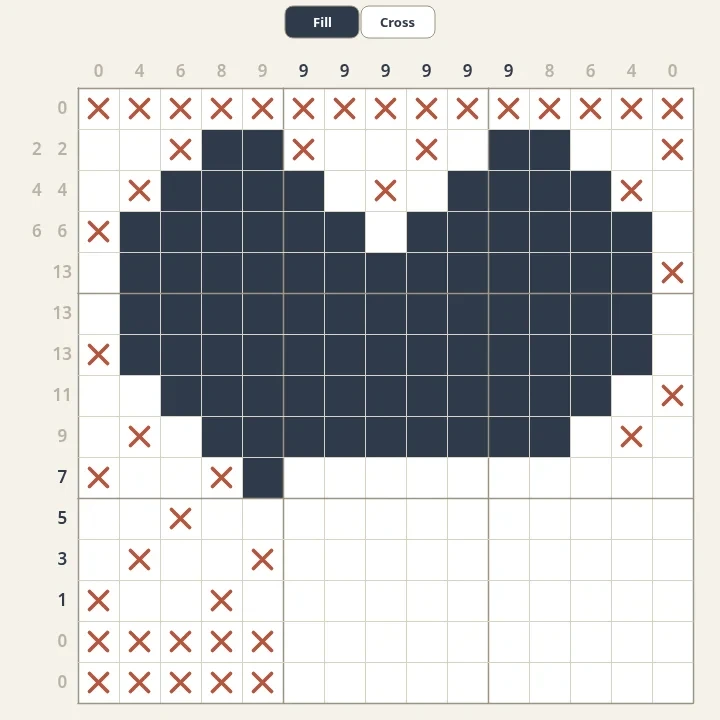
Nonograms
Solve free nonograms in your browser. Every puzzle is generated, has one logical solution and reveals a pixel picture. Choose sizes from 5x5 to 20x20 and mark empty cells with crosses.
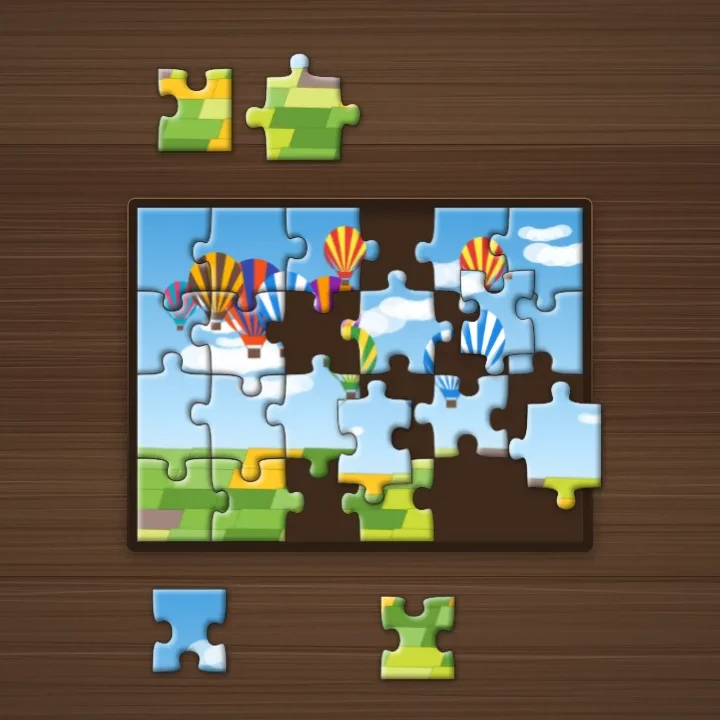
Jigsaw Puzzle
Play jigsaw puzzles free online: built-in pictures or your own photo, 12 to 300 curved pieces, snapping, an edge filter and a preview. No sign-up.

Spot the Difference
Play spot the difference free online: freshly generated pictures every game, 5 to 10 differences, hints, a timer and your own photos. No sign-up.
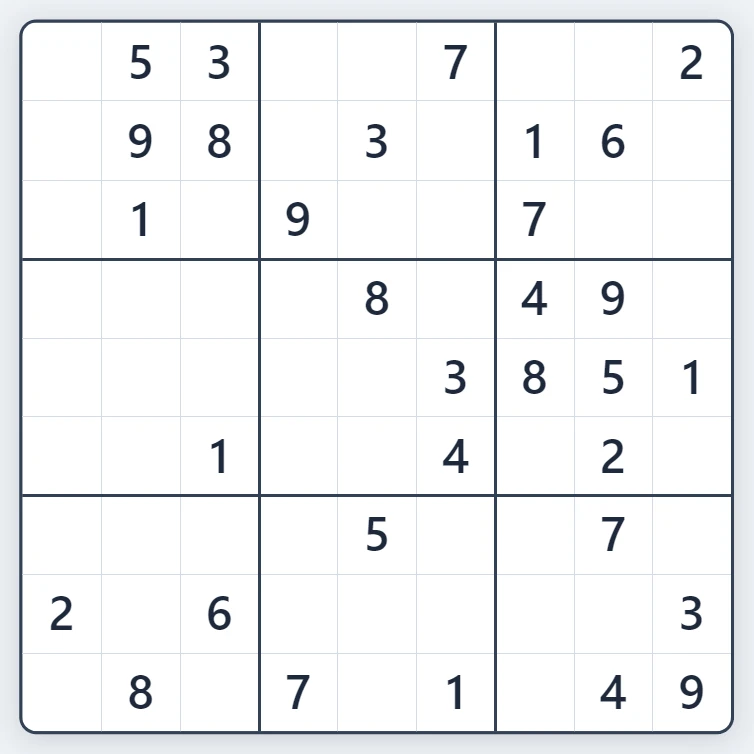
Sudoku
Play Sudoku free in your browser. Fresh puzzles with exactly one solution, four levels from Easy to Expert, pencil notes, hints, mistake highlighting and undo.
Lights Out
Play Lights Out, the classic lamp puzzle: press a lamp to toggle it and its neighbours until every lamp is off. Boards from 3×3 to 6×6, always solvable, with hints, a solver and best scores.
Ready to try it?
Open PictorX in your browser — no install, no credit card required to start.
Go to Editor