
Spot the Difference
Two pictures that look the same, except they are not. Every game paints a new meadow, harbour or night sky and hides 5, 7 or 10 differences in the copy. Click a difference on either picture to circle it before the clock runs away. Two pictures, a handful of differences. Click or tap a difference on either picture to circle it. A wrong click adds 5 seconds and a hint adds 15. Keys: arrows move the cursor, Enter checks, H gives a hint, N starts a new game.
How it works
- Choose how many differences to hunt for and a picture, or open your own photo.
- Click or tap a difference on either picture to circle it on both.
- Stuck? Press Hint to see where to look, at the cost of 15 seconds.
A fresh puzzle every time
The pictures are generated, so you never see the same puzzle twice. Things change colour, vanish, grow, shrink, move, turn round or appear out of nowhere, and every difference sits far enough from the others to be clicked on its own.
Hints and a fair clock
A wrong click adds 5 seconds and a hint adds 15, so guessing all over the picture does not pay. Your best time for each number of differences is saved.
Your own photos
Open a photo and the game repaints round patches of the copy: a colour shift, a mirrored patch, a cloned area, a blur or a change in light. The photo stays in your browser and is never uploaded.
Frequently asked questions
How many differences are there?
You choose: 5 on Easy, 7 on Medium or 10 on Hard. The counter at the top shows how many you have found.
Do I have to click on the right-hand picture?
No. A difference can be clicked on either picture and it is circled on both.
Can I play with the keyboard?
Yes. The arrow keys move a cursor, Enter checks the spot, H gives a hint and N starts a new game.
Is it free?
Yes. It is free, runs in your browser and needs no account.
Related tools
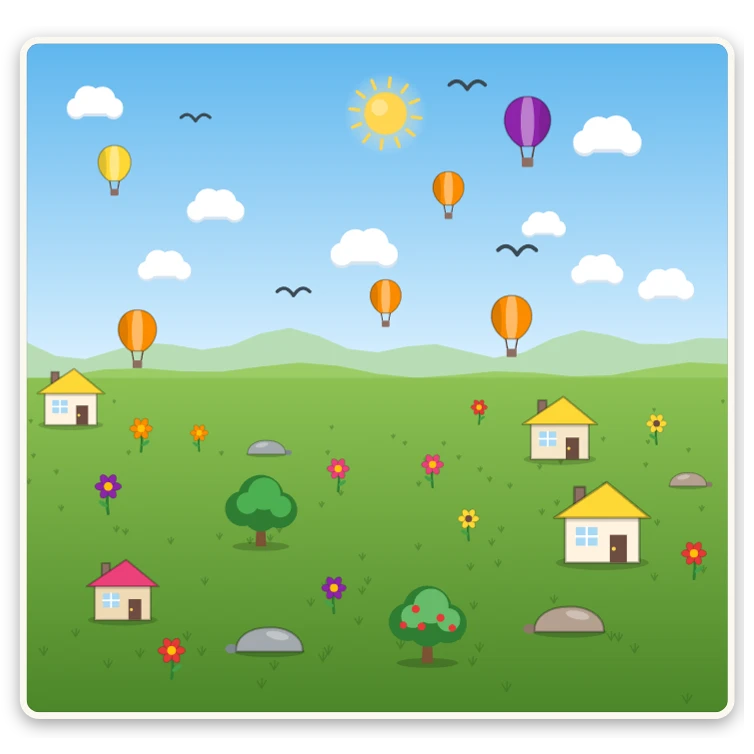
About spot the difference - history, tips and the science of looking
Why are differences so hard to spot? How spot the difference went from newspapers to screens, why our eyes miss changes, and tips to find differences faster.
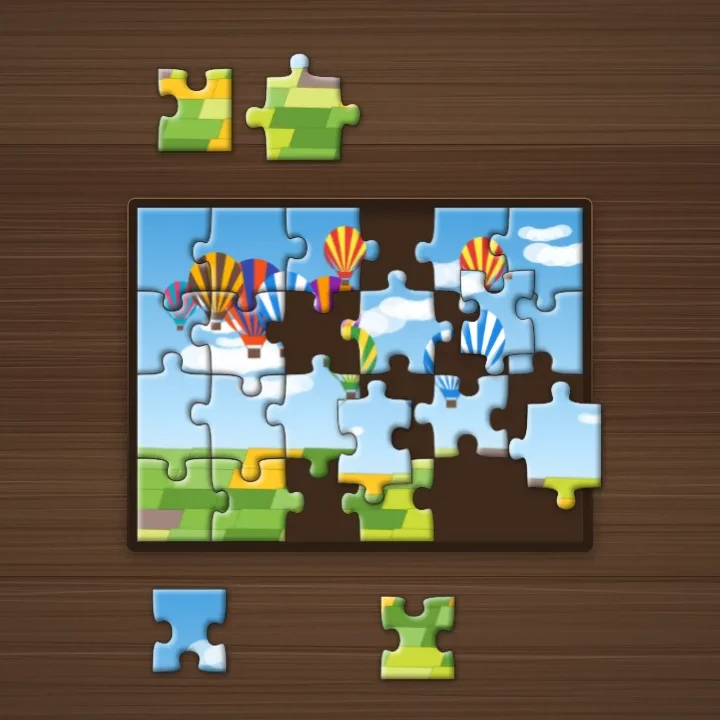
Jigsaw Puzzle
Play jigsaw puzzles free online: built-in pictures or your own photo, 12 to 300 curved pieces, snapping, an edge filter and a preview. No sign-up.
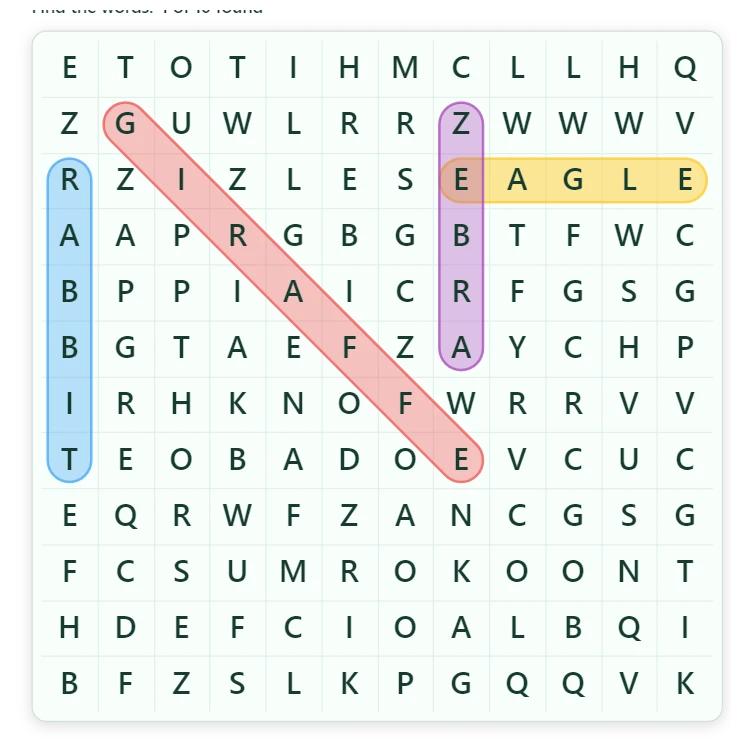
Word Search
Play word search online for free: themed word lists in your language, 10x10 to 15x15 grids, words in up to eight directions and a timer. No sign-up.
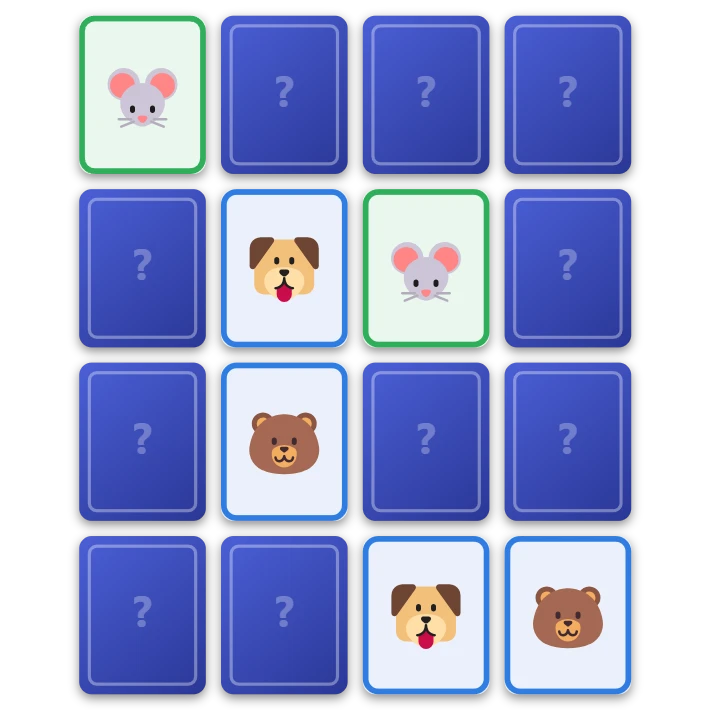
Memory
Play the classic memory card game free in your browser. Turn over two cards at a time and find all the pairs on your own, with a friend or against the computer. Four grid sizes and three picture sets.
Ready to try it?
Open PictorX in your browser — no install, no credit card required to start.
Go to Editor