
Text
Photo
Colours
Lanyard
QR code
View
Name badge maker - badges and name tags to print
Type a name, a role and an event and get a name badge: a conference badge on a lanyard with a QR code, the classic Hello my name is sticker, a brushed metal name tag, a school tag or a round pin. Add a photo if you like, and print one badge or an A4 sheet of them. Pick a badge style, type the name, role and event, add a photo if you like, and save one badge or an A4 sheet of badges to print.
How it works
- Pick a style: conference badge, Hello sticker, corporate name tag, school tag or event pin.
- Type the name, role, company and event, and add a photo or leave it out.
- Save the badge as a PNG, or choose a sheet of 6 or 8 with a list of names and print it.
Five kinds of badge
A conference badge with a coloured header, a ticket stripe and a QR code, the red 'Hello, my name is' sticker with the name in marker, a silver, gold or plastic name tag with a logo mark, a friendly school tag with stars or animals, and a glossy round pin.
A sheet of badges for your event
Choose a sheet of 6 or 8 on A4 and paste your guest list, one name per line. Every badge gets its own name, with dashed lines to cut along. Add a comma and a role to give someone a different title.
Edit every part
Open the badge in the photo editor and the background, the lanyard, the card, the photo, the QR code and every line of text arrive as separate layers, so you can move, recolour or retype them.
Frequently asked questions
Does the QR code work?
Yes, when you type a link under QR code: it becomes a real QR code that phones can scan. Leave the link empty and the badge shows a decorative pattern that only looks like a QR code.
Can I make badges for all my guests at once?
Yes. Choose Sheet of 6 or Sheet of 8 under View and type the names, one per line. Each badge on the A4 sheet gets its own name; with an empty list every badge shows the main name, and places left over stay blank to write on.
Do I need a photo?
No. Set Photo to None for a badge without one. With Round or Square but no photo, the badge shows the person's initials instead.
What size is the badge when I print it?
On the A4 sheet a conference badge is about 6 by 8 cm and a Hello sticker about 9 by 6 cm, close to the usual badge holder and sticker sizes. Print at 100% and cut along the dashed lines.
Can I make a Hello my name is sticker?
Yes. Pick the Hello sticker style, change the greeting and the line under it if you like, and type a first name: it is written in a marker font in the white area, in red, blue or any other colour scheme.
Related tools
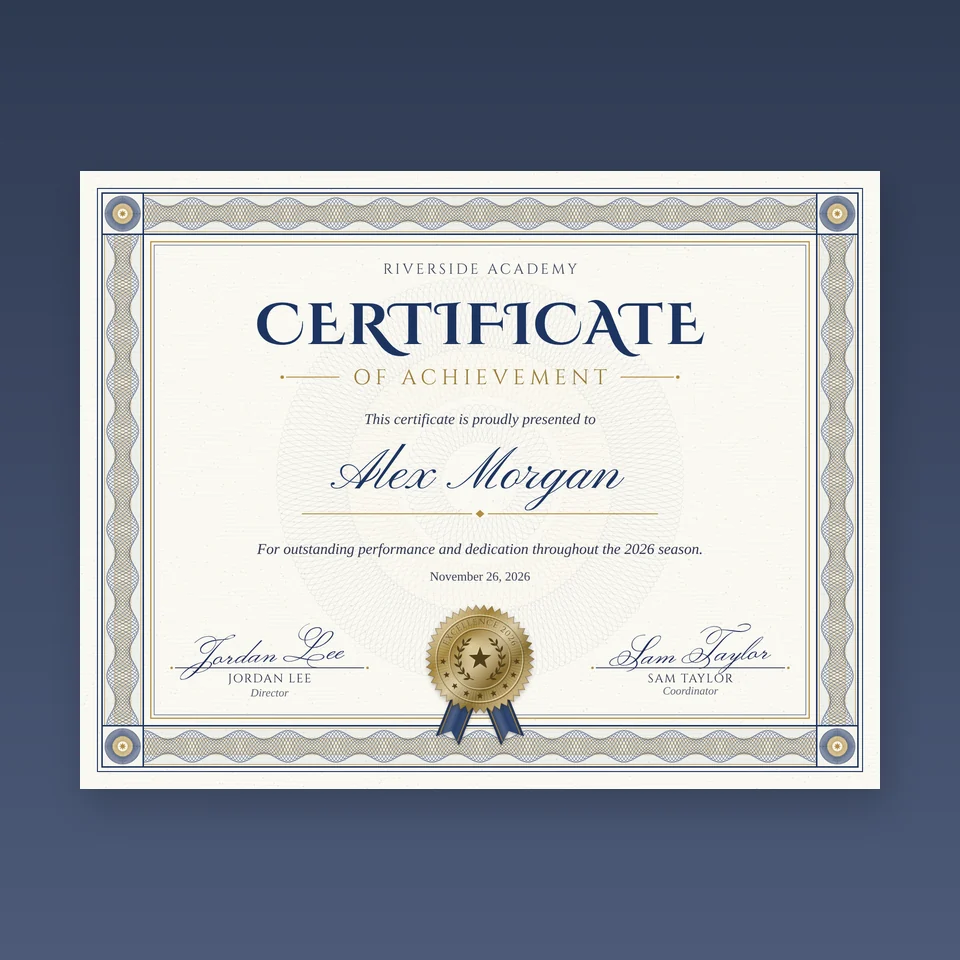
Certificate and diploma maker
Make a certificate or diploma online: an ornate border, the name, the reason, the date, signatures and a gold seal, in five styles. Save as PNG.
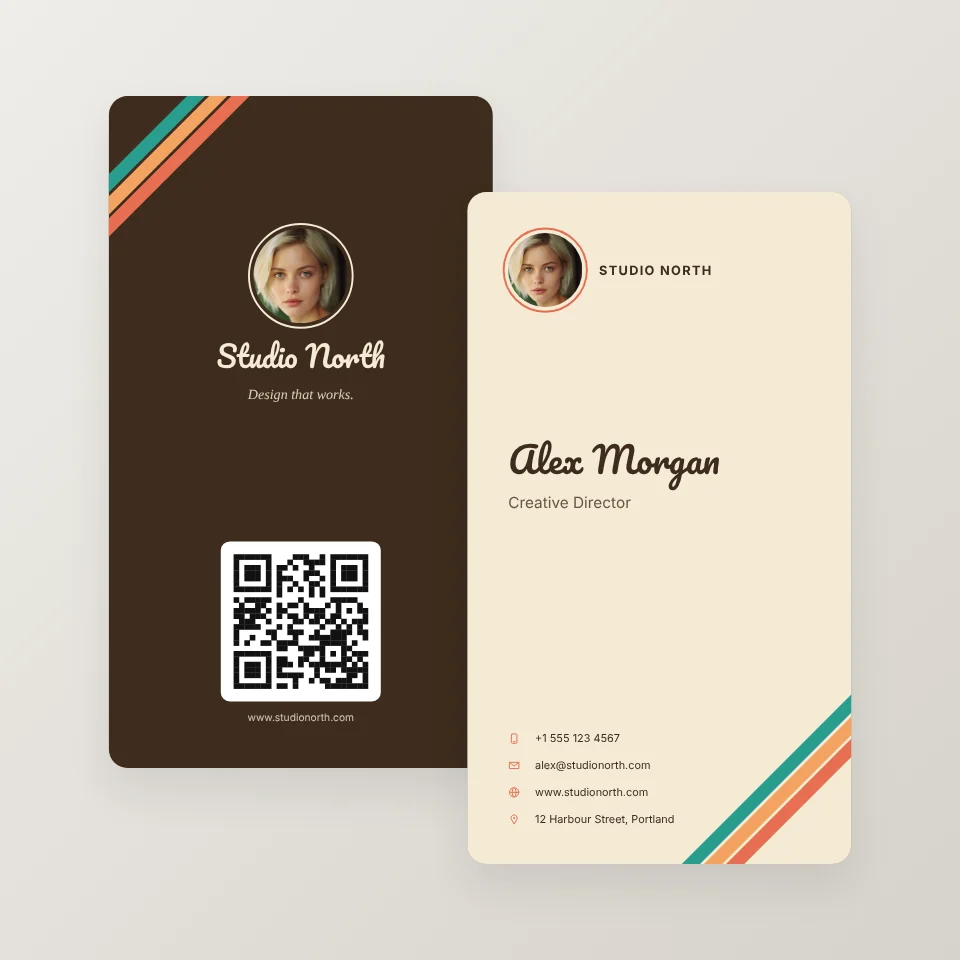
Business card maker
Create a business card free online with PictorX. Design both sides, export print-ready graphics, and keep your brand consistent.
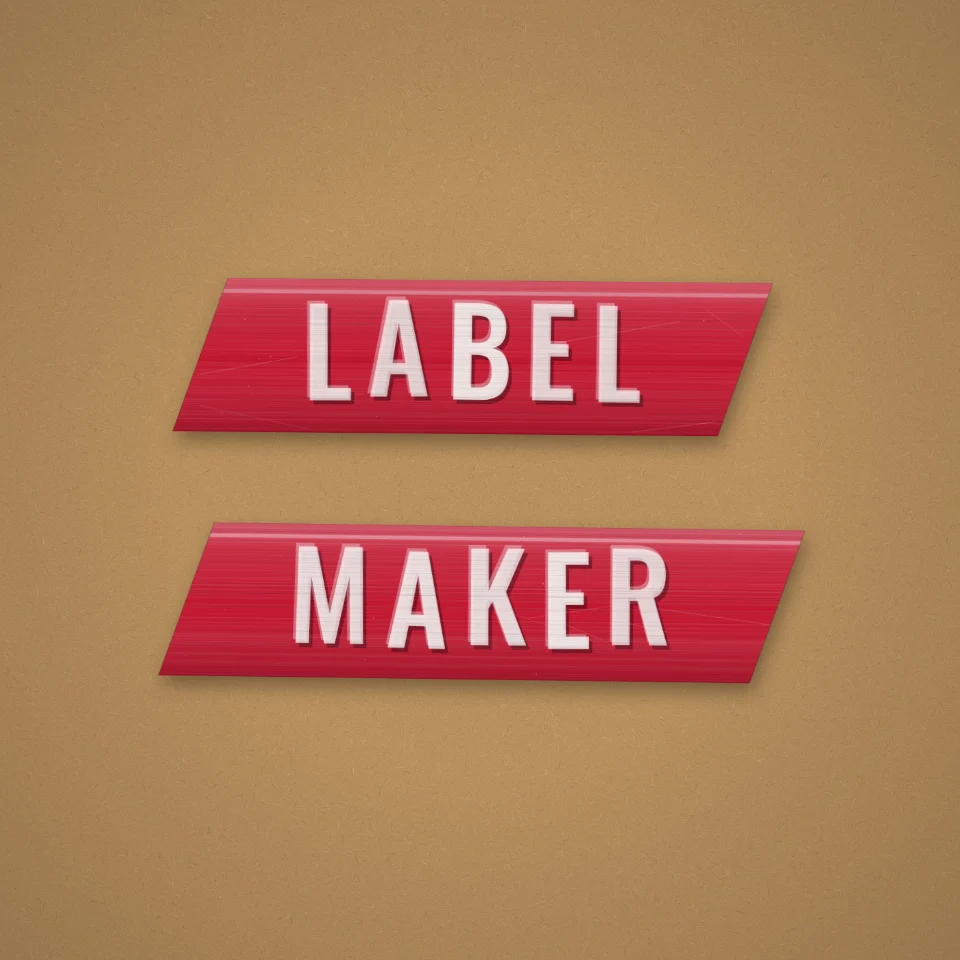
Label Maker
Make retro embossed label-maker tape online: raised white letters on red, black, blue, clear, or rainbow tape, stuck on kraft, wood, or metal. Save a PNG.
Ready to try it?
Open PictorX in your browser — no install, no credit card required to start.
Go to Editor