
Layout
Style
Paper
Invitation and greeting card maker
Choose an occasion and the card gets ornaments, fonts and words to match: a floral wreath for a wedding, balloons and confetti for a birthday, holly and snowflakes for Christmas, fireworks for New Year. Add your photo, type the names, the date and the place, and save the card to print or send. Pick an occasion, type the heading, names and details, choose a photo shape, format and colours, then save the card or open it in the editor in layers.
How it works
- Pick an occasion, or start from one of the favourites.
- Type the heading, the names and the details: the date, the time, the place and the RSVP, one per line.
- Add a photo in a circle, an arch or across the whole card, choose the format, colours and paper, and save the card as a PNG.
Nine occasions
Wedding, birthday party, baby shower, Christmas, New Year, Easter, thank you, anniversary and party cards, each with ornaments drawn for it: watercolour flowers, eucalyptus, balloons, confetti, holly and pine, snowflakes, fireworks, painted eggs, a laurel wreath or bunting.
Your words, set beautifully
The names get a script or a bold display face, the details a quiet serif or sans, and everything is fitted to the card: long names shrink and wrap, and every line stays inside the border. Gold foil adds a metallic shine to the heading, the names and the lines.
Print-ready formats
Make a 5 × 7 portrait or a 7 × 5 landscape invitation, a square card for social media, or see the front of a folded card standing open. Save up to 4096 pixels, or open the card in the editor with every part on its own layer.
Frequently asked questions
Can I make a greeting card instead of an invitation?
Yes. The Christmas, New Year, Easter and thank you cards are greeting cards: the heading is the greeting and the details hold your message. Write anything, or leave a field empty to drop it.
Do I need a photo?
No. Choose No photo under Photo and the card is made of type and ornaments only. With a photo, pick a circle, an arch, the top half or the whole card as the background.
Will my own text change when I pick another occasion?
Only the words you have not changed. A heading, names, details or footer you typed yourself stays; the rest switch to the new occasion's words.
Can I print it?
Yes. The 5 × 7 and 7 × 5 formats match standard invitation cards. Save the largest size and print it on card stock at home, or take the file to a print shop.
Can I edit the card in layers?
Yes. Edit opens the card in the PictorX editor with the paper, the photo, each set of ornaments, the frame and every piece of text as separate layers, so you can move, recolour or hide them.
Related tools
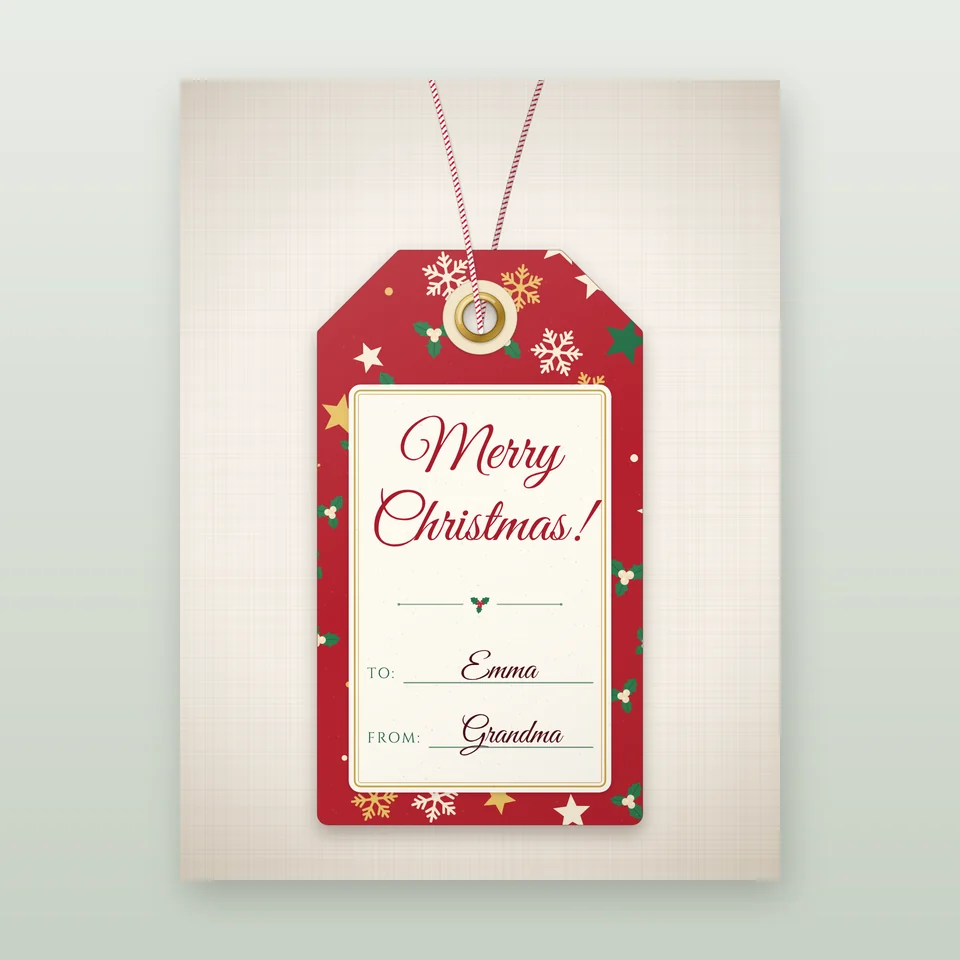
Gift tag maker - To, From and a festive pattern
Make gift tags online: To and From, a message, a tag shape with string or a bow and a festive pattern. Print a sheet of 6, 8 or 12 or save as PNG.
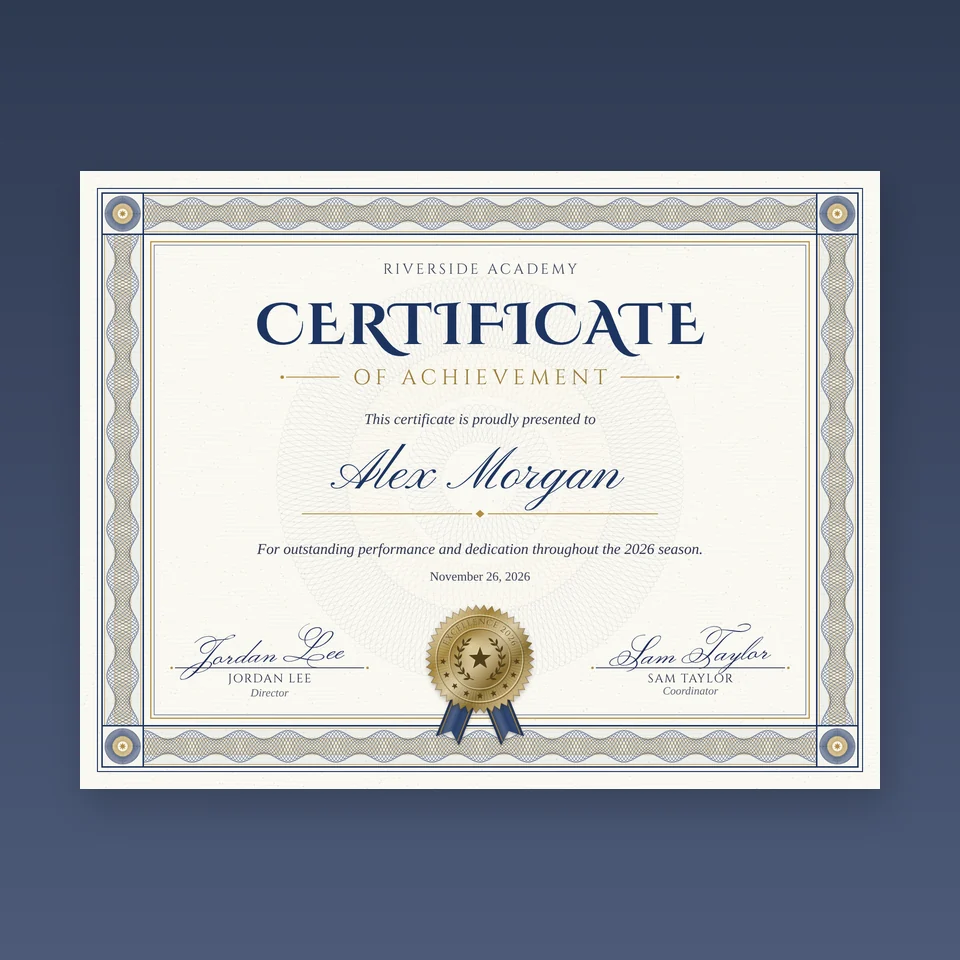
Certificate and diploma maker
Make a certificate or diploma online: an ornate border, the name, the reason, the date, signatures and a gold seal, in five styles. Save as PNG.

Vintage postcard maker
Make a retro 'Greetings from' postcard online: your photo inside big 3D letters of any place name, retro backdrops and an optional postcard back. Save as PNG.
Ready to try it?
Open PictorX in your browser — no install, no credit card required to start.
Go to Editor