
How cron expressions work
Cron is the Unix job scheduler, and its five-field expressions have become the common way to write a repeating schedule, from crontab files to CI pipelines, cloud functions and Kubernetes. Here is how the fields fit together, how cron decides on which days a job runs, and what changes when time zones, daylight saving and the extensions of other schedulers come in.
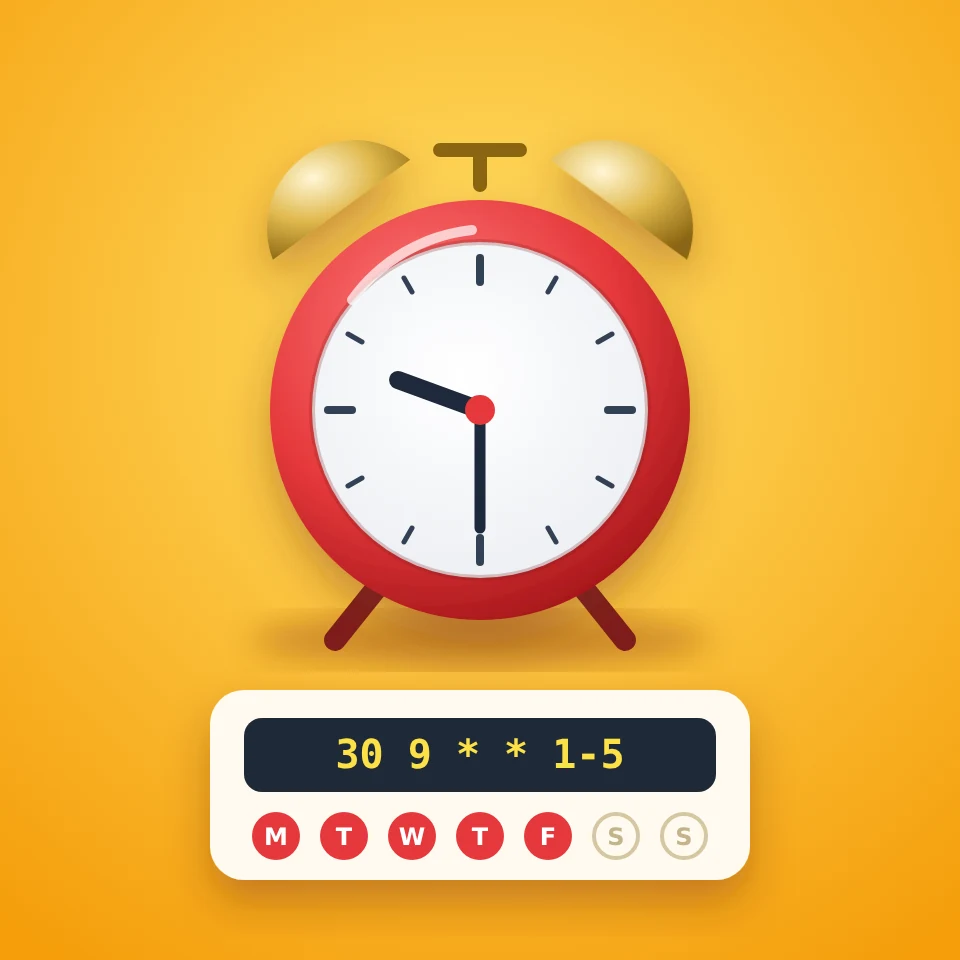
Where cron comes from
Cron first appeared in Version 7 Unix in 1979: a daemon that wakes up every minute, reads a table of jobs and starts those whose time has come. Paul Vixie's rewrite of 1987, Vixie cron, is the ancestor of the cron in most Linux distributions today, and its crontab format is the one other tools copied: GitHub Actions, GitLab CI, Kubernetes CronJobs, cloud schedulers and countless libraries all read some version of it. Each line of a crontab is a schedule of five fields followed by the command to run.
The five fields
The fields are, in order, minute (0–59), hour (0–23), day of the month (1–31), month (1–12) and day of the week (0–7, with 0 and 7 both Sunday). Months and weekdays can also be written as three-letter English names, JAN to DEC and SUN to SAT. A job runs in every minute in which all the fields match: 15 14 1 * * runs at 14:15 on the first of each month, and * * * * * runs every minute.
Lists, ranges and steps
Each field can hold more than one value. An asterisk stands for every value, a comma joins a list (0,30), a hyphen a range (9-17), and a slash adds a step to an asterisk or a range: */10 in the minute field is every tenth minute from 0, and 9-17/2 in the hour field is 9, 11, 13, 15 and 17. A step counts from the start of the range and does not carry over: */7 minutes gives 0, 7 … 56 and then 0 again, a gap of four minutes, because each hour starts afresh.
The day-of-month and day-of-week rule
The two day fields are the one place where cron is not a simple AND. If either of them starts with an asterisk, a day has to match both, so 0 9 * * 1 runs on Mondays and 0 9 1 * * on the first. But if both are restricted, a day runs when it matches either one: 0 9 1 * 1 runs on the first of the month and on every Monday. This surprises many people who wanted the first Monday of the month; that needs a check in the command, such as a test that the day of the month is 7 or less, or a scheduler with the # extension.
Time zones, daylight saving and extensions
Cron reads the clock of the machine it runs on, so the same expression fires at different moments in Amsterdam and on a server in UTC; many hosted schedulers let you set a zone with CRON_TZ or a setting of their own. When clocks spring forward, a time in the skipped hour does not exist, and when they fall back an hour happens twice; implementations differ, so jobs that matter are best scheduled outside 01:00–03:00. Other schedulers extend the syntax: Quartz and Spring add a seconds field in front and L, W and # for the last day, the nearest weekday and the nth weekday, and many accept shortcuts such as @daily for 0 0 * * *.
Frequently asked questions
Why did my cron job not run?
The most common reasons are a wrong time zone (the server runs in UTC), the day-of-month and day-of-week rule giving other days than expected, a command that works in your shell but not in cron's minimal environment (no PATH, no profile), and a missing newline at the end of the crontab. Check the next run times first, then the cron log, often in /var/log/syslog or journalctl -u cron.
How do I run a job every 90 minutes?
Not with one expression, because a step cannot cross the hour: */90 is not allowed in the minute field. Use two lines, 0 0-21/3 * * * and 30 1-22/3 * * *, which together run at 00:00, 01:30, 03:00 and so on, or let a script that runs every 30 minutes decide whether it is time.
What is the difference between cron and crontab?
Cron is the daemon that runs the jobs; crontab is both the file that lists them and the command that edits it (crontab -e). Each user has a crontab, and system crontabs such as /etc/crontab have an extra field after the five time fields: the user to run the command as.
Related tools
Cron expression builder
A free cron expression builder: pick minutes, hours, days and months or paste an expression, read it in plain words, check each field and see the next 10 run times in your time zone.
Unix timestamp converter
A free Unix timestamp converter: turn epoch time in seconds, milliseconds, microseconds or nanoseconds into a date in UTC, your local time or any time zone, and dates back into timestamps, with a live clock.
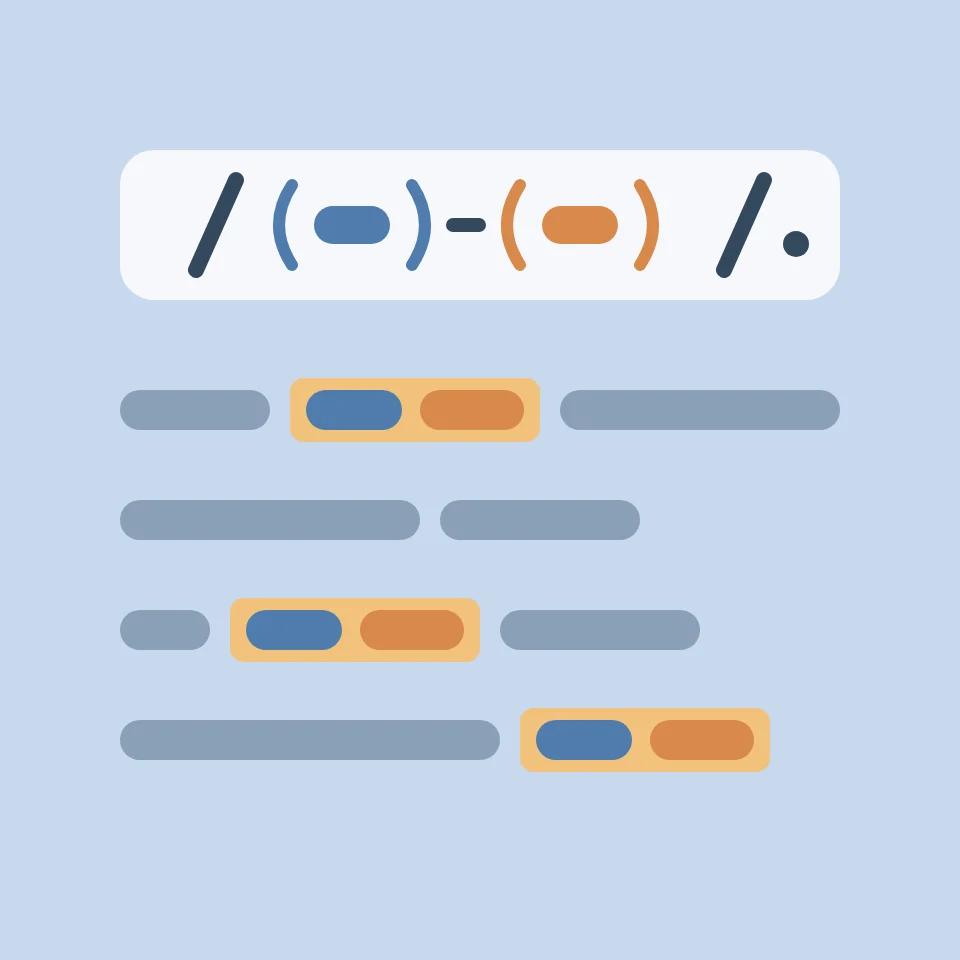
Regex tester
A free online regex tester: see every match and capture group as you type, try a replacement with $1 or $<name>, split text, and read your pattern explained piece by piece, with JavaScript flags and examples.
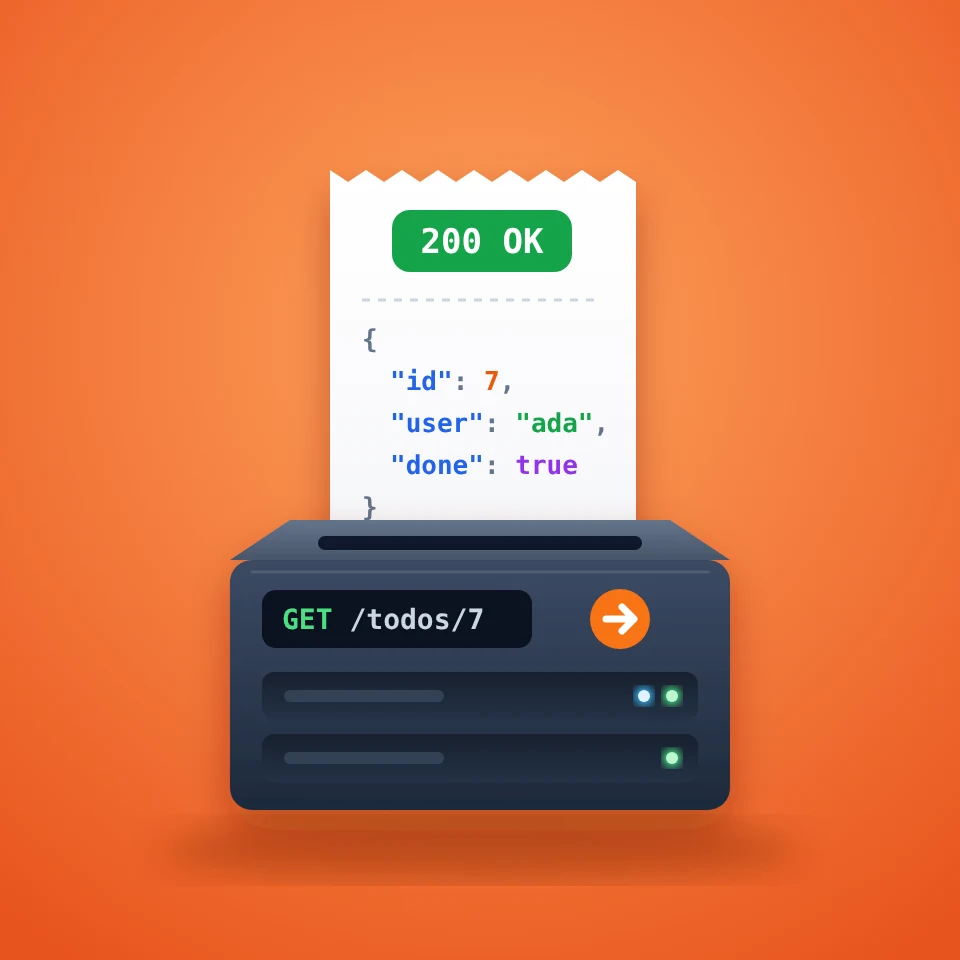
API Tester
A free online API tester: send GET, POST, PUT, PATCH and DELETE requests from your browser with query parameters, headers, a JSON body and auth, then read the status, time, headers and formatted response.

Code Snippet Manager
A free code snippet manager in your browser: save snippets with a title, language and tags, search and filter them, read them with syntax highlighting, copy them in one click, and export or import the library as JSON.
Ready to try it?
Open PictorX in your browser — no install, no credit card required to start.
Open the Cron Expression Builder