
How to manage code snippets
A code snippet is a small, reusable piece of code: a query, a function, a command or a block of configuration that you need again and again. Kept in a library with clear titles and tags, snippets save time, prevent mistakes and keep the solutions you trust within reach. Here is how to build such a library and get the most out of it.
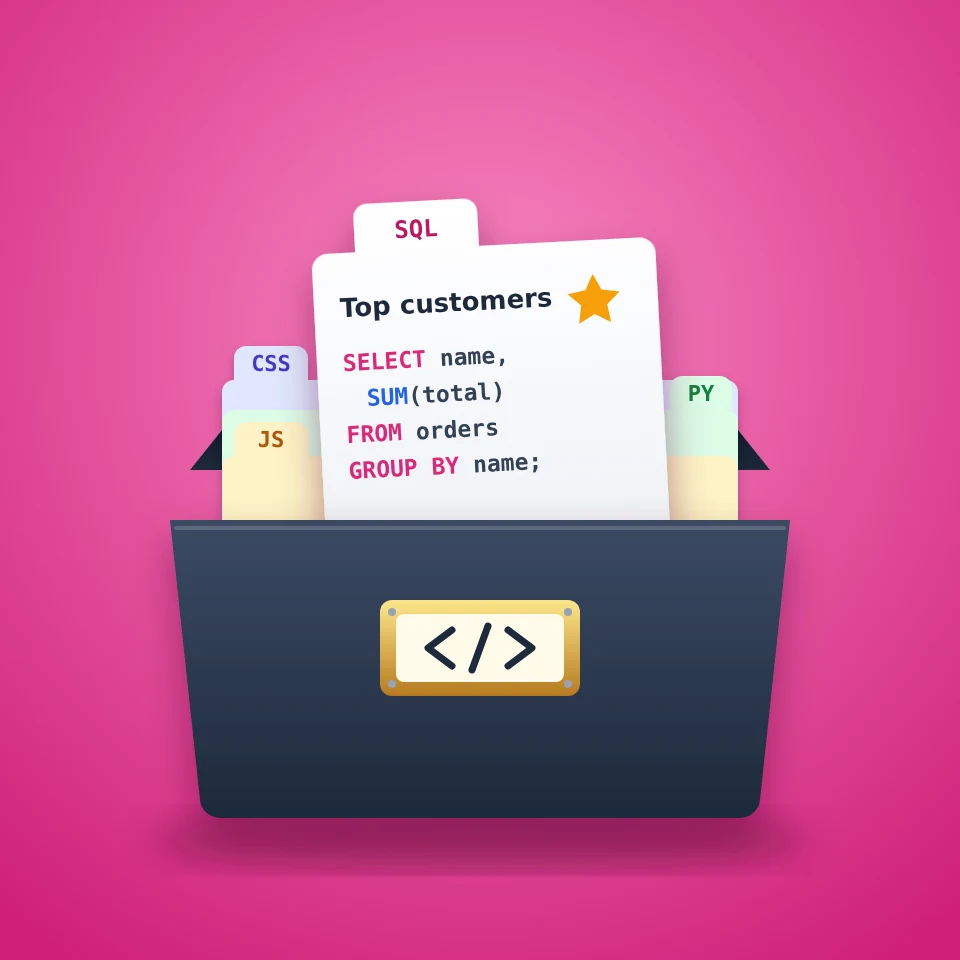
What counts as a snippet
A snippet is code that is too small for a library or a package but too useful to type again: a function such as debounce, a regular expression that checks a postcode, the SQL for a monthly report, a shell one-liner that finds large files, a block of CI or Docker configuration, or the starting code of a new component. Good snippets are short, do one thing and work on their own, and the values you have to change are easy to spot.
Titles and tags you can find again
Name a snippet after what it does, not after where you used it: "Retry with exponential backoff" is easier to find than "helper from project X". Tags add the other ways you will look for it: the task (dates, http, files), the tool (git, docker, postgres) or the project. A few consistent tags work better than many one-off ones, and lower-case tags avoid near-duplicates such as Git and git. Search then combines everything: each word you type has to appear in the title, the tags, the language or the code.
How syntax highlighting works
A highlighter reads the code from left to right and cuts it into tokens: comments, strings, numbers, keywords, names and punctuation. Simple rules decide each one, such as "from // to the end of the line is a comment" or "a word followed by ( is a function call". Every kind of token gets its own colour, so the structure of the code stands out at a glance. This is far simpler than the parser of a compiler: the highlighter does not understand the program, so unusual code can fool it, but it is fast and good enough for reading.
Snippets, gists and editor templates
Code editors have snippets of their own: short templates with placeholders that expand as you type, ideal for boilerplate you write every day. Gists and paste sites make a snippet shareable by link, but they put it on someone else's server. A snippet library in the browser sits in between: searchable, tagged and private, for the solutions you collect over the years rather than the templates you type every hour.
Keeping your library safe
Never keep passwords, API keys or tokens in a snippet: replace them with placeholders such as YOUR_API_KEY. Note where code came from and check its licence before you use it at work. And make backups: a library in browser storage is gone when the browser's site data is cleared, so export it to JSON now and then and keep the file with your other backups or in version control.
Frequently asked questions
What is the difference between a snippet and a library?
A library is a tested, versioned package that you install and update; a snippet is a few lines that you copy into your own code and then maintain yourself. Use a library when the code is large or has to stay up to date, such as date handling or cryptography, and a snippet when the code is small and you want to adapt it.
Is it safe to copy code snippets from the internet?
Read and understand them first. Code from forums can be outdated, insecure or wrong for your case, and it comes with a licence: contributions to Stack Overflow, for example, are licensed under Creative Commons BY-SA. Keep the link to the source in the snippet so that you can check it later.
Why export snippets as JSON?
JSON is plain text that every programming language can read, so the file is easy to back up, to keep in a Git repository, to move to another browser or to convert for another tool. Each snippet keeps its id, title, language, tags, code and dates.
Related tools
Code Snippet Manager
A free code snippet manager in your browser: save snippets with a title, language and tags, search and filter them, read them with syntax highlighting, copy them in one click, and export or import the library as JSON.

Regex tester
A free online regex tester: see every match and capture group as you type, try a replacement with $1 or $<name>, split text, and read your pattern explained piece by piece, with JavaScript flags and examples.

JSON formatter
A free JSON formatter and validator: beautify or minify JSON, find the exact line and column of an error, sort keys, browse a collapsible tree, copy paths and convert arrays to CSV, all in your browser.
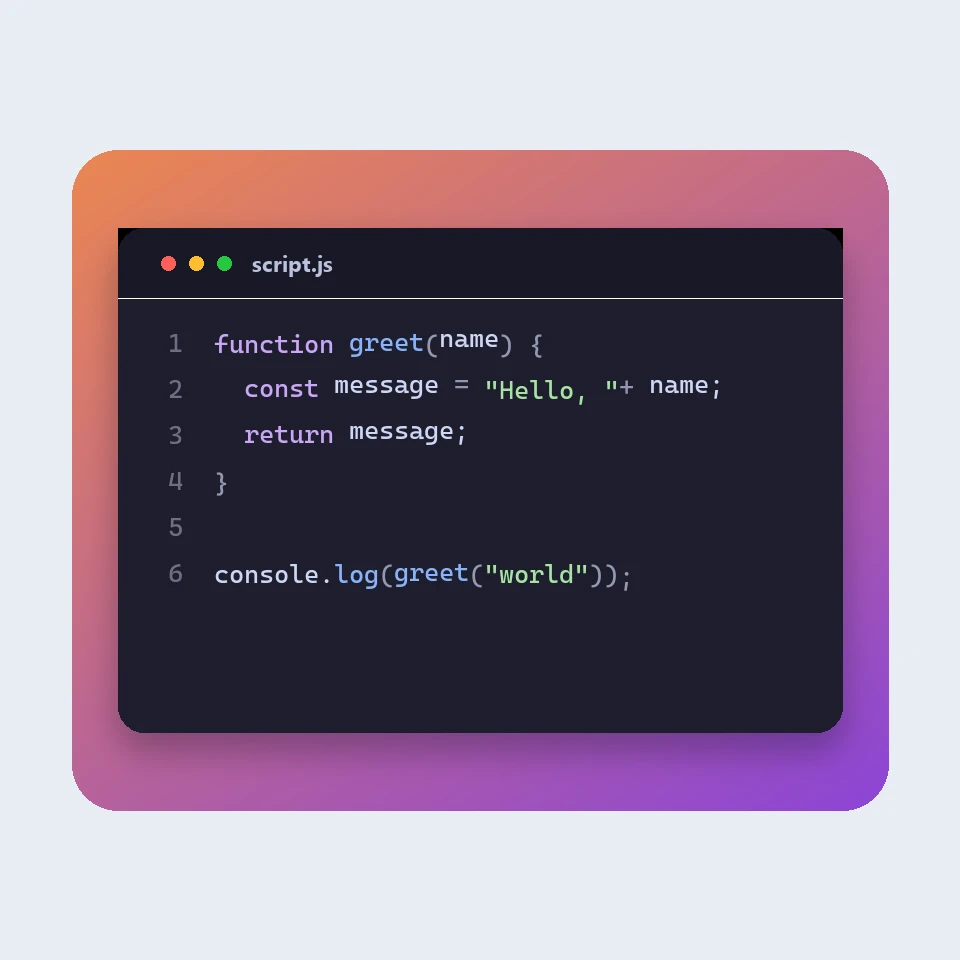
Code to Image
Turn a code snippet into a picture with a language theme, a window frame and a backdrop, then save a PNG for a slide or a post.
Ready to try it?
Open PictorX in your browser — no install, no credit card required to start.
Open the Code Snippet Manager