
How HTTP API requests work
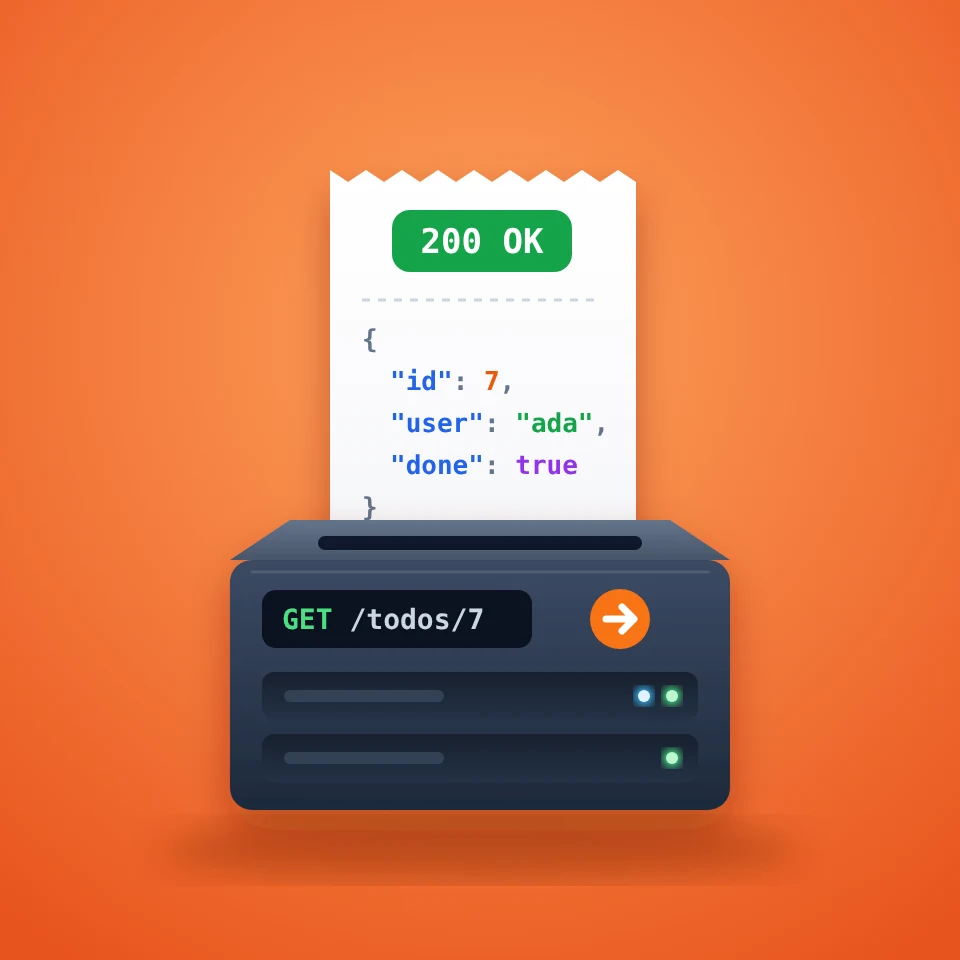
Almost every app talks to a server through an API: it sends an HTTP request and reads the response. A request is plain text with a method, a URL, headers and sometimes a body, and the response comes back with a status code, headers and a body of its own, usually JSON. Here is what each part means, how authentication works and why a browser sometimes refuses to show a response that a terminal would print.
Methods: what the request wants
The method says what the client wants to do with the resource the URL names. GET reads it and POST creates something new or starts an action. PUT replaces a resource as a whole, PATCH changes part of it and DELETE removes it. HEAD is a GET without the body, handy to check whether a file exists or how large it is, and OPTIONS asks which methods are allowed. GET, HEAD, PUT and DELETE are idempotent: sending them twice has the same effect as once, which is why a client may safely retry them. POST is not, so sending an order twice can place two orders.
The URL and the query string
A URL such as https://api.example.com/v1/users?page=2&sort=name has a scheme (https), a host (api.example.com), a path (/v1/users) and, after the question mark, a query string of key=value pairs joined by &. The path usually names the resource and the query filters, sorts or pages it. Characters with a meaning of their own, such as a space, & or =, are percent-encoded inside a value: a space becomes %20 or +, and & becomes %26. The API Tester keeps the query rows and the URL in sync and encodes the values for you.
Headers and the body
Headers are name: value lines that describe the request. Accept says which formats the client can read, Content-Type says what the body is, Authorization carries the credentials, and APIs often add their own, such as X-Api-Key. POST, PUT and PATCH usually carry a body. A JSON body is sent with Content-Type: application/json, an HTML form with application/x-www-form-urlencoded, in which the fields look like a query string: name=Ada&lang=en. GET and HEAD requests have no body; their data goes in the URL.
Status codes
Every response starts with a three-digit status code. 2xx means success: 200 OK, 201 Created after a POST, 204 No Content when there is nothing to return. 3xx is a redirect to another URL, such as 301 Moved Permanently or 304 Not Modified, which tells the client to use its cached copy. 4xx means the request was wrong: 400 Bad Request, 401 Unauthorized when credentials are missing or invalid, 403 Forbidden when they are valid but not enough, 404 Not Found and 429 Too Many Requests when a rate limit is hit. 5xx means the server failed: 500 Internal Server Error, 502 Bad Gateway and 503 Service Unavailable.
Authentication: Basic and Bearer
Basic authentication sends Authorization: Basic followed by the user name and password joined by a colon and encoded in Base64, so user:secret becomes dXNlcjpzZWNyZXQ=. Base64 is not encryption, so Basic authentication is only safe over https. A bearer token, sent as Authorization: Bearer followed by the token, is a key the server issued earlier, often a JWT or an API key, and whoever holds it gets access. Keep tokens out of shared screenshots and copied commands.
CORS: why the browser blocks some responses
Browsers apply the same-origin policy: a page from one origin (scheme, host and port) may send requests to another, but may only read the response when that server allows it with an Access-Control-Allow-Origin header, as Cross-Origin Resource Sharing (CORS) defines. For requests with a JSON body, a custom header or a method other than GET, HEAD and POST, the browser first sends a preflight OPTIONS request and only sends the real one when the server agrees. A server without these headers still receives simple requests, but the page gets only a network error. Tools such as cURL and code running on a server are not browsers and do not apply CORS, so the same request works there.
Frequently asked questions
What is the difference between PUT and PATCH?
PUT sends the whole resource and replaces what is stored: a field you leave out is removed or reset. PATCH sends only the fields to change. To rename a user, PATCH with {"name": "Ada"} is enough, while PUT has to send the complete user.
Is 401 the same as 403?
No. 401 Unauthorized means the server does not know who you are: the credentials are missing, expired or wrong, so logging in or sending a valid token can help. 403 Forbidden means it knows who you are, but you are not allowed to do this, and other credentials of the same user will not change that.
Why does an API work in cURL but not in the browser?
Because of CORS. The browser protects you from pages that read data from other sites with your cookies, so it only hands a cross-origin response to a page when the server allows it. cURL is not a browser, sends no Origin header and shows every response. If you control the server, add the CORS headers; otherwise call the API from a server or a terminal.
What does a response time in milliseconds include?
In the API Tester it is the time from sending the request until the whole body has arrived: looking up the host name, opening the connection and TLS handshake (only for the first request to a host), the time the server takes to answer, and the transfer of the body. A second request to the same host is often faster because the connection is reused.
Related tools
API Tester
A free online API tester: send GET, POST, PUT, PATCH and DELETE requests from your browser with query parameters, headers, a JSON body and auth, then read the status, time, headers and formatted response.

JSON formatter
A free JSON formatter and validator: beautify or minify JSON, find the exact line and column of an error, sort keys, browse a collapsible tree, copy paths and convert arrays to CSV, all in your browser.
Regex tester
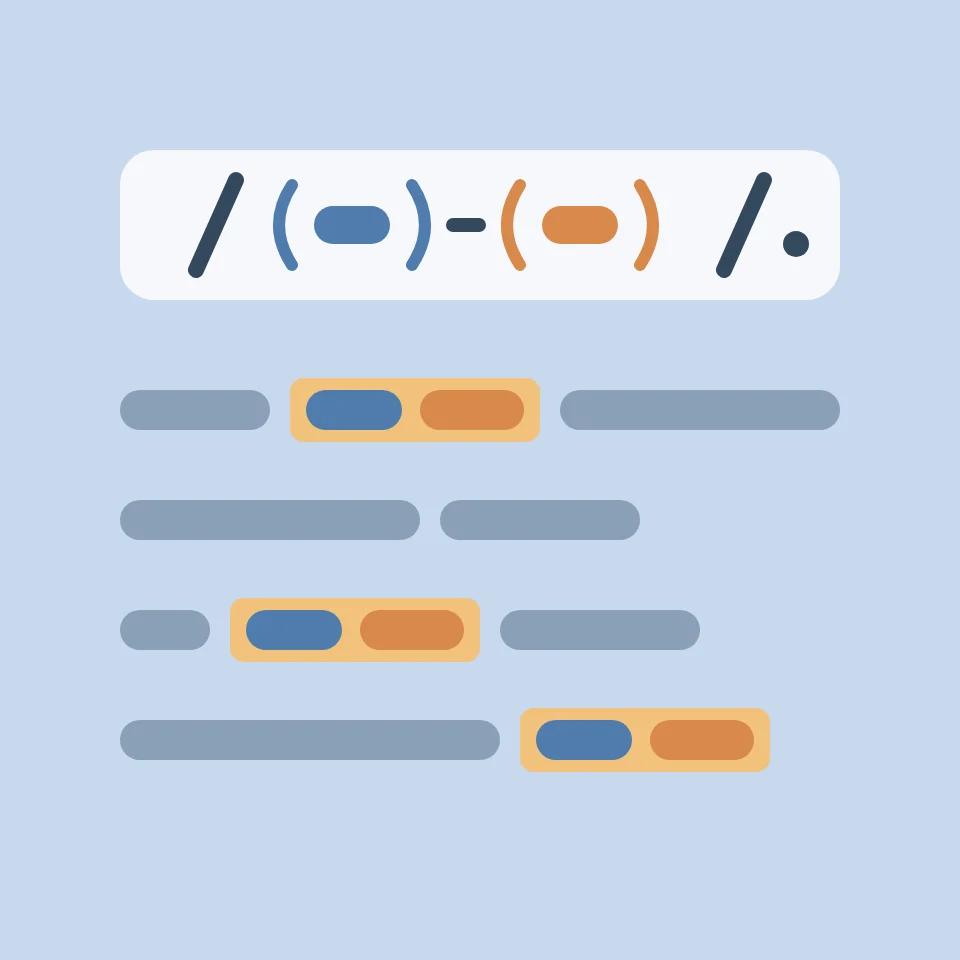
A free online regex tester: see every match and capture group as you type, try a replacement with $1 or $<name>, split text, and read your pattern explained piece by piece, with JavaScript flags and examples.
Network packet visualizer
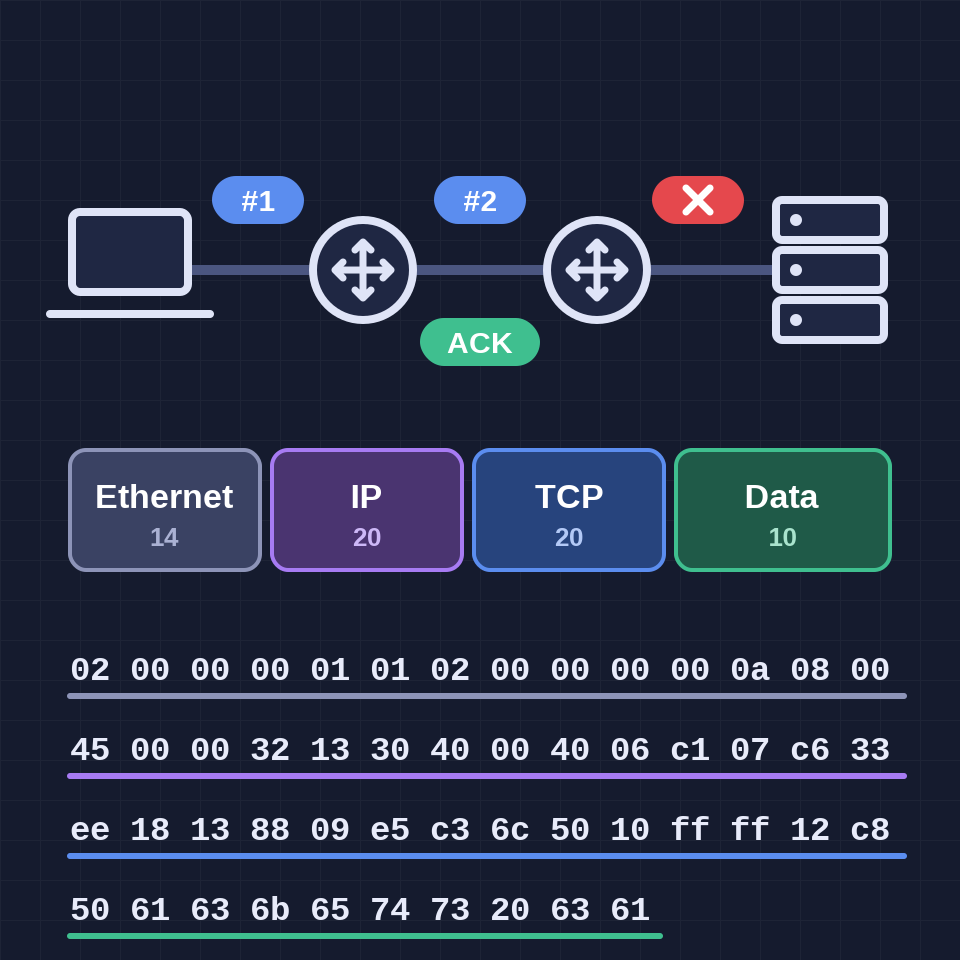
Watch a message travel as packets from a client through routers to a server. See the TCP three-way handshake, acknowledgments, lost packets and retransmissions, compare TCP with UDP, and open every packet down to the bytes of its Ethernet, IP and TCP headers.
Ready to try it?
Open PictorX in your browser — no install, no credit card required to start.
Open the API Tester