
- Handshake
- Data
- Acknowledgment
- Sent again
- Close
- Lost
| No. | Time (ms) | Source | Destination | Protocol | Length | Info |
|---|
Network packet visualizer
Everything you send over the Internet, a web page, a message, a video call, is cut into small pieces called packets. Each piece gets a stack of headers that say where it comes from, where it goes and which part of the message it is, and then makes its own way from router to router. Some packets get lost on the way. This visualizer lets you send a message of your own and watch all of it happen: the handshake that opens a TCP connection, the segments and their acknowledgments, the packets that disappear and are sent again, and every byte of every header. Type a message and press Play. The client cuts it into segments, wraps each one in TCP or UDP, IPv4 and Ethernet headers, and sends the packets through the routers to the server. With TCP you see the three-way handshake, the acknowledgments, lost packets being sent again and the connection closing; with UDP a lost packet stays lost. Click a packet in the drawing or in the list to see its headers and bytes, point at a field to find its bytes, and pick a link to see what each router changed. Step moves to the next event, Replay repeats the same run and New run loses other packets.
How it works
- Type a message, choose TCP or UDP, and set the segment size, the number of routers and the packet loss.
- Press Play, or Step from event to event, and watch the handshake, the data segments, the acknowledgments and the lost packets being sent again.
- Click a packet to open its Ethernet, IPv4 and TCP or UDP headers, point at a field to find its bytes, and pick a link to see what each router changed.
A message in pieces
A network does not carry messages, it carries packets. The sender cuts the message into segments and wraps each one three times: a TCP or UDP header with the port numbers and, for TCP, the sequence number that says where the piece belongs; an IP header with the addresses of the two computers; and an Ethernet header with the hardware addresses of the two ends of the cable it is on right now. With a segment size of 10 bytes, the 37 bytes of the example message need four packets, and each of them carries 54 bytes of headers: for small packets the wrapping weighs far more than the content.
TCP repairs what the network loses
IP only promises to try: a router that is too busy simply drops a packet. TCP builds a reliable connection on top of that. It opens with a three-way handshake (SYN, SYN-ACK, ACK), numbers every byte, and has the receiver acknowledge what arrived. If an acknowledgment does not come before a timer runs out, or three acknowledgments in a row ask for the same missing byte, the sender sends the segment again. UDP does none of this: it sends each datagram once and hopes. Raise the packet loss and compare the two: TCP delivers every byte and takes longer, UDP is done at once and leaves holes.
Frequently asked questions
What is a packet?
A small block of data with headers in front of it that tell the network what to do with it. A message is cut into packets, each travels on its own, and the receiver puts them back together. On most networks a packet holds at most 1,500 bytes; the visualizer uses much smaller ones so that a short message needs several.
What is the TCP three-way handshake?
The three packets that open a TCP connection. The client sends SYN with its starting sequence number, the server answers SYN-ACK with its own number and an acknowledgment of the client's, and the client acknowledges that with ACK. After that both sides know that the other can send and receive, and which numbers the bytes will carry.
What is the difference between TCP and UDP?
TCP sets up a connection, numbers the bytes, acknowledges them, sends lost ones again and delivers them in order: web pages, mail and file transfers use it. UDP just sends single datagrams with an 8-byte header, with no handshake and no repair: it suits video calls, games and DNS lookups, where a late packet is worth no more than a lost one.
Why do the MAC addresses and the time to live change at every router?
The IP addresses name the two ends of the whole journey and stay the same. The MAC addresses name the two ends of one link, so every router writes a new Ethernet header for the next link. It also lowers the time to live by one, so that a packet caught in a loop dies when the count reaches zero, and because the IP header changed it recomputes the header checksum. Pick another link under the selected packet to see all three change.
How does the sender notice that a packet was lost?
By what does not come back. Every segment must be acknowledged; when the sender's timer runs out first, the oldest unacknowledged segment is sent again. There is a faster signal too: the receiver answers every segment with the number of the next byte it still needs, so segments that arrive after a gap all produce the same acknowledgment. Three such duplicates tell the sender which segment is missing, and it sends it again at once: a fast retransmission.
Related tools
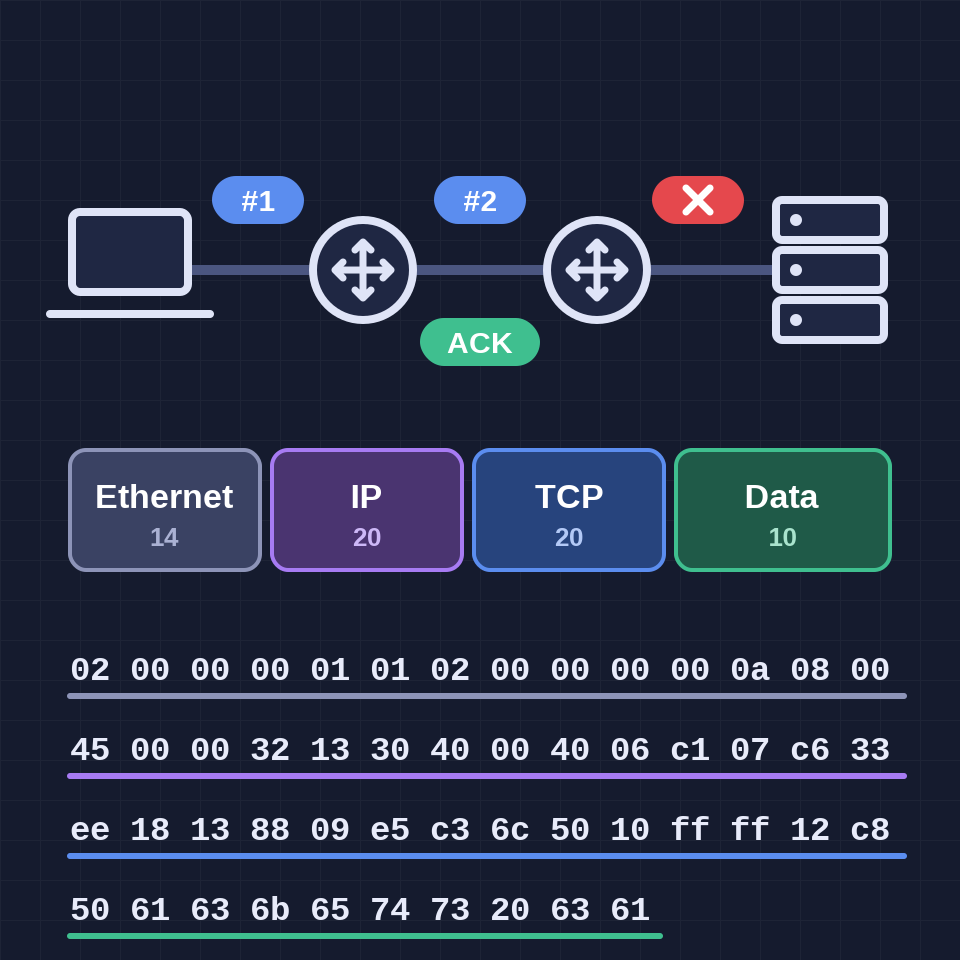
How network packets work
How a message crosses the Internet: packets and their Ethernet, IP and TCP headers, routers and the time to live, the three-way handshake, sequence numbers and acknowledgments, packet loss and retransmission, and how UDP differs from TCP.
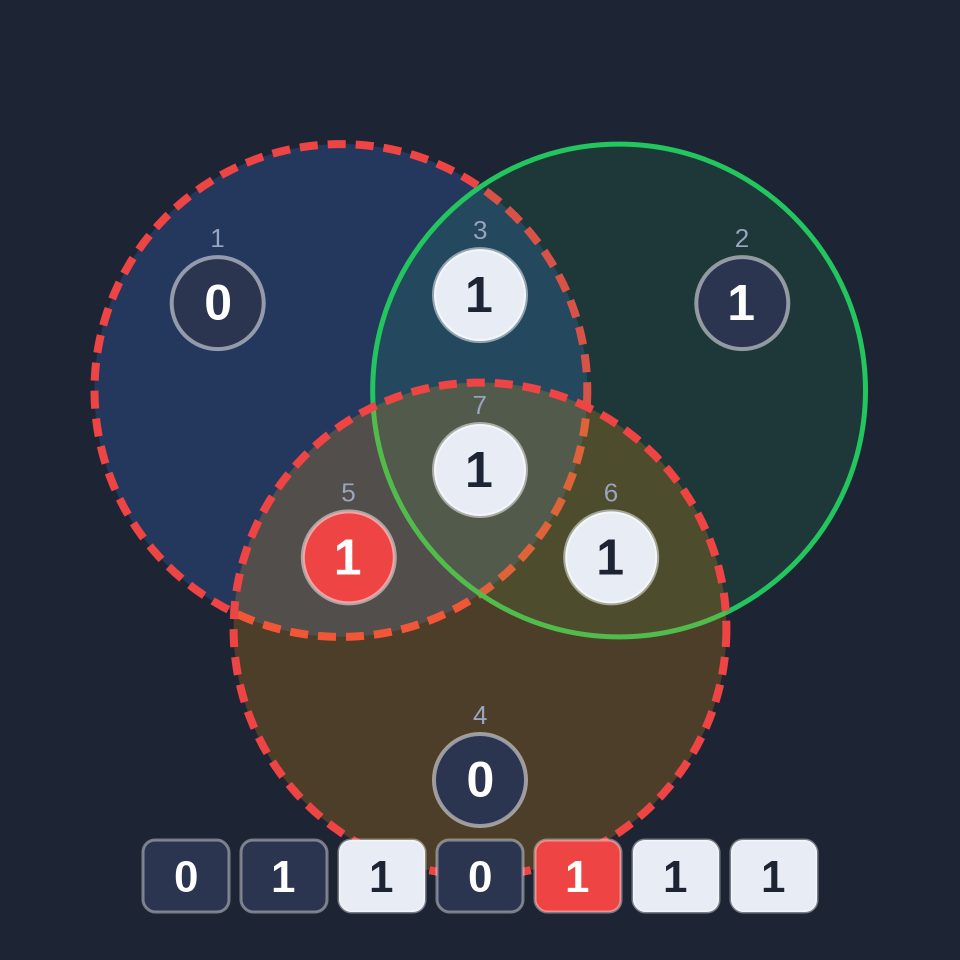
Error-correcting code simulator
Flip bits in a Hamming (7,4) codeword and watch three parity circles find and fix the error. Detect double errors with an extra parity bit, and send text through a noisy channel with and without the code.
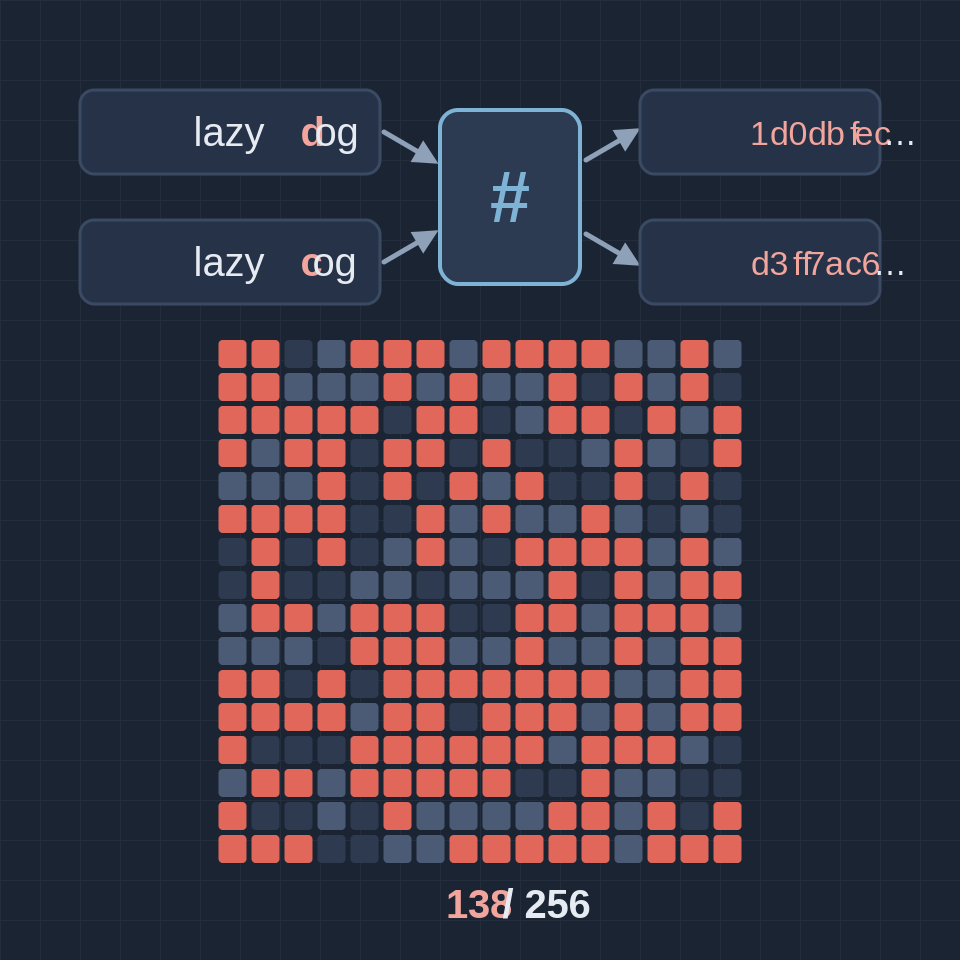
Hash function playground
Hash any text with SHA-256, SHA-512, SHA-1, MD5 and CRC-32, change one character and watch half the digest bits flip, test the avalanche effect, and find collisions on short digests with the birthday attack.
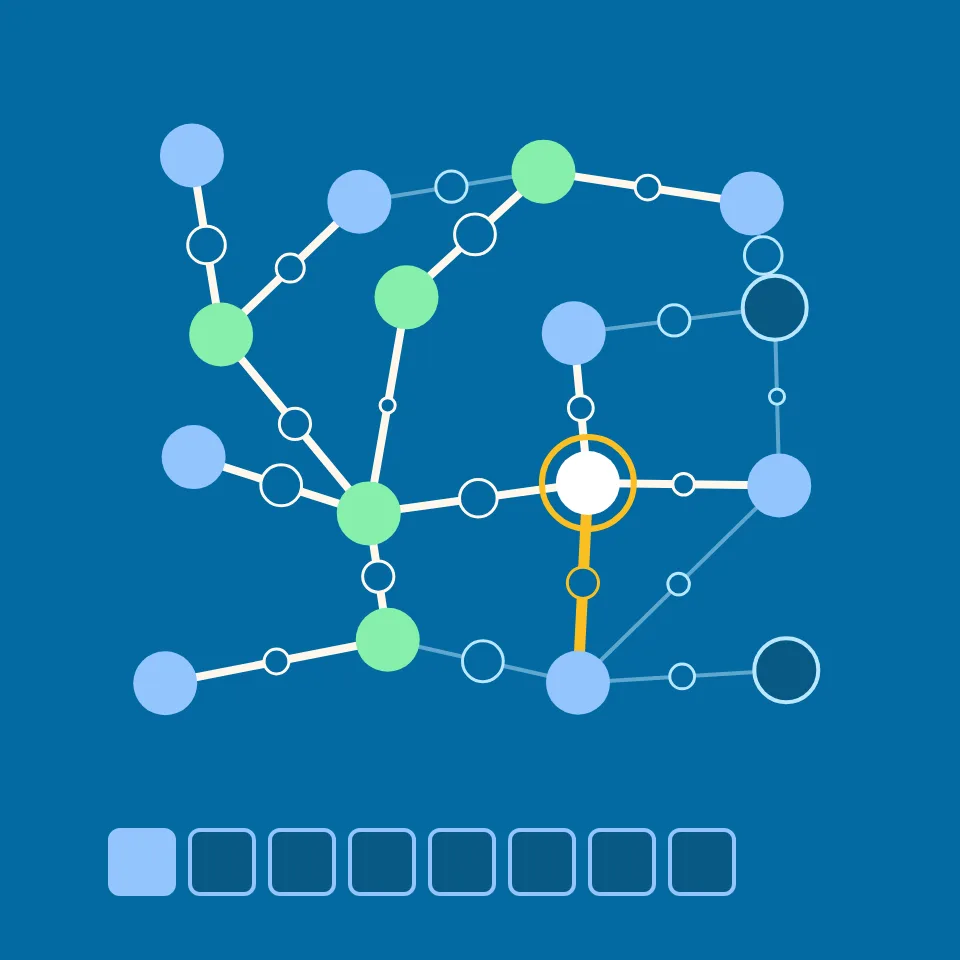
Dijkstra's algorithm
Watch Dijkstra's algorithm find shortest paths on a weighted graph. Pick a start and a goal, see the priority queue, and watch each distance drop until it is final.
Diffie-Hellman key exchange
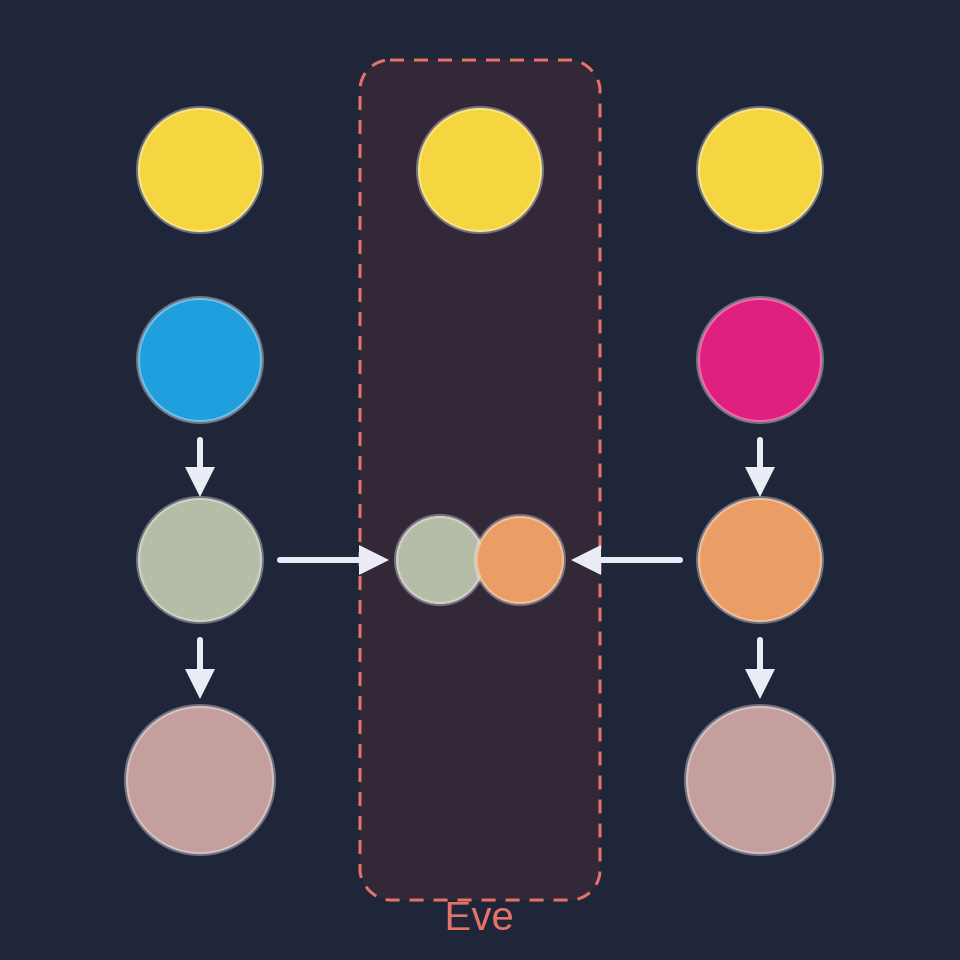
See how two people agree on a secret key in public: the Diffie-Hellman exchange step by step, as paint mixing and as gᵃ mod p, with Eve trying every exponent to break it.
Dining philosophers simulator
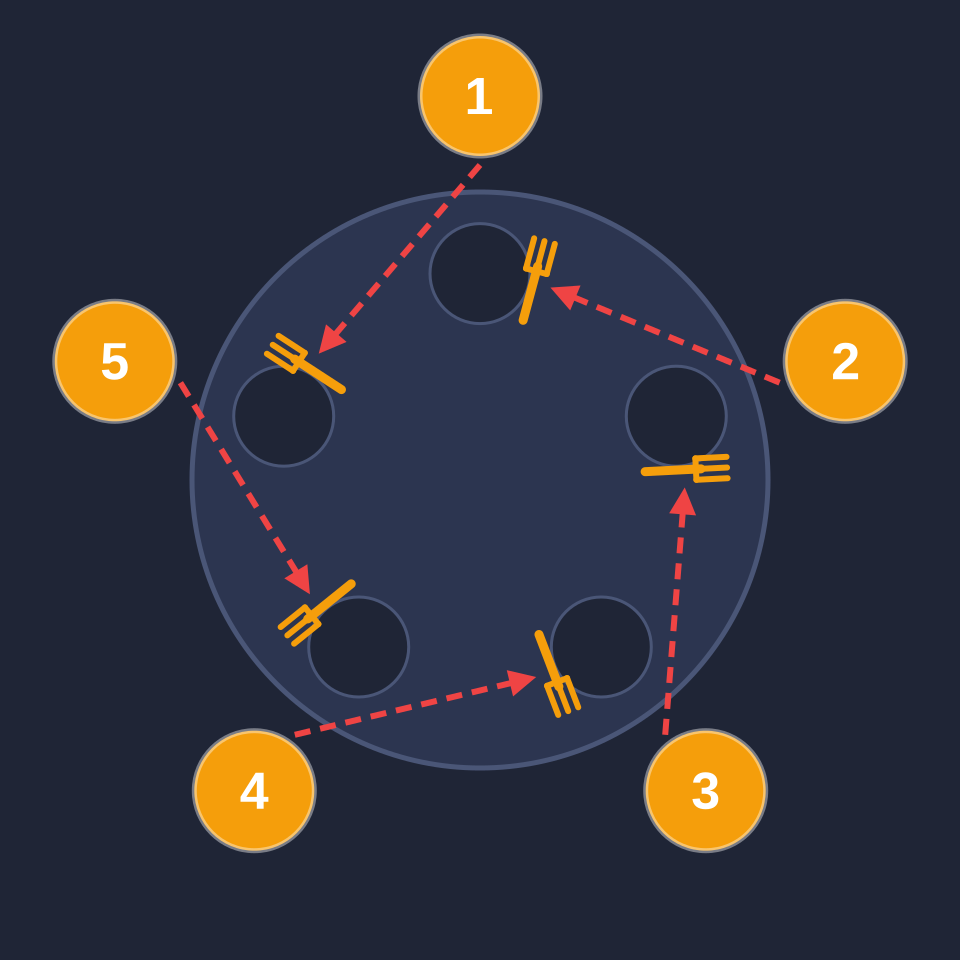
Watch philosophers round a table share forks, freeze in a deadlock and starve in a livelock. Compare left fork first, ordered forks, a waiter and putting a fork back, with a timeline of every philosopher.
Ready to try it?
Open PictorX in your browser — no install, no credit card required to start.
Go to Editor