
Add a city to start.
World clock
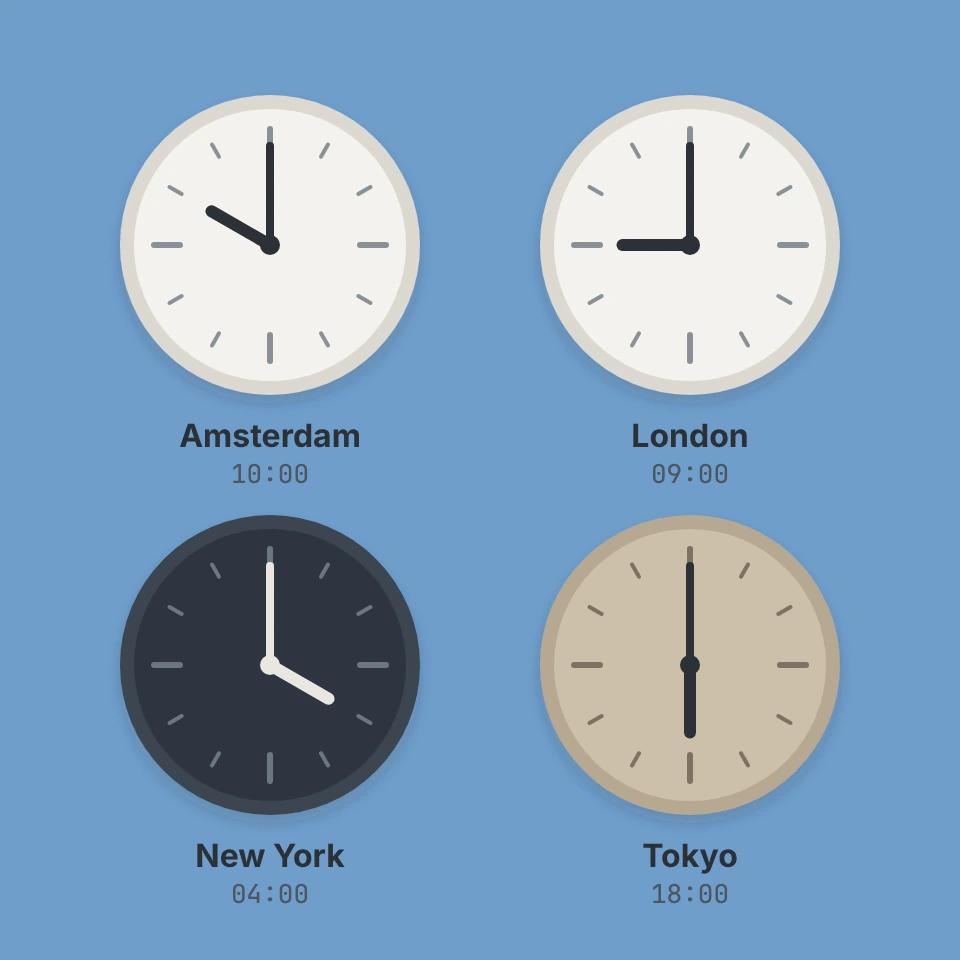
Keep the time of every city you work with in one view. Add cities from the full IANA time zone list, see analog and digital clocks with the UTC offset, day or night and daylight saving time, and use the meeting planner to find an hour that falls inside working hours everywhere. Add cities by searching any IANA time zone, reorder them with the arrows and rename them by clicking the name. Each city shows an analog and a digital clock, the UTC offset, day or night and daylight saving time. The meeting planner slider picks a time in the first city and shows the time everywhere, with working hours highlighted. Your cities and settings are saved in this browser.
How it works
- Search for a city or time zone and add it, then reorder the list so your own city comes first.
- Read the analog and digital clocks, the UTC offset, day or night and daylight saving time of each city.
- Drag the meeting planner slider to a time and check that it falls inside working hours in every city.
Always correct, also around daylight saving time
The clocks use the time zone rules built into your browser, the same IANA database that phones and servers use. When a city moves its clocks forward or back, the offset, the date and the meeting planner follow automatically, including zones with half hour and quarter hour offsets such as India and Nepal.
Plan meetings across time zones
The first city in the list is the reference. Pick a time today with the slider and every city shows its local time, the date and whether that moment is inside working hours. Hour strips mark working hours in green and the common working hours of all cities are listed below.
Frequently asked questions
Is the world clock free?
Yes. It is free, needs no account and works in any modern browser. Your cities and settings are stored only in this browser.
How does it handle daylight saving time?
Every time is calculated from the IANA time zone rules in your browser, so summer time starts and ends on the right day for each city. A badge shows whether a city is on daylight saving time or standard time.
Why does a city show tomorrow or yesterday?
Cities far to the east can already be on the next day, cities far to the west still on the previous day. The date next to each clock is compared with the reference city, the first one in the list.
Related tools
The story behind the world clock
How world time works: from local sun time and railway time to the prime meridian, UTC, odd offsets like UTC+5:45, daylight saving time and the IANA time zone database.
Date calculator
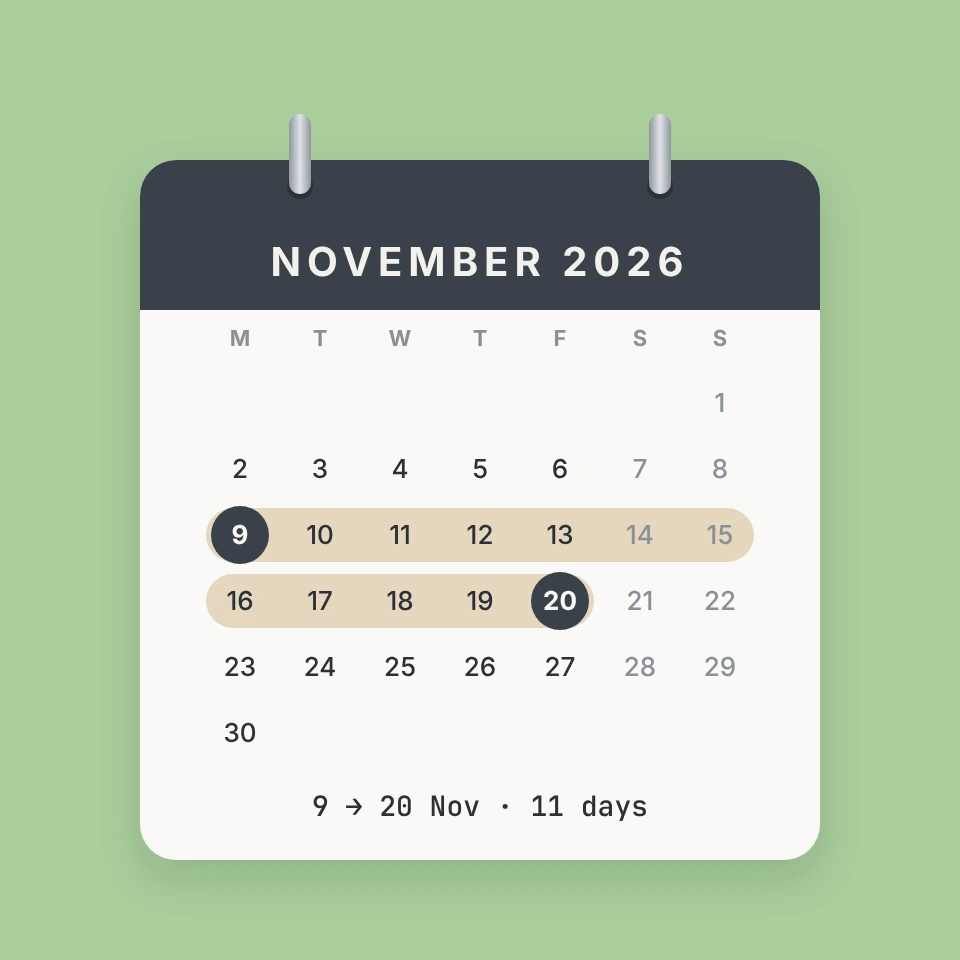
A free date calculator: count the days between two dates, add or subtract months and days, count working days with public holidays, find an exact age and look up the ISO week number.

Meeting cost calculator
A free meeting cost calculator: add roles with hourly rates or salaries, start the live ticker and see what the meeting costs per minute. Log past meetings and copy a summary.

Pomodoro timer
A free Pomodoro timer: 25 minutes of focus, 5-minute breaks and a long break after four sessions, with a progress ring, sound signals, notifications and daily stats.

To-do list
A free, minimalist to-do list: add tasks with Enter, tick them off, filter by status, tag and priority, sort by due date and keep several lists, all stored in your browser.
Ready to try it?
Open PictorX in your browser — no install, no credit card required to start.
Go to Editor