
Cost so far
Meeting log
Attendees
Meeting cost calculator
See what a meeting really costs while it runs. Add the roles in the room with their number of people and an hourly rate or annual salary, pick a currency and an optional overhead for benefits and taxes, then press Start. The counter shows the cost so far, the cost per minute and per second and the elapsed time. Add the roles in the meeting with their number of people and an hourly rate or annual salary, then press Start. The cost runs live from the clock, so it stays right even in a background tab, and everything is saved in this browser.
How it works
- Add each role with its number of people and an hourly rate or an annual salary, and choose your currency.
- Set the working hours per year, an optional overhead percentage and, if you like, a planned duration to see the estimated total.
- Press Start when the meeting begins, then save it to the log and copy the summary to share.
Accurate in any tab
The ticker is based on timestamps, not on counting ticks, so the cost stays exact when the tab is in the background or the computer was asleep. A running meeting even continues after a page reload.
Private and portable
Your roles, rates and meeting log are stored in this browser only. Save everything as JSON to back it up or move it to another device, or save the result as a PDF or image. Undo and redo cover every change to the setup.
Frequently asked questions
Is the meeting cost calculator free?
Yes. It is free, needs no account and works in any modern browser.
How is an annual salary turned into a cost per hour?
The salary is divided by the working hours per year you set, 1800 by default. The overhead percentage is then added on top for benefits, taxes and other employer costs.
Is my salary data sent anywhere?
No. All numbers stay in the local storage of this browser. Nothing is uploaded.
Related tools

The story behind the meeting cost calculator
Why meetings cost more than they seem: Benjamin Franklin's time is money, Parkinson's law of triviality, the 2017 HBR survey of senior managers and how to turn a salary into a cost per minute.

Eisenhower matrix
A free online Eisenhower matrix: sort tasks into Do first, Schedule, Delegate and Eliminate, drag them between quadrants, add due dates and notes. Saved in your browser.

Pomodoro timer
A free Pomodoro timer: 25 minutes of focus, 5-minute breaks and a long break after four sessions, with a progress ring, sound signals, notifications and daily stats.

To-do list
A free, minimalist to-do list: add tasks with Enter, tick them off, filter by status, tag and priority, sort by due date and keep several lists, all stored in your browser.
Currency converter
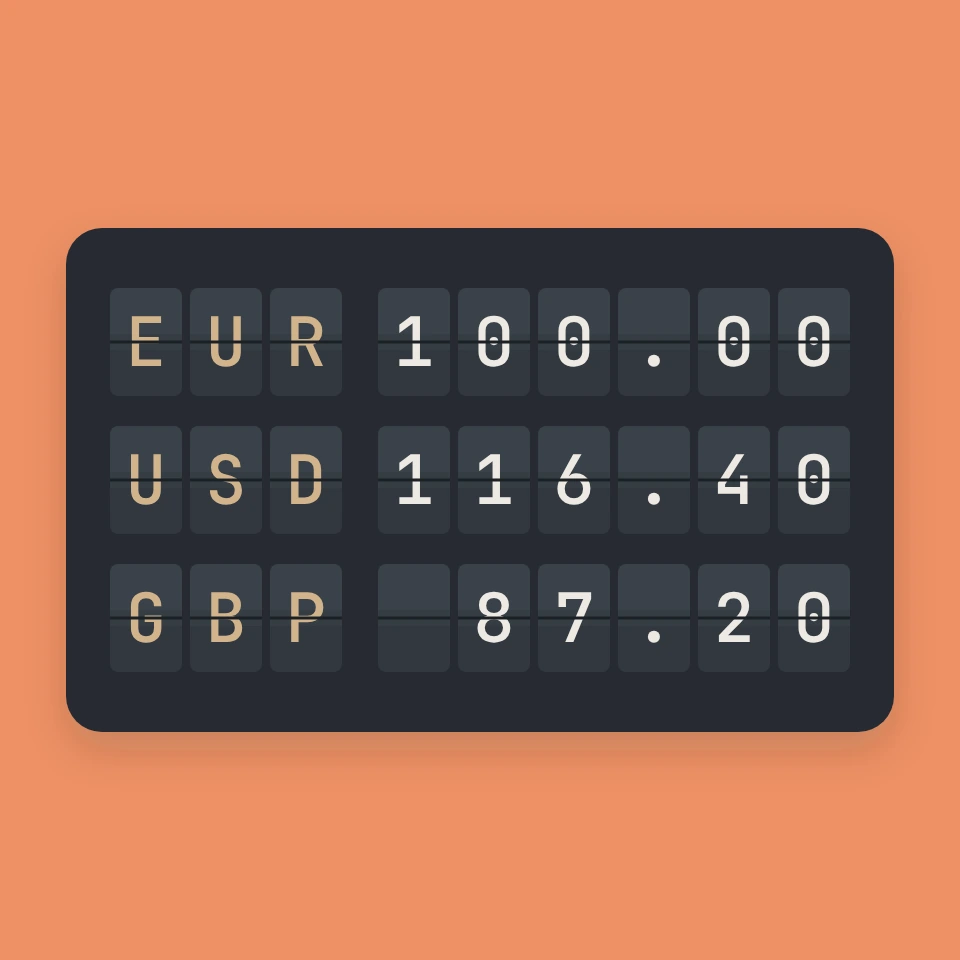
A free online currency converter with live exchange rates: convert euros, pounds, dollars, yen and more than 150 other currencies, with favourites and an offline fallback.
Ready to try it?
Open PictorX in your browser — no install, no credit card required to start.
Go to Editor