
Statistics
- Today
- Last 7 days
Pomodoro timer
Work in short, focused blocks. Start a 25-minute focus session, take a 5-minute break when the signal sounds, and enjoy a longer break after every four sessions. The timer keeps exact time even when the tab is in the background. Press Start or the space bar to begin a 25-minute focus session. A sound plays when the time is up, then a short break starts. After every four focus sessions you get a long break. Change the lengths, sound and notifications under Settings. Shortcuts: Space starts or pauses, R resets, N skips to the next phase.
How it works
- Optionally type the task you are working on, then press Start or the space bar.
- Work until the signal sounds, then take the short break the timer starts for you.
- After four focus sessions enjoy a long break. Your sessions and focus minutes are counted per day.
Sounds, notifications and the tab title
Each phase ends with a signal generated in your browser, so nothing is downloaded. Choose a bell, chime, beep, digital alarm or wood block, set the volume, mute it and test it. If you allow browser notifications, you also get a message when the tab is hidden; the permission is only requested when you tick the option. The remaining time is shown in the tab title so you can see it from any other tab.
Accurate timing, keyboard and privacy
The timer stores the moment a phase ends and compares it with the clock, so it does not drift when the browser slows down hidden tabs, and it even survives a reload. Space starts or pauses, R resets and N skips, and screen readers hear when a phase starts or ends. Settings, your current task and daily statistics stay in this browser only.
Frequently asked questions
Does the timer keep running in a background tab?
Yes. It counts down to a fixed end time rather than adding up ticks, so the time stays correct even when the browser slows hidden tabs. The signal may sound a moment late in some browsers, but the next phase always starts from the right time.
Why is there no sound?
Browsers only allow sound after you have interacted with the page, so press Start or Test sound once. Also check that Mute is off, the volume is up and the tab is not muted.
Where are my statistics stored?
In the local storage of this browser on this device, together with your settings. Nothing is sent to a server. Clearing site data or pressing Reset statistics removes them.
Related tools
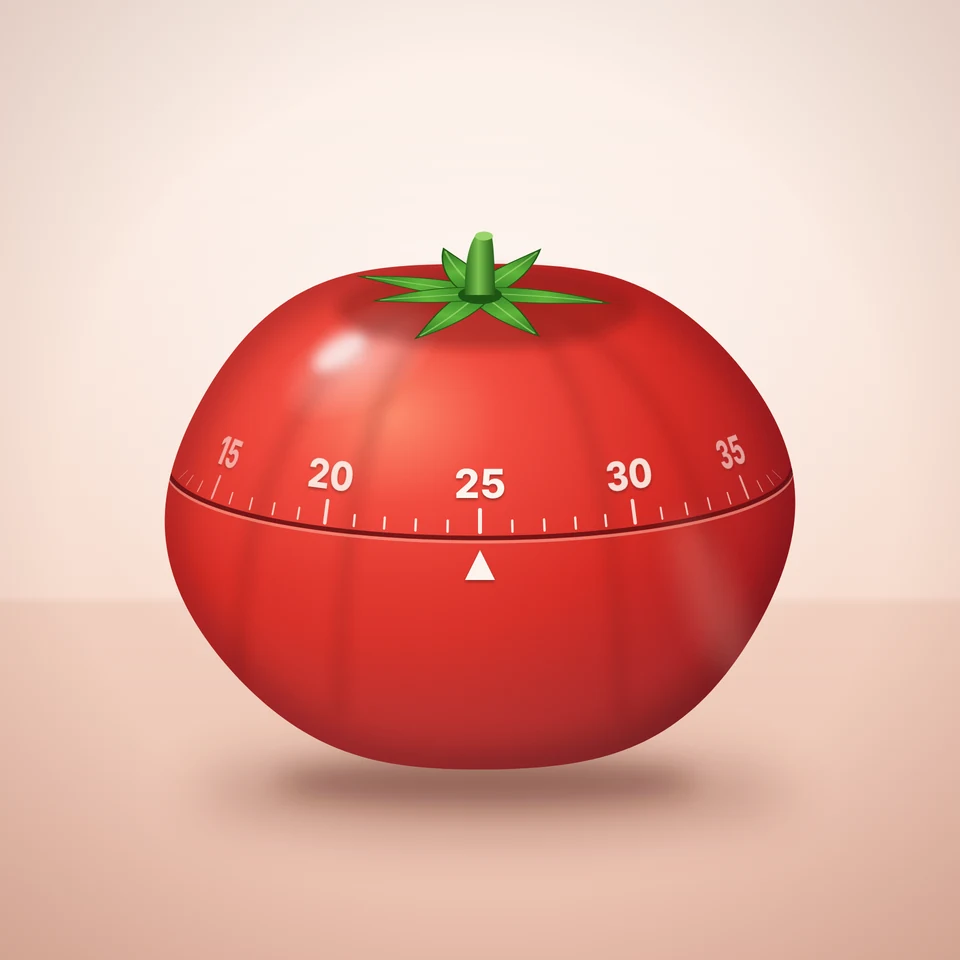
The Pomodoro Technique explained
The story of the Pomodoro Technique: how Francesco Cirillo used a tomato-shaped kitchen timer, the five simple steps, and why short focused blocks with breaks beat long stretches of willpower.

To-do list
A free, minimalist to-do list: add tasks with Enter, tick them off, filter by status, tag and priority, sort by due date and keep several lists, all stored in your browser.

Calculator
A free online calculator with a basic and a scientific mode: trigonometry, logarithms, powers, roots, factorials, memory and history, with the correct order of operations.
Hourly rate calculator
A free hourly rate calculator for freelancers and employees: hourly rate to estimated net monthly income, target income to required rate, and salary to hourly wage, with a breakdown chart.
Ready to try it?
Open PictorX in your browser — no install, no credit card required to start.
Go to Editor