
Word Search
Every game is a fresh grid with words hidden across, down, diagonally or even backwards. Drag across a word to mark it, beat your best time and pick a new theme whenever you like. Find the hidden words in the grid. Drag across a word, or use the arrow keys and press Enter on the first and last letter. Choose a theme, a grid size and the directions the words may run.
How it works
- Pick a word list: animals, food or nature.
- Choose the grid size and the directions the words may run.
- Drag across each word, or use the arrow keys and Enter, until the list is done.
Words in your language
The word lists follow the language of the page, from English and German to Japanese, Korean, Hindi and Arabic. The filler letters come from the same alphabet, so every grid looks natural.
From relaxed to tricky
Easy hides words only across and down in a 10 x 10 grid. Medium adds diagonals, and Hard uses a 15 x 15 grid with all eight directions, including backwards.
Mouse, touch or keyboard
Drag with a mouse or finger to mark a word. With the keyboard, move with the arrow keys and press Enter or Space on the first and the last letter.
Frequently asked questions
How do I mark a word?
Press on the first letter and drag in a straight line to the last letter, then let go. You may also drag from the last letter back to the first.
Is there a timer?
Yes. The clock starts with each new grid and your best time is kept for every size and level on this device.
Can I print the puzzle?
Use Save to download the grid as a PNG and print it, or send it to the editor to add a title first.
Is it free?
Yes. Word Search is free, runs in your browser and needs no account.
Related tools
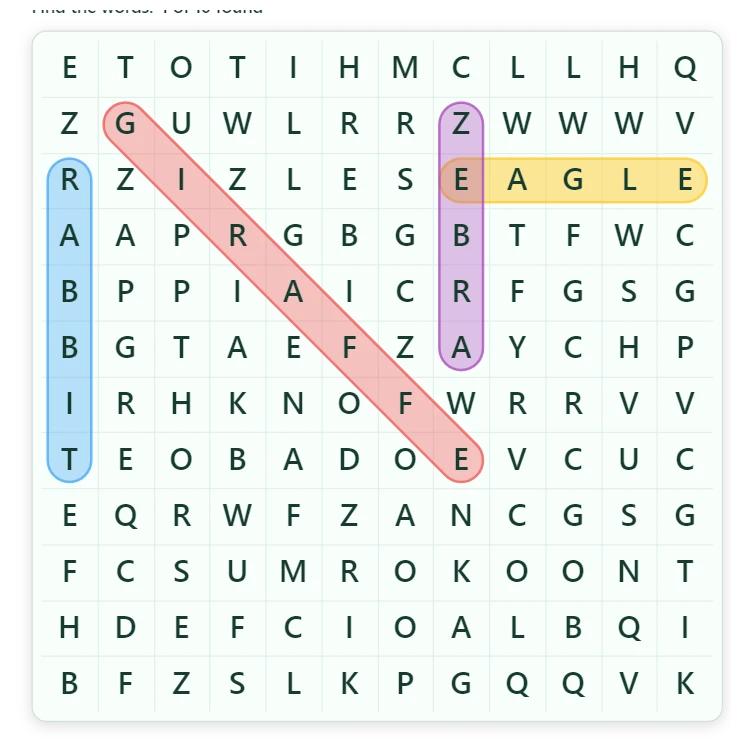
About Word Search - history, tips and grids
Where do word search puzzles come from? A short history, how the grids are generated in 20 languages, and tricks the fastest solvers use to find words faster.
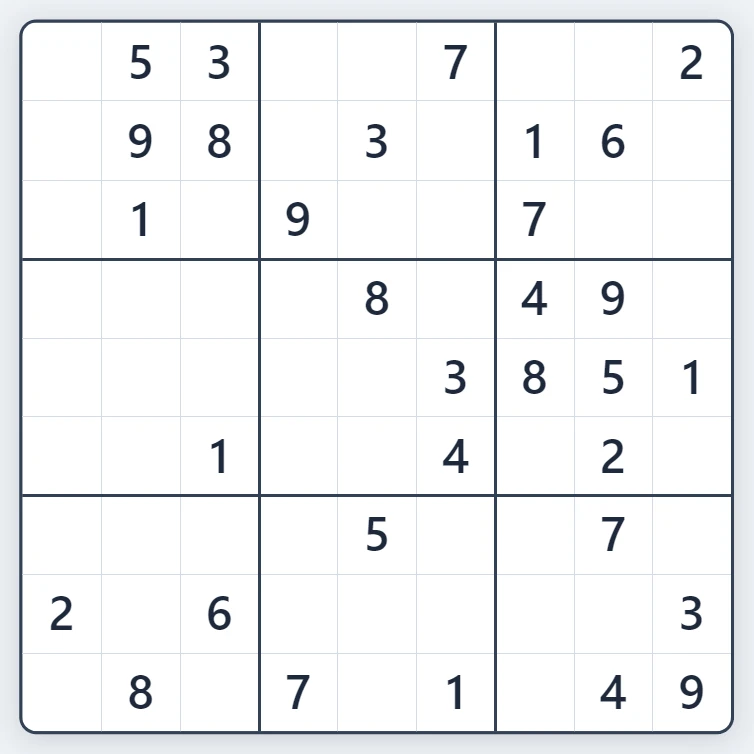
Sudoku
Play Sudoku free in your browser. Fresh puzzles with exactly one solution, four levels from Easy to Expert, pencil notes, hints, mistake highlighting and undo.
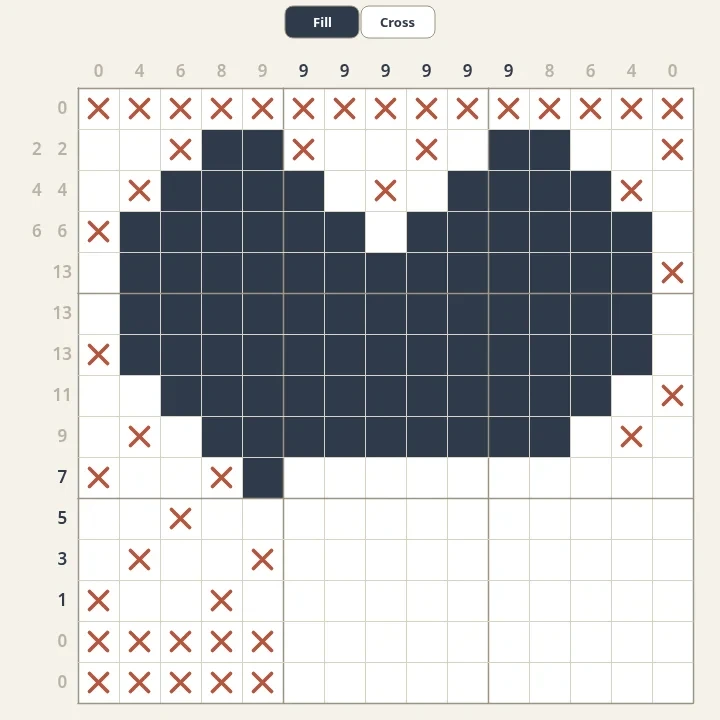
Nonograms
Solve free nonograms in your browser. Every puzzle is generated, has one logical solution and reveals a pixel picture. Choose sizes from 5x5 to 20x20 and mark empty cells with crosses.
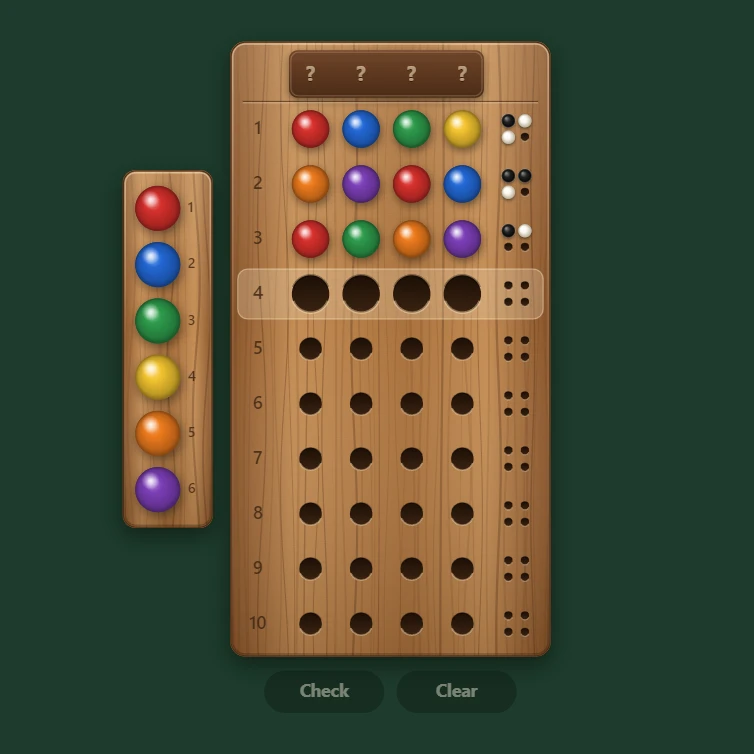
Mastermind
Play Mastermind free in your browser. Crack a secret colour code with 4 to 6 pegs and 6 to 8 colours, or set a code and watch the computer crack it.
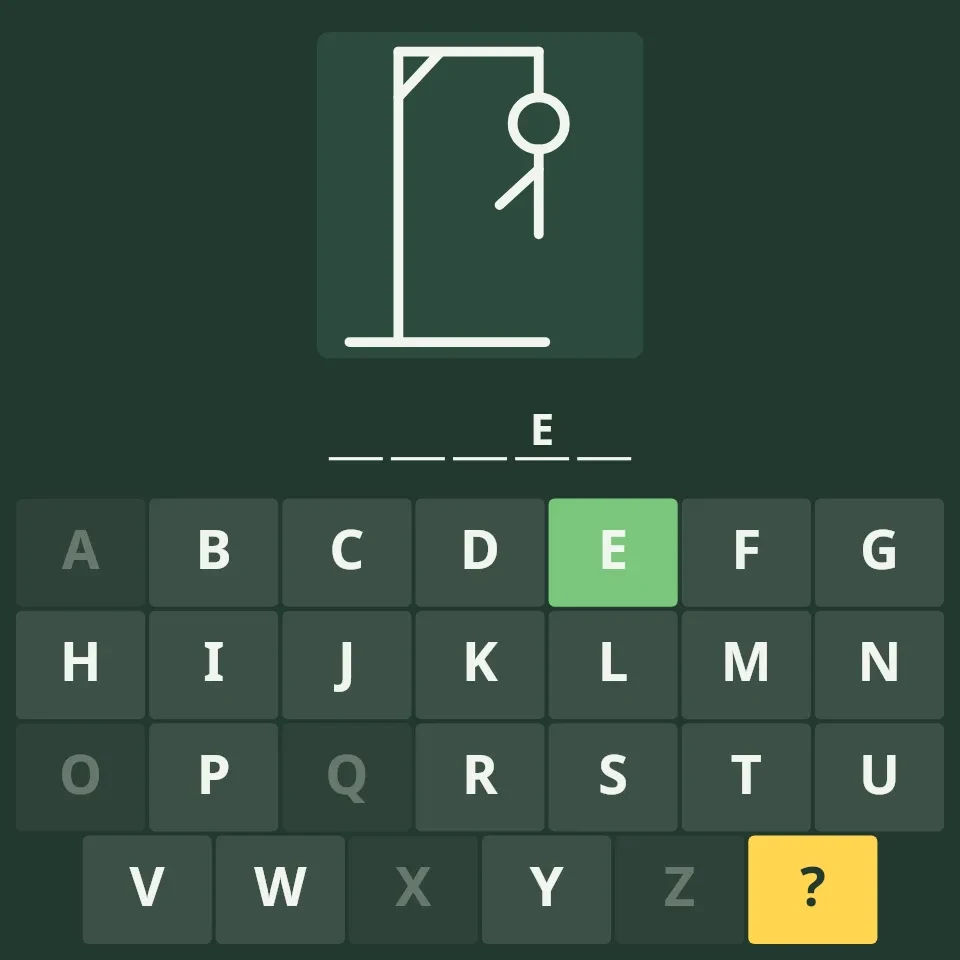
Hangman
Play Hangman free online: word lists and alphabets in 20 languages, three levels, hints and an on-screen keyboard. No sign-up needed.
Ready to try it?
Open PictorX in your browser — no install, no credit card required to start.
Go to Editor