
Free Twitch banner maker
Stand out on Twitch with a sharp channel banner. Combine game art, your face cam cutout, and bold type in PictorX—no design suite install required.
How it works
- Open a wide canvas in PictorX sized for your Twitch banner or panel.
- Drop in artwork, remove backgrounds for characters or portraits, and add your channel name.
- Export PNG/JPG and upload in Twitch channel settings.
Twitch banner ideas that read at a glance
Use high contrast, large channel lettering, and one focal subject. Schedule or social handles can sit in a consistent footer strip so every panel matches. Keep busy game screenshots darkened or blurred behind type so text stays readable.
Offline screens and panels
Reuse the same palette across offline screens, about panels, and social posts. PictorX layers make it easy to duplicate a layout and swap the headline for “Be right back”, “Starting soon”, or weekly schedule graphics.
From stream screenshot to polished banner
Capture a strong moment, uncrop for composition, cut out your avatar, then rebuild the graphic with brand colors. That workflow is faster than redesigning from scratch every season.
Frequently asked questions
What size is a Twitch profile banner?
Twitch profile banners are wide; design large (for example 1200×480 or higher) and preview the crop in Twitch after upload.
Can I make panel images too?
Yes. Use the same editor for taller panel graphics and keep colors consistent with your banner.
Can I make an offline or starting-soon screen?
Yes. Duplicate your banner layout and swap the headline for “Be right back”, “Starting soon”, or a weekly schedule.
Can I use game screenshots in the banner?
Yes. Darken or blur busy screenshots behind large channel lettering so the name still reads at a glance.
Related tools
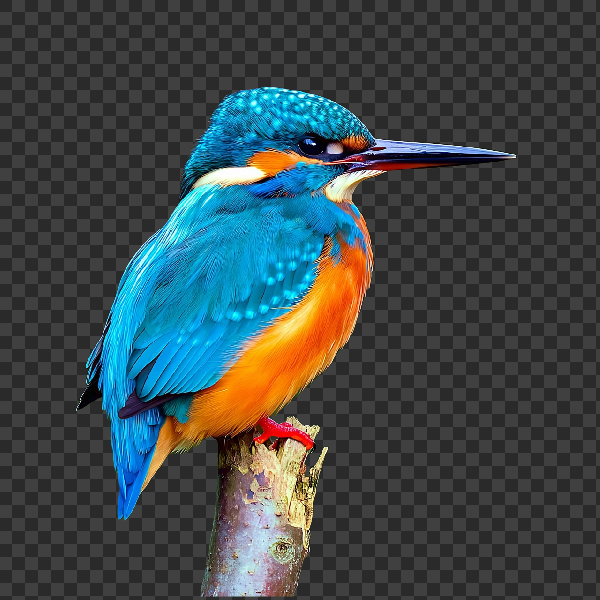
Free AI background remover
Remove image backgrounds free in your browser with PictorX. On-device AI, no upload to our servers, no credit card. Clean transparent PNGs in seconds.
Free YouTube thumbnail maker
Create click-worthy YouTube thumbnails free in PictorX. Bold text, cutouts, effects, and templates—export ready for upload.
Free Discord profile picture maker
Make a Discord PFP free online. Cut out your photo, add effects, and export a sharp circular-friendly avatar with PictorX.
Ready to try it?
Open PictorX in your browser — no install, no credit card required to start.
Make a Twitch banner