
Free YouTube thumbnail maker
Thumbnails decide whether viewers click. PictorX helps you craft high-contrast YouTube thumbnails with large type, face cutouts, and vibrant effects—then export at the right size for upload.
How it works
- Open a photo or template in PictorX.
- Cut out the subject, add a short bold headline, and boost contrast.
- Export a 1280×720 image for YouTube.
How to make a YouTube thumbnail
Start from a photo or template, remove the background if you want a punchy subject, add a short headline (three to five words), and boost contrast with effects. Keep faces large, avoid tiny text, and check readability at small sizes before you export.
Thumbnail tips that improve CTR
Use one clear focal point, high contrast between subject and background, and emotions that match the video. Pair the thumbnail phrase with your title without repeating it word for word. PictorX layers make it easy to swap backgrounds and text variants quickly.
Frequently asked questions
What size should a YouTube thumbnail be?
YouTube recommends 1280×720 (16:9). Design large in PictorX, then export a clear JPG or PNG.
Can I reuse a template for a series?
Yes. Duplicate a layout, swap the photo and headline, and keep brand colors consistent across episodes.
Should I export JPG or PNG?
JPG is usually smaller for photographic thumbnails. Use PNG when you need sharper type or a graphic with fewer compression artifacts.
Can I put my face in the thumbnail?
Yes. Remove the background, enlarge the face, and place a short headline beside it so the subject still reads at small sizes.
Related tools
Free AI background remover
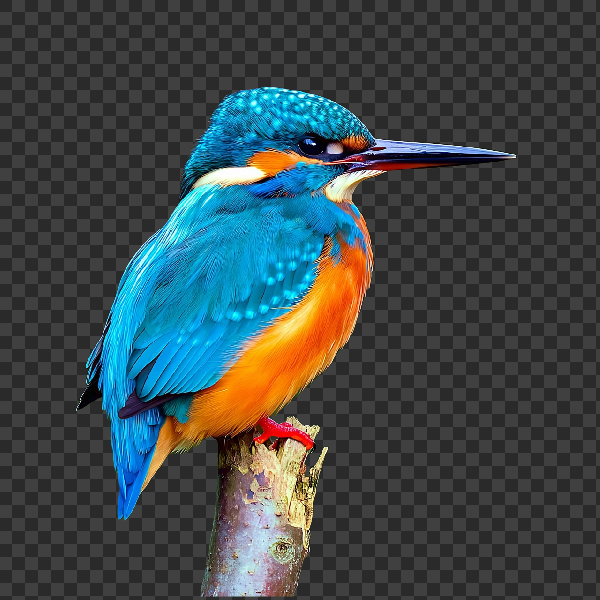
Remove image backgrounds free in your browser with PictorX. On-device AI, no upload to our servers, no credit card. Clean transparent PNGs in seconds.

AI uncrop & outpaint images
Expand photos beyond the frame with PictorX AI uncrop. Outpaint backgrounds free in your browser for banners and thumbnails.

Free podcast cover maker
Design podcast cover art free online. Create square podcast artwork with bold type and imagery in PictorX.
Ready to try it?
Open PictorX in your browser — no install, no credit card required to start.
Make a thumbnail