
Free Discord profile picture maker
Avatars are tiny—so clarity matters. Create a Discord PFP in PictorX with background removal, bold effects, and tight framing that still reads in a circle crop.
How it works
- Open a clear face or character photo in PictorX.
- Remove the background and center the subject.
- Add a simple backdrop or effect, then export a square PNG.
Design for the circle crop
Discord shows avatars in a circle. Keep eyes and key details near the center, leave margin around the edges, and avoid tiny text. A solid or gradient backdrop behind a cutout usually beats a busy original room photo.
Animated vs static
PictorX focuses on polished static images you can upload as a classic PFP. Export PNG for sharp edges when you use transparency, or JPG for photographic backgrounds.
Frequently asked questions
What size should a Discord avatar be?
A square image of at least 128×128 works; 512×512 or larger looks cleaner when Discord scales it down.
Should I leave margin around the subject?
Yes. Discord crops to a circle, so keep key details away from the corners and edges.
Will a transparent PNG work as a Discord avatar?
Discord shows a circle on a solid or theme background. A transparent PNG is fine, but a simple colored backdrop often reads more clearly in the circle crop.
Can I use the same file for Twitch or YouTube?
Yes. A sharp square PNG also works as a starting point for other platform avatars; check each crop before you upload.
Related tools
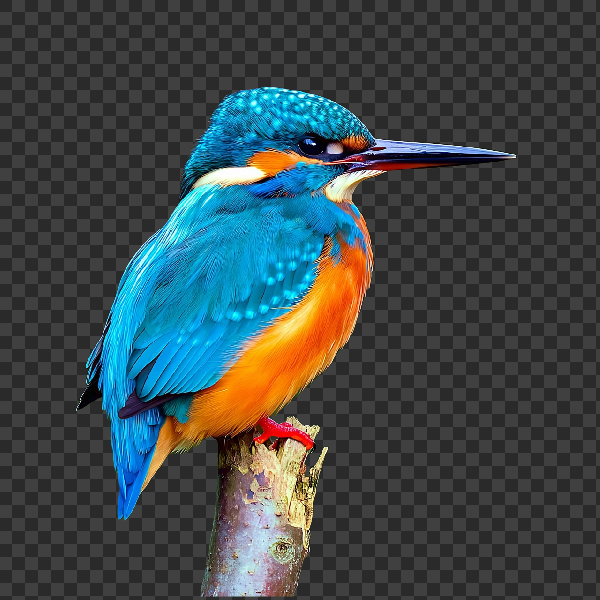
Free AI background remover
Remove image backgrounds free in your browser with PictorX. On-device AI, no upload to our servers, no credit card. Clean transparent PNGs in seconds.
Free Twitch banner maker
Create Twitch profile and panel banners free online with PictorX. Bold graphics, overlays, and channel branding in your browser.
Free Instagram post maker
Design Instagram posts and story graphics free with PictorX. Templates, text effects, and AI cutouts in your browser.
Ready to try it?
Open PictorX in your browser — no install, no credit card required to start.
Make a Discord PFP