
Texas Hold'em
Two cards of your own, five on the board, and the best five-card hand wins, unless you make everyone else fold first. Sit down with one to five computer players, bet with play chips through the preflop, flop, turn and river, and watch the pots go to the best hands at the showdown. Your chips are kept between visits, and Hint shows your hand, your outs and your chance to win. Make the best five-card hand from your two cards and the five on the board, or make everyone else fold. Fold gives up the hand, Check or Call stays in, Bet or Raise puts in the amount you set with the quick buttons, the slider or plus and minus, All-in puts in every chip. Keys: F fold, C check or call, R bet or raise, A all-in, arrows up and down change the amount, Enter deals the next hand, H hint.
How it works
- Choose how many players sit at the table, the blinds and how well the computer plays. The blinds are posted and everyone gets two cards face down.
- When it is your turn, fold, check or call, or set an amount with the quick buttons or the slider and bet or raise. All-in puts in every chip.
- The flop, turn and river are dealt with a betting round after each. At the showdown the best five cards win the pot, and the winning cards light up.
The rules
No-limit Texas Hold'em: the two players left of the dealer button post the small and the big blind, and the button moves on after every hand. Before the flop the player left of the big blind acts first, after it the first player left of the button. A raise must be at least as big as the last bet or raise, and you may bet all your chips at any time. Make the best hand from your two cards and the five shared ones, using both, one or none of your own.
All-ins, side pots and split pots
A player who cannot match a bet can call all-in for less and plays for a main pot; the rest of the bets make a side pot for the players who can cover them. An all-in for less than a full raise does not reopen the betting. A bet nobody calls comes back, the hands are turned over when nobody can bet any more, and equal hands split the pot, with an odd chip to the first winner left of the button.
Learn the odds
Press Hint for your hand's name, the number of outs that would improve it, your chance to win against the players still in and a suggested move, with that button lit up. Switch on Show my hand strength to see your hand and its chance to win beside your cards all the time. Choose Easy, Normal or Hard computer players, and the Speed slider sets how quickly they act.
Frequently asked questions
Do I play for real money?
It is free and uses play chips only; nothing can be bought, won or paid out. You start with 1000 chips, they are kept in your browser between visits, and Reset chips gives you 1000 again whenever you like.
How do side pots work?
A player who goes all-in can only win from each other player as much as they put in themselves. What the others bet beyond that goes into a side pot that only they can win. The game works out the main pot and every side pot, returns a bet nobody called, and gives the odd chip of a split pot to the first winner left of the button.
What does the Hint button show?
Your hand's name, your outs on the flop and turn, an estimate of your chance to win against the players still in, worked out by dealing the rest of the hand out many times with random cards for them, and the move it suggests; that button lights up.
How do the computer players decide?
Before the flop they go by starting-hand groups, their position and the size of any raise. After it they weigh their chance to win and their draws against the pot odds, bluff now and then and each have a style of their own, looser or tighter. Easy players call too much, Hard players bluff and semi-bluff more and judge their hands more precisely.
Can I play with the keyboard?
Yes. F folds, C checks or calls, R bets or raises the amount set on the slider, A goes all-in, the arrow keys up and down change the amount, H shows a hint and Enter deals the next hand.
Texas Hold'em: how do I record a video?
Press the red Record button in the playback bar: it films what the stage shows. Press it again to stop, and the video is saved to your device. Recording is free; you only need to sign in. Without a subscription the video carries a small PictorX logo in a corner. The button beside Record opens the video options: the shape (as shown, square, story 9:16 or wide 16:9), the length (until you stop, or 5, 10, 15 or 30 seconds for social media) and the file: MP4, WebM or an animated GIF. For the sound, choose the app's own sounds or one of three music tracks: calm, bright or beat.
Related tools
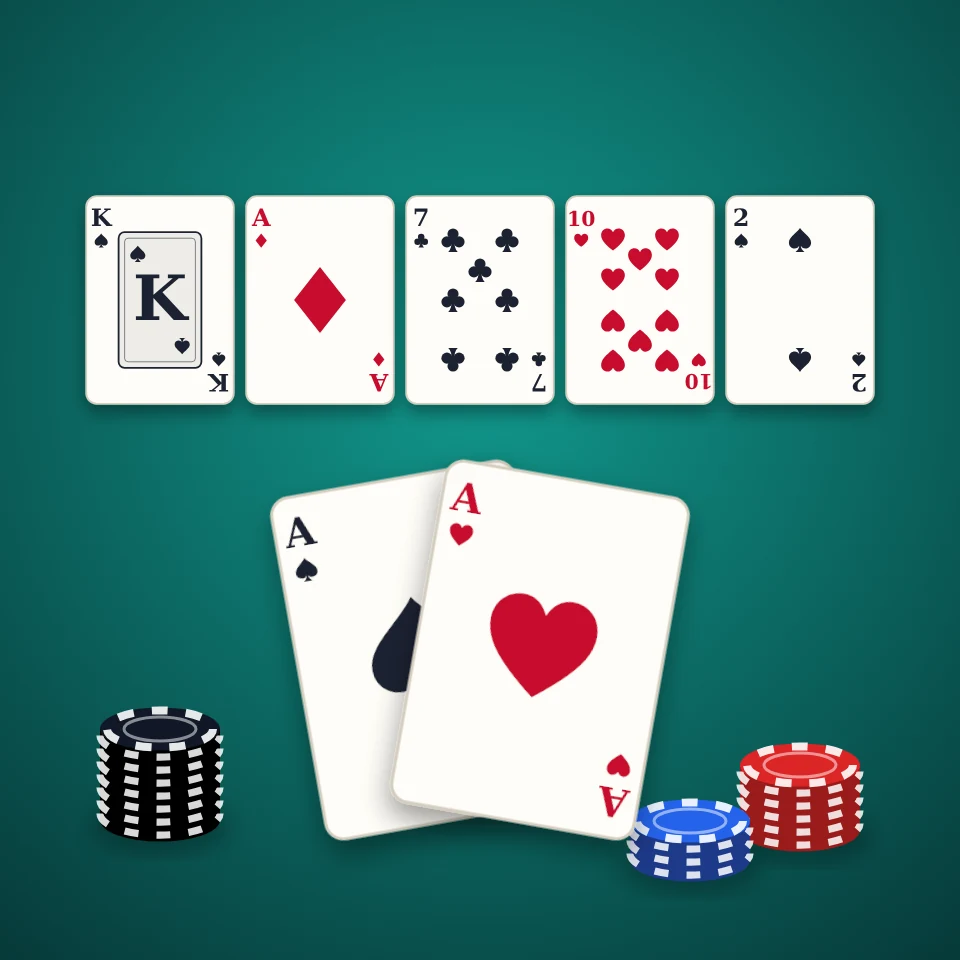
About Texas Hold'em - history, rules and odds
Where Texas Hold'em comes from, how a hand is played from the blinds to the showdown, the poker hand rankings, why position matters, and how to count outs with the rule of 2 and 4.
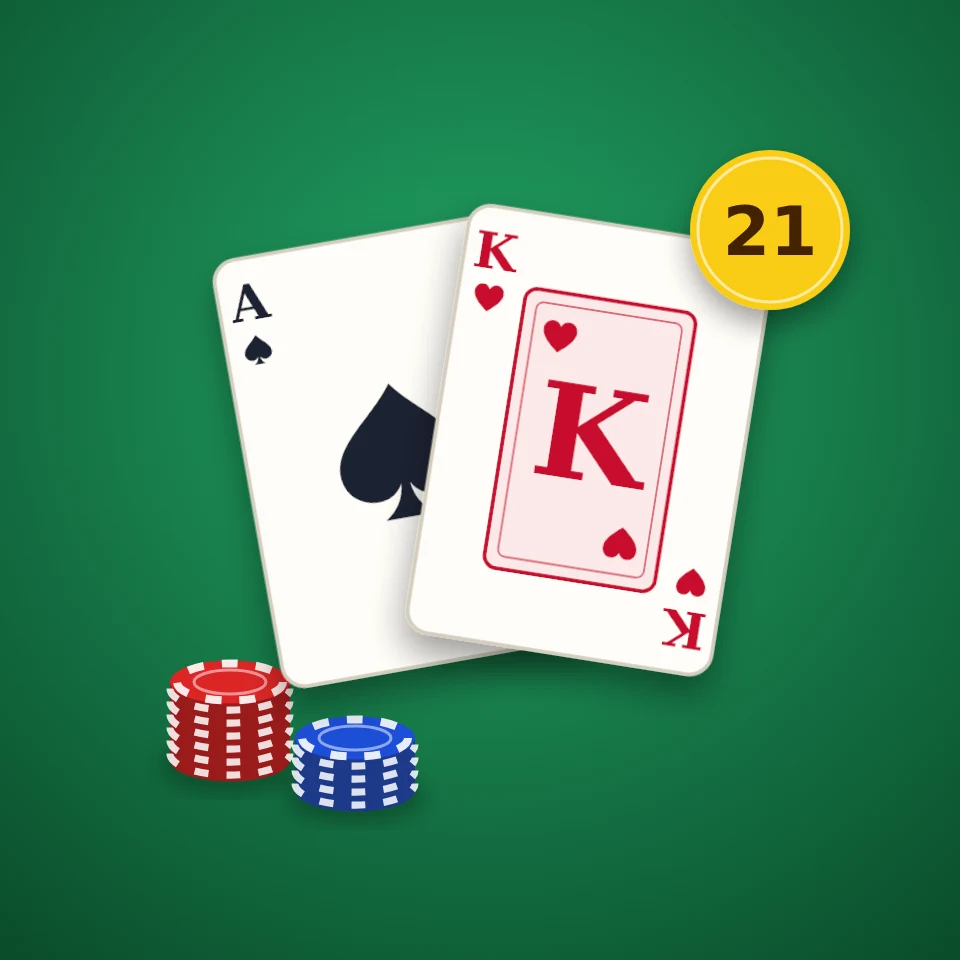
Blackjack
Play blackjack free in your browser: bet with chips, hit, stand, double, split and take insurance against the dealer. Choose 1 to 8 decks, 3:2 or 6:5 and the soft 17 rule, and let Hint show the basic-strategy play.

Hi-Lo card counting
Learn Hi-Lo card counting at a blackjack table in your browser: +1, 0 or −1 for every card, the running count, the true count and the bet. Practise the count, count down a deck, or play a million rounds.
President
Play President free in your browser against two, three or four computer players. Beat the pile with higher singles, pairs or triples, pass when you cannot, and go out first to become President. Card exchange, standings over 5 or 10 hands.
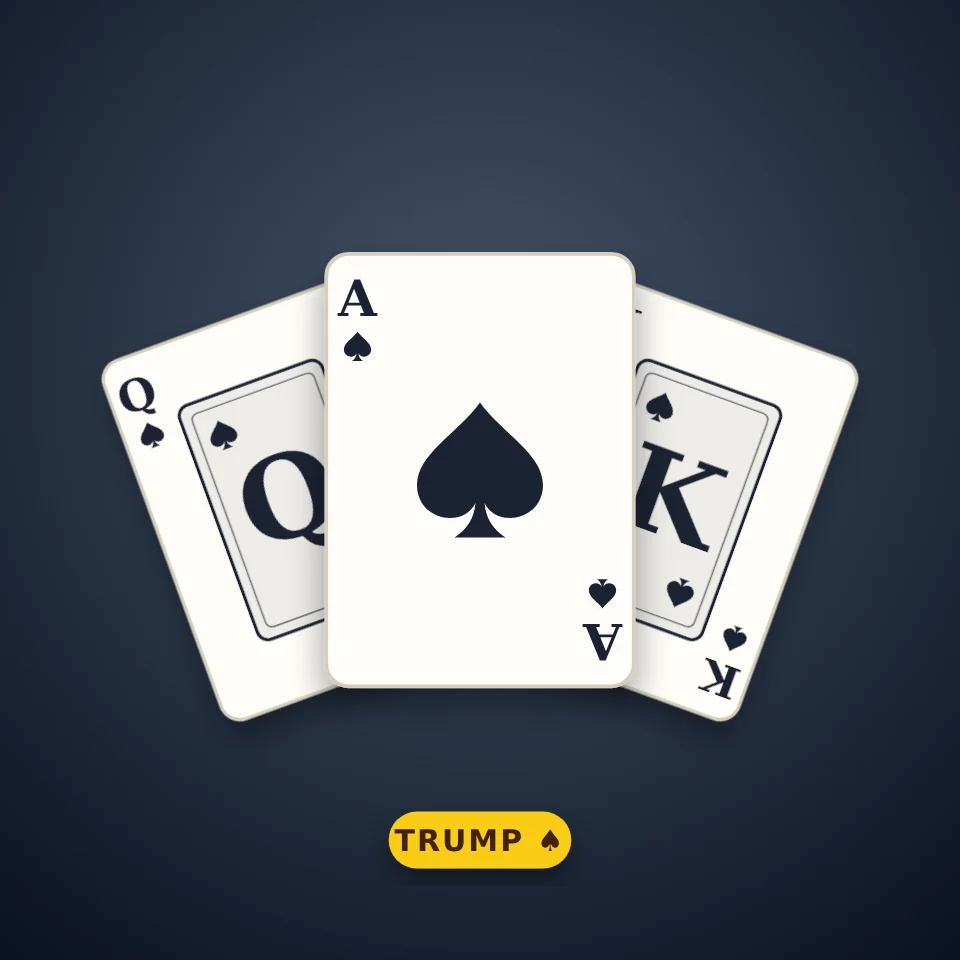
Spades
Play Spades free in your browser with a computer partner against two computer players. Bid your tricks, spades are always trump, go Nil for 100 points and watch your bags.
Ready to try it?
Open PictorX in your browser — no install, no credit card required to start.
Go to Editor