
Stamp maker
Open a photo and it becomes a postage stamp with perforated edges, a value, a country name and an optional postmark. Choose from six styles and print a single stamp or a whole sheet. Open a photo, pick a style and type the country, value and caption.
How it works
- Open a photo or pick one of the examples.
- Choose a style, shape and sheet, then type the country, value and caption.
- Add a postmark if you like and save the stamp as a PNG.
Six stamp styles
Classic, airmail, commemorative, vintage, engraved and modern each have their own frame, lettering and photo colours, so you can go from a Victorian definitive to a crisp modern issue in one click.
Single stamps and sheets
Make one stamp or a sheet of 4, 6 or 12 with perforations between them, ready to print on sticker paper or use in an invitation.
Postmarks and backdrops
Add a round cancellation with your own place and date, wavy lines or both, and lay the stamp on an envelope, a light or dark backdrop, or keep it transparent.
Frequently asked questions
Can I use the stamp to post a letter?
No. It is a decorative image, not real postage. Use it for invitations, scrapbooks, cards, stickers and social media.
Is the background transparent?
Yes. With the Transparent backdrop the PNG keeps the perforated edges see-through, so you can place the stamp on anything.
Which photos work best?
A clear subject with some space around it. The photo fills the stamp window, so portraits, pets, landmarks and flowers all work well.
Is my photo uploaded?
No. The stamp is drawn in your browser and your photo stays on your device.
Related tools
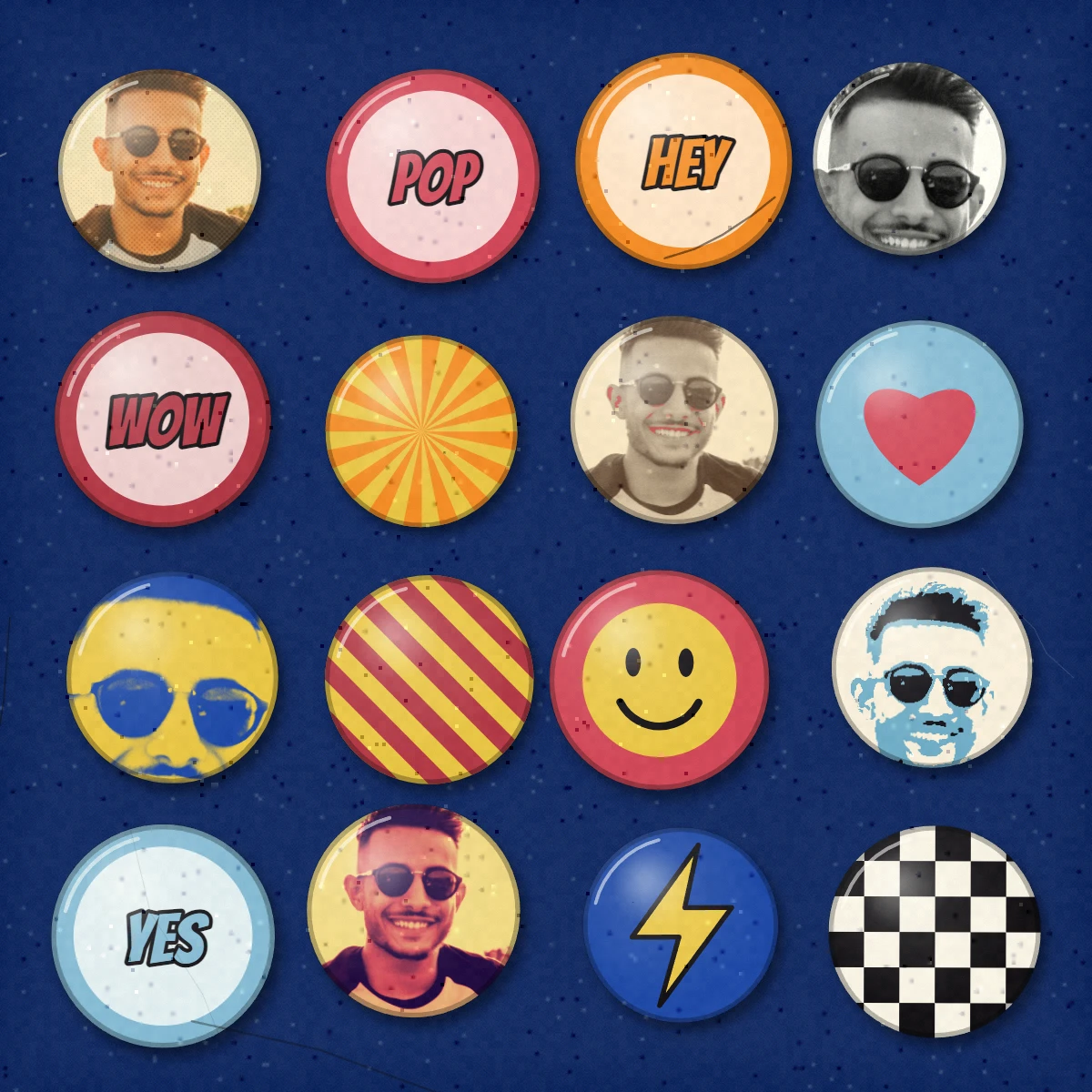
Pop Grid
Make a pop-art grid from a photo in your browser: framed squares among pop emblems, a pop print at the centre, glossy badges, a sheet of stamps, trading cards or a contact sheet.
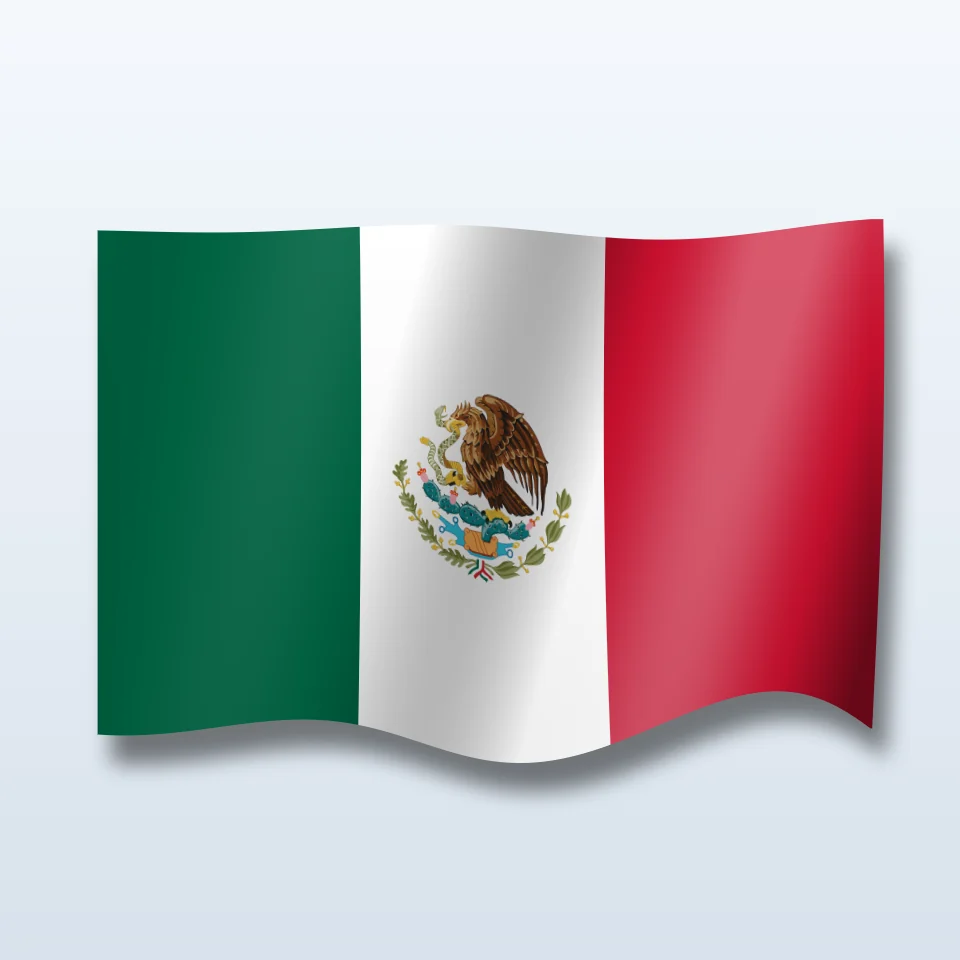
Flag Maker
Make a national or regional flag with its coat of arms, flat or waving in 3D with its shadow, on a transparent, colour, gradient or photo background. Save a PNG.
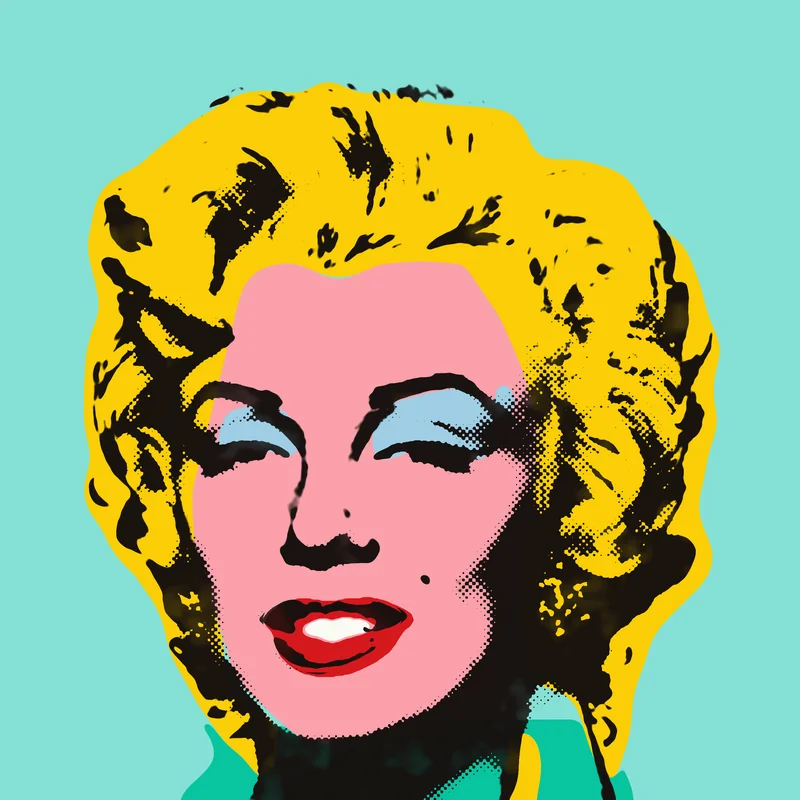
Andy Warhol Prints
Channel Andy Warhol’s Factory energy—bold color grids, repeated icons, and pop-art portraits that feel like silkscreen posters.
Ready to try it?
Open PictorX in your browser — no install, no credit card required to start.
Go to Editor