
About the Stamp maker - photo postage stamps
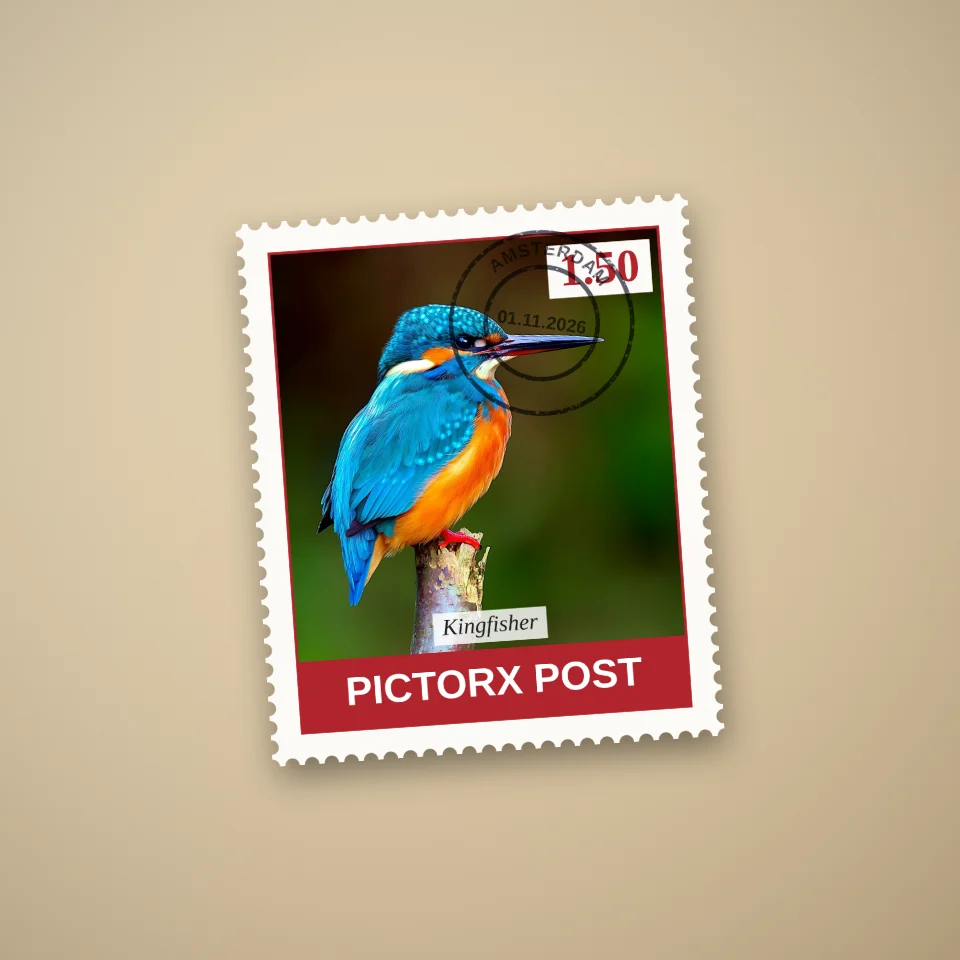
The Stamp maker turns any photo into a convincing postage stamp. It draws the perforated edge, the frame, the lettering and an optional postmark around your picture.
How it works
Your photo fills the stamp window. The style decides the frame, the fonts and the colouring of the photo, and the perforation size sets how big the holes along the edge are.
Ideas for using it
Make wedding or birthday invitations, a personalised thank-you card, scrapbook stickers or a playful profile picture. A sheet of 12 makes a great printable sticker sheet.
Printing tips
Save as PNG and print at 100 percent on matt sticker paper. Keep the backdrop transparent if you want to cut out the stamps along the perforations.
Frequently asked questions
Is the Stamp maker free?
You can try every style for free. Saving without a watermark is part of PictorX Premium.
Can I change the date on the postmark?
Yes. Type any date and place; the postmark curves the place name around the ring.
Does it work on a phone?
Yes. It works in any modern mobile or desktop browser.
Related tools
Stamp maker
Make a postage stamp from your photo online: perforated edges, value, country, caption and postmark. Single stamps or sheets, saved as PNG.

Pop Grid
Make a pop-art grid from a photo in your browser: framed squares among pop emblems, a pop print at the centre, glossy badges, a sheet of stamps, trading cards or a contact sheet.
Flag Maker
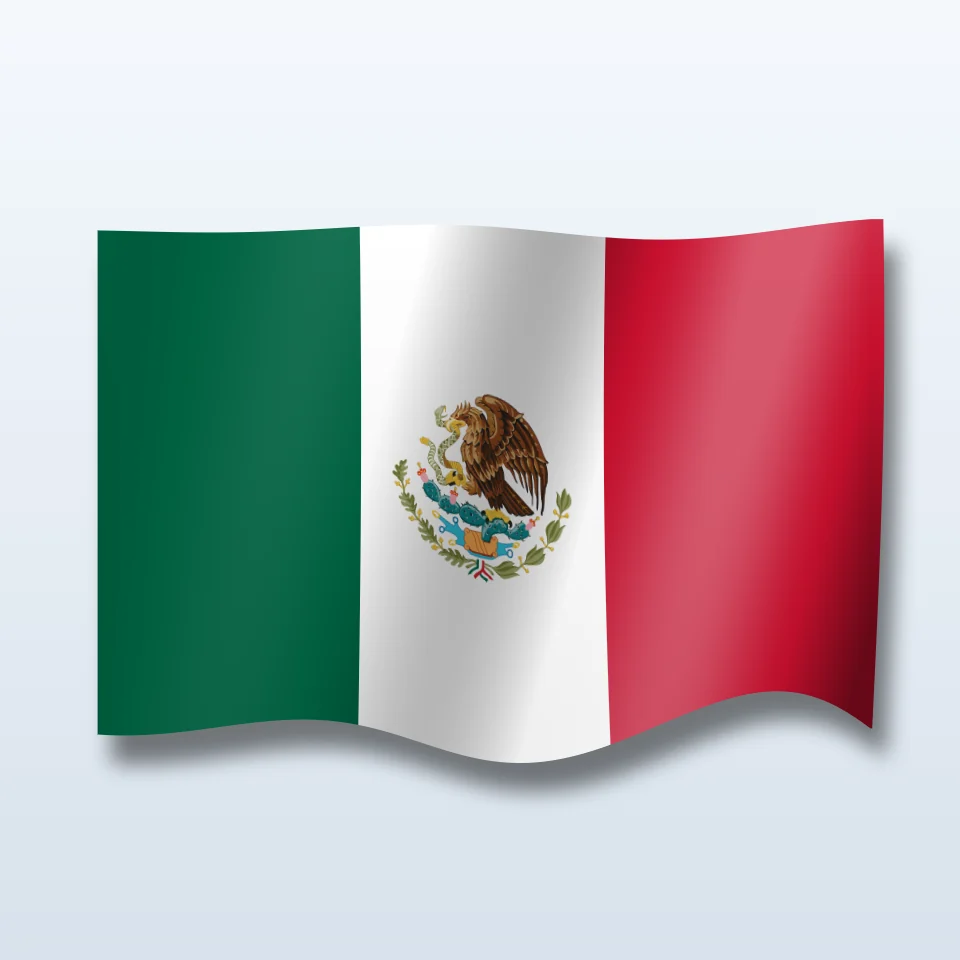
Make a national or regional flag with its coat of arms, flat or waving in 3D with its shadow, on a transparent, colour, gradient or photo background. Save a PNG.
Andy Warhol Prints
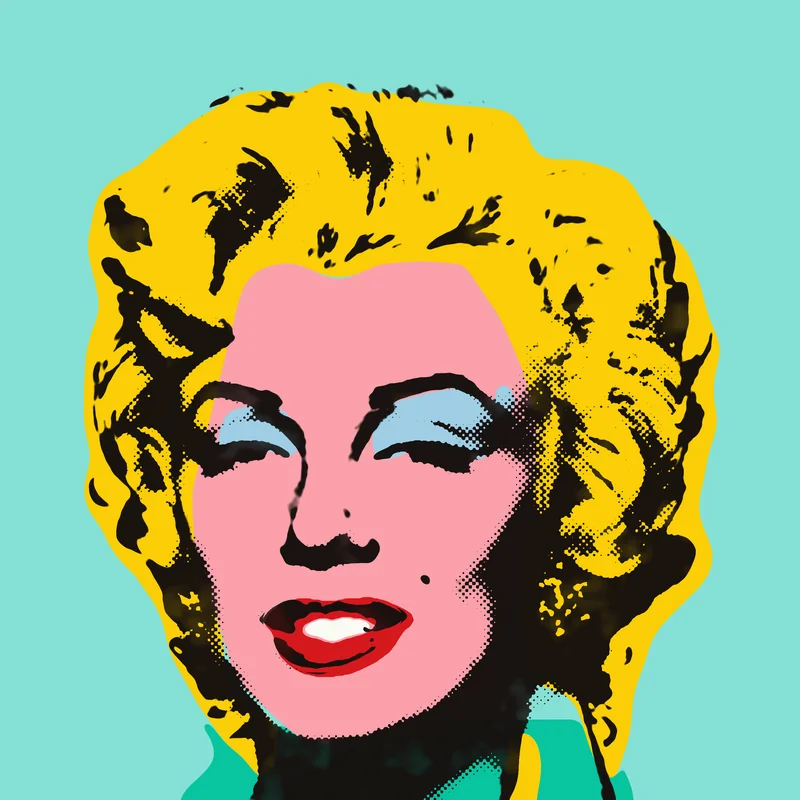
Channel Andy Warhol’s Factory energy—bold color grids, repeated icons, and pop-art portraits that feel like silkscreen posters.
Ready to try it?
Open PictorX in your browser — no install, no credit card required to start.
Make a stamp