

Pick a flag, flat or waving in 3D, set the wave and its shadow, choose a background (Transparent by default), and save a PNG.
Flag Maker
Every country's flag, sharp at any size: stripes, crosses and stars in their real proportions, and coats of arms such as those of Mexico, Spain, Bolivia and Peru in full detail. Show the flag flat, or let it wave in 3D: the folds catch the light, fall into shadow and cast a soft shadow behind it. Keep the background transparent, or pick a solid colour, a gradient or your own photo, and save a PNG. Pick a flag, flat or waving in 3D, set the wave and its shadow, choose a background (Transparent by default), and save a PNG.
How it works
- Open this page and pick a flag: over 200 countries and regions, and the European Union.
- Choose Flat or 3D waving, then set the wave size and the strength of the shadow.
- Keep the background transparent or pick a colour, a gradient or the original image, then save a PNG or keep editing in PictorX.
Flags drawn to their real proportions
Each flag follows its official design: bands and stripes in their proportions, stars and crescents where they belong, and coats of arms such as those of Mexico, Spain, Bolivia and Peru in full detail. They stay sharp at every size.
A flag that waves
The 3D style folds the cloth into soft waves that grow from the pole side to the free end. The folds are lit and shaded, and the flag casts a shadow behind it. Two sliders set the size of the waves and the strength of the shadow.
Any background, or none
The background is transparent by default, so the flag drops straight into your own design. Or put it on a solid colour, a linear or radial gradient, or the photo you opened. In the PictorX editor, Apps ▸ Flags adds the background, the shadow and the flag as separate layers.
Looks in this set
Frequently asked questions
Which flags can I make?
Over 200: the flags of the world's countries, England, Scotland and Wales, Hong Kong, Puerto Rico, Taiwan and Kosovo, and the flag of the European Union.
Can I save a flag with a transparent background?
Yes. Transparent is the default background, so the PNG has only the flag, and for a 3D flag its shadow. Pick a solid colour, a gradient or Original image to put something behind it.
How do I make a waving flag?
Choose 3D waving as the style. Wave size sets how deep the folds are, and Shadow strength how dark the shadow behind the flag is.
Does my photo leave my device?
No. The flag is drawn in your browser.
Related tools
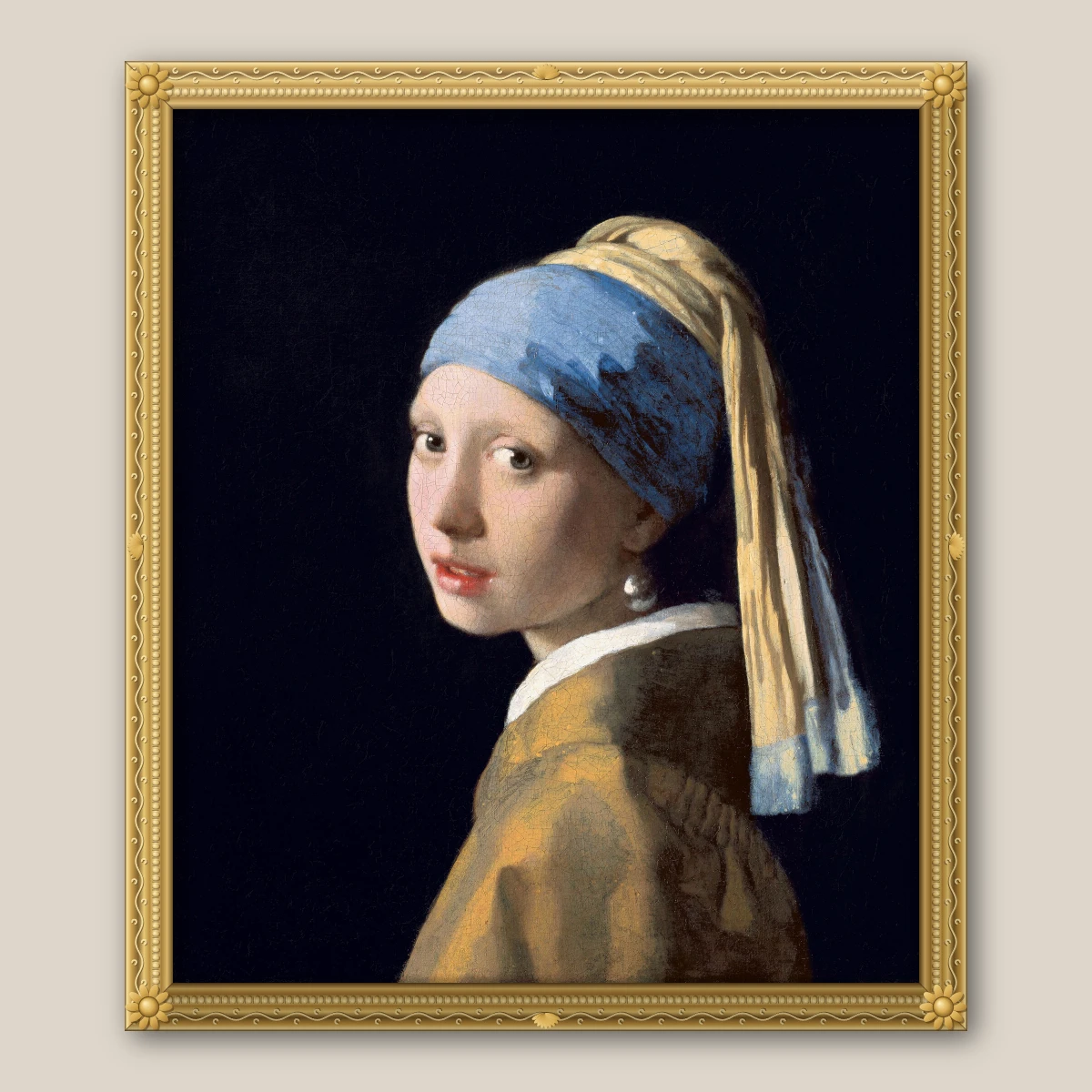
Frame Maker
Put a photo in a gilded, baroque, wood, gallery, floating, metal, polaroid, film strip or stamp frame, add a mat, and save a PNG.
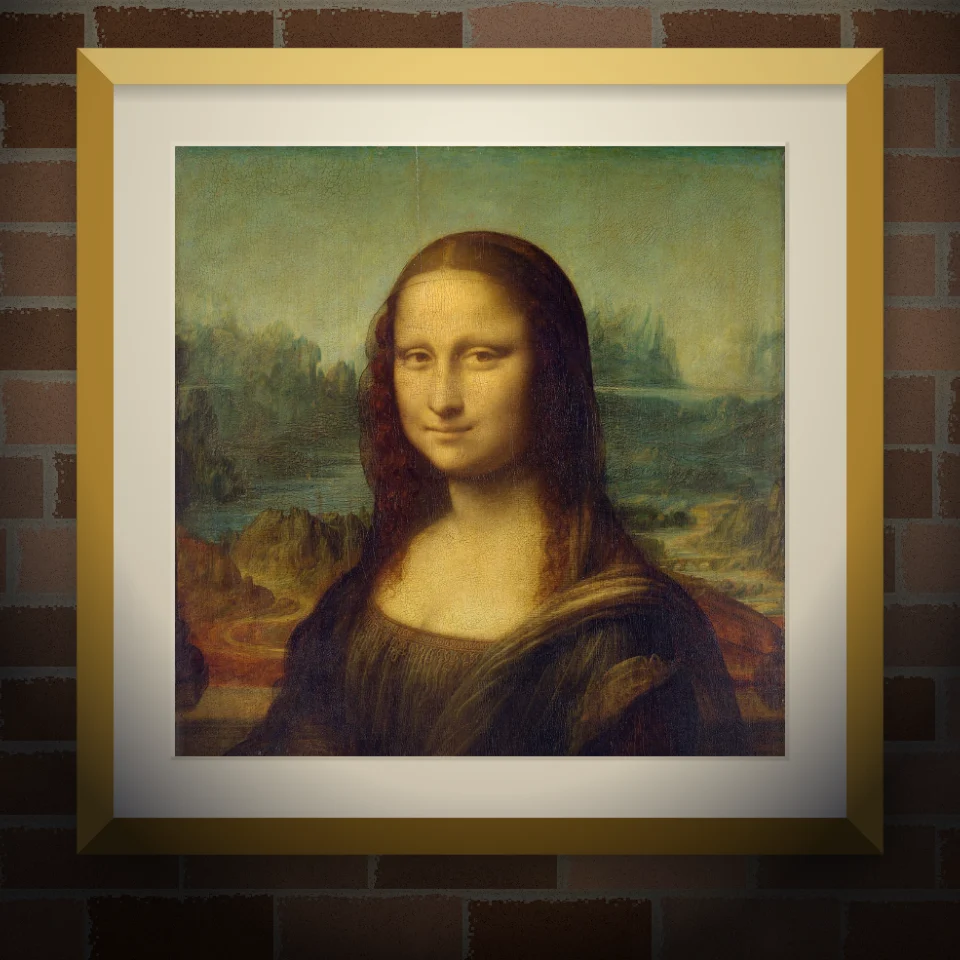
Mural & Poster Mockup
Put your photo or artwork on a real-looking wall as a painted mural, pasted poster, or framed print. Pick wall and lighting, then save a PNG.
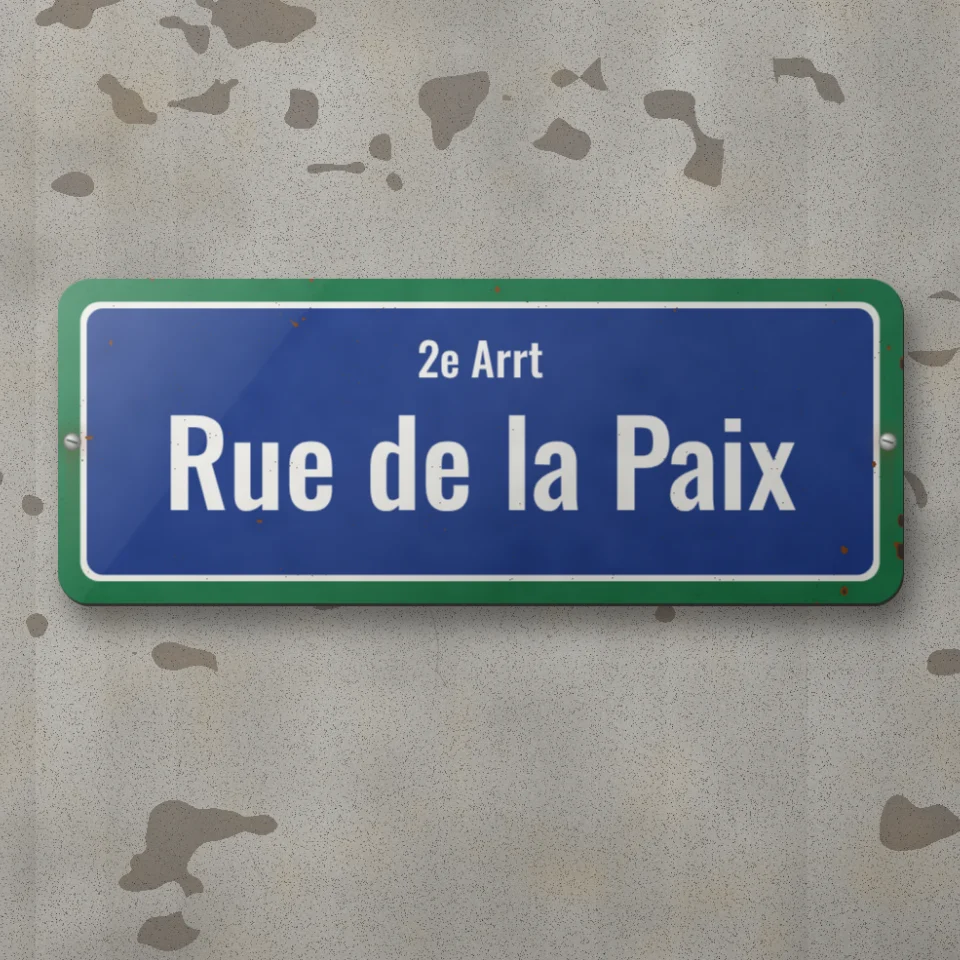
Street Sign & Plaque Maker
Make a custom street sign, blue plaque, brass nameplate, or house number tile on a real-looking wall. Add rust and wear, then save a PNG.

Render effects
Generate linear and radial gradients, noise, lens flare, clouds, stars, snow, water drops, paper, sand, and radial masks.
Ready to try it?
Open PictorX in your browser — no install, no credit card required to start.
Go to Editor