
Cross-stitch pattern maker
Open a photo, choose how many stitches across and how many thread colours, and see it as stitched fabric. Switch to a colour chart or a black and white symbol chart to print and stitch from. Open a photo and turn it into a counted cross-stitch pattern - choose how many stitches across and how many colours, then save the stitched preview or a printable chart with symbols.
How it works
- Open a photo or pick an example.
- Choose the stitches across, the number of colours and the fabric.
- Switch to a chart view and save it as a PNG to print.
A real counted chart
Every square is one cross stitch. The chart has a bold line every 10 stitches, numbers along the edges, red arrows marking the centre and one symbol for each colour.
A palette you control
Choose anything from 2 to 30 thread colours. The colours are picked from your photo, sorted from dark to light and listed in a key with a plain colour name, the colour code and how many stitches each one needs.
Plan the finished size
Pick 11, 14, 16 or 18-count fabric and the key shows the finished size in centimetres. Tidy lone stitches removes single stitches that would mean a lot of thread changes.
Frequently asked questions
Does it give DMC or Anchor thread numbers?
No. The key uses plain colour names and colour codes, not brand numbers. Take the chart to a craft shop or use a brand's own colour chart to choose matching threads.
How many stitches should I use?
40 to 60 stitches across suits a small, bold first project. 100 to 150 keeps far more detail but takes many hours to stitch.
Can I print the chart?
Yes. Save the symbol chart view, which is black on white so it prints cleanly, and print it at full page size.
Is my photo uploaded?
No. The pattern is made in your browser and your photo stays on your device.
How big will my cross stitch be?
Divide the stitches by the fabric count: 80 stitches across on 14-count fabric is 80 / 14 = 5.7 inches, about 14.5 cm. Pick 11, 14, 16 or 18 under Fabric count and the chart key shows the finished size in centimetres. Allow about 5 cm of spare fabric on every side for framing.
Related tools
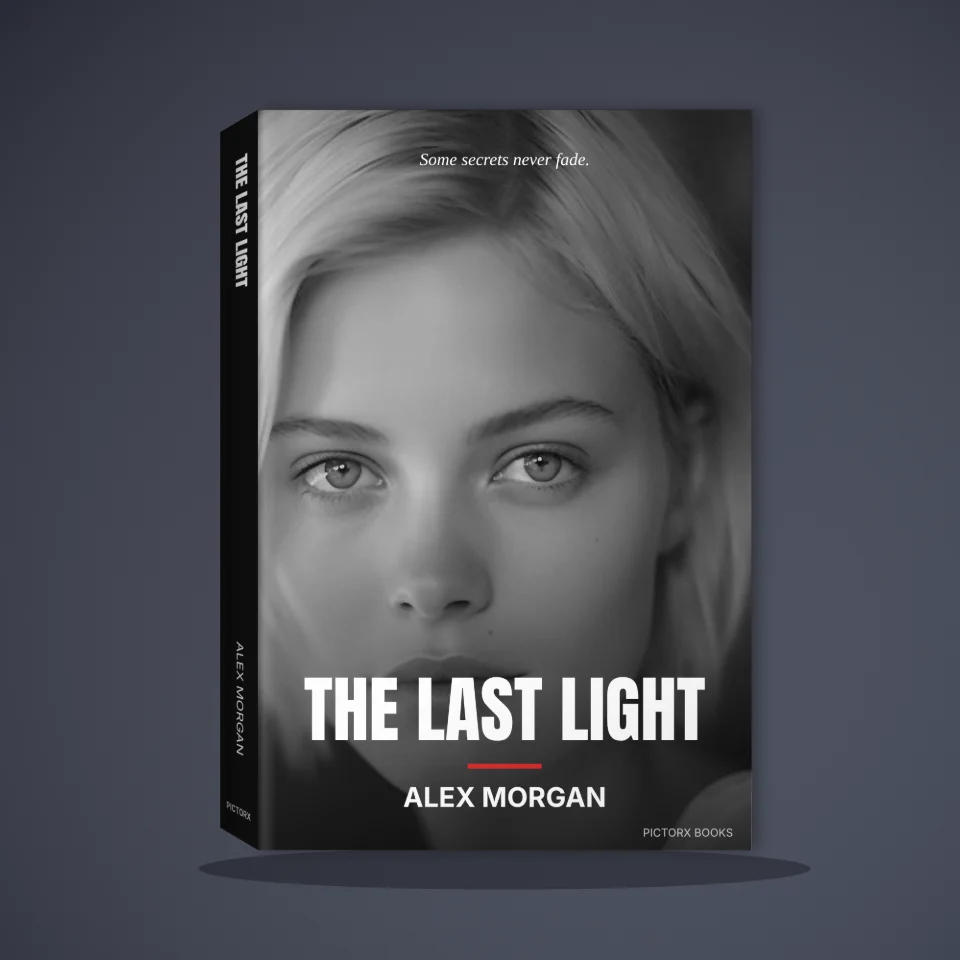
Book cover maker
Make a paperback book cover online from your photo in a thriller, romance, classic, sci-fi or literary style, with a spine and back cover if you like. Save as PNG.
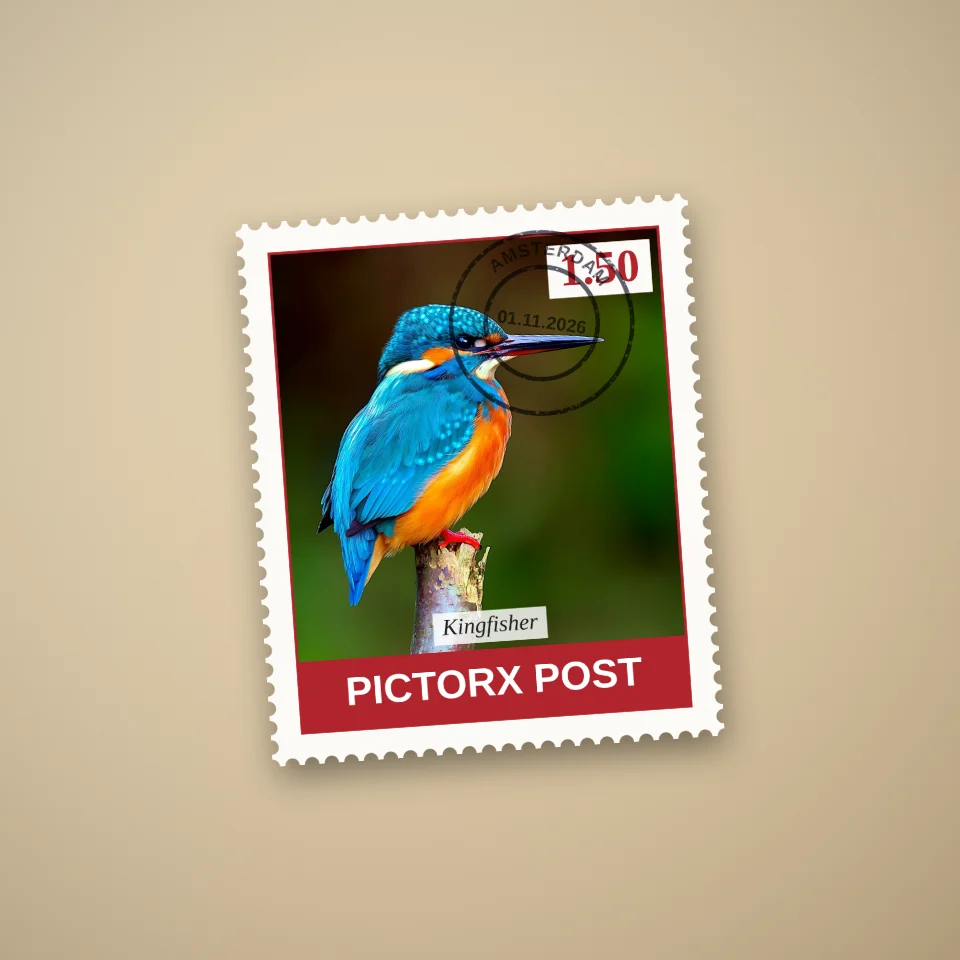
Stamp maker
Make a postage stamp from your photo online: perforated edges, value, country, caption and postmark. Single stamps or sheets, saved as PNG.

Vintage postcard maker
Make a retro 'Greetings from' postcard online: your photo inside big 3D letters of any place name, retro backdrops and an optional postcard back. Save as PNG.
Ready to try it?
Open PictorX in your browser — no install, no credit card required to start.
Go to Editor