
Recipe
Photo and layout
Card
Recipe card maker
Type a recipe and it becomes a printable card: the dish's name, a from-the-kitchen-of line, servings and times with little icons, the ingredients and the numbered steps. Choose farmhouse kraft, a lined index card, modern, vintage floral, chalkboard or watercolour. Pick a style and type the dish's name, the servings and times, the ingredients and the steps, one per line; the text is fitted to the card and a long recipe goes into two columns. Add the dish's photo with Open, choose the card size, and save it as a picture or open it in the editor in layers.
How it works
- Pick a style and type the name of the dish.
- Add the servings, the times, the ingredients and the steps, one per line.
- Add the dish's photo, choose the card size and save the card as a PNG to print.
Six card styles
Kraft paper in a gingham border, a lined index card with a red margin, a clean modern page, vintage florals, a chalkboard in a wooden frame and soft watercolour herbs.
The text fits itself
Ingredients become a bulleted list and steps are numbered. Long lines wrap, the type shrinks to fit, and a long recipe moves into two columns, ingredients beside the method.
Ready to print
Choose a 4 × 6 or 5 × 7 inch card or an A5 page, save a high-resolution PNG, or open the card in the editor with every text as its own editable layer.
Frequently asked questions
Can I make a recipe card without a photo?
Yes. Set Photo to No photo and the header uses the whole width of the card. You can also put a photo on top, at the side or round, like a plate seen from above.
What size are the cards?
4 × 6 inches landscape, 5 × 7 inches portrait or an A5 page, all at 300 dpi, so they print sharply on card stock or photo paper.
What happens with a long recipe?
The text is wrapped and made smaller until it fits, and the ingredients and the method go side by side in two columns. For a very long recipe, choose the 5 × 7 card or the A5 page.
Can I change the fonts and colours?
Yes. Each style has its own fonts and colours, and you can pick an accent colour and another font pairing, such as handwritten, typewriter or clean sans.
Can I edit the card further?
Yes. Open it in the PictorX editor and the card, the border, the photo, the icons and every text arrive as separate layers, so you can move, restyle or retype anything.
Related tools
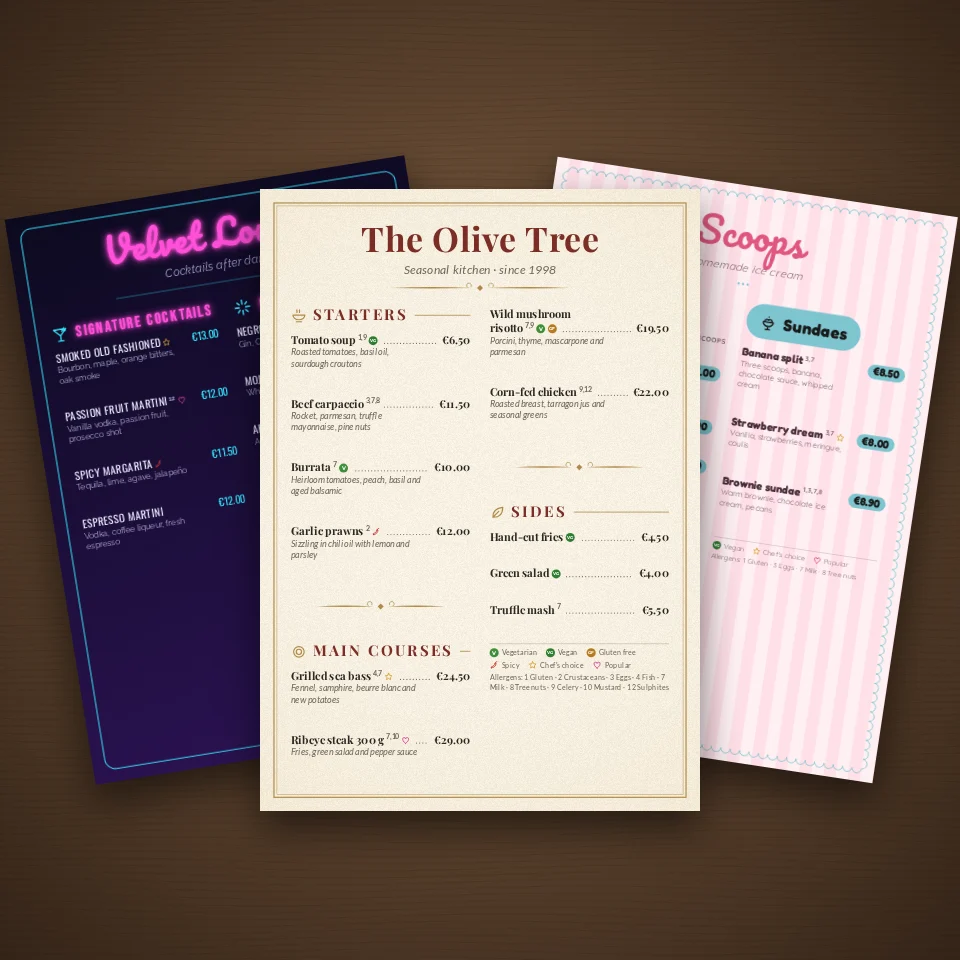
Menu maker
Design restaurant, café, bar, wine, cocktail, ice cream and bakery menus online. Templates, dotted price leaders, allergens, photos and QR codes. Export a print-ready PDF, PNG or HTML.
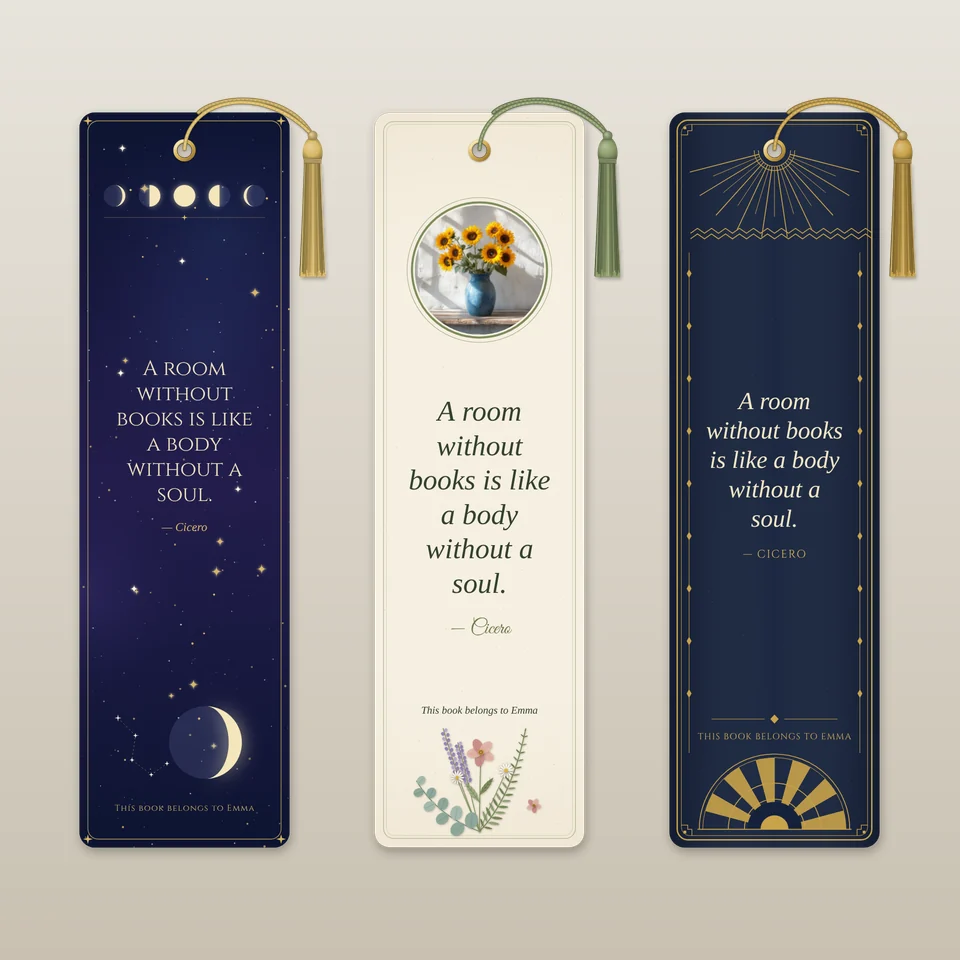
Bookmark maker - a bookmark with your favourite quote
Make a bookmark online: a quote, your name or a photo on a tall strip, in botanical, art deco, watercolour or kids styles, with a tassel. Print four on A4.
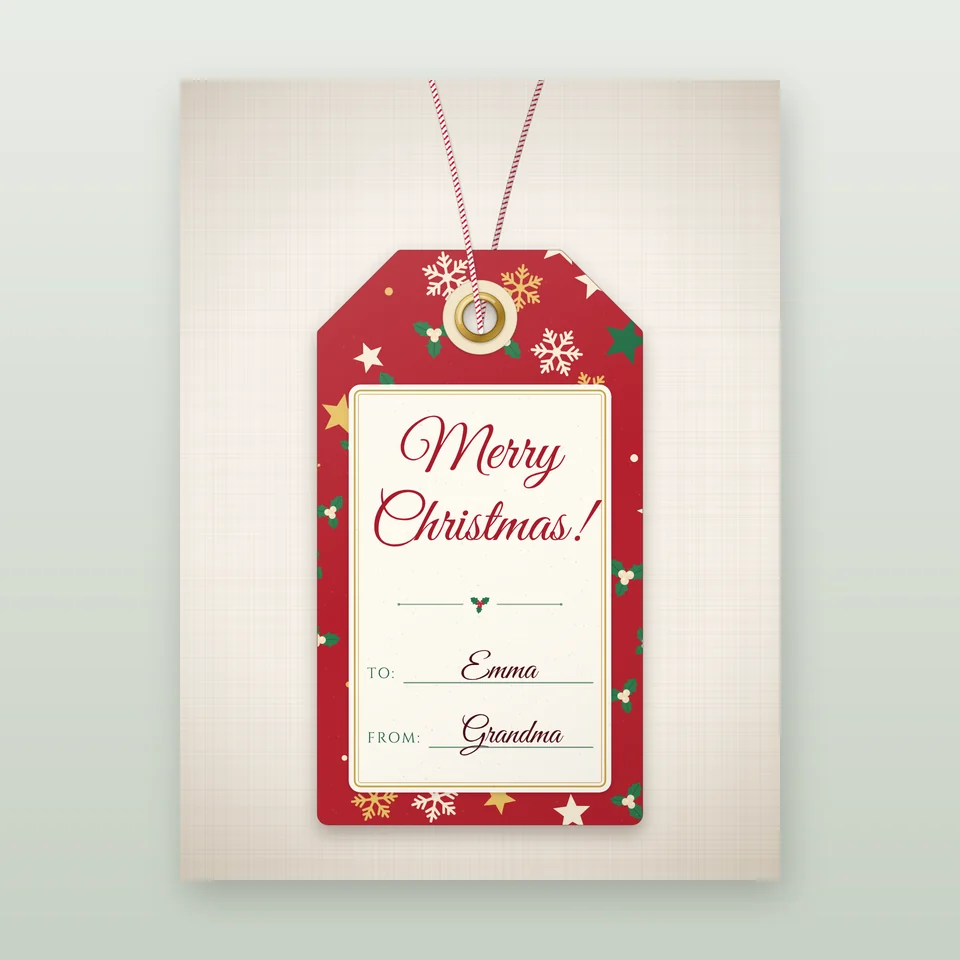
Gift tag maker - To, From and a festive pattern
Make gift tags online: To and From, a message, a tag shape with string or a bow and a festive pattern. Print a sheet of 6, 8 or 12 or save as PNG.
Ready to try it?
Open PictorX in your browser — no install, no credit card required to start.
Go to Editor