
Layout
Bookmark maker - a bookmark with your favourite quote
Type a quote, its author and your name, and get a tall bookmark ready to print. Choose pressed flowers, art deco, watercolour, moon and stars, a library card, a minimal initial or animals for kids, and add a photo if you like. Type a quote, its author and your name, pick a style, shape and tassel, add a photo if you like, then save one bookmark or a print sheet of four.
How it works
- Choose a style and type your quote, its author and the name line.
- Pick a shape and a tassel, turn the text along the bookmark if you like, and add a photo.
- Save one bookmark, or an A4 sheet of four with cut marks, and print it.
Seven bookmark styles
Pressed leaves and flowers, an art deco sunburst and fan, a soft watercolour wash, moon phases and stars, a kraft library card with a due-date grid, a minimal big initial and animals peeking over the text for kids.
Four shapes and a tassel
Straight, rounded corners, a ribbon tail with a V cut at the bottom or an arch top. Add a punched hole with an eyelet, or a hole with a corded tassel for the finishing touch.
Print four on a page
Switch View to the A4 sheet and four bookmarks stand side by side with light cut marks. Print on thick paper or card, cut along the marks and punch the hole.
Frequently asked questions
What size is the bookmark?
2 by 7 inches (about 5 by 18 cm), a classic bookmark size. It is drawn at 300 dpi, so it prints sharp.
Can I print several at once?
Yes. Choose A4 sheet of four under Print and save: four copies stand side by side on a landscape A4 page with cut marks. Letter paper works too if you print it scaled to fit.
Is the tassel printed?
The tassel shows on the single bookmark as a preview. On the print sheet only the hole is marked, so you can punch it and thread a real ribbon or tassel through.
Can I add a photo?
Yes. Open a photo or pick an example and choose where it goes: at the top, as the full background with a soft panel behind the words, or in a round frame.
Can the quote run along the bookmark?
Yes. Set Text direction to Vertical and the quote and author turn to run along the length of the bookmark, which leaves room for longer quotes. Long quotes shrink to fit either way.
Related tools
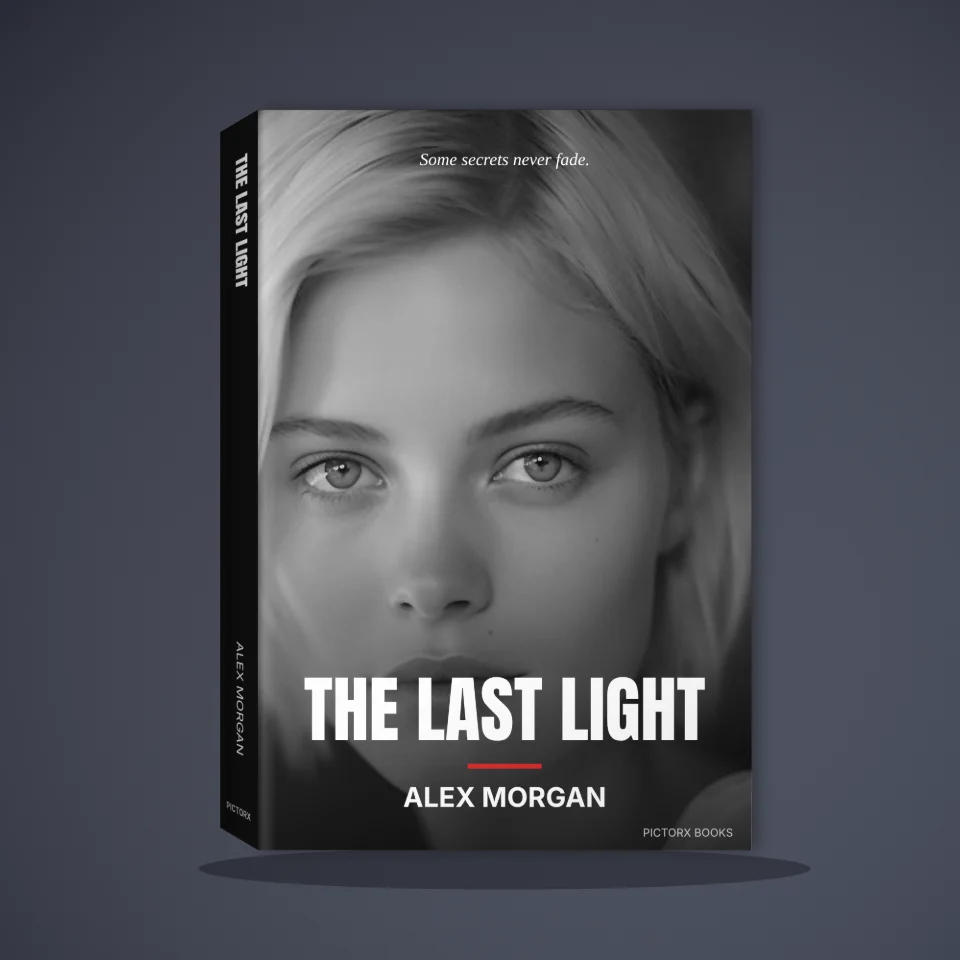
Book cover maker
Make a paperback book cover online from your photo in eleven genre styles, from thriller, romance and sci-fi to fantasy, horror and memoir, with a spine and back cover if you like. Save as PNG.
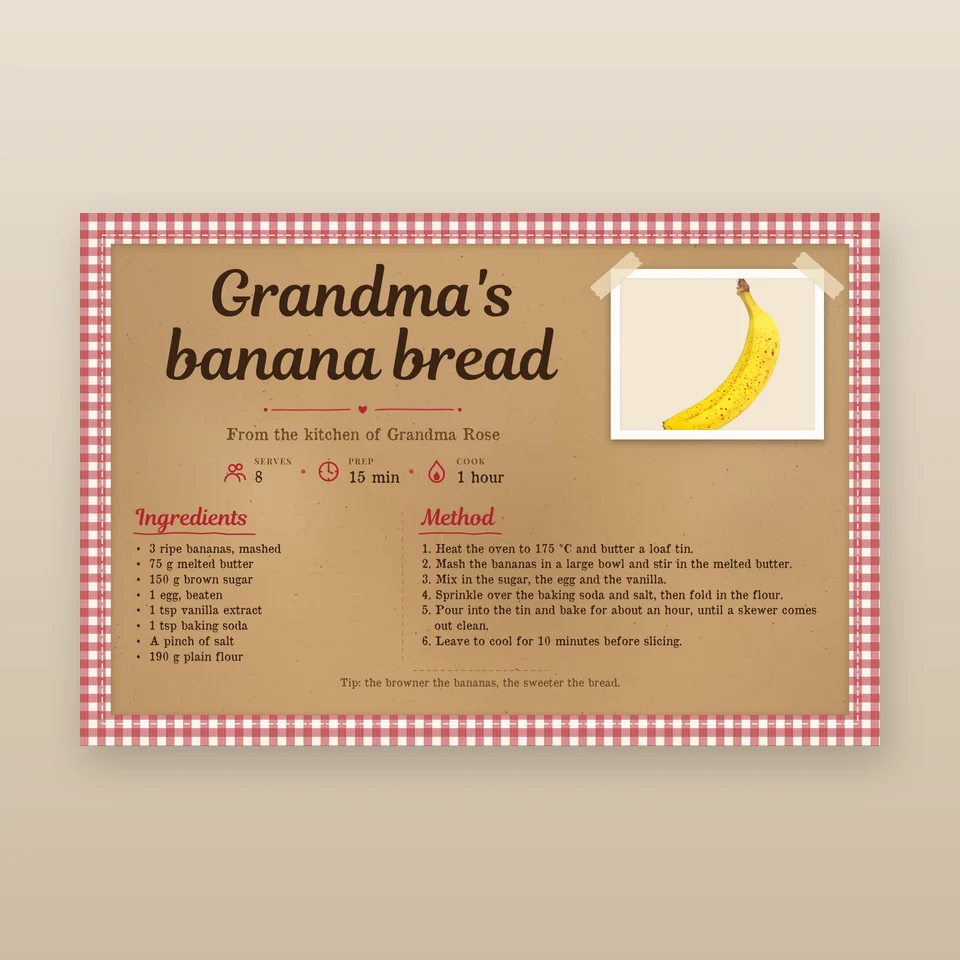
Recipe card maker
Make a recipe card online: the dish's photo, servings, times, ingredients and steps on a farmhouse, index card, modern or chalkboard card. Save as PNG.
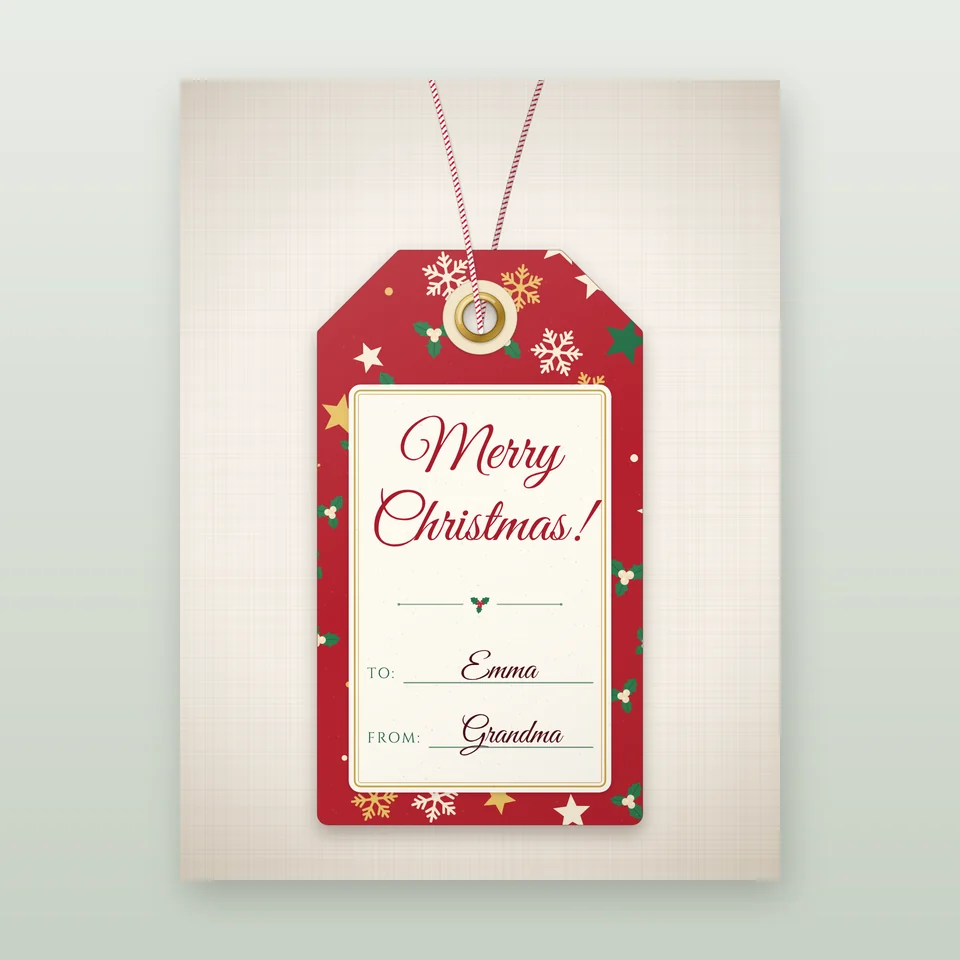
Gift tag maker - To, From and a festive pattern
Make gift tags online: To and From, a message, a tag shape with string or a bow and a festive pattern. Print a sheet of 6, 8 or 12 or save as PNG.
Ready to try it?
Open PictorX in your browser — no install, no credit card required to start.
Go to Editor