
Free menu maker
Create a professional menu in minutes. Pick what you serve, a template and a size, then add your dishes with prices, allergens and photos. The menu lays itself out over columns and pages, and you can export a print-ready PDF, images for social media or HTML for your website. Pick your menu types, a template and a size. Add categories and dishes with prices, allergens and photos, style everything, then export PNG, JPG, PDF or HTML.
How it works
- Choose what you serve, a template and a size.
- Add categories and dishes with descriptions, prices, dietary tags, allergens and photos.
- Style fonts, colors and layout, add your logo, and place images, shapes, icons or a QR code.
- Export a print-ready PDF, PNG, JPG, HTML or a social media image.
Readable menus sell more
Clear section headings, prices that line up and enough space between dishes help guests decide quickly. Auto layout balances the columns, keeps each heading with its first dish and adds pages only when needed.
Prices that line up
Prices align at the right with dotted leaders, or sit after the name, under the dish or in a price tag. Wine, beer and ice cream lists can show two prices per item, such as glass and bottle, with column labels.
Allergens and dietary tags
Mark dishes as vegetarian, vegan, gluten free, dairy free, spicy or chef's choice, and number the 14 allergens that EU law requires. A legend with the tags and allergens you used is added to the menu automatically.
Print-ready and digital
Export a PDF at 300 DPI with 3 mm bleed and crop marks for your printer, images for Instagram and Facebook, or an HTML snippet for your website. On a TV or menu screen, play the pages as a slideshow.
Daily specials and seasonal menus
Your menu is kept in this browser, and a project file lets you open it again later. Duplicate a category for specials, change prices in seconds, highlight a dish or add a Chef's special badge.
Frequently asked questions
Is the menu maker free?
Yes. You can design menus and export them for free. Everything runs in your browser; nothing is uploaded, and your menu stays saved in this browser.
Can I make a drinks, wine or cocktail menu?
Yes. Pick drinks, beer, wine, cocktails, mocktails, ice cream, desserts or bakery on the start screen, or combine several types in one menu. Wine and beer lists can show two prices per drink.
What size should I export for print?
Choose A4, A5, Letter, Legal, DL or square and export a PDF at 300 DPI. Turn on the 3 mm bleed and crop marks when your printer asks for them. Digital screen sizes are also available.
Can I add a QR code and my logo?
Yes. Upload your logo for the header or a cover page, and let the app pick menu colors from it. Add a QR code that links to your online menu or website, and move and resize it like any other element.
Can I make the whole menu fit on one page?
Yes. Auto layout flows your categories over columns and pages. Choose On 1 page under Auto layout and the text is scaled so the whole menu fits on a single page, or on the number of pages you pick.
Related tools
Free flyer maker
Create printable and digital flyers free with PictorX. Event, sale, and festival templates—edit text and photos in your browser.
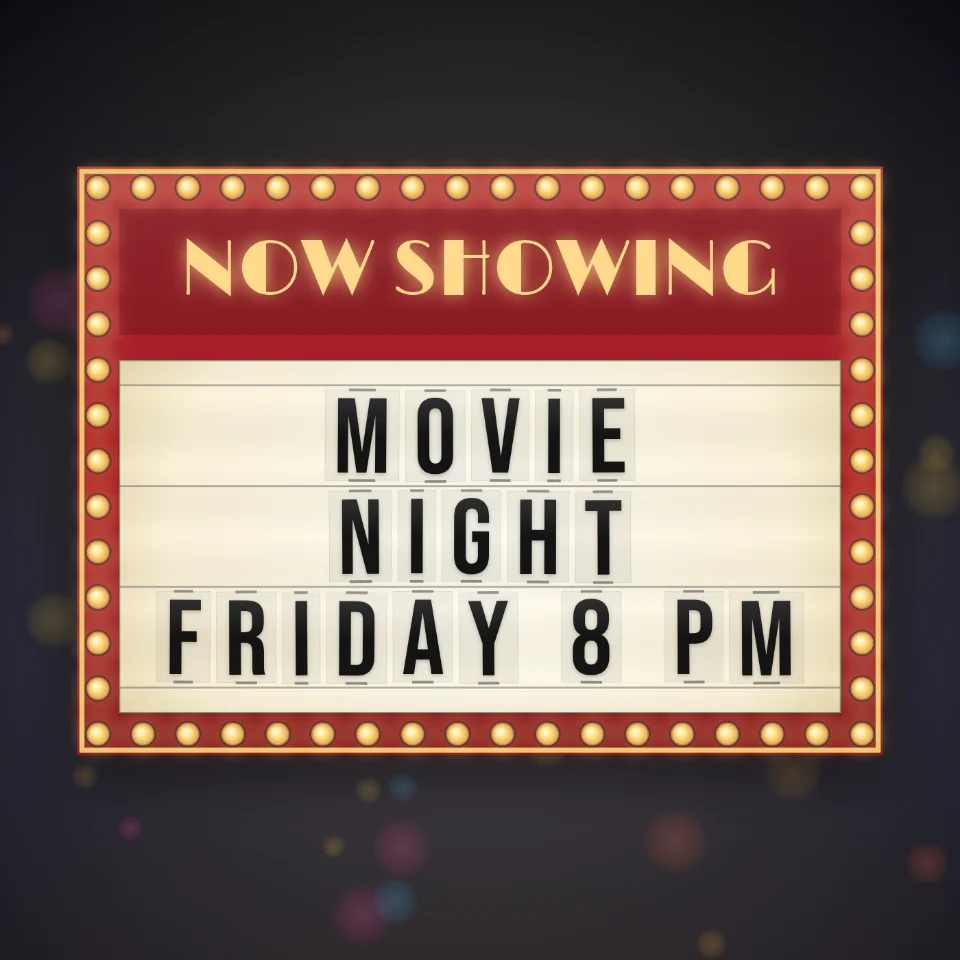
Cinema Marquee Sign
Put your words on a glowing movie theater marquee with black plastic letters, a painted header, and chasing light bulbs. Save a PNG. Nothing is uploaded.
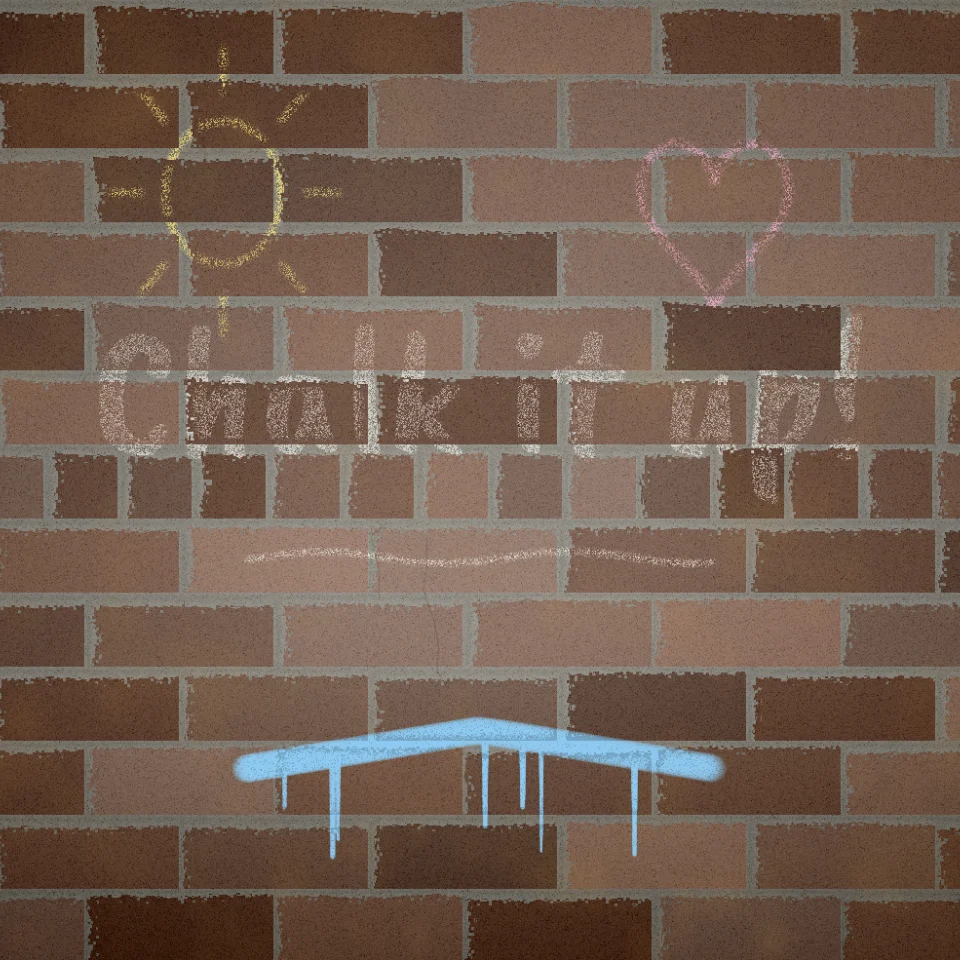
Chalk & Paint Wall
Draw and write on brick, concrete, wood, or tiles with chalk or a paint brush. Chalk skips the joints, paint drips. Save a PNG. Nothing is uploaded.
Ready to try it?
Open PictorX in your browser — no install, no credit card required to start.
Go to Editor