
Mondriaan Maker
Compose De Stijl grids with red, yellow, blue, white, and black. Click cells to recolor, split, undo, and save a PNG — nothing uploaded. Compose De Stijl grids with primary colors — pick a color, click a rectangle to paint, or auto-generate.
यह कैसे काम करता है
- अपने ब्राउज़र में PictorX खोलें और नया प्रोजेक्ट शुरू करें या एक इमेज लोड करें।
- परिणाम गढ़ने के लिए Mondriaan Maker इस्तेमाल करें, फिर आसपास के एडिटर टूल से निखारें।
- संपादन जारी रखें, अपना काम एक्सपोर्ट करें, या परिणाम को अपने अगले डिज़ाइन में बदलें।
Mondriaan Maker आपके वर्कफ़्लो में कैसे फ़िट बैठता है
Compose De Stijl grids with red, yellow, blue, white, and black. PictorX इस फ़ीचर को आपकी फ़ोटो, लेयर्स, टाइपोग्राफ़ी और डिज़ाइन टूल्स के साथ रखता है, ताकि आप ऐप्लिकेशन बदले बिना विचार से तैयार ग्राफ़िक तक पहुँच सकें।
Mondriaan Maker से और बनाएँ
एक केंद्रित बदलाव से शुरू करें, संदर्भ में नतीजा देखें, और दोहराते रहें। सोशल मीडिया, प्रेजेंटेशन, प्रिंट लेआउट या निजी प्रोजेक्ट के लिए पॉलिश इमेज चाहिए तो Mondriaan Maker को अन्य PictorX टूल्स के साथ मिलाएँ।
अक्सर पूछे जाने वाले प्रश्न
Is Mondriaan Maker free to try?
Yes. Open PictorX in a modern browser to try Mondriaan Maker as part of the free editing workflow.
Do I need to install software for Mondriaan Maker?
No. PictorX runs in your browser, so you can start creating without a desktop software install.
How do I get started with Mondriaan Maker?
Open an image or create a new design in PictorX, select Mondriaan Maker, then adjust the result while viewing the rest of your composition.
Can I combine Mondriaan Maker with other PictorX tools?
Yes. Use Mondriaan Maker alongside layers, selections, text, filters, and other PictorX editing tools to finish your design in one workflow.
संबंधित टूल
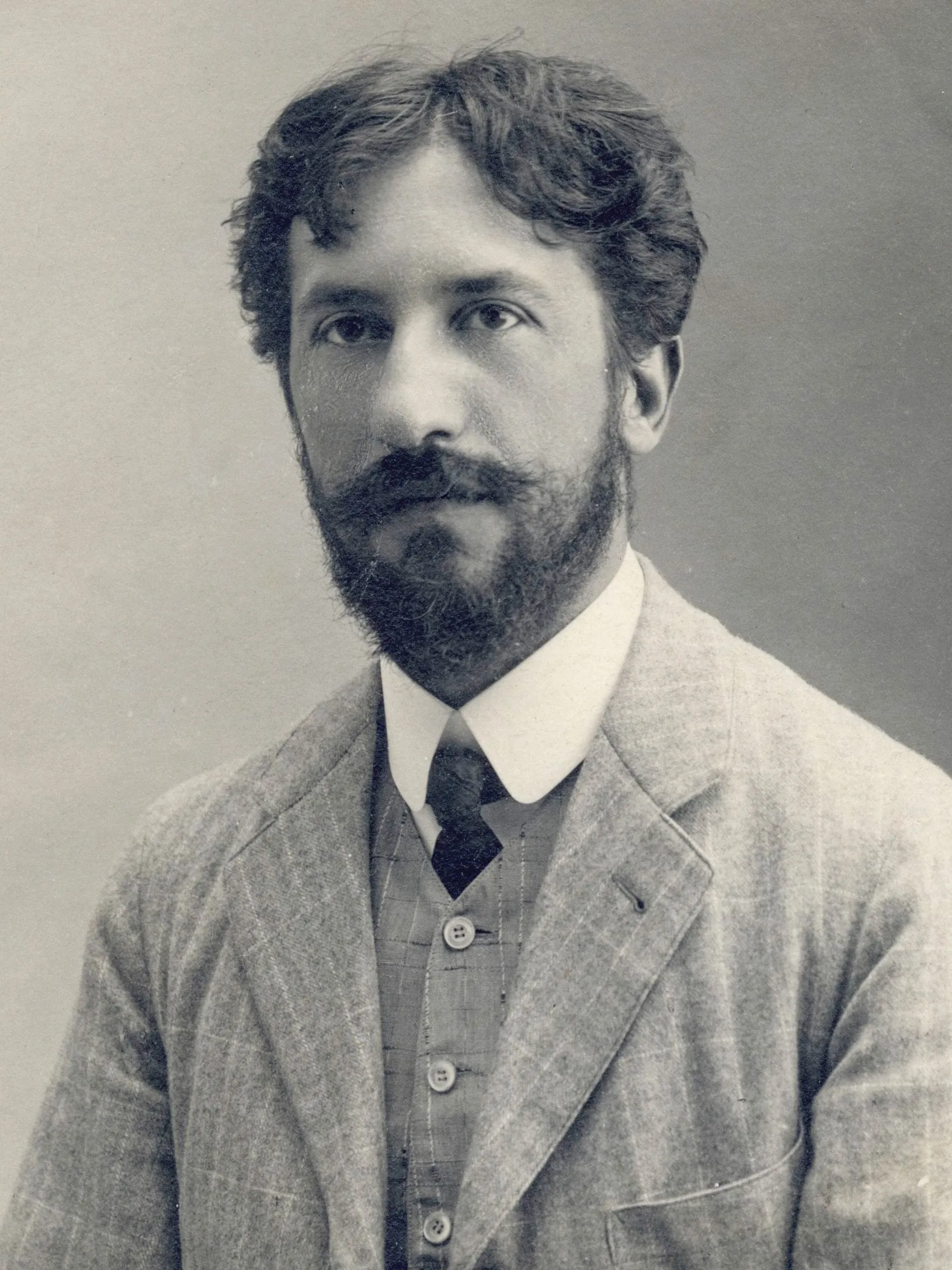
पिएट मोंड्रिआन
पिएट मोंड्रिआन का जीवन और कला: द रेड ट्री से Victory Boogie Woogie तक, डे स्टाइल और नियोप्लास्टिसिज़्म, तथा PictorX Mondriaan Maker ब्राउज़र में ग्रिड कैसे रचने देता है।
पॉलॉक पेंटर
ब्राउज़र में जैक्सन पॉलॉक शैली की बूंदें बनाएं। जेस्चर ब्रश, ऑटो-पॉलॉक, पैलेट और PNG निर्यात — कुछ अपलोड नहीं होता।
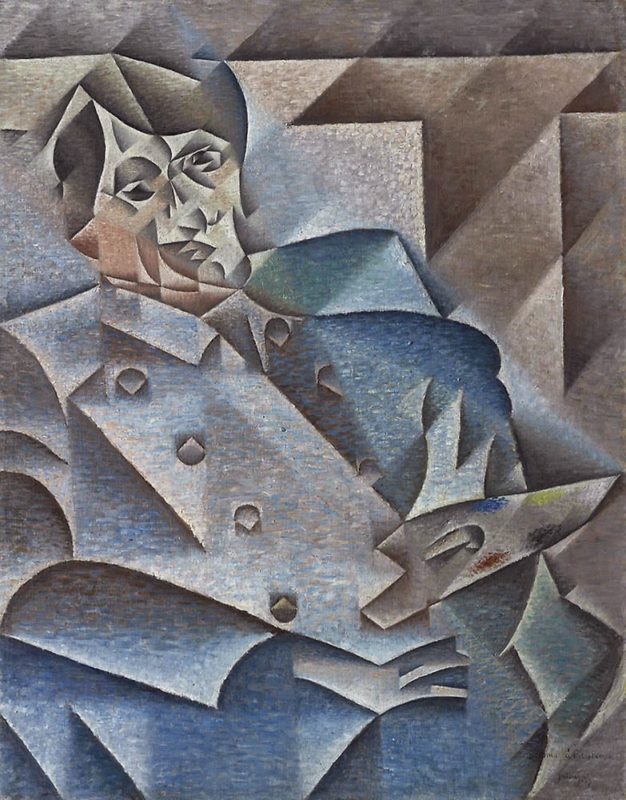
Cubism
A short guide to Cubism: Picasso and Braque, Analytic and Synthetic Cubism, fragmented planes, multiple viewpoints, and a digital homage you can try in PictorX.
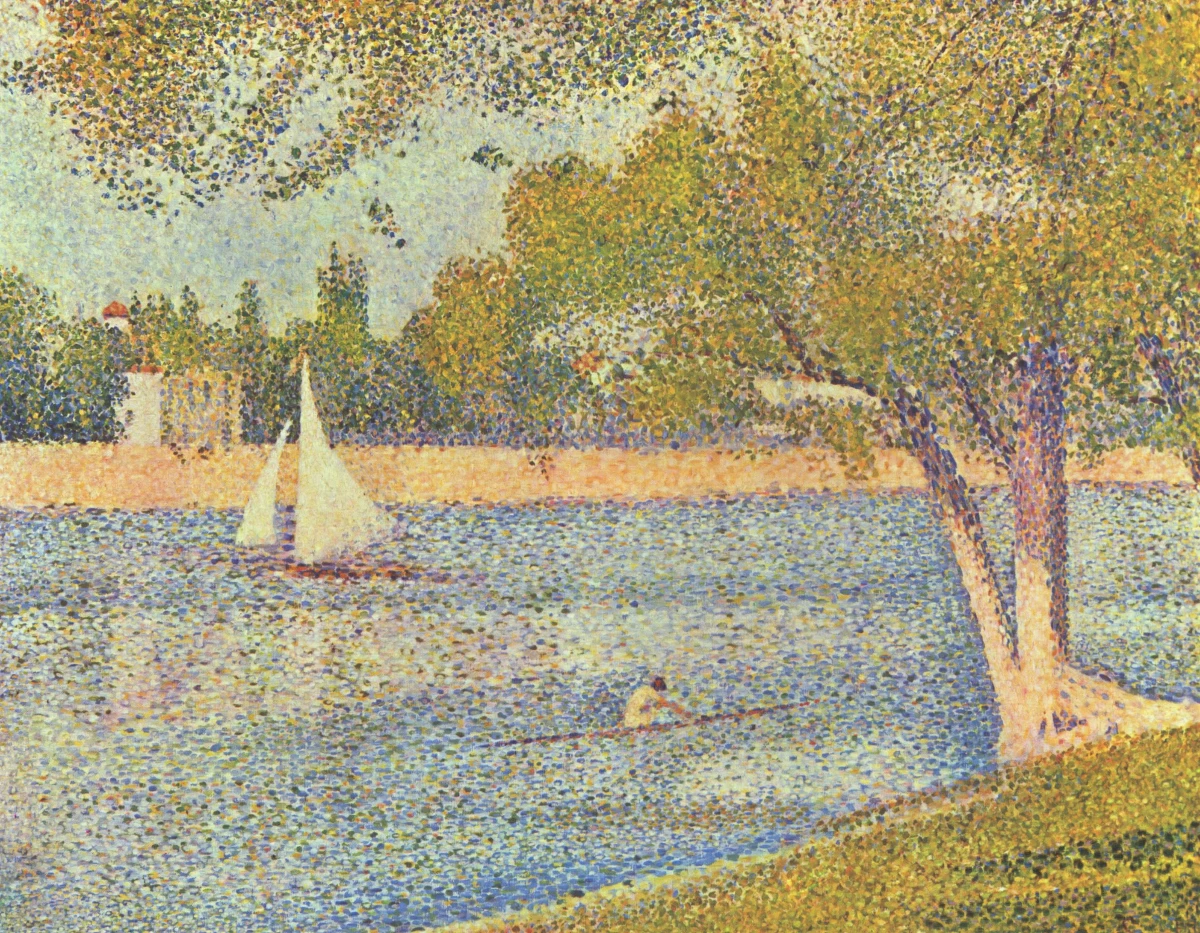
पॉइंटिलिज़्म
पॉइंटिलिज़्म की संक्षिप्त मार्गदर्शिका: सेरा और सिग्नाक, नव-इंप्रेशनिज़्म, बिंदुओं से ऑप्टिकल रंग मिश्रण, और PictorX में डिजिटल श्रद्धांजलि।
आज़माने के लिए तैयार?
अपने ब्राउज़र में PictorX खोलें — शुरू करने के लिए इंस्टॉल या क्रेडिट कार्ड की ज़रूरत नहीं।
एडिटर पर जाएँ