
Text
Photo
Meme generator - your photo, your caption
Open a photo and type a top and a bottom line: they appear in heavy white capitals with a black outline, fitted to the picture. Switch to a caption bar, a motivational poster, two panels or a breaking news banner, and deep-fry the photo if you like. Open a photo, type the top and bottom text and pick a style: classic captions, a caption bar, a motivational poster, two panels or breaking news.
How it works
- Open a photo or pick one of the examples.
- Type the top and bottom text and choose a style.
- Pick a photo look and shape, then save the meme as a PNG.
Five meme styles
Classic captions in bold outlined capitals, a white caption bar above the photo, a black motivational poster, two panels side by side and a TV-style breaking news banner.
Text that always fits
Captions are sized and wrapped to up to three lines automatically, and the caption bar grows with your text. Choose capitals or keep your text as typed, in white, black or yellow.
Deep fried and more
Give the photo a deep-fried look with crushed colours, JPEG noise and glowing lens flares, or make it vintage or black and white. No watermark is added.
Frequently asked questions
Is there a watermark?
No. The meme is saved as a PNG without a watermark, in sizes up to 4096 pixels.
Can I edit the text after saving?
Yes. Open the meme in the PictorX editor with the pencil: the photo, the bars and every caption are separate layers, and the captions stay editable text with their outline.
What does Deep fried do?
It pushes the colours far past natural, over-sharpens the photo, adds blocky JPEG noise and puts glowing red lens flares on it, the look of a meme that has been saved and shared a hundred times. Choose it under Photo look.
Which text goes where in the other styles?
In Caption bar the top and bottom text run together as one caption. In Motivational poster the top text is the big title and the bottom text the line under it. In Two panels the top text goes on the first panel and the bottom text on the second, and in Breaking news the top text is the headline and the bottom text the ticker.
Can I write in my own language?
Yes. Captions can be in any language, including Cyrillic, Greek, Chinese and Japanese. Where the meme font has no letters for your script, a matching bold font takes over.
Related tools
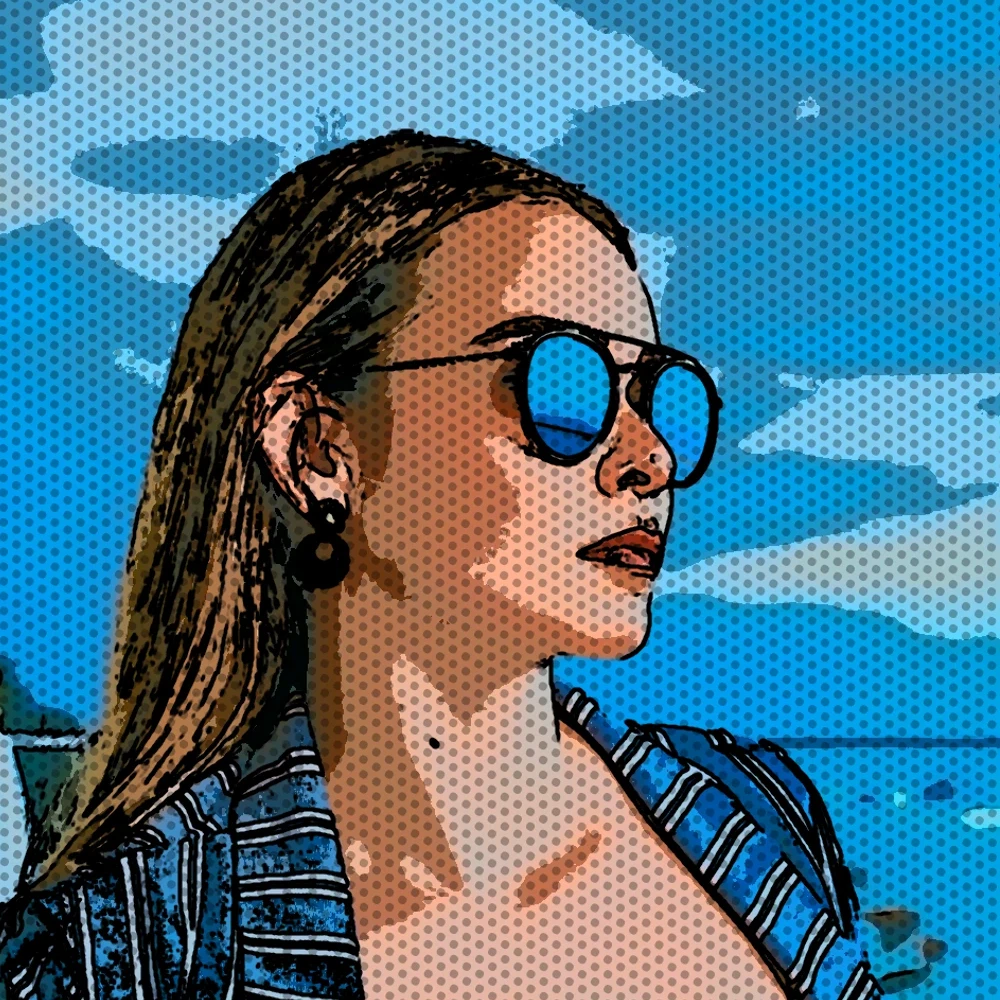
Comic maker
Turn a photo into a comic page in your browser. Zoom different details into 1, 2, 4, or 6 ink panels, then add optional Ben-Day dots and captions.
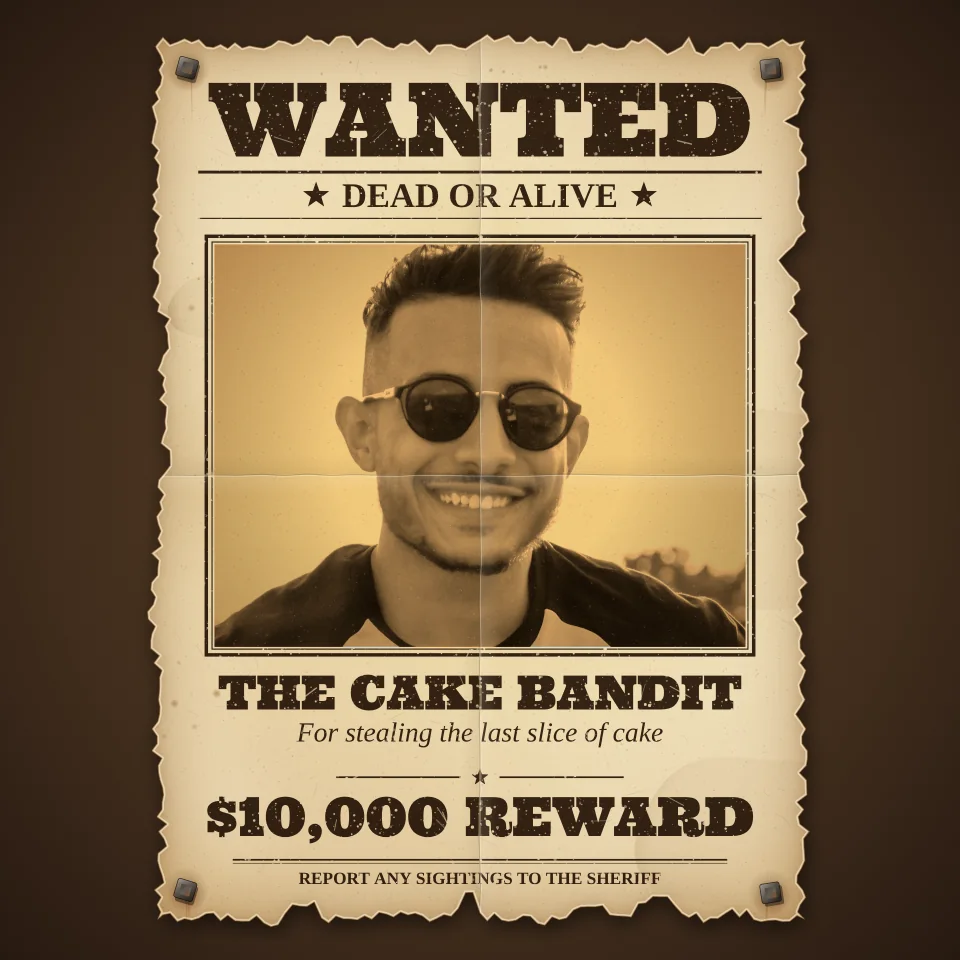
Wanted poster maker
Make a wanted poster online: your photo on aged parchment with WANTED, a name, a reward and a crime line, in sepia with torn edges. Save as PNG.
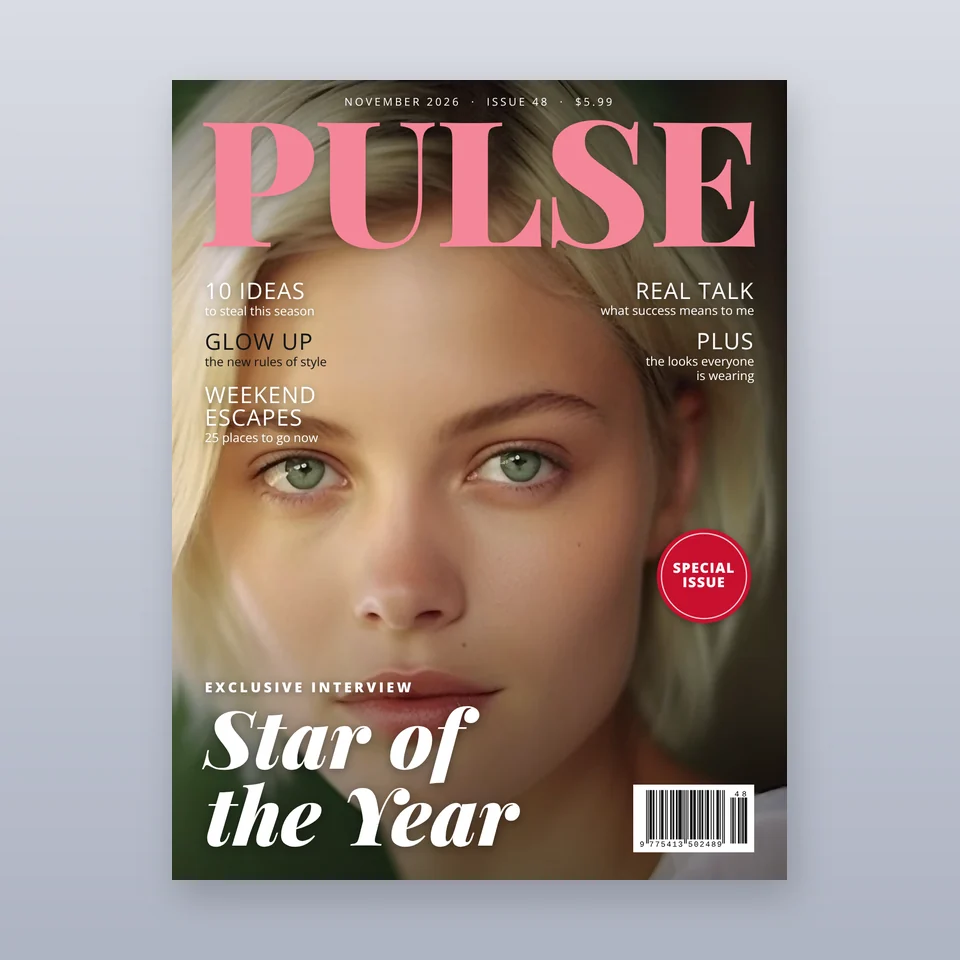
Magazine cover maker - be the cover star
Make a magazine cover online: your photo with a big masthead, cover lines, a headline, the issue and price and a barcode, in six styles. Save as PNG.
Ready to try it?
Open PictorX in your browser — no install, no credit card required to start.
Go to Editor