
Motion
Look
Picture
Ink & Smoke Fluid
Drop ink into still water and watch it fall in curling mushroom clouds, light incense and follow the thread of smoke, or send two jets of neon colour into each other. This is a real fluid simulation running in your browser: drag across the picture to stir it, change how it swirls, rises and fades while it moves, then save the moment you like as a picture. Drag across the picture to stir the fluid and pour in more ink. Pick an example or a source, change how it swirls, rises and fades while it runs, then save a PNG or open it in the editor with the background, the ink and the glow on layers of their own.
How it works
- Pick an example such as Ink in water, Rising smoke, Neon jets or Marbled paper, or choose a source: drops, a plume, jets, a swirl, bursts or brush strokes.
- Drag across the picture to stir the fluid and pour in more ink. Swirl, Buoyancy, Viscosity and Fade change how it moves while it runs.
- Choose a palette and a background, add a glow, then save a PNG or open the picture in the PictorX editor with the background, the ink and the glow on layers of their own.
A real fluid, not a filter
The picture is a grid of little parcels of water or air, each with a speed and a direction. Every step the fluid carries itself and the ink along, and a pressure solve keeps it from piling up or leaving holes, so it swirls and curls the way water does. This is Jos Stam's stable fluids method, the same idea behind the smoke and water in films and games. The ink lives on a grid twice as fine as the flow, so its wisps stay sharp.
Swirl, buoyancy and fading
Swirl gives back the small eddies that a coarse grid smooths away (vorticity confinement), so smoke breaks into curls and ink into mushroom clouds. Buoyancy lifts the fluid where it carries the most smoke, or sinks it where the ink is thick, as ink is heavier than water. Viscosity makes the fluid thick and slow, like syrup, and Fade lets smoke thin out into the air. The edges are open, so smoke that reaches them drifts out of the picture.
From ink in water to marbled paper
The examples cover the classics of fluid art: sumi ink falling through water, a crimson bloom, incense, fire and smoke, a galaxy swirl, neon jets that meet in the middle, marbled paper in the spirit of Turkish ebru and Japanese suminagashi, and soft watercolor drops. Colours that meet mix, and the opacity follows the amount of ink, so thin wisps stay see-through. Give the picture a transparent background to lay the smoke over a photo.
Frequently asked questions
How does the fluid simulation work?
It follows Jos Stam's stable fluids method. The picture is a grid of velocities; each step the forces push the fluid, a pressure solve removes any squeezing or stretching so the fluid stays incompressible, and the flow then carries itself and the ink along. Vorticity confinement adds back the small curls, and buoyancy lifts smoke or sinks ink. It all runs on your device, in your browser.
Can I stir the ink myself?
Yes. Drag across the picture with the mouse or a finger: the fluid follows your stroke and every stroke pours in the next colour of the palette. Choose None as the source to stir a still tank yourself, or press Pause and keep painting before you let it run again.
Why does the ink sink and the smoke rise?
Because of Buoyancy. A positive value lifts the fluid where it carries the most dye, like hot smoke in cold air; a negative value sinks it, like ink, which is heavier than water. At 0 the dye only goes where it is pushed, which suits marbling and jets.
Will the same settings give the same picture?
In the editor, yes: Apps ▸ Science ▸ Patterns ▸ Ink & Smoke Fluid runs the source for the number of steps in Time, the same way every time, and Variation picks another run. On this page the fluid runs live and you stir it, so every picture is your own.
How do I make an ink in water effect?
Photographers drop ink into a clear tank of water, light it from the side and shoot fast. Here pick the Ink in water example: the drops sink and curl into mushroom clouds because Buoyancy is below zero. Drag to stir, and tick Transparent background to lay the ink over a photo before you save a PNG.
Ink & Smoke Fluid: how do I record a video?
Press the red Record button in the playback bar: it films what the stage shows. Press it again to stop, and the video is saved to your device. Recording is free; you only need to sign in. Without a subscription the video carries a small PictorX logo in a corner. The button beside Record opens the video options: the shape (as shown, square, story 9:16 or wide 16:9), the length (until you stop, or 5, 10, 15 or 30 seconds for social media) and the file: MP4, WebM or an animated GIF. You can add one of three music tracks: calm, bright or beat.
Related tools
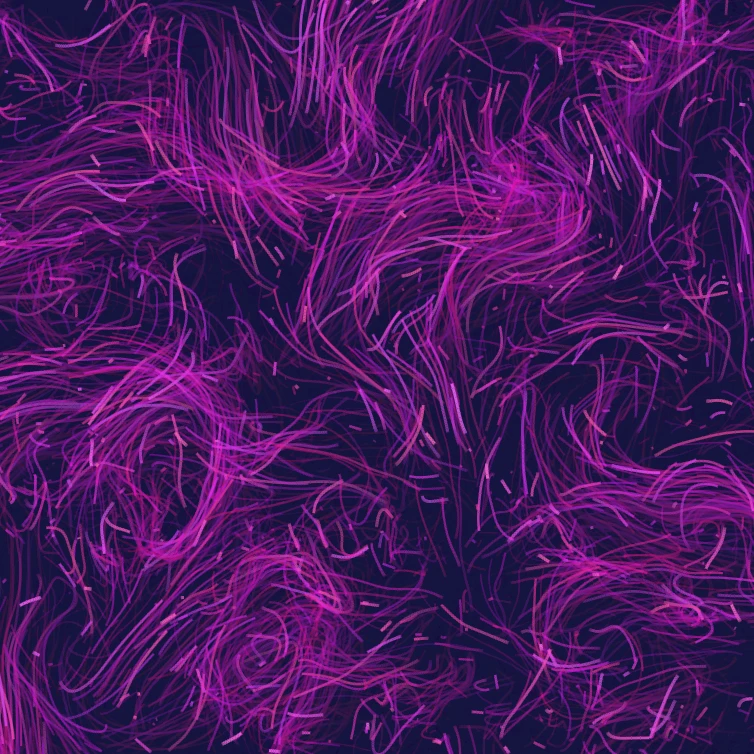
Flow Field
Steer thousands of particles with curl noise, wind, gravity, and clickable attractors, repellers, and vortices. Animate and save a PNG.
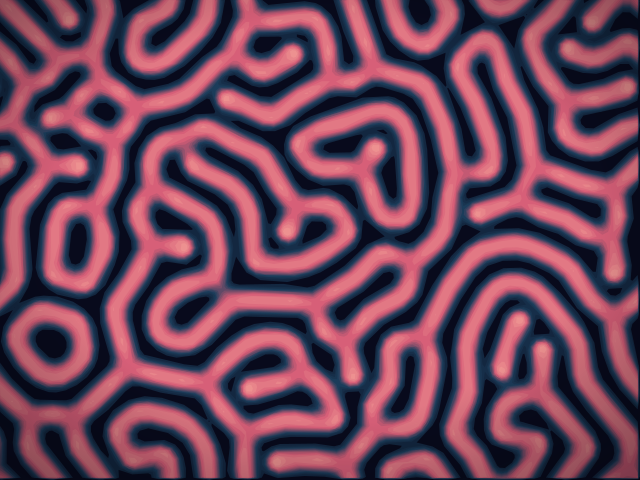
Reaction-diffusion simulator
Grow spots, stripes, mazes and coral with a Gray-Scott reaction-diffusion simulator. Paint chemicals, set feed and kill rates, or seed it from a photo.
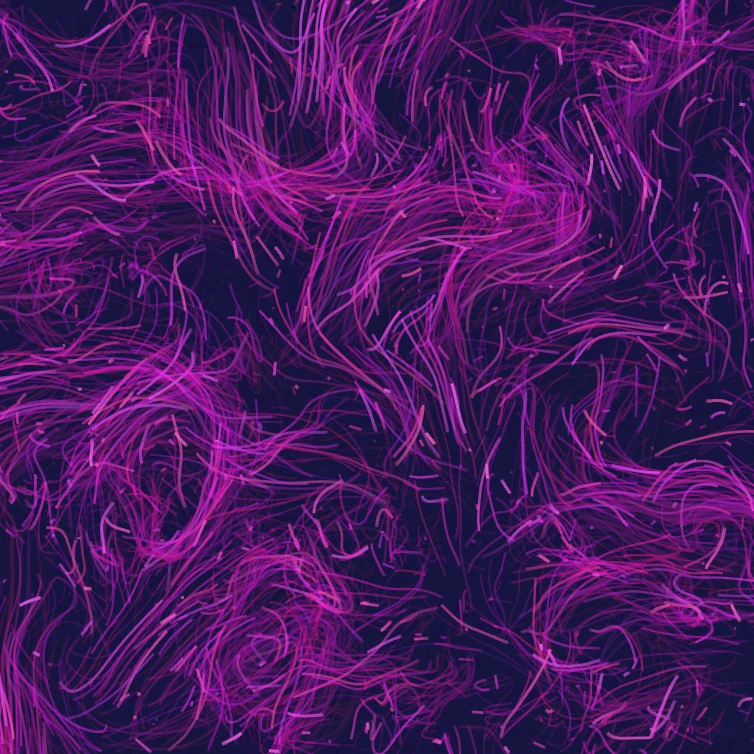
Flow fields and particle streams
What is a flow field? How a vector field steers particles with curl noise, wind, gravity, viscosity and clickable attractors, repellers and vortices.
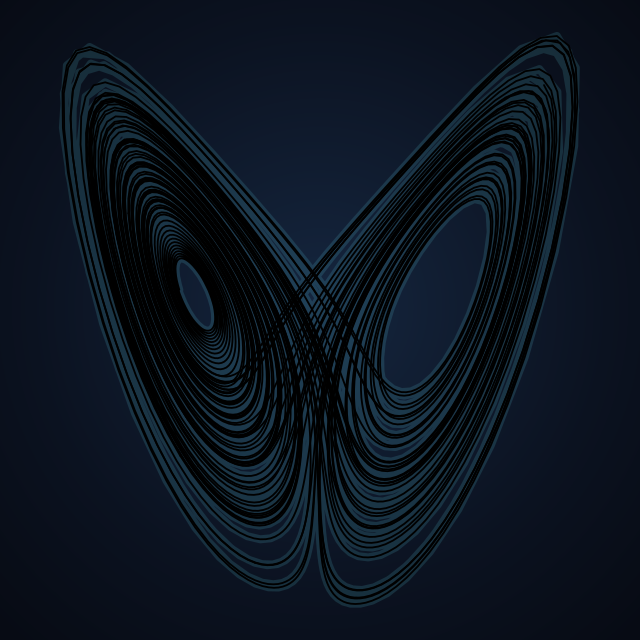
Lorenz Attractor
Interactive Lorenz attractor: tune a, b, f, rotate in 3D, try neon/ink/smoke looks, and save a PNG.

Double Pendulum
Simulate a classical double pendulum in your browser. Paint chaotic tip trails, long-exposure paths, or distort a soft field—then save a PNG.
Ready to try it?
Open PictorX in your browser — no install, no credit card required to start.
Go to Editor