

试试下方的色彩效果,或打开你自己的图片。
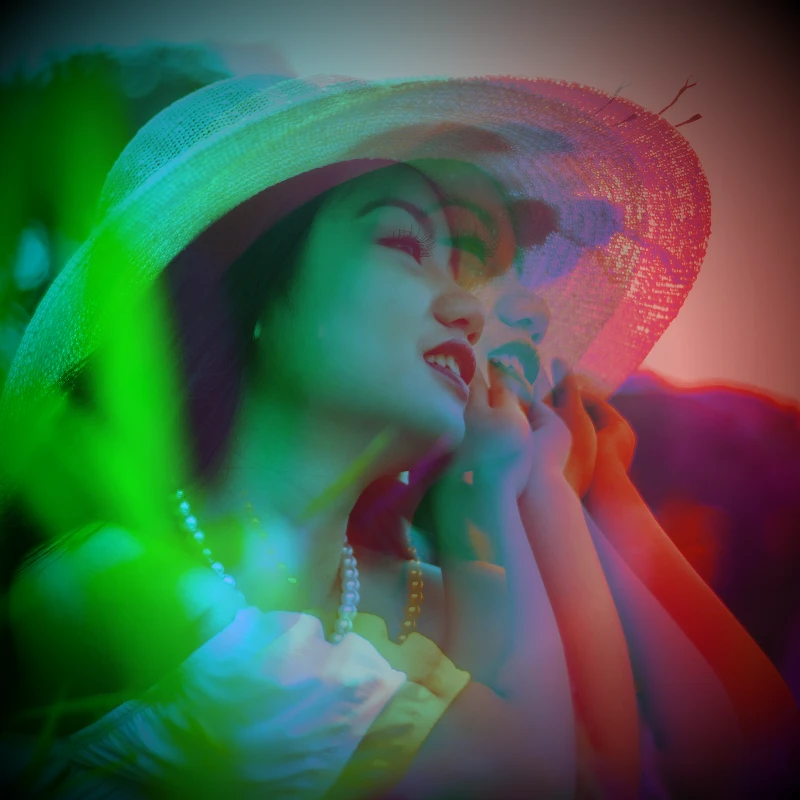
Holga2 effect
Open a photo and apply Holga2 in PictorX. This look is part of 色彩效果—adjust the settings on this page, then keep editing with layers, text, and other effects in the same workspace. 试试下方的色彩效果,或打开你自己的图片。
它是如何运作的
- Open this page and try Holga2 on the sample, or open your own photo.
- Tune the Holga2 settings, or switch to another look in 色彩效果.
- Save the result, or keep editing with layers, text, and other effects in PictorX.
What the Holga2 effect does
Holga2 is one of the looks in PictorX 色彩效果. Apply it in your browser, then keep working in the same project—crop, type, or add another effect without starting over.
More looks in 色彩效果
This page opens 色彩效果 with Holga2 already selected. Switch looks on the demo to compare styles, or open the full 色彩效果 page to browse every option in the set.
Looks in this set
相关工具
色彩效果
通过效果 → 颜色为照片注入电影感。效果 → 颜色 → 霓虹发光让霓虹边缘脉动,效果 → 颜色 → 热力图映射数据感热力图,效果 → 颜色 → 双色调锁定双色调氛围,效果 → 颜色 → 三色调锁定三色调氛围。叠加滤镜、调节不透明度,把普通照片变成海报级电光梦境。
在线反相图片颜色
在线反相任意图片的颜色:黑变白、红变青,每种颜色都翻转为相反色。透明度会被保留。
为照片添加色调
在线用任意颜色给照片着色。选择色调颜色、设置强度,让图片呈现冷蓝、暖琥珀或彩色玻璃般的效果。
Holga1 effect
Apply a Holga1 effect to photos free in your browser. Open the 色彩效果 tools, tune the look, and keep editing in PictorX. No install.
热力图照片效果
在线把照片变成热力图:暗部变蓝,中间调变绿和黄,亮部变红,就像热成像相机的图像。
全息照片滤镜
在线为任意照片或透明 PNG 添加全息彩虹镭射。设置强度,打造闪亮、幻彩的贴纸或卡片效果。
X 光照片滤镜
在线为任意照片添加 X 光效果:亮度反相、对比度提高并加上蓝色色调。可修改颜色、对比度和强度。
了解更多色彩知识
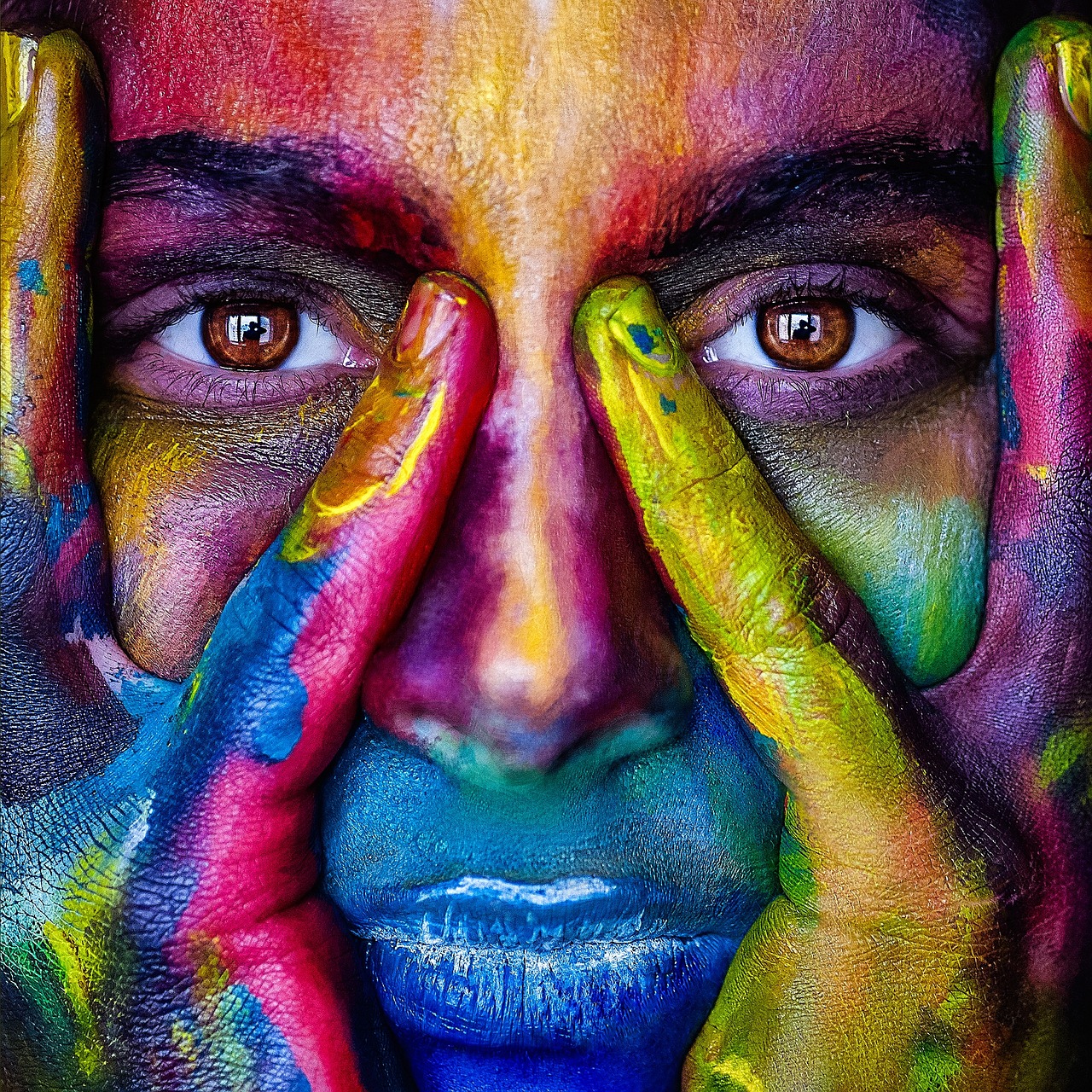
色彩在屏幕和印刷中如何呈现?光与混色、RGB、CMYK、HSL 与 HSV、十六进制色码、色轮、渐变、对比度与无障碍。
准备好尝试了吗?
在浏览器中打开 PictorX — 无需安装,无需信用卡即可启动。
前往编辑器