
No currency found
Exchange rate:
Other currencies
| Currency | Amount | Exchange rate |
|---|
Currency converter
Convert any amount between more than 150 currencies with daily reference rates from central banks. The result, the rate and the date of the rates are shown straight away, and the last rates are saved so the converter keeps working offline. Type an amount, choose the currency you have and the currency you want, and the result updates as you type. Search by code, name or country, star your favourites and swap the two with one click. The table below shows the same amount in other currencies.
How it works
- Type the amount you want to convert.
- Pick the From and To currencies. Search by code, name or country, and use the swap button to turn the conversion around.
- Star the currencies you use most. They appear at the top of the lists and in the table of other currencies.
Where the rates come from
The converter uses daily reference rates published by the European Central Bank and other central banks, collected by the free Frankfurter service. They are mid-market rates: the midpoint between buying and selling, without the margin a bank or card provider adds. The date shows the day the rates were published.
Offline and private
Every time the rates load, a copy is kept in your browser. Without a connection the converter uses that copy and says so, with the date of the rates. Your amounts, currencies and favourites stay in this browser and are never sent anywhere.
Frequently asked questions
Why is my bank's rate different?
Banks, exchange offices and card providers sell currency above the mid-market rate and buy it below, and some add a fee. The difference is their margin. This converter shows the reference rate, so it is a good benchmark for checking how much you pay.
How often are the rates updated?
Central banks publish reference rates once per working day, the European Central Bank at around 16:00 Central European Time. The site checks for new rates every few hours, and the date next to the rate tells you which day they are from. They are not meant for live trading.
Can I use it without an internet connection?
Yes, once the page has loaded the rates at least once in this browser. The converter then falls back to the last saved rates and shows their date, so you know how current they are.
Related tools
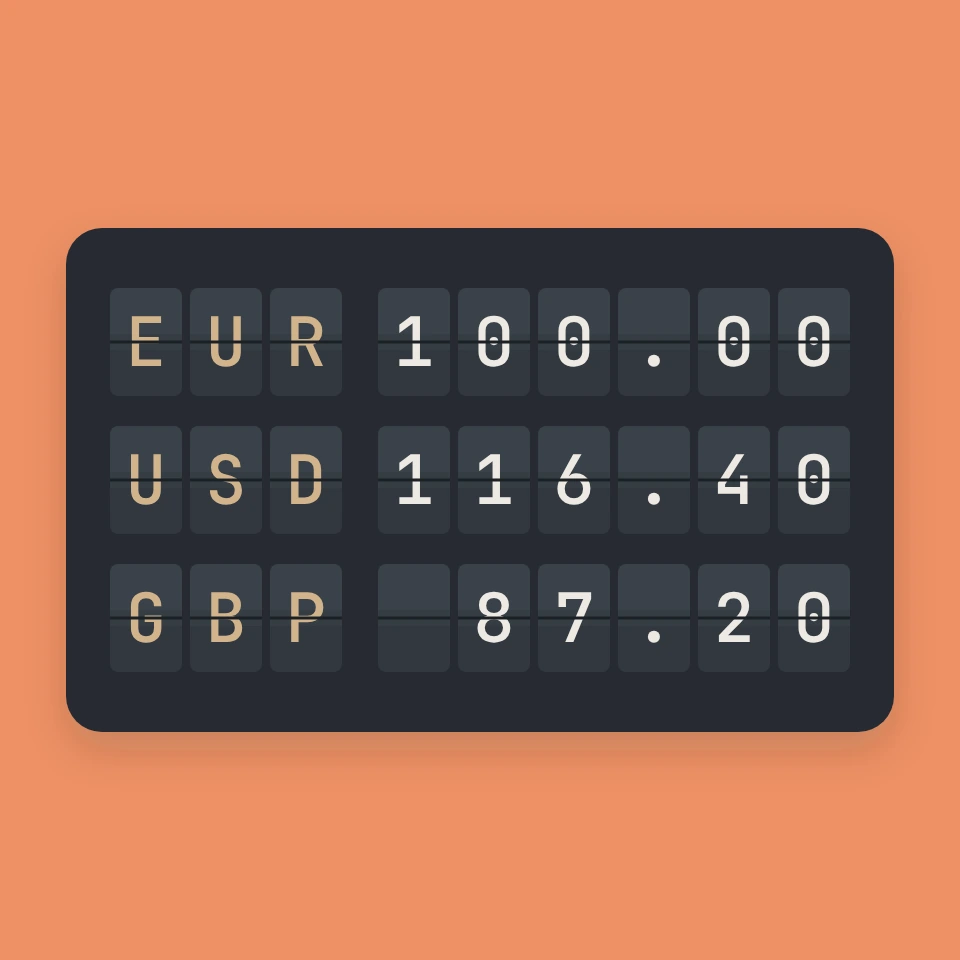
Exchange rates, from the gold standard to floating currencies
How exchange rates work, the difference between floating and fixed currencies, what the three-letter ISO 4217 codes mean, and how money moved from the gold standard to Bretton Woods and floating rates.
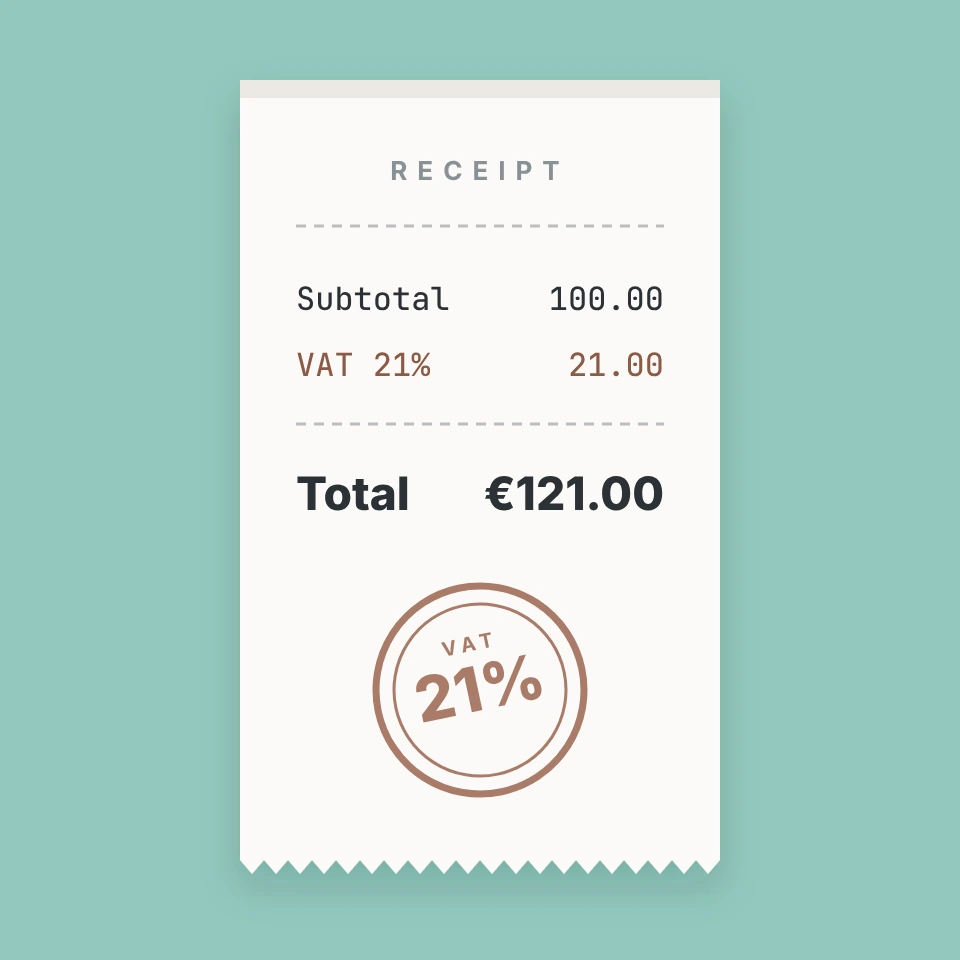
VAT calculator
A free online VAT calculator: add or remove VAT with rates for the Netherlands, Belgium, Germany, France, the UK and more, and print a simple invoice overview.
Calculator
A free online calculator with a basic and a scientific mode: trigonometry, logarithms, powers, roots, factorials, memory and history, with the correct order of operations.
Ready to try it?
Open PictorX in your browser — no install, no credit card required to start.
Go to Editor