
About the Cross-stitch pattern maker - photo to cross-stitch
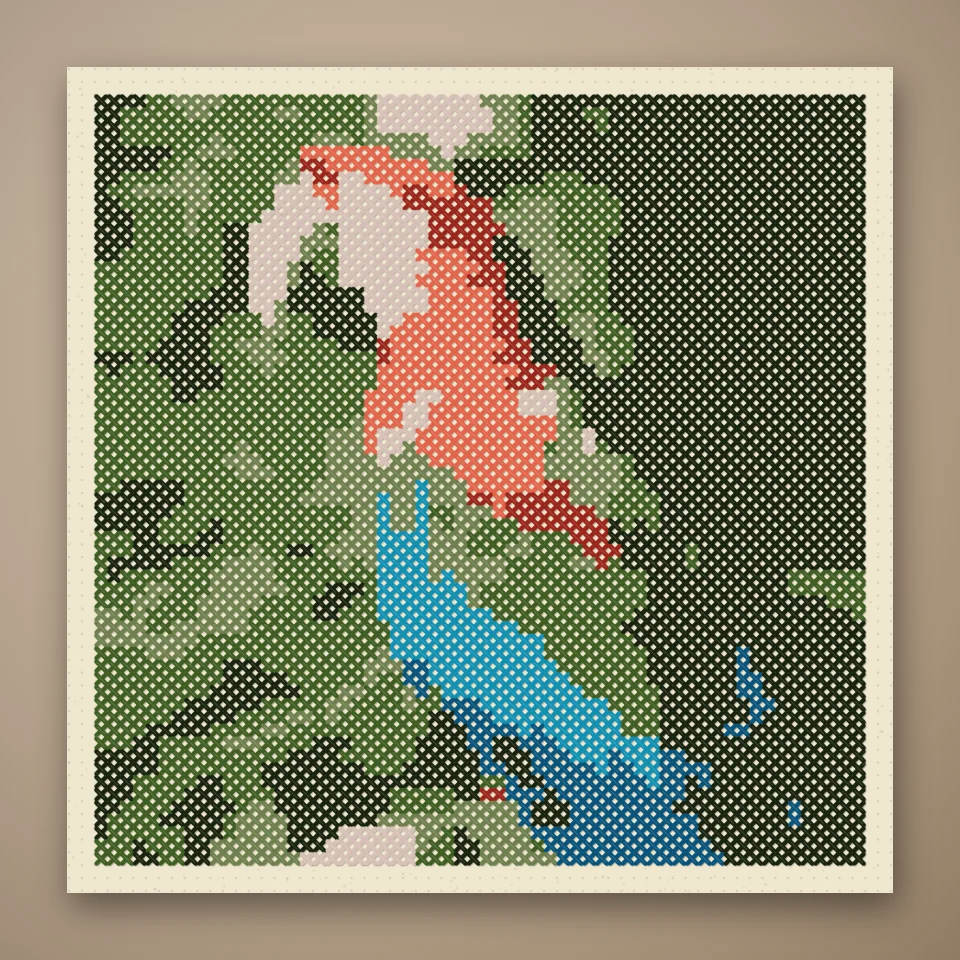
A cross-stitch of a pet, a place or a person is a lovely, personal thing to make. The pattern maker does the counting for you: it turns your photo into a grid of stitches with a small set of colours and a chart you can follow.
How it works
The photo is shrunk to the number of stitches you choose, then the colours are grouped into the palette size you set. Each stitch takes the nearest palette colour, and lone stitches can be tidied into their neighbours.
Tips for a good pattern
Photos with a clear subject and a plain background work best. Crop close, use fewer colours for bold designs and more for portraits, and try the stitched preview on a few fabrics.
Ideas
A pet portrait, a holiday view for a sampler, a wedding or birth gift, a bookmark, or a small design for a card.
Frequently asked questions
Is the pattern maker free?
You can try every setting for free. Saving without the watermark is part of PictorX Premium.
Why are some colour names repeated with a number?
When two palette colours fall in the same colour family they get the same name and a number, so you can tell them apart in the key.
Does it work on phones?
Yes. It works in any modern browser on phones and computers.
Related tools
Cross-stitch pattern maker
Turn your photo into a counted cross-stitch pattern online: choose the stitch count and number of colours, see it stitched, and save a printable chart with symbols and a colour key.
Book cover maker
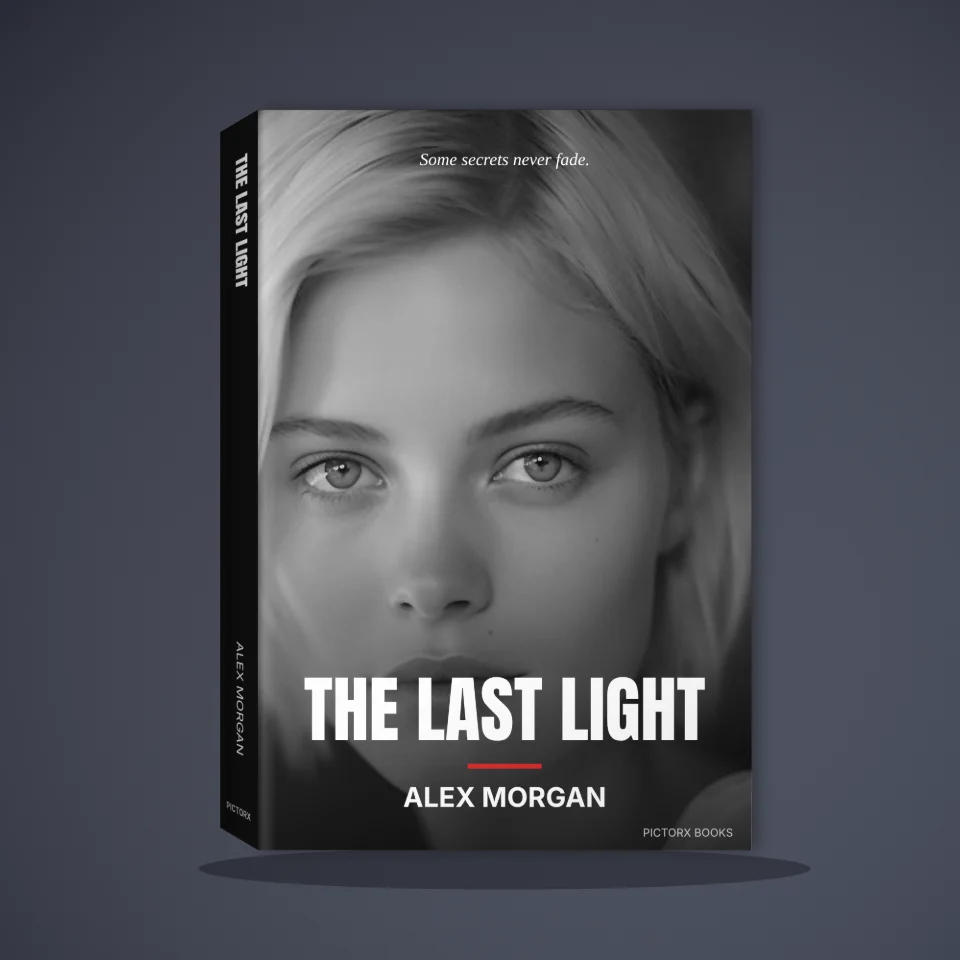
Make a paperback book cover online from your photo in a thriller, romance, classic, sci-fi or literary style, with a spine and back cover if you like. Save as PNG.
Stamp maker
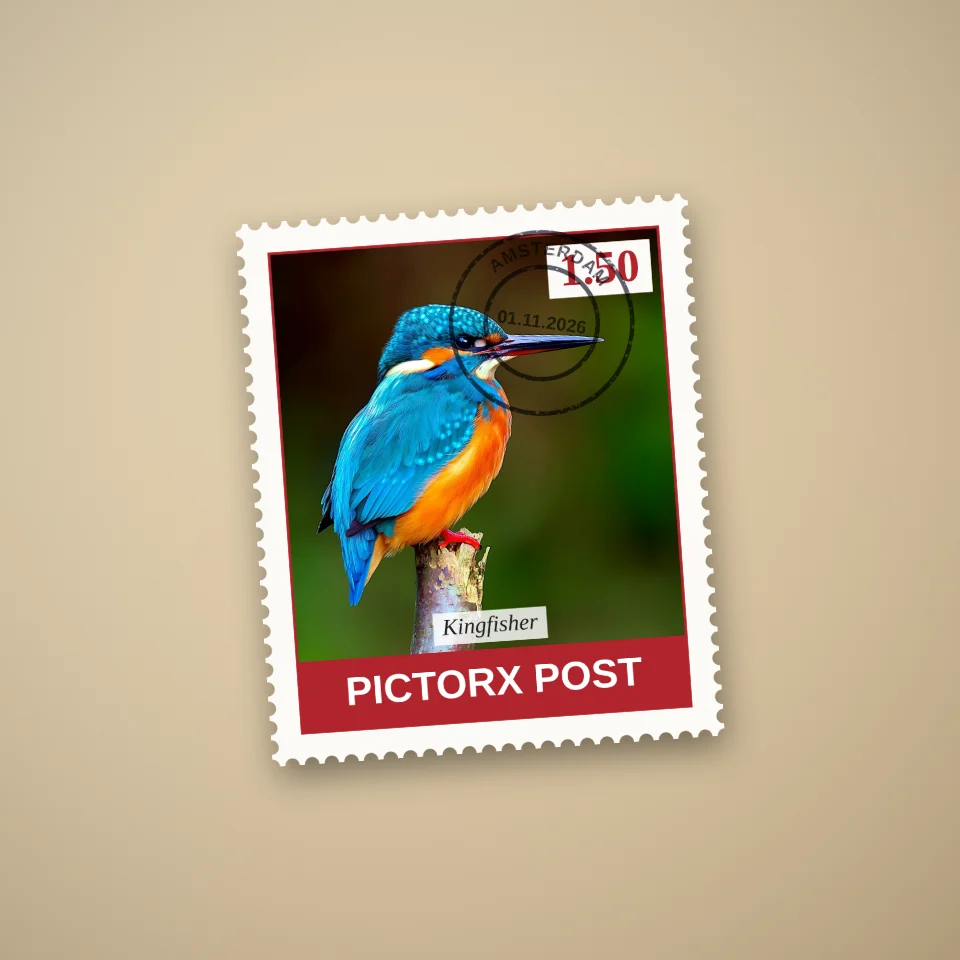
Make a postage stamp from your photo online: perforated edges, value, country, caption and postmark. Single stamps or sheets, saved as PNG.

Vintage postcard maker
Make a retro 'Greetings from' postcard online: your photo inside big 3D letters of any place name, retro backdrops and an optional postcard back. Save as PNG.
Ready to try it?
Open PictorX in your browser — no install, no credit card required to start.
Make a pattern