
Countdown timer
Count down to the moment that matters. Name your event, pick the date, time and time zone, and watch the days, hours, minutes and seconds tick away. Share it with a link, embed it on your site or use the simple minute timer. Pick a preset or enter your own event, date, time and time zone under Settings. The display counts down live and celebrates when the moment arrives. Save several countdowns, copy a share link or embed code, or switch to Timer to count down a number of minutes with a sound at the end.
How it works
- Open Settings and choose New Year, next Christmas or Custom, then enter the event title, date, time and time zone.
- Choose the flip or clean style, add a start date to show progress, and set a message and confetti for the big moment.
- Save the countdown, copy the share link or embed code, or go full screen to show it on a big display.
Time zones, share links and embedding
Set the moment in the time zone where it happens, for example a launch at 09:00 in New York, and everyone sees the correct remaining time wherever they are. The share link stores the whole countdown in the address itself, so nothing is saved on a server. The embed code is a small iframe you can paste into any web page.
Accurate time, timer mode and privacy
The display compares a fixed target time with your clock on every tick, so it never drifts, even in a background tab or after a reload. Switch to Timer for a quick countdown of minutes and seconds that ends with a sound. Saved countdowns stay in the local storage of this browser and are never sent anywhere.
Frequently asked questions
Is the countdown correct for people in other time zones?
Yes. The target is stored as one exact moment in the time zone you chose, and every visitor's browser counts down to that same moment. A New Year preset in your own time zone, however, reaches zero at midnight where you are.
How do I put a countdown on my website?
Set up the countdown, press Copy embed code and paste the iframe into the HTML of your page. The settings travel in the link, so the embedded countdown shows the same event, time zone and style without any account.
Where are my saved countdowns stored?
In the local storage of this browser on this device. Nothing is sent to a server. To move a countdown to another device, copy its share link and open it there.
Related tools
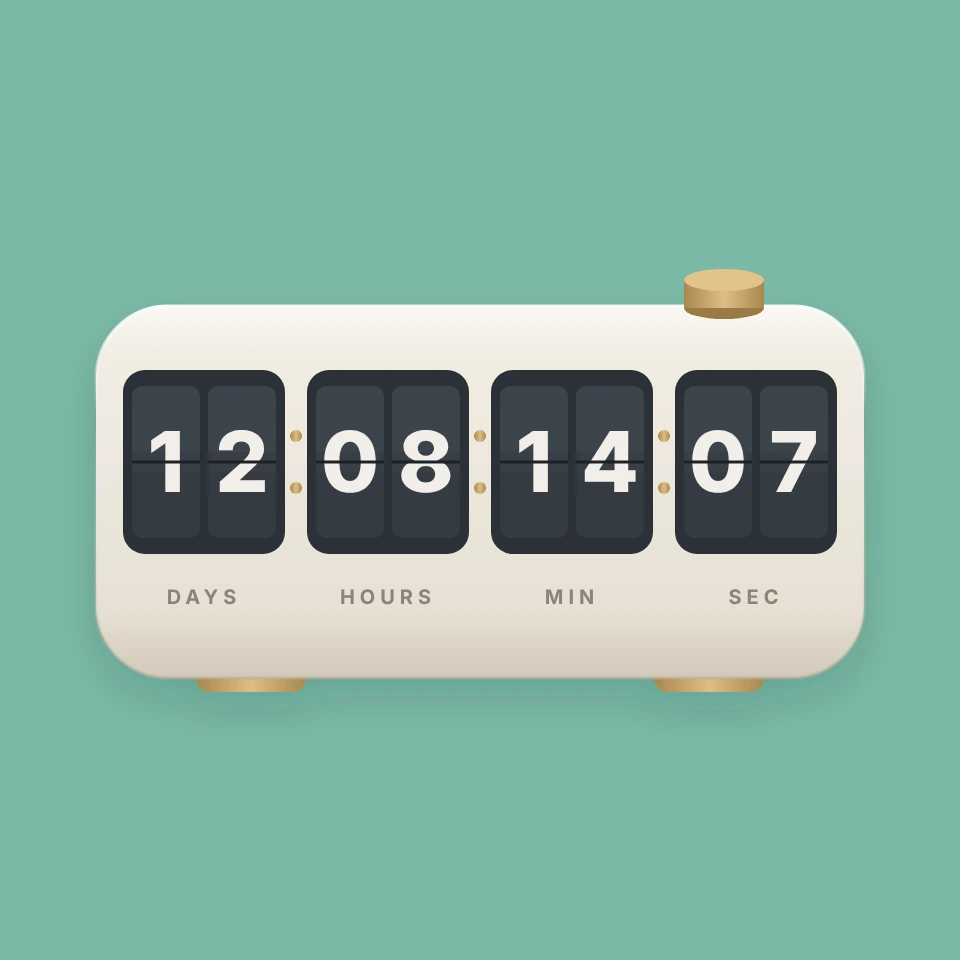
The story of the countdown
Where the countdown comes from: harbour time balls, a 1929 science fiction film that invented the launch countdown, T-minus at NASA and the Times Square ball drop that turned midnight into a shared moment.
Pomodoro timer
A free Pomodoro timer: 25 minutes of focus, 5-minute breaks and a long break after four sessions, with a progress ring, sound signals, notifications and daily stats.

To-do list
A free, minimalist to-do list: add tasks with Enter, tick them off, filter by status, tag and priority, sort by due date and keep several lists, all stored in your browser.
Calculator
A free online calculator with a basic and a scientific mode: trigonometry, logarithms, powers, roots, factorials, memory and history, with the correct order of operations.
Ready to try it?
Open PictorX in your browser — no install, no credit card required to start.
Go to Editor