
Cinema Marquee Sign
Your name in lights, the old-fashioned way. Type a header and a few lines: black or red plastic letters hang on the rails of a glowing panel, the header is painted on the frame, and light bulbs chase around the edge. Save a PNG — nothing is uploaded. Type a header and a few lines and pick a style. Drag the sign to move it, pull a corner to resize, or turn the knob to rotate. Saved images show every bulb lit.
How it works
- Type the header and up to a few lines of text.
- Pick a style, or choose the frame, letter color, font, and background yourself.
- Turn the bulbs and chasing lights on or off, then save a PNG with every bulb lit.
A marquee that glows
The white panel is lit from behind and fades toward the edges, the plastic letters hang on thin rails with their tiles and clips, and at night the sign lights up the street and wall around it.
From Broadway to the drive-in
A red classic with gold lettering, a gold Broadway frame with red letters, a worn cream picture house on brick, a modern black lightbox, a drive-in at sunset, or a pink world premiere.
Frequently asked questions
What can I make with the Cinema Marquee Sign?
A movie theater marquee with your own header and text, for movie nights, party invitations, birthdays, shop announcements, and social posts.
Do the light bulbs move?
Yes. With chasing lights on, the bulbs run around the frame like a real marquee. Saved images always show every bulb lit.
Can I put the sign on my own photo?
Yes. Pick My photo as the background, or pick Transparent to save only the sign.
Do my signs leave my device?
No. Everything is drawn in your browser. Nothing is uploaded to PictorX servers.
Related tools

Neon Sign Maker
Type a word and turn it into a glowing neon sign on brick, tiles, wood, or concrete. Pick tube color, font, glow, and backplate, then save a PNG. Nothing is uploaded.
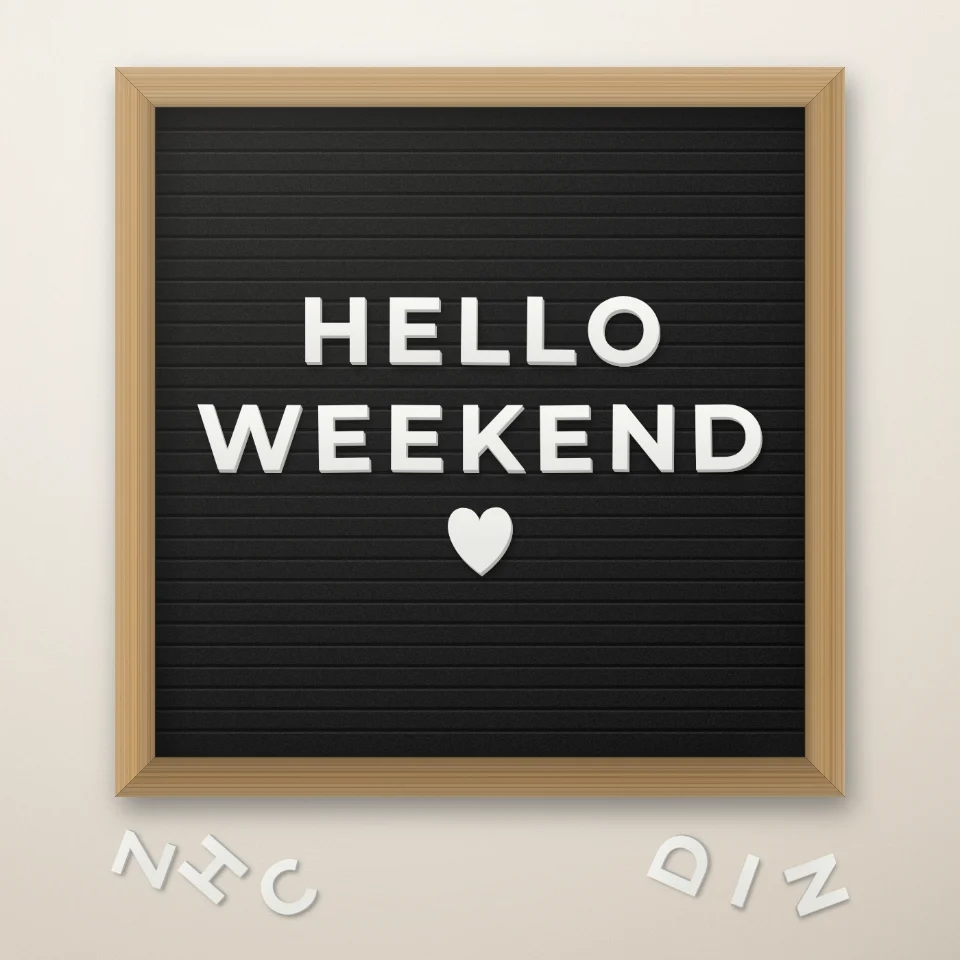
Letter Board Quote Maker
Type a quote on a felt letter board with white or gold plastic letters, a wooden frame, and hearts or stars. Save a PNG for Instagram. Nothing is uploaded.

Street Sign & Plaque Maker
Make a custom street sign, blue plaque, brass nameplate, or house number tile on a real-looking wall. Add rust and wear, then save a PNG. Nothing is uploaded.

Balloon Letters Generator
Turn any name or word into shiny foil balloon letters in gold, silver, rose gold, or holographic, with ribbons and confetti. Save a PNG, even transparent.
Ready to try it?
Open PictorX in your browser — no install, no credit card required to start.
Go to Editor