
Tạo bảng hiệu rạp phim
Tên bạn trong ánh đèn, kiểu xưa. Nhập tiêu đề và vài dòng: chữ đen hoặc đỏ treo trên ray của tấm bảng phát sáng, tiêu đề được sơn và bóng đèn chạy quanh viền. Lưu PNG. Nhập tiêu đề và vài dòng rồi chọn kiểu. Kéo biển để di chuyển, kéo một góc để đổi kích thước hoặc xoay núm để xoay. Ảnh đã lưu sẽ có tất cả bóng đèn sáng.
Cách nó hoạt động
- Type the header and up to a few lines of text.
- Pick a style, or choose the frame, letter color, font, and background yourself.
- Turn the bulbs and chasing lights on or off, then save a PNG with every bulb lit.
A marquee that glows
The white panel is lit from behind and fades toward the edges, the plastic letters hang on thin rails with their tiles and clips, and at night the sign lights up the street and wall around it.
From Broadway to the drive-in
A red classic with gold lettering, a gold Broadway frame with red letters, a worn cream picture house on brick, a modern black lightbox, a drive-in at sunset, or a pink world premiere.
Hỏi thường xuyên
What can I make with the Cinema Marquee Sign?
A movie theater marquee with your own header and text, for movie nights, party invitations, birthdays, shop announcements, and social posts.
Do the light bulbs move?
Yes. With chasing lights on, the bulbs run around the frame like a real marquee. Saved images always show every bulb lit.
Can I put the sign on my own photo?
Yes. Pick My photo as the background, or pick Transparent to save only the sign.
Do my signs leave my device?
No. Everything is drawn in your browser. Nothing is uploaded to PictorX servers.
Công cụ liên quan

Tạo biển neon
Nhập chữ và biến nó thành biển neon phát sáng trên gạch, gạch men, gỗ hoặc bê tông. Chọn màu, phông, độ sáng và tấm nền rồi lưu PNG. Không tải lên.
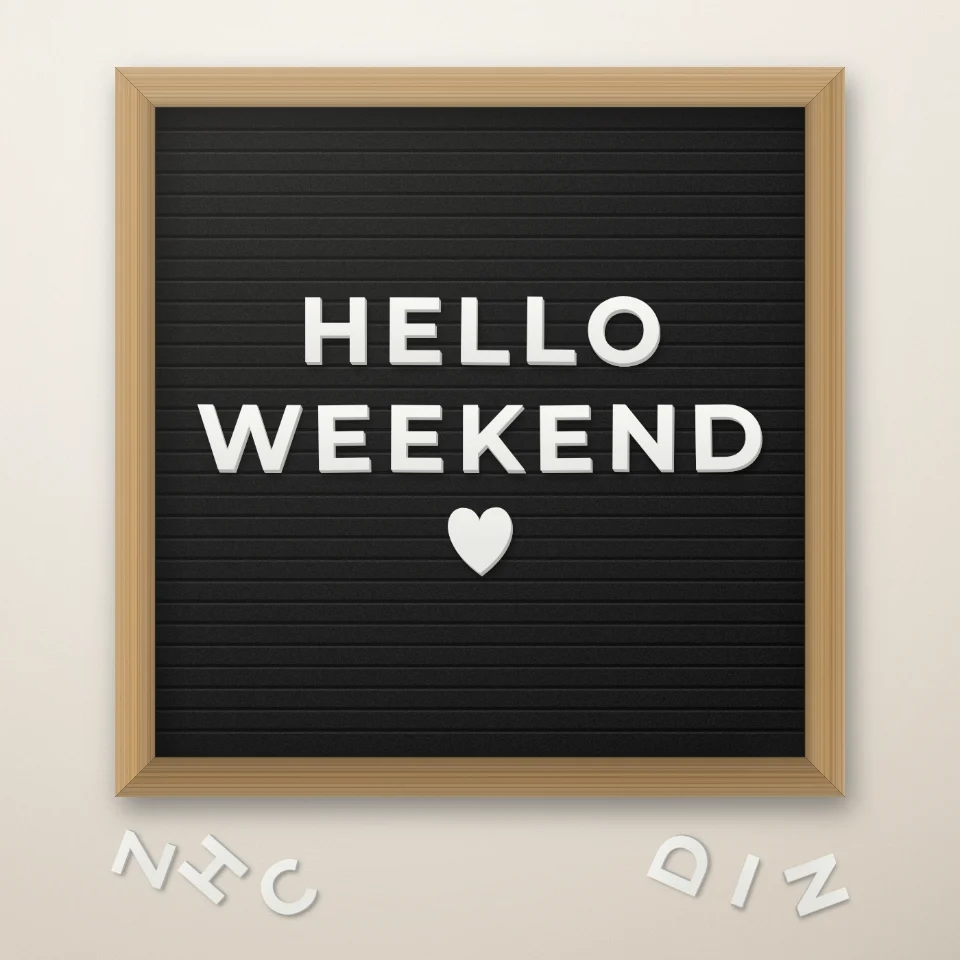
Tạo câu trên bảng chữ
Viết câu nói trên bảng chữ nỉ với chữ trắng hoặc vàng, khung gỗ và trái tim hay ngôi sao. Lưu PNG, không tải lên.

Tạo biển tên đường & bảng hiệu
Tạo biển tên đường, biển tưởng niệm xanh, biển đồng hoặc số nhà trên bức tường chân thực. Thêm gỉ sét và vết mòn rồi lưu PNG. Không tải lên.

Tạo chữ bóng bay
Biến tên hoặc từ bất kỳ thành chữ bóng bay kim loại vàng, bạc, vàng hồng hoặc ánh ba chiều, có ruy băng và hoa giấy. Lưu PNG, cả nền trong suốt.
Sẵn sàng thử chưa?
Mở PictorX trong trình duyệt của bạn — không cài đặt, không cần thiết thẻ tín dụng để khởi động.
Tới bộ sửa