
映画館の看板メーカー
昔ながらのやり方であなたの名前を光の中に。見出しと数行を入力すると、光るパネルのレールに黒や赤の文字が並び、見出しはフレームに描かれ、電球が縁を流れます。PNGで保存。 見出しと数行を入力してスタイルを選びます。看板をドラッグして移動、角を引いてサイズ変更、つまみを回して回転できます。保存した画像ではすべての電球が点灯します。
使い方
- Type the header and up to a few lines of text.
- Pick a style, or choose the frame, letter color, font, and background yourself.
- Turn the bulbs and chasing lights on or off, then save a PNG with every bulb lit.
A marquee that glows
The white panel is lit from behind and fades toward the edges, the plastic letters hang on thin rails with their tiles and clips, and at night the sign lights up the street and wall around it.
From Broadway to the drive-in
A red classic with gold lettering, a gold Broadway frame with red letters, a worn cream picture house on brick, a modern black lightbox, a drive-in at sunset, or a pink world premiere.
よくある質問
What can I make with the Cinema Marquee Sign?
A movie theater marquee with your own header and text, for movie nights, party invitations, birthdays, shop announcements, and social posts.
Do the light bulbs move?
Yes. With chasing lights on, the bulbs run around the frame like a real marquee. Saved images always show every bulb lit.
Can I put the sign on my own photo?
Yes. Pick My photo as the background, or pick Transparent to save only the sign.
Do my signs leave my device?
No. Everything is drawn in your browser. Nothing is uploaded to PictorX servers.
関連ツール

ネオンサインメーカー
文字を入力して、レンガ・タイル・木・コンクリートの壁に光るネオンサインを作成。色、フォント、グロー、背面パネルを選んでPNG保存。アップロードなし。
レターボード名言メーカー
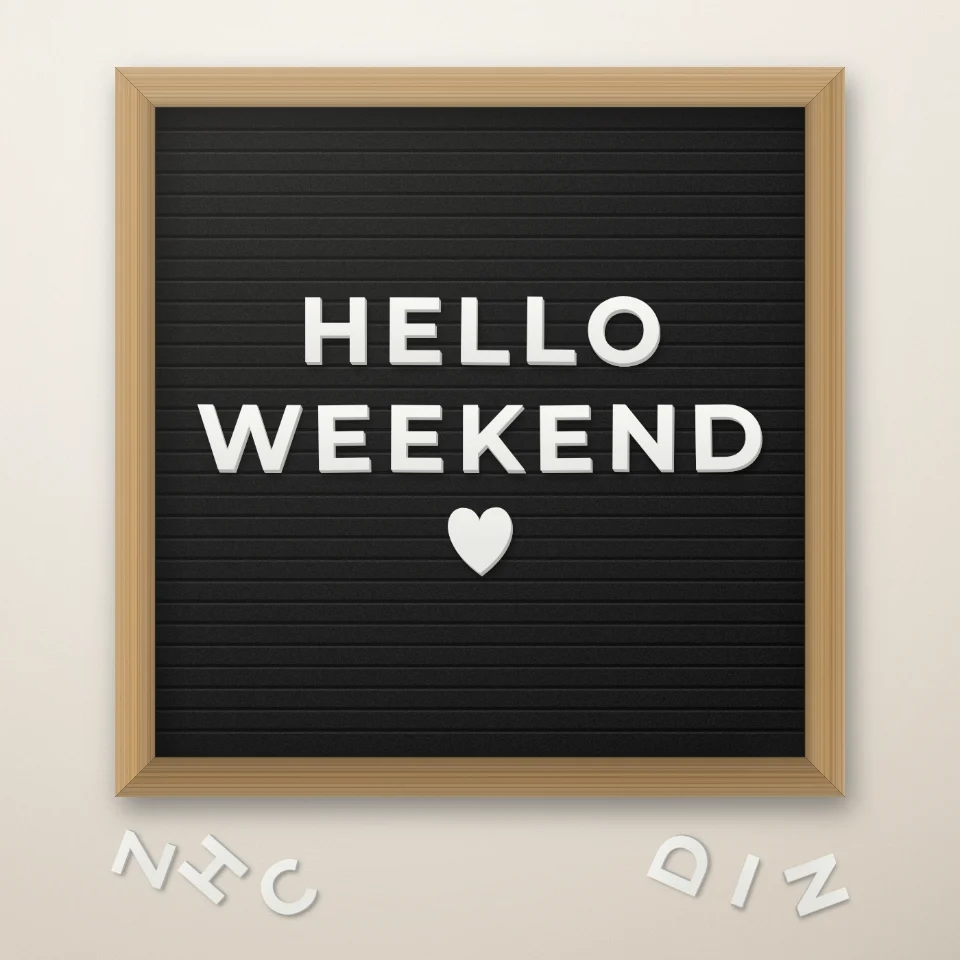
白や金の文字、木のフレーム、ハートや星でフェルトのレターボードに言葉を並べ、PNGで保存。アップロードなし。

道路標識&プレートメーカー
リアルな壁に、オリジナルの道路標識・ブループラーク・真鍮プレート・番地プレートを作成。サビや劣化を加えてPNG保存。アップロードなし。

バルーン文字ジェネレーター
名前や言葉を、ゴールド、シルバー、ローズゴールド、ホログラムのキラキラしたフィルム風船の文字に。リボンと紙吹雪付きでPNG保存、透明背景もOK。
試してみますか?
ブラウザで PictorX を開きます。インストール不要、始めるのにクレジットカードも不要です。
エディターへ