
극장 간판 만들기
옛날 방식으로 이름을 불빛 속에. 제목과 몇 줄을 입력하면 빛나는 패널 레일에 검정 또는 빨간 글자가 걸리고, 제목은 프레임에 칠해지며 전구가 가장자리를 따라 흘러요. PNG로 저장하세요. 제목과 몇 줄을 입력하고 스타일을 고르세요. 간판을 끌어 옮기고, 모서리를 당겨 크기를 바꾸거나, 손잡이를 돌려 회전하세요. 저장된 이미지에서는 모든 전구가 켜집니다.
작동 원리
- Type the header and up to a few lines of text.
- Pick a style, or choose the frame, letter color, font, and background yourself.
- Turn the bulbs and chasing lights on or off, then save a PNG with every bulb lit.
A marquee that glows
The white panel is lit from behind and fades toward the edges, the plastic letters hang on thin rails with their tiles and clips, and at night the sign lights up the street and wall around it.
From Broadway to the drive-in
A red classic with gold lettering, a gold Broadway frame with red letters, a worn cream picture house on brick, a modern black lightbox, a drive-in at sunset, or a pink world premiere.
자주 묻는 질문
What can I make with the Cinema Marquee Sign?
A movie theater marquee with your own header and text, for movie nights, party invitations, birthdays, shop announcements, and social posts.
Do the light bulbs move?
Yes. With chasing lights on, the bulbs run around the frame like a real marquee. Saved images always show every bulb lit.
Can I put the sign on my own photo?
Yes. Pick My photo as the background, or pick Transparent to save only the sign.
Do my signs leave my device?
No. Everything is drawn in your browser. Nothing is uploaded to PictorX servers.
관련 도구

네온사인 메이커
단어를 입력해 벽돌·타일·나무·콘크리트 벽 위의 빛나는 네온사인으로. 색상, 글꼴, 빛, 뒷판을 고르고 PNG 저장. 업로드 없음.
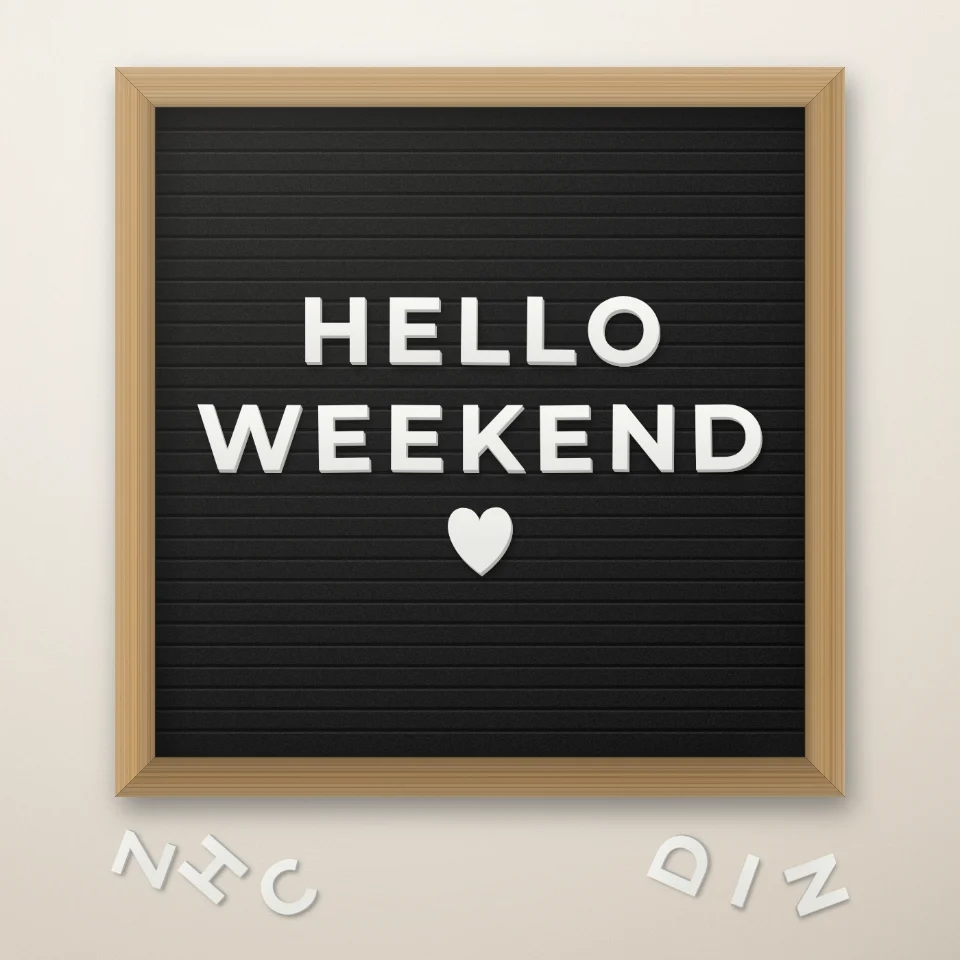
레터보드 문구 만들기
흰색 또는 금색 글자, 나무 프레임, 하트와 별로 펠트 레터보드에 문구를 만들고 PNG로 저장하세요. 업로드 없음.

도로 표지판 & 명판 메이커
실감 나는 벽에 나만의 도로 표지판, 블루 플라크, 황동 명판, 집 번호판을 만드세요. 녹과 마모를 더하고 PNG 저장. 업로드 없음.

풍선 글자 만들기
이름이나 단어를 골드, 실버, 로즈 골드, 홀로그램 호일 풍선 글자로 만들어 보세요. 리본과 색종이 포함, 투명 배경 PNG도 저장할 수 있어요.
시도해 볼 준비가 되셨나요?
브라우저에서 PictorX를 엽니다. 설치가 필요 없고 시작하는 데 신용 카드가 필요하지 않습니다.
편집자로 이동