
Options
Chat Mockup
Make fictional chat stories and interface mockups. Type a short conversation, pick a phone interface, and save a picture you can drop into a poster, a story, or a design. Type a short fictional chat. Them is on the left and Me is on the right. The smiley in a message box adds an emoji. Add |👍 at the end of a line for a reaction, or type ... for someone still typing. Pick an interface, then save a PNG or open it in the editor.
How it works
- Type each line of the chat. A line you send is marked Me and sits on the right. The smiley in a message box adds an emoji.
- Pick an interface: iMessage, WhatsApp, Instagram, Messenger, Android or SMS. Add a reaction with |👍.
- Save a PNG, or open it in the PictorX editor and keep designing.
A phone conversation, made up
The mockup is a picture of a phone, not a real message. Use it for stories, comedy, invitations, storyboards, presentations and interface designs. Nothing is sent to anyone.
Interfaces
iMessage in light or dark, WhatsApp in light or dark, Instagram, Messenger, Android Messages and classic SMS. The name, the time, the read receipt and the phone frame can each be changed to suit the picture.
Frequently asked questions
What is a chat mockup?
A picture of a phone conversation you wrote yourself. It looks like iMessage, WhatsApp or another chat app, and it is only an image.
Will this send a message?
No. It draws a picture in your browser. Nothing is sent, and the text stays on your device.
Can I put the chat in another design?
Yes. Save a PNG with a transparent background, or open it in the PictorX editor and place it on a poster, a story or a photo.
How do I show who is speaking?
Lines on the left are the other person. Mark your own lines Me so they sit on the right in the colored bubble. Add |👍 or |❤️ at the end for a reaction.
Can I make green text bubbles instead of blue iMessage ones?
Yes. Pick the SMS interface: your messages sit in green bubbles and the header and the message field read Text Message, as when an iPhone texts a phone without iMessage. The iMessage interface gives blue bubbles, and iMessage dark and WhatsApp dark give a dark mode.
Related tools
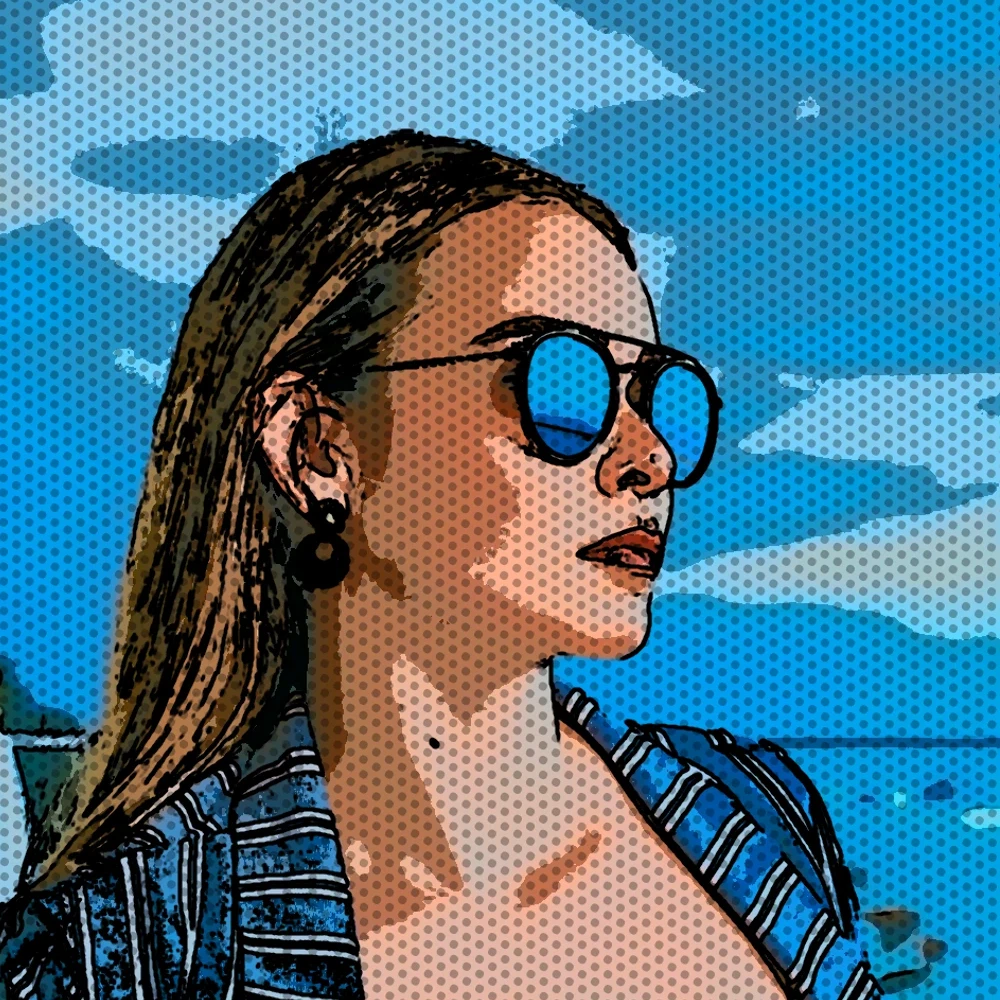
Comic maker
Turn a photo into a comic page in your browser. Zoom different details into 1, 2, 4, or 6 ink panels, then add optional Ben-Day dots and captions.
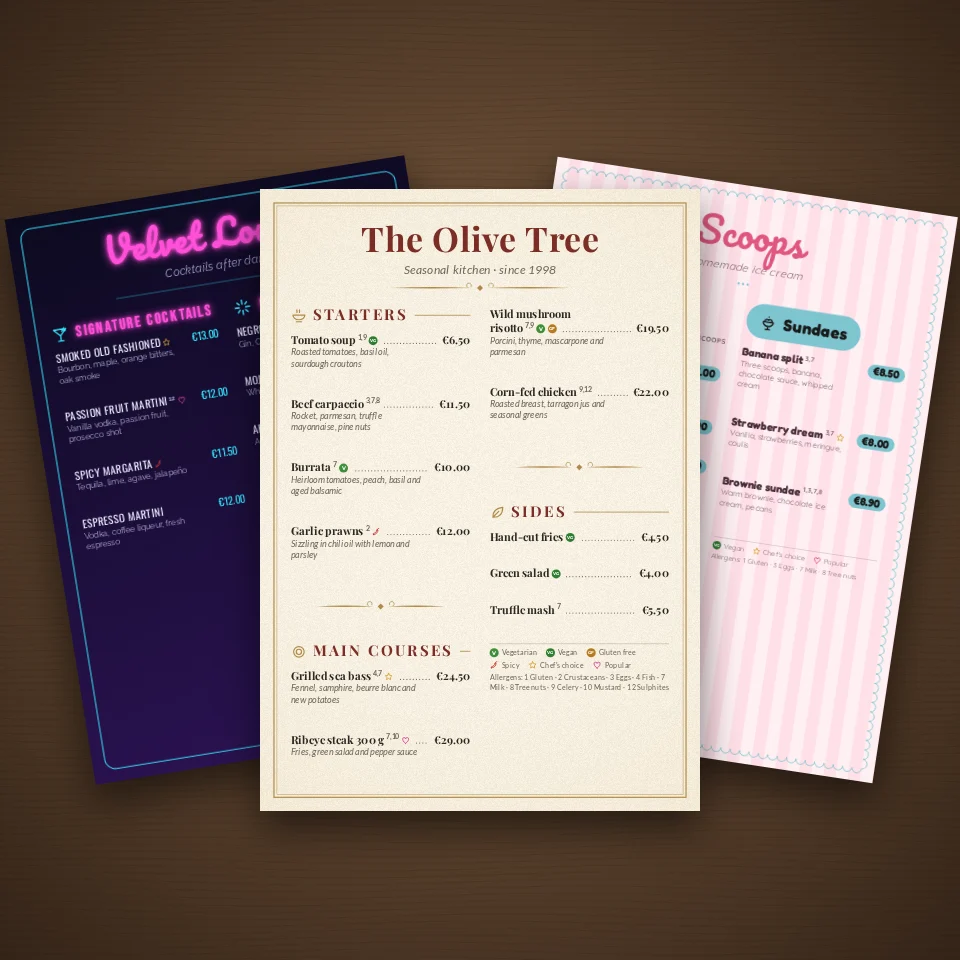
Menu maker
Design restaurant, café, bar, wine, cocktail, ice cream and bakery menus online. Templates, dotted price leaders, allergens, photos and QR codes. Export a print-ready PDF, PNG or HTML.

Newspaper front page maker
Make a fake newspaper front page online: your photo with a masthead, date, big headline, halftone or sepia print and columns of text. Save as PNG.
Poster Maker
Design posters and flyers in the PictorX editor: pick a layout, add your photo or a stock photo, a pattern background, shapes and editable text.
Ready to try it?
Open PictorX in your browser — no install, no credit card required to start.
Go to Editor