
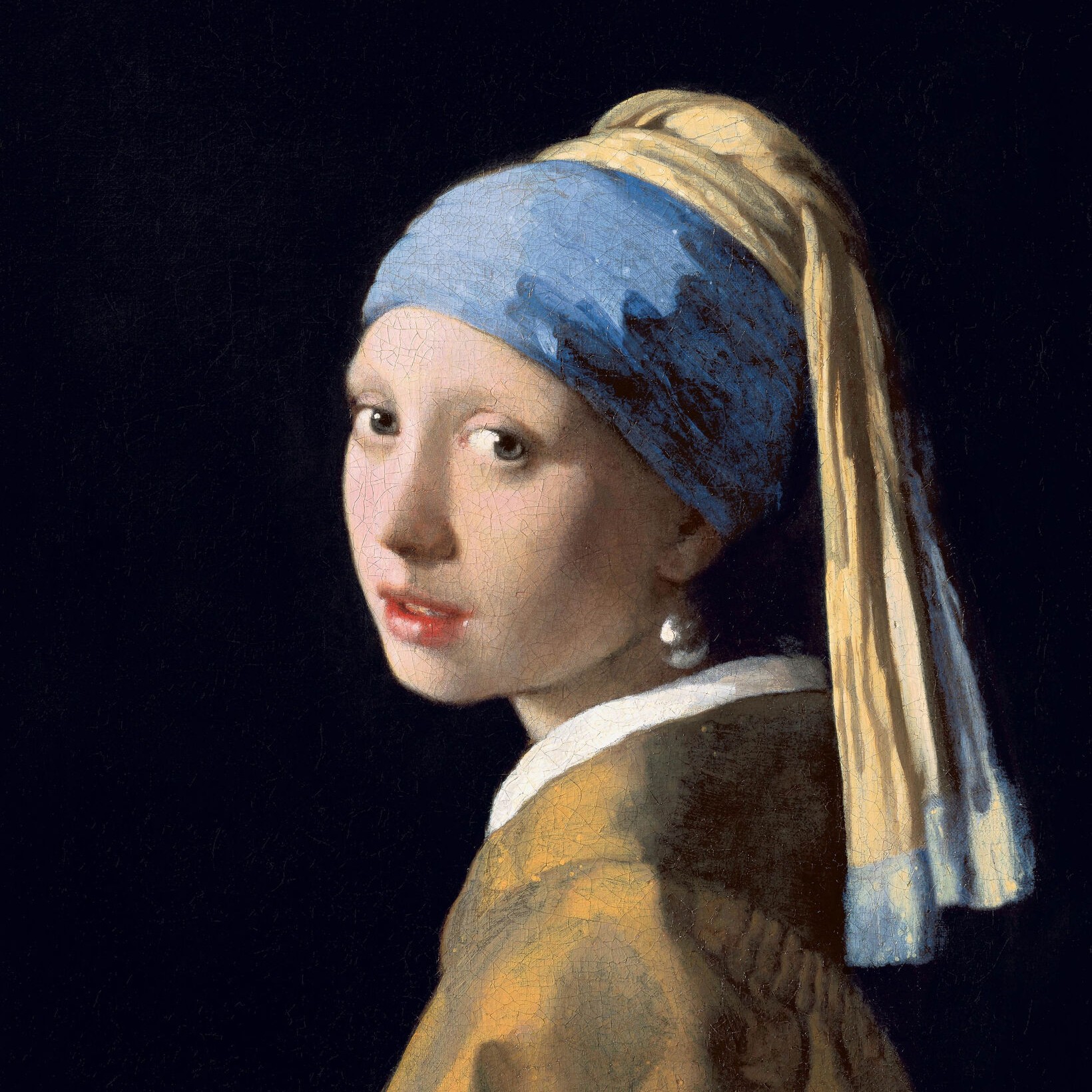
Меццо-тинто effect
Open a photo and apply Меццо-тинто in PictorX. This look is part of Чёрно-белые эффекты—adjust the settings on this page, then keep editing with layers, text, and other effects in the same workspace. Попробуйте чёрно-белый стиль ниже или откройте своё изображение.
Как это работает
- Open this page and try Меццо-тинто on the sample, or open your own photo.
- Tune the Меццо-тинто settings, or switch to another look in Чёрно-белые эффекты.
- Save the result, or keep editing with layers, text, and other effects in PictorX.
What the Меццо-тинто effect does
Меццо-тинто is one of the looks in PictorX Чёрно-белые эффекты. Apply it in your browser, then keep working in the same project—crop, type, or add another effect without starting over.
More looks in Чёрно-белые эффекты
This page opens Чёрно-белые эффекты with Меццо-тинто already selected. Switch looks on the demo to compare styles, or open the full Чёрно-белые эффекты page to browse every option in the set.
Looks in this set
Часто задаваемые вопросы
Is the Меццо-тинто effect free?
Yes. Open this page in a modern browser to try Меццо-тинто as part of the free PictorX editing workflow.
Can I keep editing after I apply Меццо-тинто?
Yes. Apply Меццо-тинто, then keep using layers, text, and other PictorX tools in the same workspace.
How do I open Меццо-тинто from Чёрно-белые эффекты?
This page loads Чёрно-белые эффекты with Меццо-тинто selected. You can also open Чёрно-белые эффекты and choose Меццо-тинто from the looks.
Сопутствующие инструменты
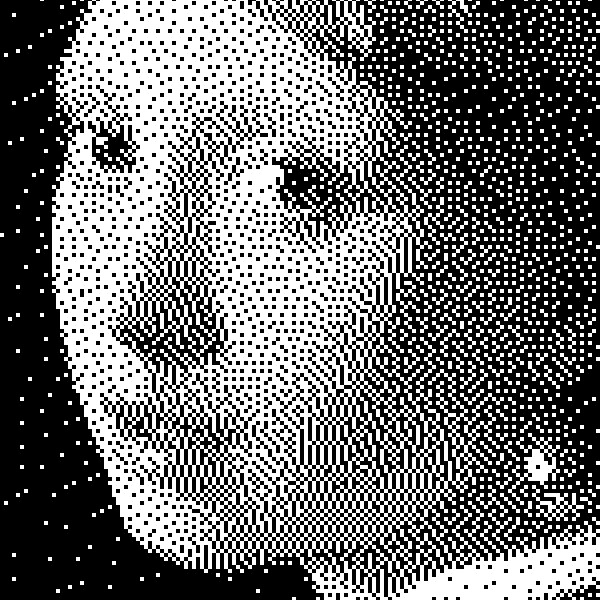
Чёрно-белые эффекты
Примените оттенки серого, порог, точки, квадраты, упорядоченный дизеринг, диффузию ошибки и меццо-тинто к фото в браузере. Полные серые рампы или двухтоновые отпечатки со своими цветами переднего плана и фона.
Оттенки серого effect
Apply a Оттенки серого effect to photos free in your browser. Open the Чёрно-белые эффекты tools, tune the look, and keep editing in PictorX. No install.
Порог effect
Apply a Порог effect to photos free in your browser. Open the Чёрно-белые эффекты tools, tune the look, and keep editing in PictorX. No install.
Dots effect
Apply a Dots effect to photos free in your browser. Open the Чёрно-белые эффекты tools, tune the look, and keep editing in PictorX. No install.
Squares effect
Apply a Squares effect to photos free in your browser. Open the Чёрно-белые эффекты tools, tune the look, and keep editing in PictorX. No install.
Упорядоченный дизеринг effect
Apply a Упорядоченный дизеринг effect to photos free in your browser. Open the Чёрно-белые эффекты tools, tune the look, and keep editing in PictorX. No install.
Рассеивание ошибок effect
Apply a Рассеивание ошибок effect to photos free in your browser. Open the Чёрно-белые эффекты tools, tune the look, and keep editing in PictorX. No install.
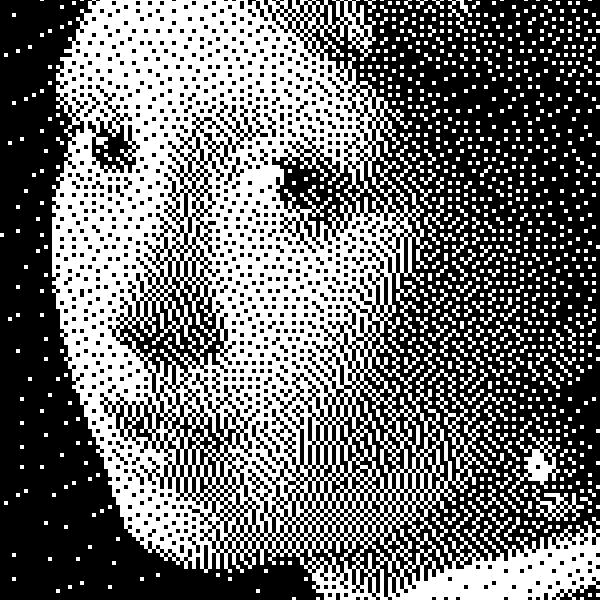
чёрно-белом
Как работают двухуровневые изображения: простой порог, упорядоченный дизеринг Bayer, диффузия ошибки Floyd–Steinberg и когда какой вид выбирать в PictorX.
Готовы попробовать?
Откройте PictorX в своем браузере — установка не требуется, для запуска не требуется кредитная карта.
Перейти в редактор