
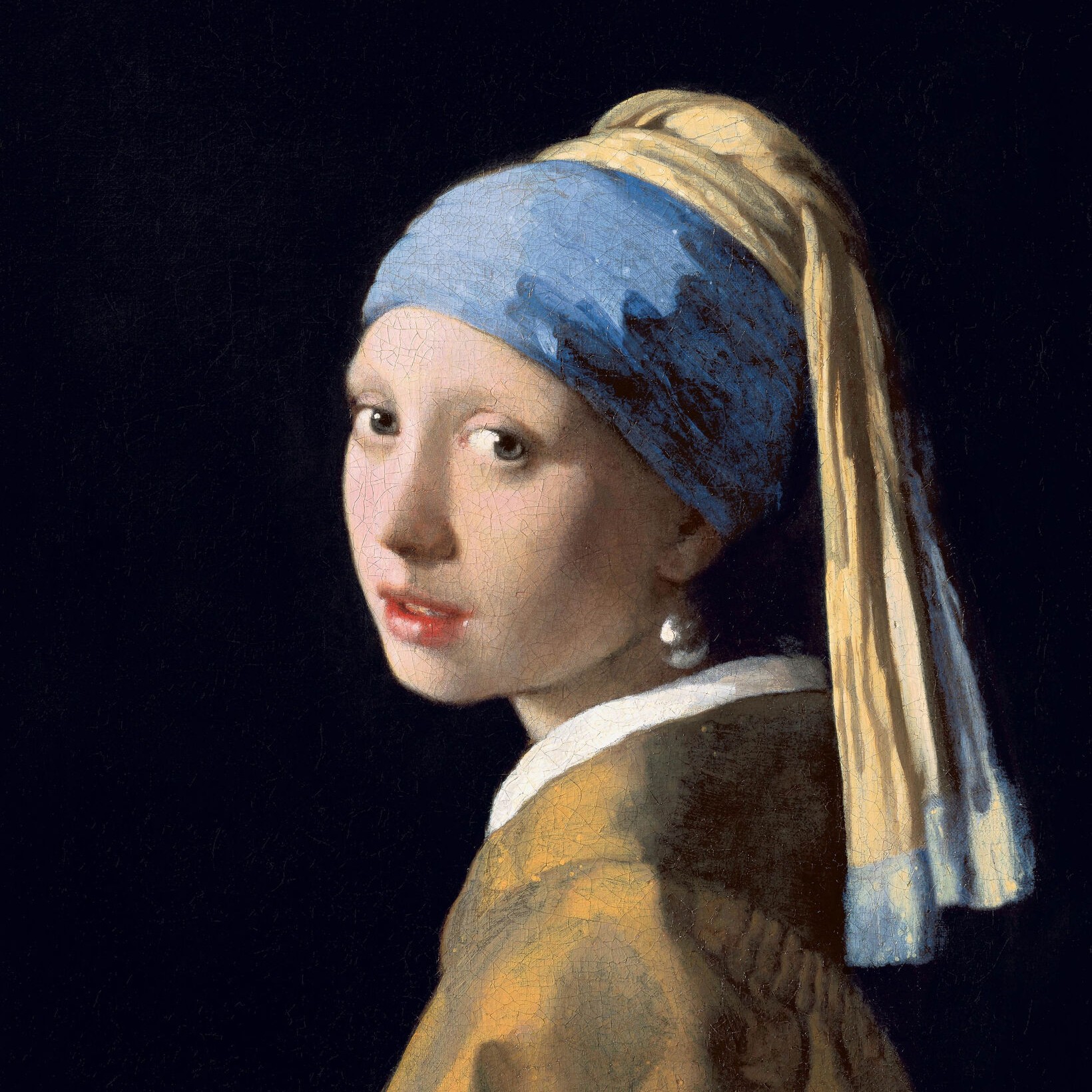
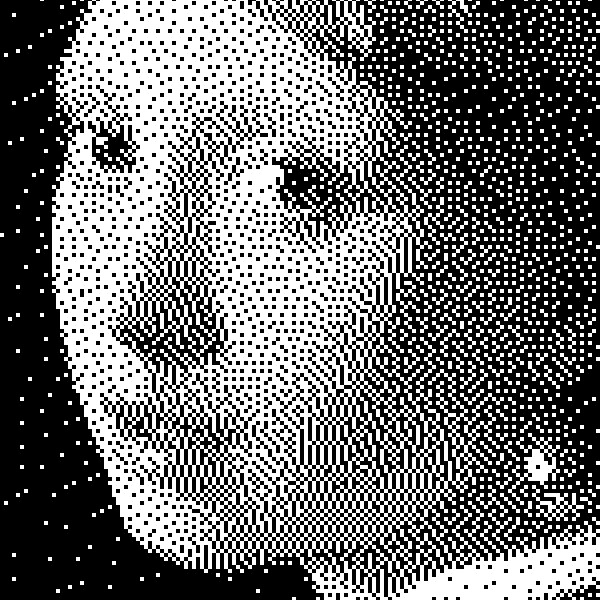
Experimente um visual preto e branco abaixo ou abra a sua própria imagem.
Pontos effect
Open a photo and apply Pontos in PictorX. This look is part of Efeitos preto e branco—adjust the settings on this page, then keep editing with layers, text, and other effects in the same workspace. Experimente um visual preto e branco abaixo ou abra a sua própria imagem.
Como funciona
- Open this page and try Pontos on the sample, or open your own photo.
- Tune the Pontos settings, or switch to another look in Efeitos preto e branco.
- Save the result, or keep editing with layers, text, and other effects in PictorX.
What the Pontos effect does
Pontos is one of the looks in PictorX Efeitos preto e branco. Apply it in your browser, then keep working in the same project—crop, type, or add another effect without starting over.
More looks in Efeitos preto e branco
This page opens Efeitos preto e branco with Pontos already selected. Switch looks on the demo to compare styles, or open the full Efeitos preto e branco page to browse every option in the set.
Looks in this set
Perguntas frequentes
Is the Pontos effect free?
Yes. Open this page in a modern browser to try Pontos as part of the free PictorX editing workflow.
Can I keep editing after I apply Pontos?
Yes. Apply Pontos, then keep using layers, text, and other PictorX tools in the same workspace.
How do I open Pontos from Efeitos preto e branco?
This page loads Efeitos preto e branco with Pontos selected. You can also open Efeitos preto e branco and choose Pontos from the looks.
Ferramentas relacionadas
Efeitos preto e branco
Aplique tons de cinza, limiar, pontos, quadrados, dithering ordenado, difusão de erro e mezzotint a uma foto no navegador. Rampas de cinza completas ou impressões de dois tons com cores de primeiro plano e fundo.
Meio-tom effect
Apply a Meio-tom effect to photos free in your browser. Open the Efeitos preto e branco tools, tune the look, and keep editing in PictorX. No install.
Escala de cinza effect
Apply a Escala de cinza effect to photos free in your browser. Open the Efeitos preto e branco tools, tune the look, and keep editing in PictorX. No install.
Limiar effect
Apply a Limiar effect to photos free in your browser. Open the Efeitos preto e branco tools, tune the look, and keep editing in PictorX. No install.
Quadrados effect
Apply a Quadrados effect to photos free in your browser. Open the Efeitos preto e branco tools, tune the look, and keep editing in PictorX. No install.
Dithering ordenado effect
Apply a Dithering ordenado effect to photos free in your browser. Open the Efeitos preto e branco tools, tune the look, and keep editing in PictorX. No install.
Difusão de erros effect
Apply a Difusão de erros effect to photos free in your browser. Open the Efeitos preto e branco tools, tune the look, and keep editing in PictorX. No install.
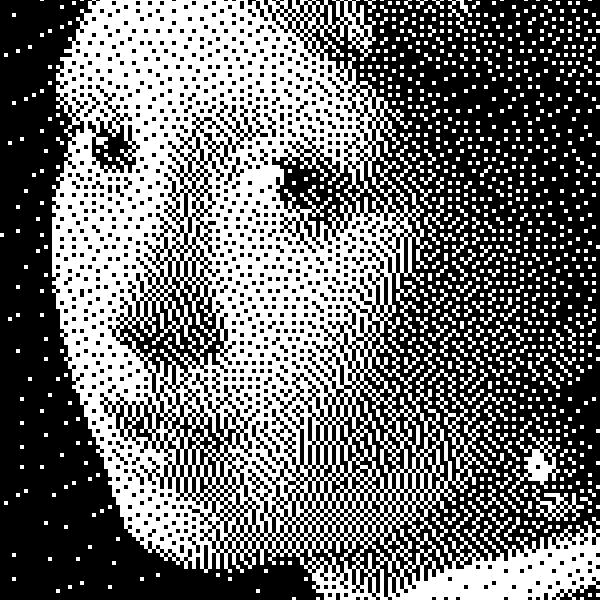
Preto e branco
Como funcionam imagens bilevel: limiar simples, dithering Bayer, difusão Floyd–Steinberg e quando usar cada aspeto no PictorX.
Pronto para experimentar?
Abra o PictorX em seu navegador – sem instalação, sem necessidade de cartão de crédito para iniciar.
Ir para o editor