
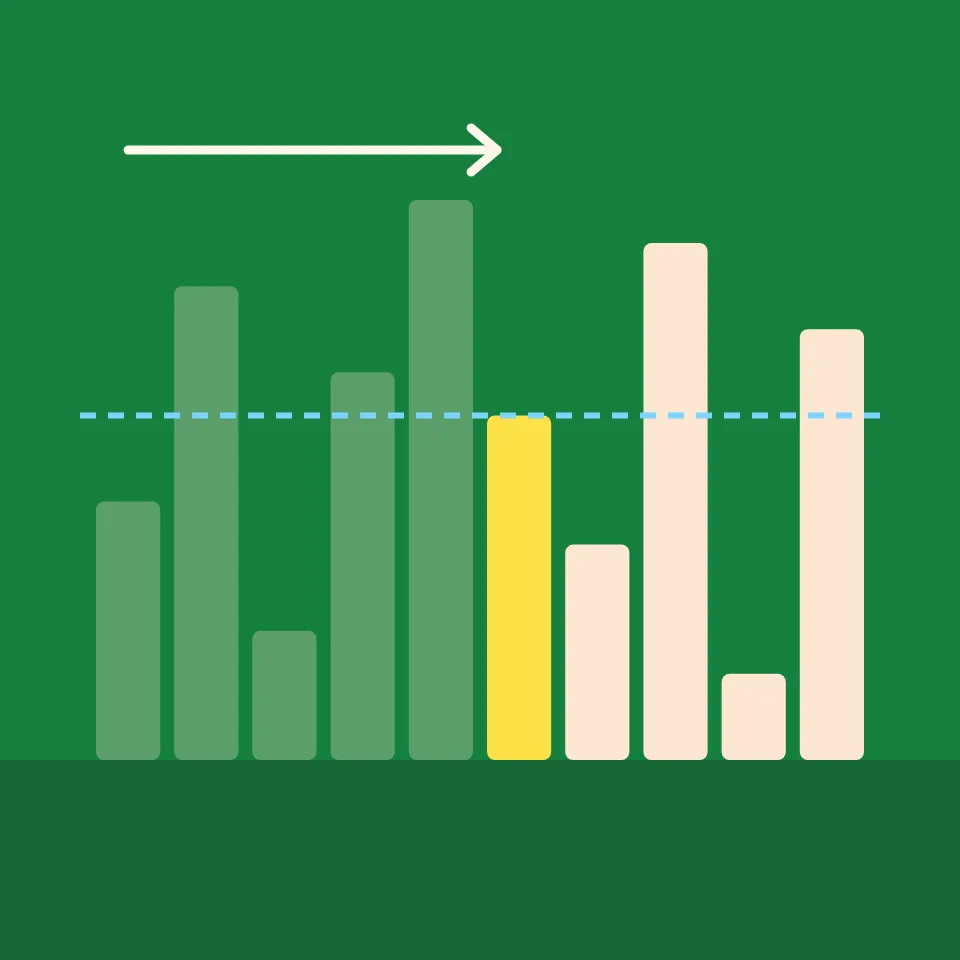
- Target
- Still possible
- Compared
- Ruled out
- Found
Binary search
Binary search finds a value in a sorted list by always looking in the middle. If the middle value is too small, the target can only be after it; if it is too large, only before it. Either way half of what is left is ruled out. Choose the value to look for, step through the search, and watch the shaded part shrink until the target is found or nothing is left. Press Play to watch the search, or Step and Back to go one step at a time. Drag the step slider to jump anywhere. The dashed line marks the value you search for, and the shaded part is where it can still be. Binary search needs a sorted list, so an unsorted list is sorted first. Choose the value, how many bars, or type your own numbers. With the board selected, the arrow keys step, the space bar plays and pauses, and Home and End jump to the start and the end.
How it works
- Choose the value to search for, and how many bars. Or type your own numbers: binary search sorts them first.
- Press Play, or use Step and Back to move one step at a time. Drag the step slider to jump anywhere in the search.
- Compare the Comparisons tile with Linear search would need, for a value near the end or one that is missing.
How binary search works
Keep track of the part of the sorted list that can still hold the target; at first that is the whole list. Look at the value in its middle. If it equals the target, you are done. If it is smaller, the target can only be after it, so continue with the part after the middle. If it is larger, continue with the part before. When nothing is left, the target is not in the list.
Why it is so fast
Every comparison halves the part that is left. Starting from n values, after k comparisons at most about n/2ᵏ remain, so the search ends after at most ⌊log₂ n⌋ + 1 comparisons: 6 for 40 values, 10 for 1,000, 20 for a million. Linear search may need to look at every value. The catch is that the list must be sorted, and keeping it sorted, or sorting it first, has its own cost.
Frequently asked questions
How does binary search work?
It compares the target with the middle value of the part of a sorted list that can still hold it. Equal means found; otherwise the half that cannot hold the target is dropped, and the search continues in the other half until the target is found or nothing is left.
How many comparisons does binary search need?
At most ⌊log₂ n⌋ + 1 for a list of n values: 6 for 40, 10 for 1,000, 20 for a million. Each comparison halves what is left.
Why does binary search need a sorted list?
Because only in a sorted list does one comparison tell you which side the target is on. In an unsorted list a smaller value in the middle says nothing about where the target is, so nothing can be ruled out.
Which value does it find when there are duplicates?
Any one of them, depending on where the middles fall. Variants that keep searching to the left or right after a match find the first or the last occurrence.
Are my numbers sent anywhere?
No. The search runs in your browser, and your last settings stay in this browser's local storage.
Related tools

Binary search
What is binary search? How comparing with the middle value halves a sorted list at every step, why it needs about log₂ n comparisons, and its famous bugs.
Linear search
Watch linear search step by step. Choose a value to find, see the list checked one value at a time, and count the comparisons it takes to find it, or to learn it is not there.

Jump search
Watch jump search step by step. See it skip whole blocks of a sorted list, then scan the one block that can hold the target, and try different jump sizes.

Interpolation search
Watch interpolation search step by step. See it estimate where the target should be from the values at both ends, change how the values are spread, and compare with binary search.

Exponential search
Watch exponential search step by step. See it look at places 1, 2, 4, 8 and so on until it passes the target, then binary-search the stretch it found.
Data structure visualizer
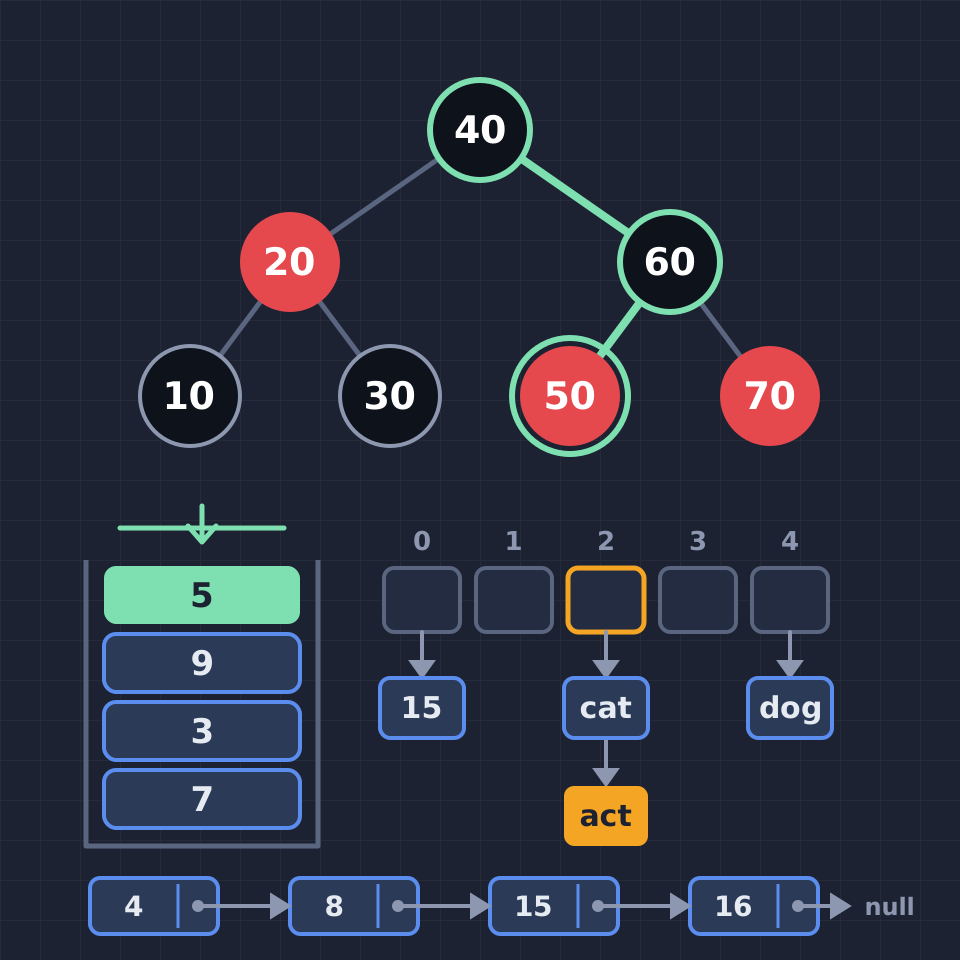
See how data structures work, one step at a time: push and pop a stack, enqueue into a circular buffer, walk a linked list, rotate AVL and red-black trees, sift a heap, resolve hash collisions, search a trie and join union-find sets.
Ready to try it?
Open PictorX in your browser — no install, no credit card required to start.
Go to Editor