
Binary search
Binary search is how you look up a word in a dictionary: open it in the middle, see whether the word comes before or after, and repeat with that half. On a sorted list it finds any value among a million in at most 20 comparisons.

The idea
In a sorted list, one comparison tells you more than whether you found the target: it tells you which side the target is on. Compare the target with the value in the middle. If they are equal, you are done. If the middle value is smaller, everything before it is smaller too, so the target can only be after it. If it is larger, the target can only be before it. Keep only that half and repeat.
An example
Search 2, 5, 8, 12, 16, 23, 38, 56, 72, 91 for 23. The middle value is 16, which is smaller, so only 23 to 91 remain. Their middle is 56, which is larger, so only 23 and 38 remain. Their middle is 23: found at place 6 after 3 comparisons, where linear search needs 6. Searching the same list for 40 compares 16, 56, 23 and 38, after which nothing is left: 4 comparisons to learn that 40 is missing, against 10 for linear search.
Halving adds up quickly
After one comparison at most half the list is left, after two a quarter, after k at most about n/2ᵏ. The search stops when nothing is left, so it needs at most ⌊log₂ n⌋ + 1 comparisons: 6 for 40 values, 10 for 1,000, 20 for a million and 30 for a billion. Doubling the list adds just one comparison. That is written O(log n).
Easy to describe, hard to get right
John Mauchly described binary search in 1946, but according to Donald Knuth the first version that worked for every list length was not published until 1962. Jon Bentley later found that only about one in ten professional programmers wrote it correctly: the end conditions and the plus or minus one when the halves are cut are easy to get wrong. In 2006 Joshua Bloch showed that the common way to find the middle, (low + high) / 2, can overflow for very long lists, a bug that had sat in the Java library for years. Writing low + (high − low) / 2, as the app does, avoids it.
Variants and uses
With duplicates, binary search finds one of the matches; versions that keep going left or right find the first or last one, or the place where a missing value would be inserted. The same halving idea finds the root of an equation (bisection), the version in which a bug first appeared (git bisect), and the answer to many optimisation puzzles. Binary search trees store data so that every lookup follows the same halving path.
Explore it
Open the app, choose a value in Search for, and press Step. The shaded part is where the target can still be; the middle value is highlighted, and the half that is ruled out fades. The tiles show how many values are still possible and how many comparisons a linear search would need for the same value. Search for a missing value, or use 40 bars, to see the gap grow.
Frequently asked questions
What is the time complexity of binary search?
O(log n): at most ⌊log₂ n⌋ + 1 comparisons for n values. The best case is one comparison, when the target is in the middle. The iterative version needs O(1) extra memory.
What is the difference between binary search and linear search?
Linear search checks every value in turn and works on any list, but can need n comparisons. Binary search only works on a sorted list, but rules out half of what is left with each comparison, so it needs about log₂ n.
Is it worth sorting a list just to use binary search?
Only if you search it many times. Sorting takes about n log n steps, more than a single linear search. Once the list is sorted, every search after that is very cheap.
Can binary search work on things other than lists?
Yes, on anything where a test tells you which side of the answer you are on: a range of numbers, the versions of a program, or the guesses in a higher-or-lower game.
Related tools
Binary search
Watch binary search step by step. Choose a value, see each comparison with the middle value rule out half of the sorted list, and compare the count with linear search.
Linear search
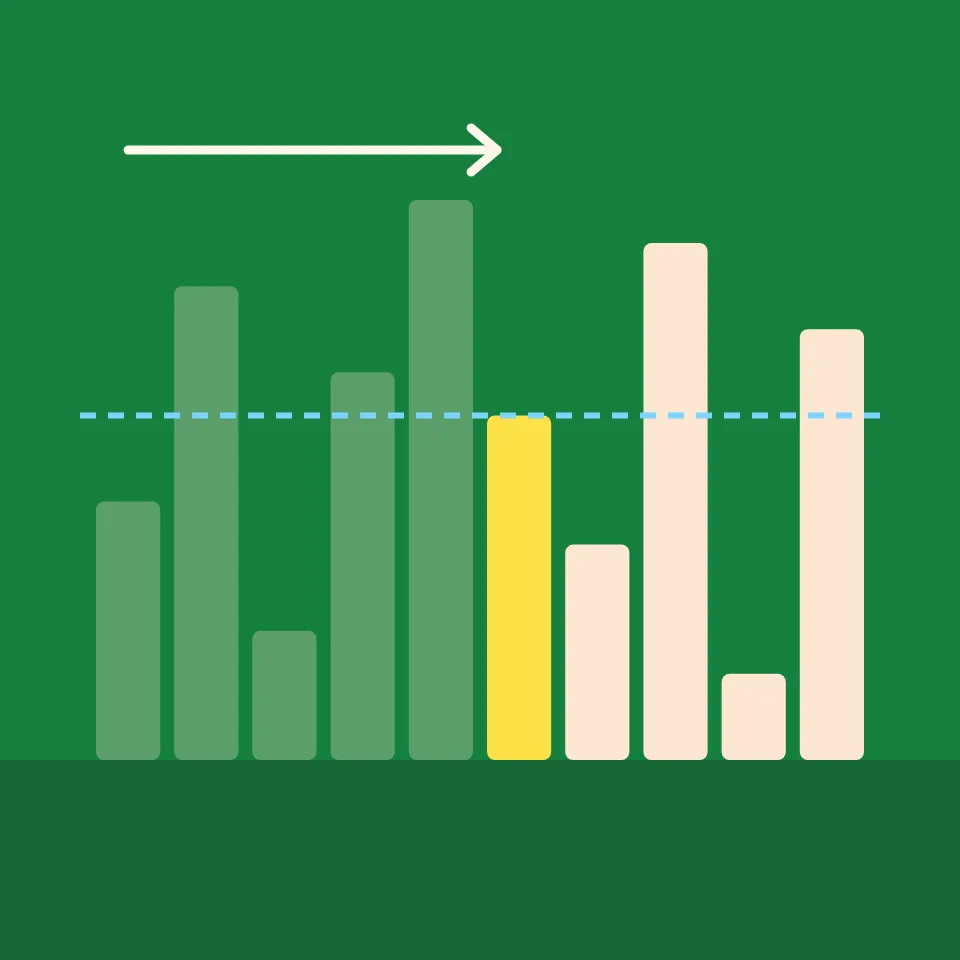
Watch linear search step by step. Choose a value to find, see the list checked one value at a time, and count the comparisons it takes to find it, or to learn it is not there.
Jump search
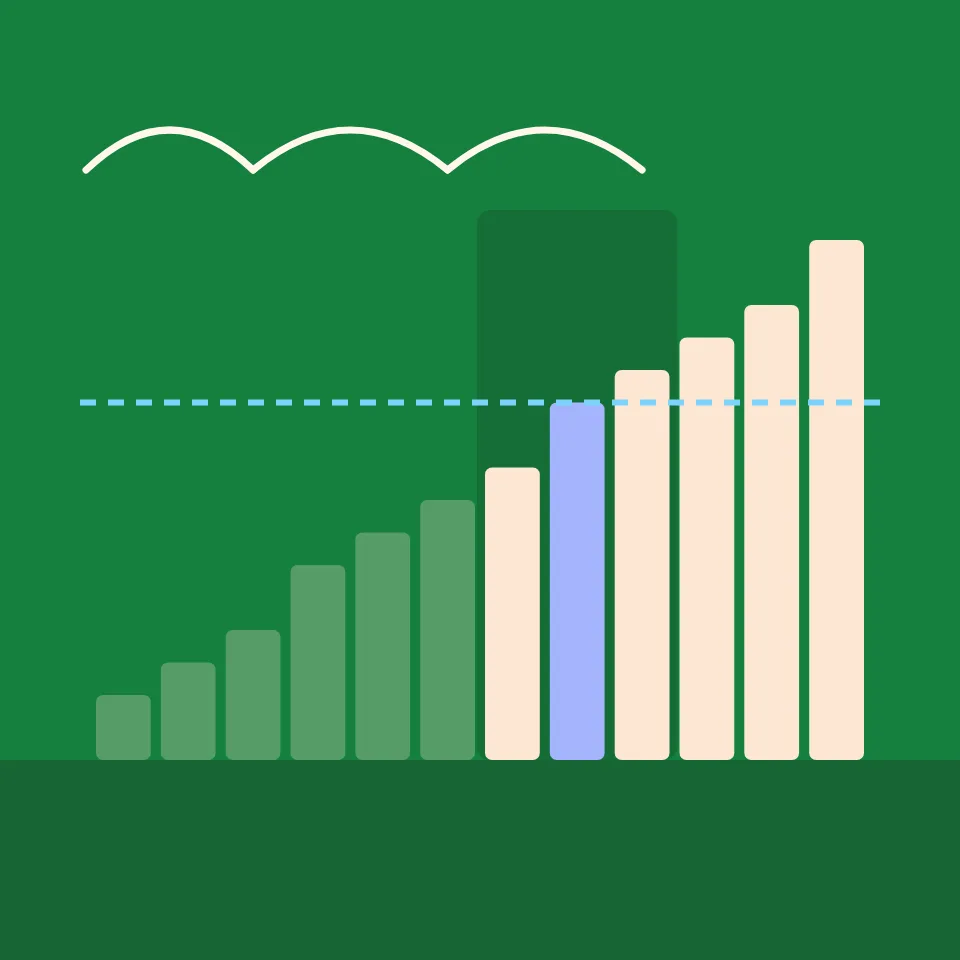
Watch jump search step by step. See it skip whole blocks of a sorted list, then scan the one block that can hold the target, and try different jump sizes.

Interpolation search
Watch interpolation search step by step. See it estimate where the target should be from the values at both ends, change how the values are spread, and compare with binary search.

Exponential search
Watch exponential search step by step. See it look at places 1, 2, 4, 8 and so on until it passes the target, then binary-search the stretch it found.
Data structure visualizer
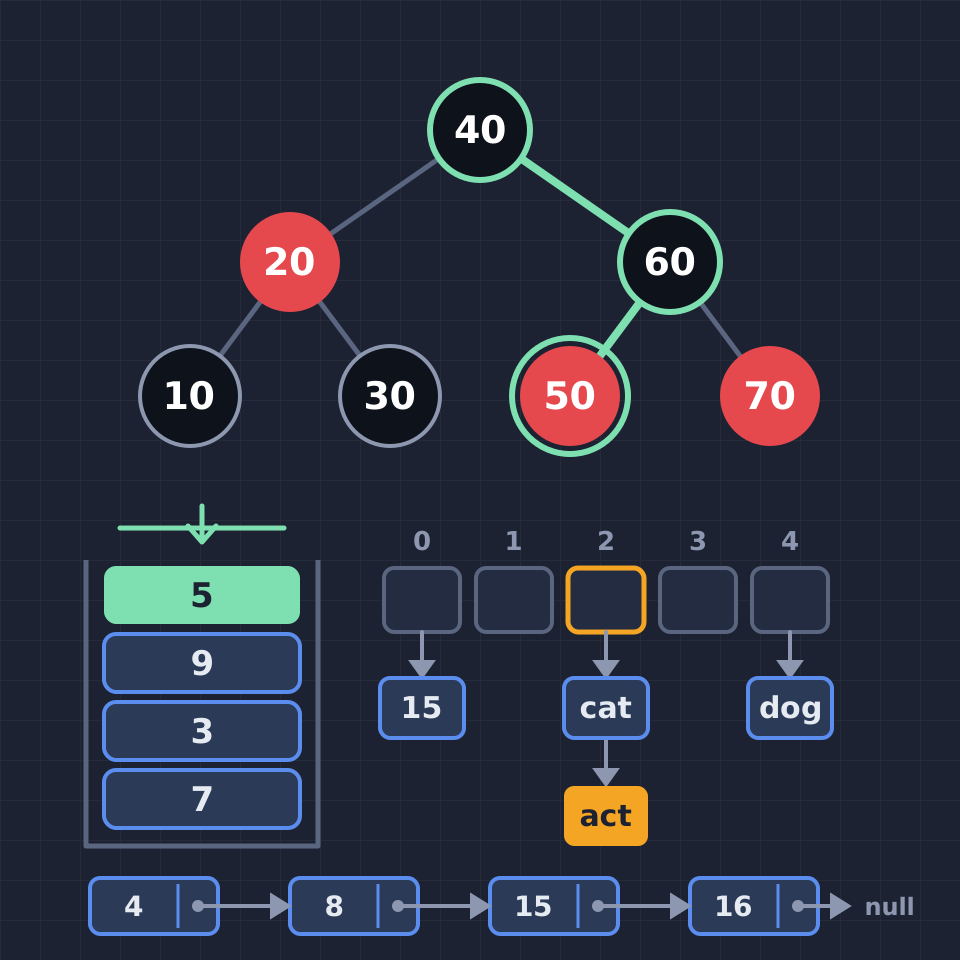
See how data structures work, one step at a time: push and pop a stack, enqueue into a circular buffer, walk a linked list, rotate AVL and red-black trees, sift a heap, resolve hash collisions, search a trie and join union-find sets.
Ready to try it?
Open PictorX in your browser — no install, no credit card required to start.
Try binary search