
- Target
- Block in play
- Compared
- Ruled out
- Found
Jump search
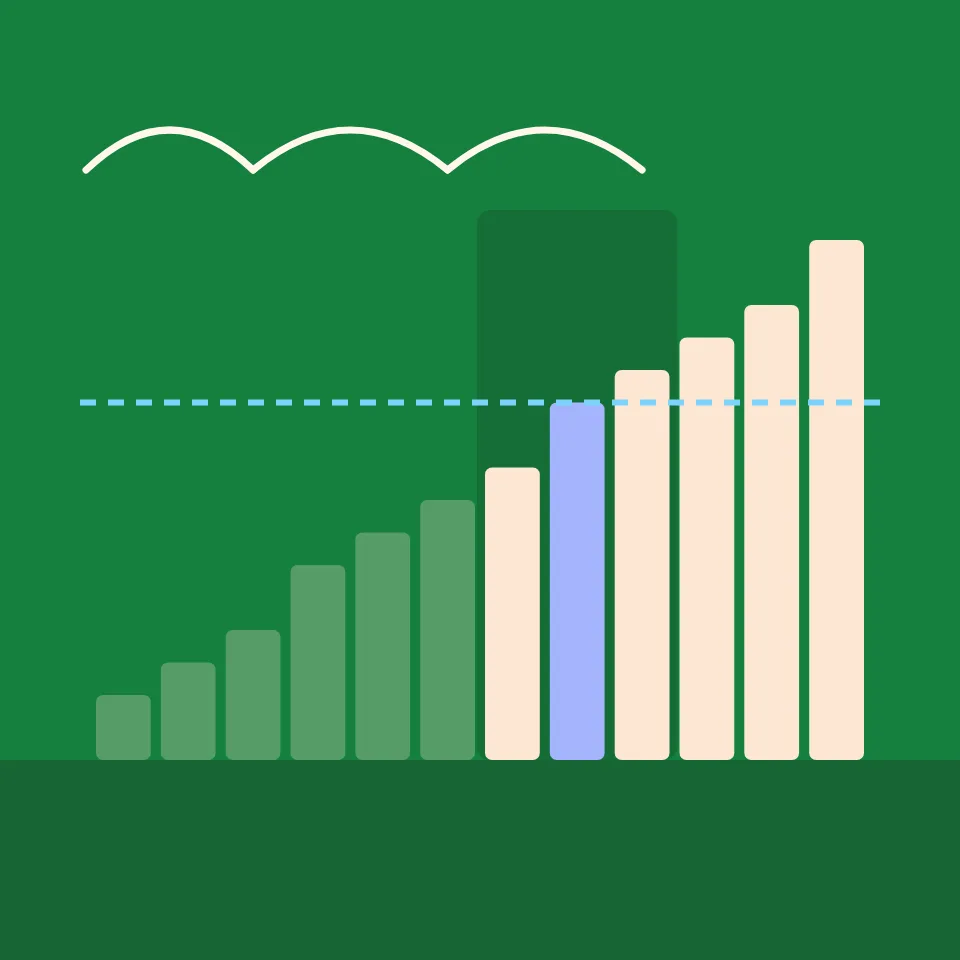
Jump search sits between linear and binary search. It moves through a sorted list in jumps of m places, checking only the last value of each block, until it reaches a block whose last value is not smaller than the target. Then it scans that block from the start. Choose the value and the jump size, and watch how many comparisons the jumps and the scan take. Press Play to watch the search, or Step and Back to go one comparison at a time. Drag the step slider to jump anywhere. The dashed line marks the value you search for, and the shaded part is the block in play. Jump search needs a sorted list, so an unsorted list is sorted first. Choose the value, the jump size, how many bars, or type your own numbers. With the board selected, the arrow keys step, the space bar plays and pauses, and Home and End jump to the start and the end.
How it works
- Choose the value to search for, the jump size, and how many bars. Or type your own numbers: jump search sorts them first.
- Press Play, or use Step and Back to move one comparison at a time. Drag the step slider to jump anywhere in the search.
- Try a jump size of 2 and of 8 on 40 bars, and compare the comparisons with √n.
How jump search works
Split the sorted list into blocks of m values. Look at the last value of the first block. If it is smaller than the target, the target cannot be anywhere in that block, so jump to the end of the next block and look again. As soon as a block's last value is not smaller, the target can only be in that block: go back to its start and check its values one by one until you find the target or pass it.
Choosing the jump size
With n values, the jumps take up to n/m comparisons and the scan up to m. Small jumps make the scan short but the jumps many; big jumps do the opposite. The total n/m + m is smallest when m = √n, which gives about 2√n comparisons: at most 13 for 40 values, against 40 for linear search and 6 for binary search. Jump search never goes back more than one block, which helps when moving backwards through the data is slow.
Frequently asked questions
How does jump search work?
On a sorted list it jumps ahead in steps of m places and checks the last value of each block. When that value is no longer smaller than the target, the target can only be in that block, which it then scans from the start.
What is the best jump size?
√n, rounded. The jumps cost up to n/m comparisons and the scan up to m, and their sum is smallest when the two are equal, at m = √n. That gives about 2√n comparisons in the worst case.
Is jump search faster than binary search?
No, binary search needs fewer comparisons: about log₂ n against about 2√n. Jump search can still win when going back through the data is expensive, because it only ever steps back once, to the start of one block.
Which match does it find when values repeat?
The first one. Every block it skips ends with a value smaller than the target, so no earlier block can hold a match, and the scan starts at the beginning of the block.
Are my numbers sent anywhere?
No. The search runs in your browser, and your last settings stay in this browser's local storage.
Related tools
Jump search
What is jump search? How skipping blocks of √n values in a sorted list and scanning one block finds a target in about 2√n comparisons.
Linear search
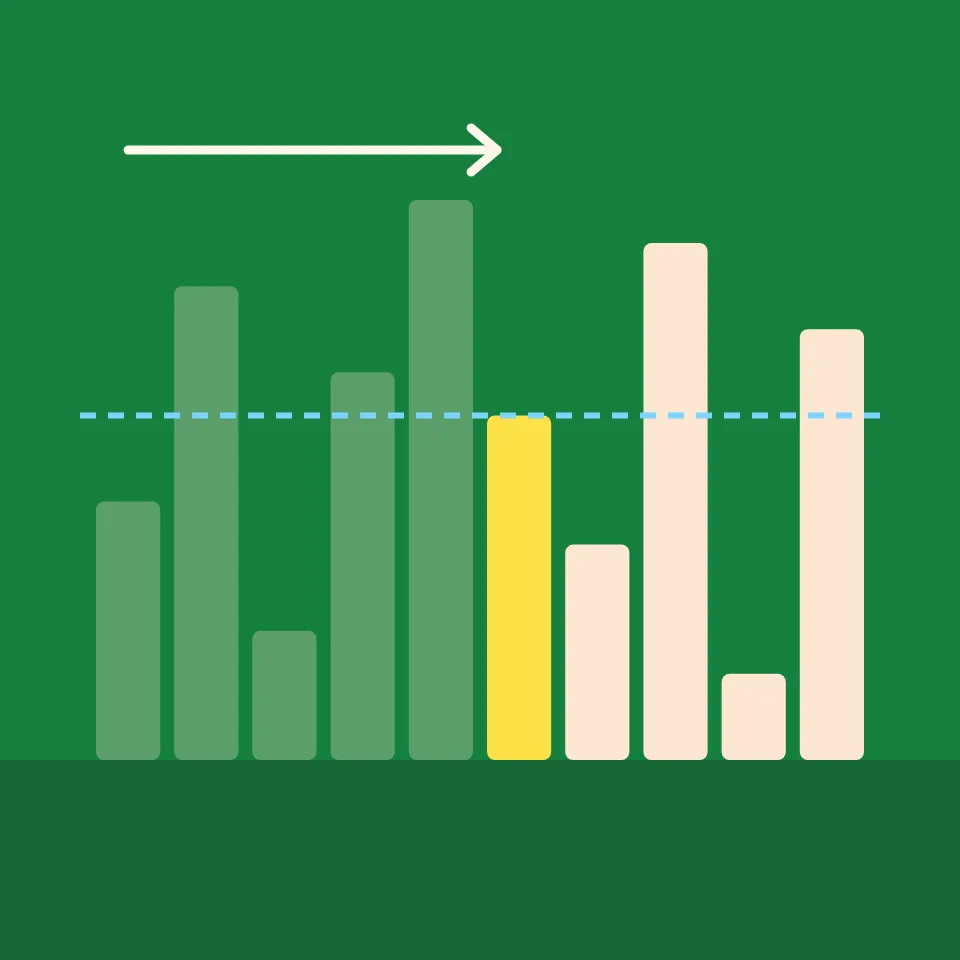
Watch linear search step by step. Choose a value to find, see the list checked one value at a time, and count the comparisons it takes to find it, or to learn it is not there.

Binary search
Watch binary search step by step. Choose a value, see each comparison with the middle value rule out half of the sorted list, and compare the count with linear search.

Interpolation search
Watch interpolation search step by step. See it estimate where the target should be from the values at both ends, change how the values are spread, and compare with binary search.

Exponential search
Watch exponential search step by step. See it look at places 1, 2, 4, 8 and so on until it passes the target, then binary-search the stretch it found.
Ready to try it?
Open PictorX in your browser — no install, no credit card required to start.
Go to Editor