
Battleship
Hide your five ships on a 10x10 grid, then take turns firing at the enemy waters. The computer hunts for your ships and, once it scores a hit, closes in to finish them off. Click the enemy waters to fire. Sink all five ships to win.
How it works
- Choose Random to have your fleet placed for you, or Manual to place each ship yourself.
- Click a square in the enemy waters to fire. A cross marks a hit and a dot marks a miss.
- Sink all five enemy ships before the computer sinks yours.
The fleet
Each side has five ships of lengths 5, 4, 3, 3 and 2. Ships lie straight, never overlap and never touch each other, not even at the corners.
How the computer plays
On Easy it fires mostly at random. On Medium it hunts in a checkerboard pattern and targets around hits. On Hard it works out where the remaining ships can still fit and fires at the likeliest square.
Tips
Hunt on a checkerboard, because every ship covers at least two squares. After a hit, find the direction of the ship before firing further along it.
Frequently asked questions
Can I place my own ships?
Yes. Choose Manual, then click your grid to place each ship. Right-click or press R to rotate, and click a placed ship to move it.
Do I get another shot after a hit?
No. Players take strictly alternate shots, as in the classic paper game.
Is it free?
Yes. Battleship on PictorX is free, runs in your browser and needs no sign-up.
Related tools
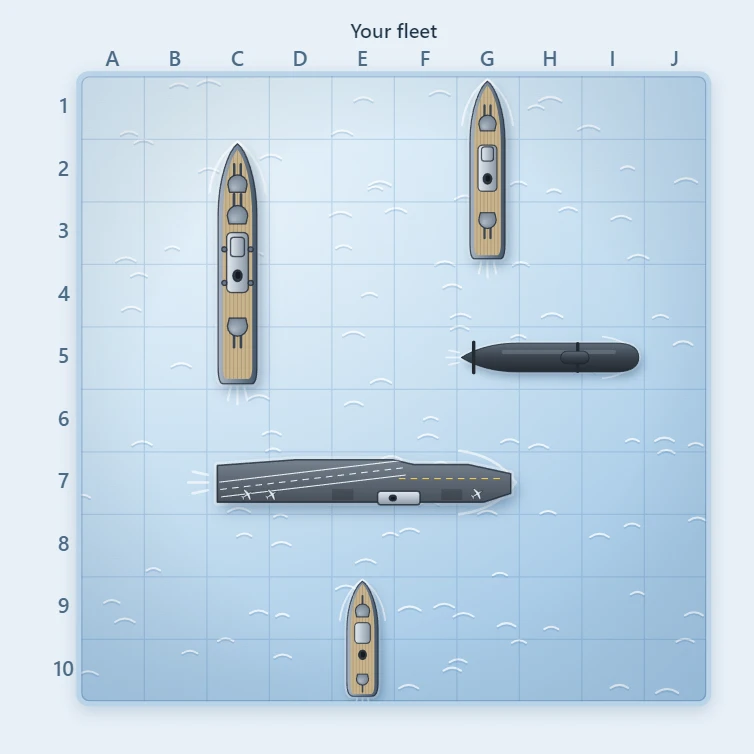
About Battleship - history, rules and winning strategy
How do you play Battleship? Where the two-player guessing game comes from, how the fleets are hidden and found, and the hunt and target strategy.
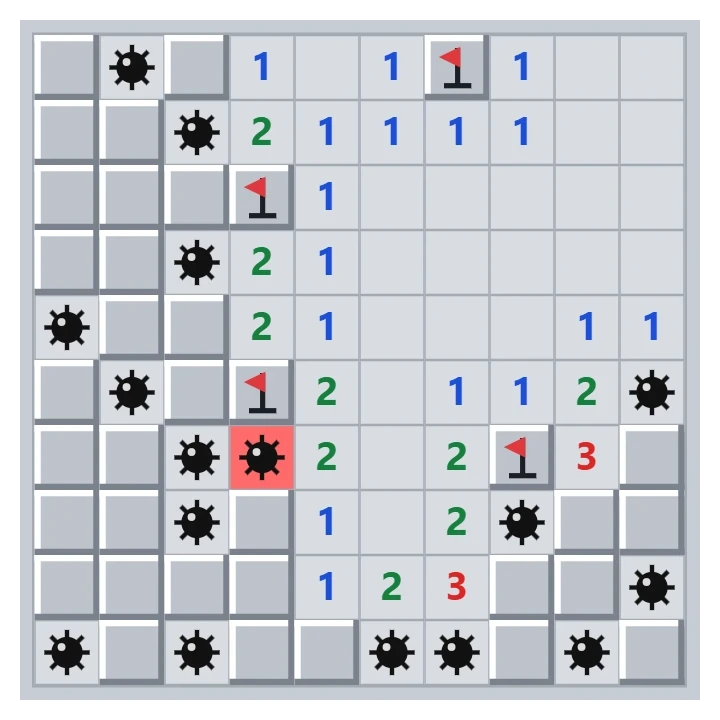
Minesweeper
Play classic Minesweeper free in your browser. Beginner, Intermediate, Expert or a custom field, a safe first click, flags, chording and best times.
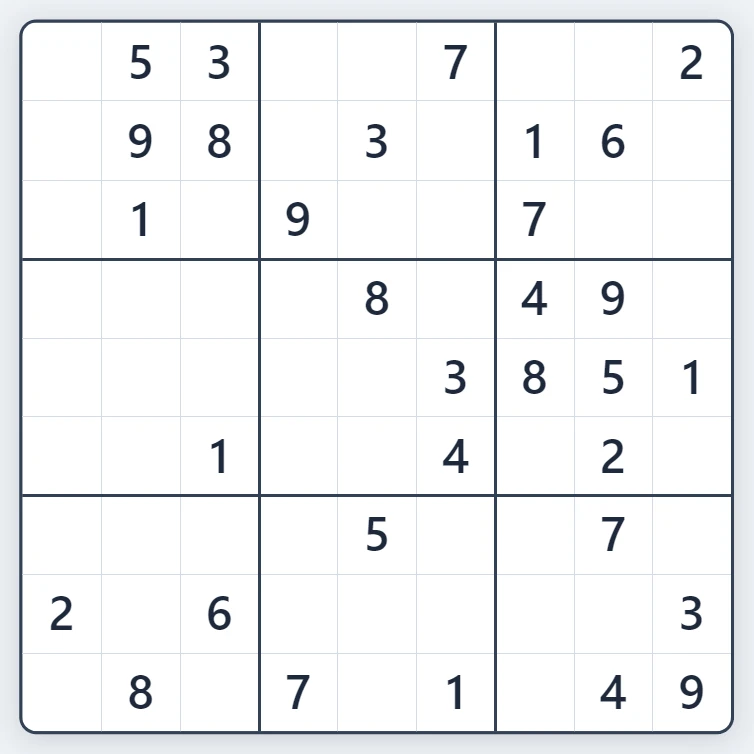
Sudoku
Play Sudoku free in your browser. Fresh puzzles with exactly one solution, four levels from Easy to Expert, pencil notes, hints, mistake highlighting and undo.
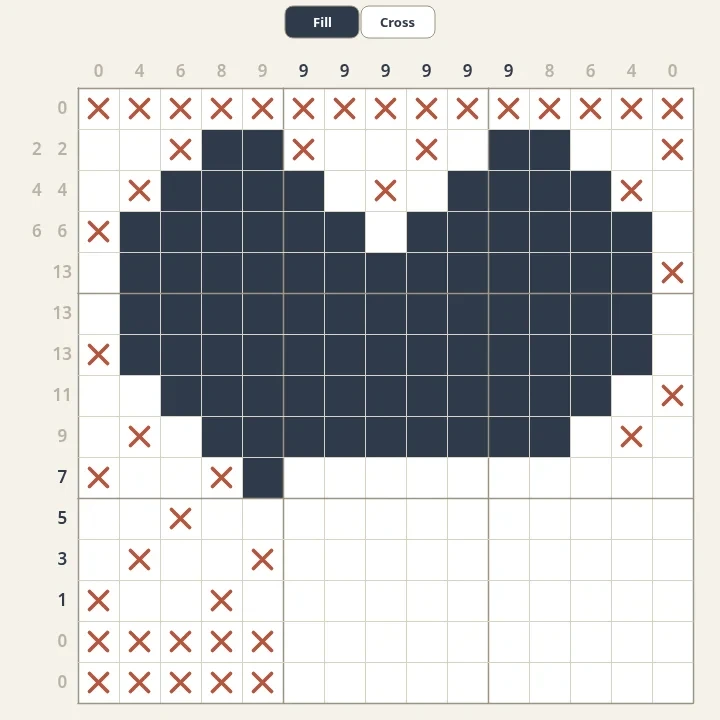
Nonograms
Solve free nonograms in your browser. Every puzzle is generated, has one logical solution and reveals a pixel picture. Choose sizes from 5x5 to 20x20 and mark empty cells with crosses.
Ready to try it?
Open PictorX in your browser — no install, no credit card required to start.
Go to Editor